123RF AI Image Generator
Creative Image Generation
Learn more
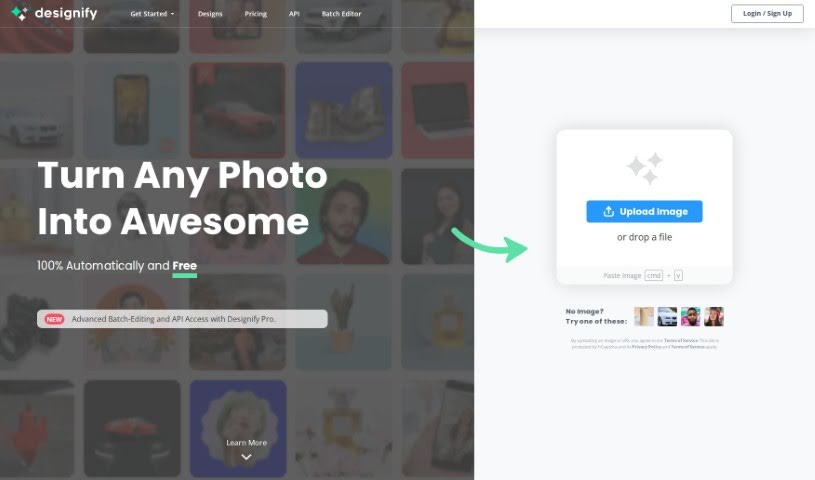
Discover what Designify is and how its Smart Editor and automation tools streamline photo editing and design work.
Designify is a platform offering design tools aimed at making the design process faster and simpler. Its standout feature is the “Smart Editor,” which lets you tweak designs by adding your logo, other pictures, adjusting shadows, or automatically matching colors to your brand. Signing up lets you save all your creations, which speeds up your editing workflow. Designify also automates much of the heavy lifting in photo editing, so you can process large numbers of images at once. Whether you’re customizing a design or batch-editing photos, it offers a user-friendly interface.
Designify was created by Albert Pereta, a designer and developer focused on creating designs that are both beautiful and functional. The company provides design resources and tools for both experienced professionals and beginners.
Designify suits graphic designers, marketing professionals, photographers, content creators, social media managers, web designers, branding specialists, advertising executives, e-commerce managers, and event planners.
Related
Discover more tools in similar categories
Weekly picks of the best AI tools we've researched and added — no spam, unsubscribe anytime.
Join 25,000+ AI enthusiasts. No spam, unsubscribe anytime.