AI Design Tools

AI Tools for Design

Discover the best Design AI tools to enhance your productivity and creativity.

Page 12 of 18 • 213 total tools
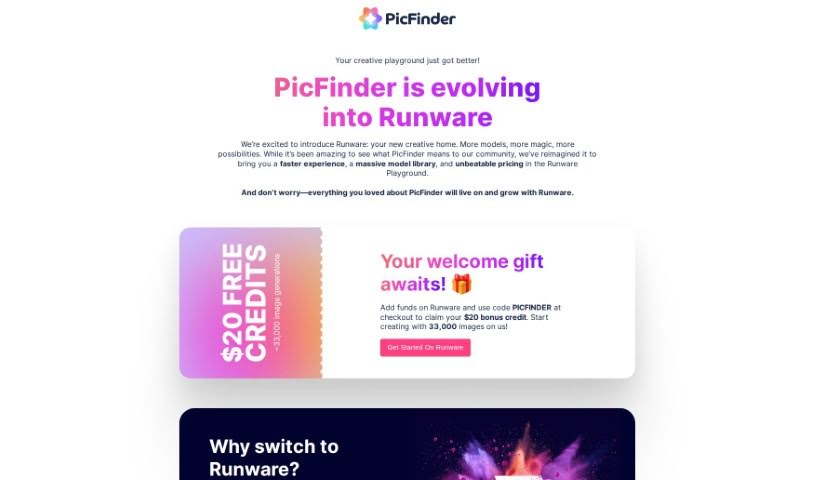
Screenshot of Picfinder.ai

Picfinder.ai

Freemium

PicFinder.ai is an online tool that uses AI to help you find and recognize images based on their actual content. You can search for specific objects, faces, landmarks, or colors and get relevant results. Use cases include e-commerce product discovery, travel searches, social media monitoring and security (via facial recognition), and color-based inspiration for designers and artists. It combines a simple interface with AI-driven search accuracy.

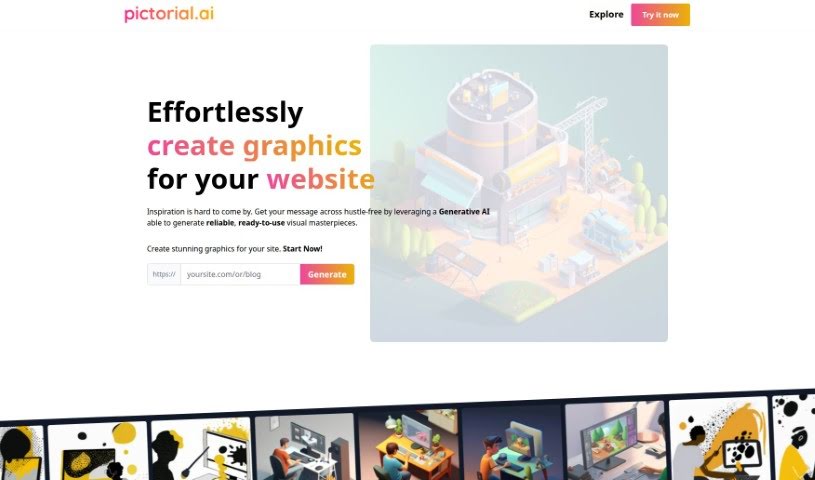
Screenshot of Pictorial

Pictorial

Freemium

Pictorial is a Generative AI tool that creates graphics for websites and blogs. You provide your site's URL, and the AI generates images based on the content already there. The goal is to improve your site's visual appeal without requiring design skills or prompt engineering. Pictorial is positioned as the first AI-powered visual generator built specifically for businesses.

Screenshot of Pixcanva

Pixcanva

Freemium

Pixcanva is a graphic design platform for creating and editing visuals, suitable for both beginners and experienced designers. It offers advanced editing tools alongside options tailored for marketing campaigns and social media content. The interface is designed to be easy to navigate, helping users produce high-quality images for business or personal projects.

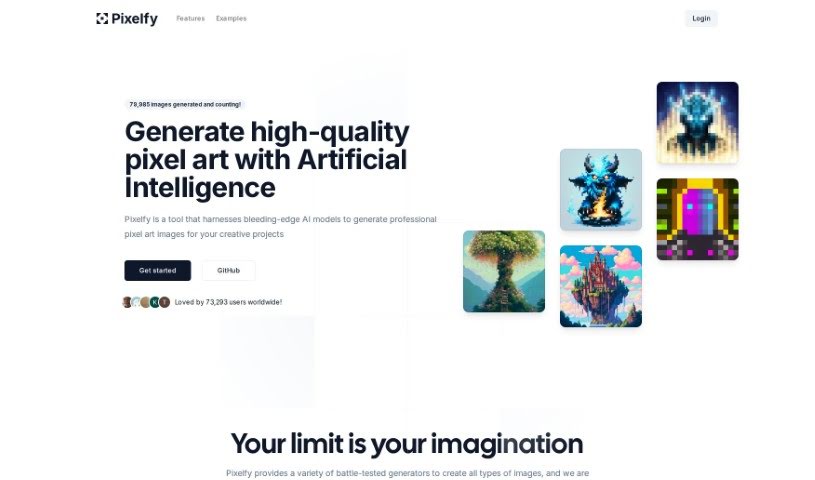
Screenshot of Pixelfy

Pixelfy

Freemium

Pixelfy is an open-source AI application for creating pixel art. From a text prompt or your own reference images, it generates backgrounds, fantasy RPG characters, 32x32 skill art, and 16x16 pixel portraits, all of which can be saved for later download.

Screenshot of Pixite

Pixite

Freemium

Pixite is an AI-powered platform for designing custom t-shirts. Founded in Baku, Azerbaijan, by four founders, the company sits at the intersection of fashion, e-commerce, and artificial intelligence. Its goal is to make it easy for anyone to design and personalize their own clothing, moving away from mass-produced apparel toward more sustainable, personalized fashion choices.

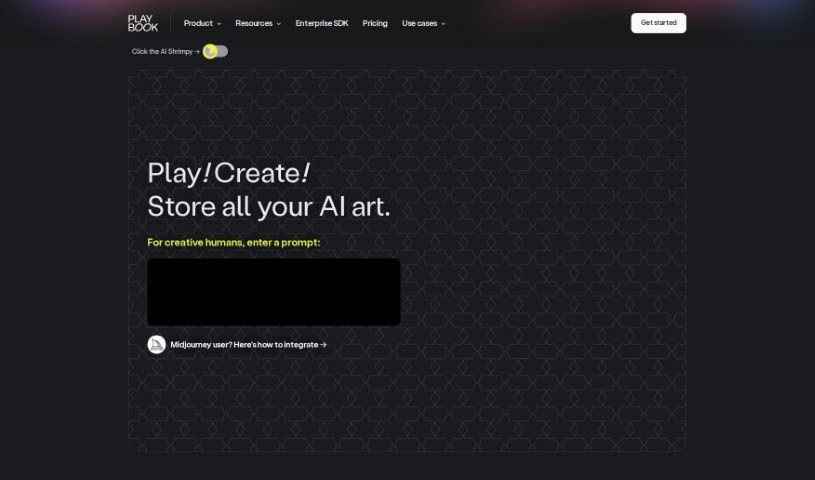
Screenshot of Playbook.com

Playbook.com

Freemium

Playbook.com is a file manager built for designers, with AI features integrated throughout. The Artist + Designer plan includes 4TB of storage, AI art generation from text prompts, tagging for files and folders, and built-in project management and collaboration tools for freelancers and design teams. A Template Gallery provides ready-made starting points, and the community runs AI art competitions.

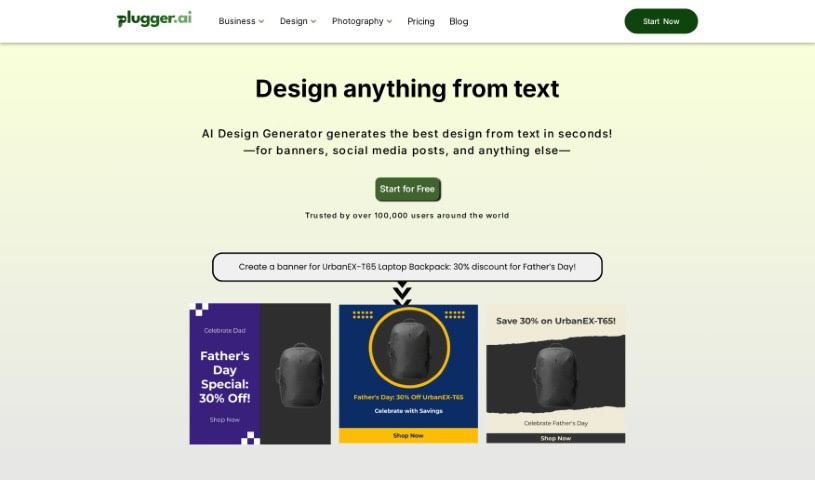
Screenshot of Plugger

Plugger

Freemium

Plugger is an AI design tool that automates a broad range of design work, from graphic design and content generation to social media posts, logos, stock photos, t-shirt designs, comic books, and character design. It also handles image editing tasks such as background removal, upscaling, and photo enhancement.

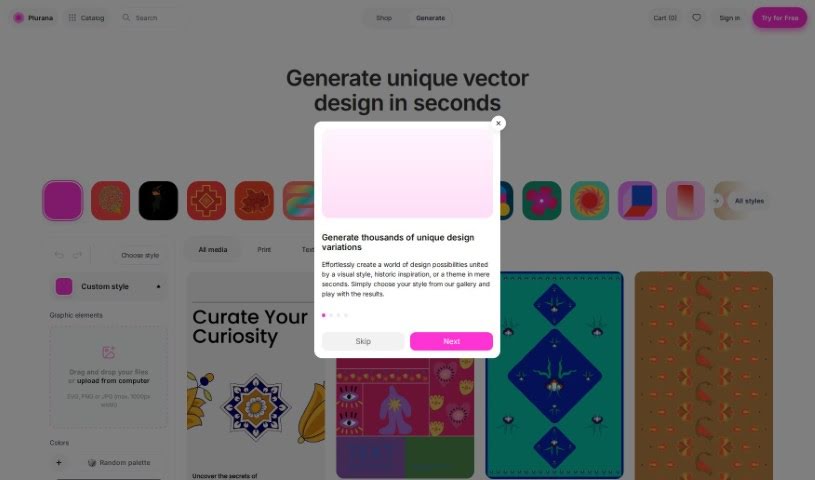
Screenshot of Plurana

Plurana

Freemium

Plurana is a generative vector design tool that produces high-quality SVGs for patterns, prints, and social media graphics. It can generate random design ideas, draw on cultural heritage for distinctive looks, and incorporate your own uploaded media into designs. Plurana works with Figma, so it fits into an existing design workflow.

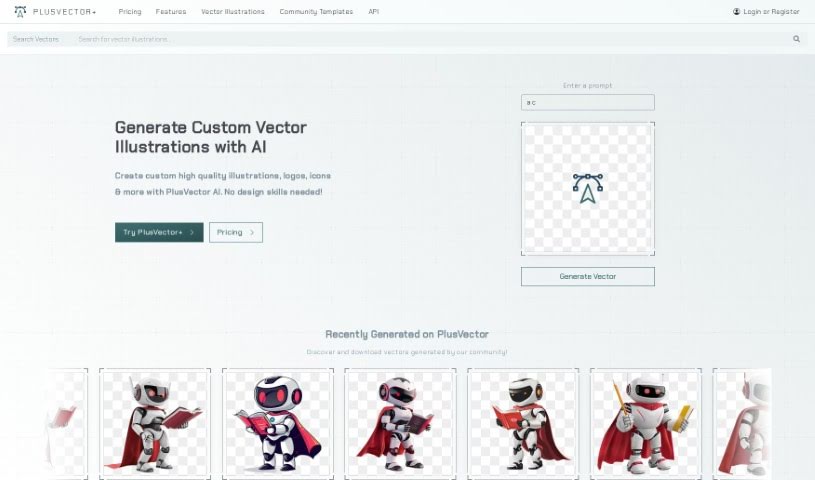
Screenshot of Plusvector

Plusvector

Freemium

PlusVector is an AI-powered engine for creating vector graphics. It generates illustrations, logos, and icons from simple text prompts, producing scalable vector graphics (SVGs) without requiring design expertise. Core capabilities include prompt-based vector generation, resolution-independent SVGs, editing tools for customization, and a community library of vectors and templates.

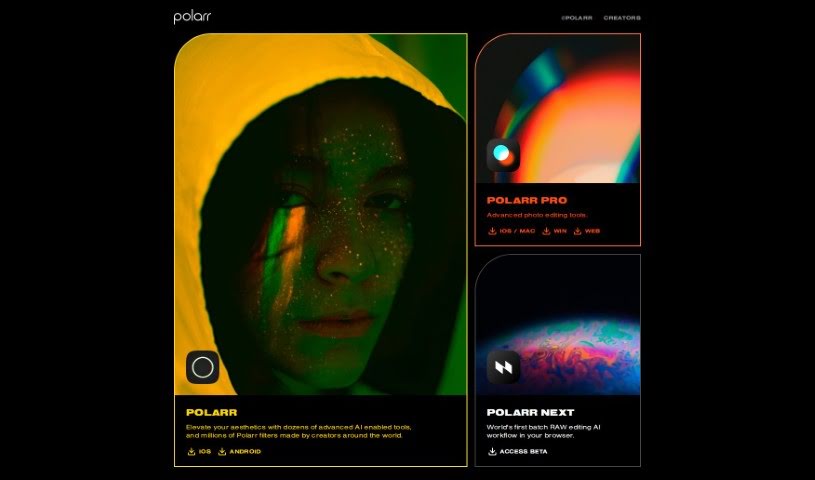
Screenshot of Polarr Copilot

Polarr Copilot

Freemium

Polarr Copilot is an AI-powered platform for editing photos, making videos, and designing graphics. Instead of manually adjusting settings, you describe the changes you want in plain text, and the tool applies them directly in the editor. Results can be fine-tuned until they match your vision, and the interface is designed to be approachable regardless of the style you're going for.

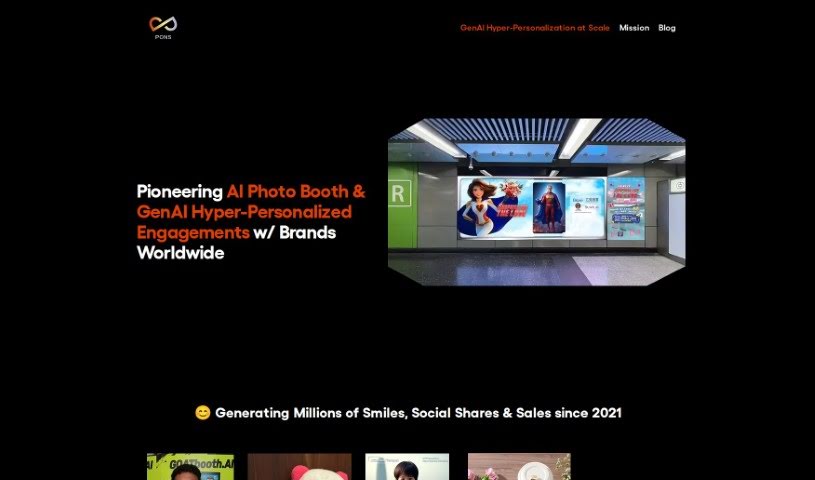
Screenshot of Pons Ai

Pons Ai

Freemium

Pons Ai is a SaaS tool that uses generative AI to create personalized greeting cards. Its core feature, the "AI Artist," generates card designs from a text description of what you want. Enter the recipient's details and the tool produces several design options, with creative suggestions if you're unsure where to start. Supported occasions include New Year, Christmas, and birthdays.

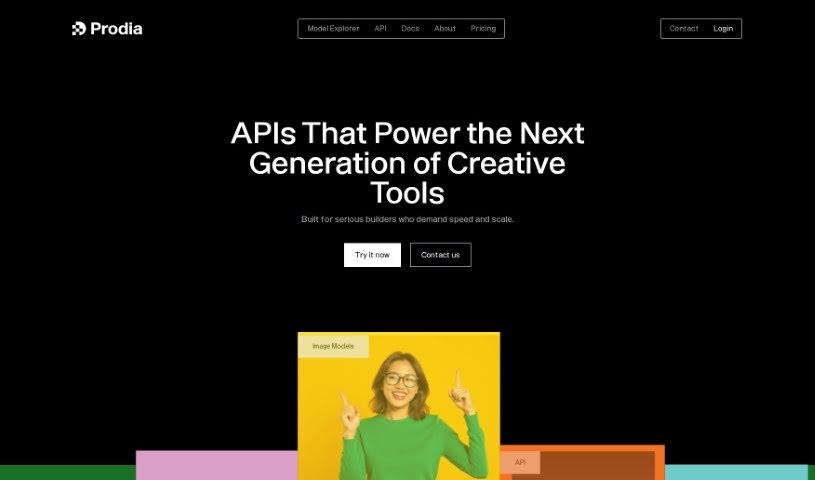
Screenshot of Prodia

Prodia

Freemium

Prodia is a Stable Diffusion API that turns text into images in under 2 seconds and also generates music. Developers can integrate generative AI into applications without managing GPU infrastructure or training models. The platform scales across more than 10,000 GPUs and handles over a million API-generated creations each week, delivering 50-90% cost savings on text-to-image production compared to traditional cloud providers.

About Design tools

Starting a design project from scratch takes time. Staring at a blank artboard, creating layout options, adjusting pixel spacing, and reformatting graphics across a dozen screen sizes can consume hours of tedious setup. It’s easy to spend more time preparing files than actually designing.

Rather than replacing human taste or visual judgment, the tools in this category handle repetitive technical labor, speed up wireframing, and prepare production files so you can focus on overall creative strategy.

Accelerating Layout Prototyping and Asset Cleanup

Generating initial layout ideas used to require hours of manual sketching. Modern design platforms build wireframes and visual concepts straight from text prompts or rough hand-drawn notes. You can evaluate different grid structures, visual directions, and typography pairings in seconds before committing to a final polished layout.

Asset editing and photo touch-ups become far simpler, too. Tasks like erasing backgrounds, extending canvas boundaries, or upscaling low-res images traditionally required tedious layer masking and cloning. Smart editing tools handle those fixes automatically, letting you touch up photos and prepare visual assets in seconds.

Maintaining consistency across large design systems is another huge benefit. Keeping visual elements aligned across social banners, web pages, and marketing decks often leads to minor formatting errors. AI design tools analyze your brand guidelines, apply matching color palettes automatically, and format typography across multiple aspect ratios to keep your project look unified.

Capabilities to Consider

  • Generative layout prototyping: Tools that create wireframe ideas and layout concepts from text prompts or rough sketches.
  • Automated asset cleanup: Features that remove backgrounds, expand canvas margins, and upscale image resolution cleanly.
  • Editable vector output: Software that generates clean, scalable SVG paths rather than static raster files.
  • Design system alignment: Applications that apply custom brand colors, fonts, and spacing rules across whole asset packages.
  • Editor plugin support: Integrations that link directly into existing tools like Figma, Adobe Creative Cloud, or Canva.

Great design will always depend on visual hierarchy, human taste, and clear communication. Software can clean up backgrounds and align pixels, but understanding how real people interact with your work requires a creative eye.

Check out the design assistants below to upgrade your workspace.

The Best AI Design Generators

  1. Canva: for easily creating social media graphics.
  2. Ideogram: for custom logo creation for brands.
  3. Renderforest: for custom logo design for startups.
  4. BeFunky: for effortlessly creating custom graphics.
  5. Icons8: for generating unique design templates.
  6. Microsoft Designer: for quickly generating unique social media graphics.
  7. Imagine AI Art Generator: for designing prototypes for branding.
  8. Meshy: for rapid 3D design creation from prompts.
  9. Kittl: for creating custom logos in seconds.
  10. Shakker AI: for dynamic logo creation for brands.
  11. Stylar: for instantly generating unique art styles.
  12. Tripo AI: for creating custom product prototypes.
  13. Homestyler: for creating custom room layouts and styles.
  14. Phot Ai: for dynamic vector art creation from prompts.
  15. Designs AI: for instant graphic design for social media.
New tools, in your inbox.

Weekly picks of the best AI tools we've researched and added — no spam, unsubscribe anytime.

Join 25,000+ AI enthusiasts. No spam, unsubscribe anytime.