AI Tools for Design

Discover the best Design AI tools to enhance your productivity and creativity.

Page 11 of 19 • 227 total tools

Designing visuals used to be something only artists or those with advanced software skills could do. But AI design generators are changing all that for everyone. Now, creating amazing graphics, logos, and layouts can be as simple as typing in a prompt.

These tools have gotten really good, really fast, making design more accessible and way less time-consuming. You no longer have to struggle with complicated software or spend hours perfecting an idea. With just a few clicks, you can generate professional-looking designs.

After spending weeks exploring and testing a bunch of AI design generators, I’ve put together a list of the best ones out there right now. Whether you’re looking for easy-to-use apps or powerful tools for experienced designers, there’s something here for you.

So, if you want to jazz up your social media posts or need eye-catching marketing materials, this guide will help you find the right AI design assistant to make your visuals stand out. Let’s dive in and see what the future of design looks like!

The Best AI Design Generators

  1. Canva for easily creating social media graphics.
  2. Ideogram for custom logo creation for brands.
  3. Renderforest for custom logo design for startups.
  4. BeFunky for effortlessly creating custom graphics.
  5. Icons8 for generating unique design templates.
  6. Microsoft Designer for quickly generating unique social media graphics.
  7. Imagine AI Art Generator for designing prototypes for branding.
  8. Meshy for rapid 3D design creation from prompts.
  9. Kittl for creating custom logos in seconds.
  10. Shakker AI for dynamic logo creation for brands.
  11. Stylar for instantly generating unique art styles.
  12. Tripo AI for creating custom product prototypes.
  13. Homestyler for creating custom room layouts and styles.
  14. Phot Ai for dynamic vector art creation from prompts.
  15. Designs AI for instant graphic design for social media.

How Do AI Design Generators Work?

AI design generators use advanced algorithms and huge datasets to create visual content. Basically, they use deep learning and neural networks to understand your input and then create new images, graphics, or designs. These generators often rely on convolutional neural networks (CNNs), which are great at processing visual information.

To get designs made, users usually give prompts – think keywords or style preferences. The AI then looks at existing design elements like colors, patterns, and shapes to create something unique and relevant. This ability to learn from countless designs means the AI can copy different styles and adapt to various aesthetics.

Many design generators are built using pre-trained models that have processed large databases of artwork, photos, and design templates. By learning from all this visual information, the AI can spot patterns and understand what makes a design appealing. It then uses this knowledge to create new pieces.

It’s important to remember that while AI design tools can produce striking results, they still need human input. Users have to choose the right input, refine their prompts, and pick the results that best match their vision. Ultimately, these tools act as collaborators, enhancing the creative process instead of completely replacing human designers.

If you’re curious to explore this technology more, lots of platforms let you try out AI design tools yourself. You can see how they turn simple ideas into compelling visuals. As technology keeps advancing, the possibilities for AI in design keep growing, pushing what we can do.

Our Best AI Design Generators at a Glance

RankNameBest ForPlans and PricingRating
1CanvaCreating social media graphics easily.N/A4.73 (11 reviews)
2IdeogramCustom logo creation for brands.N/A4.85 (26 reviews)
3RenderforestCustom logo design for startups.N/A4.50 (14 reviews)
4BeFunkyEffortlessly create custom graphics.Paid plans start at $83.88/year.4.69 (13 reviews)
5Icons8Generate unique design templates.N/A3.64 (11 reviews)
6Microsoft DesignerQuickly generate unique social media graphics.N/A4.64 (11 reviews)
7Imagine AI Art GeneratorDesign prototypes for branding.N/A4.80 (5 reviews)
8MeshyRapid 3D design creation from prompts.Paid plans start at $1.60/100 credits (billed yearly).4.58 (12 reviews)
9KittlCreate custom logos in seconds.Paid plans start at $120/annually.4.80 (10 reviews)
10Shakker AIDynamic logo creation for brands.N/A4.67 (21 reviews)
11StylarInstantly generate unique art styles.Paid plans start at $50/month.4.11 (9 reviews)
12Tripo AICreating custom product prototypes.N/A4.42 (12 reviews)
13HomestylerCustom room layouts and styles creation.Paid plans start at $9.9/month.4.77 (13 reviews)
14Phot AiDynamic vector art creation from prompts.N/A4.77 (13 reviews)
15Designs AIInstant graphic design for social media.N/A4.27 (11 reviews)
Screenshot of Maket

Maket

Freemium

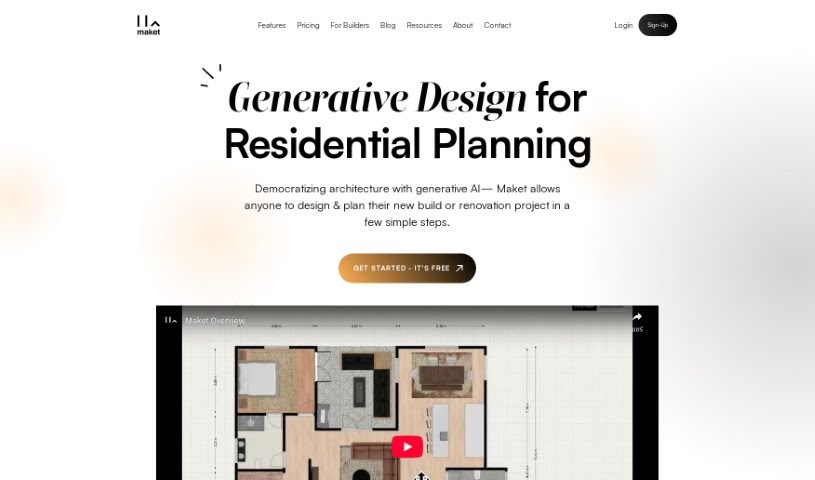
Maket is a really smart AI-powered platform that's changing how we plan homes. If you're an architect, designer, or developer, Maket can help you create residential floorplans and 3D renders automatically. It opens up so many design possibilities, letting you really let your creativity flow and tweak designs just how you like them. Plus, Maket gives you helpful advice on materials, costs, and different design choices, making it easier to make good decisions as you design. It even simplifies the tricky parts of zoning rules, helping your projects stay compliant and avoiding those frustrating delays. So, you get a smooth design process. When you use Maket, you can check out different styles, get expert help, and easily understand zoning codes, all in one place. It really brings together design automation, expert advice, and making sure you're following the rules.

Screenshot of Maze Guru

Maze Guru

Freemium

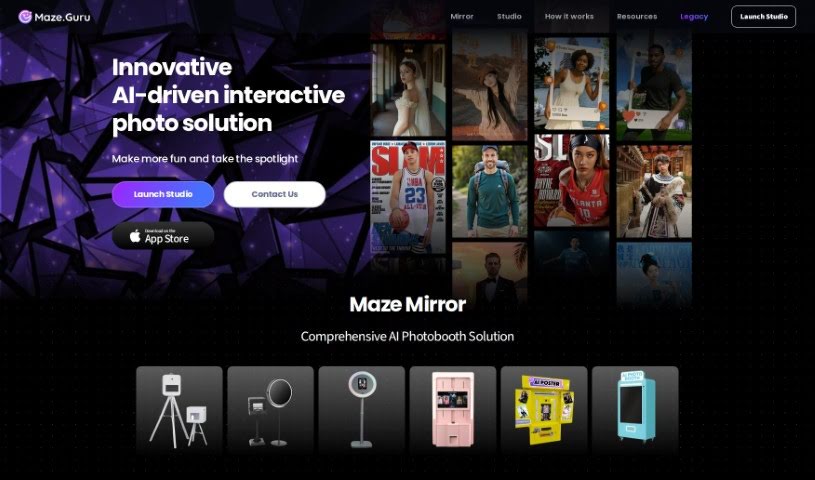
Maze Guru is an AI-powered platform designed to help you create all sorts of art, really quickly and without much fuss. It uses smart algorithms to make the whole art creation process simpler. You can generate super-detailed, dynamic, and incredibly realistic artwork in tons of different styles and techniques. Plus, Maze Guru offers fun themed challenges, a place to get feedback from others, support for high-resolution images, and a generally inspiring environment for artists of any skill level. It’s all about helping you be more creative and grow as an artist.

Screenshot of Meme Yourself

Meme Yourself

Freemium

Meme Yourself is a really neat AI-powered app that makes it super easy for anyone to create their own personalized memes. It is your go-to tool for generating fun and engaging content, all thanks to smart AI. It's designed to understand what makes a meme popular right now, so you can create unique and funny memes without needing any fancy editing skills or graphic design know-how. What's great is how customizable it is; you can really tweak the output to fit exactly what you're going for, making your memes more relevant and, of course, funnier.

Screenshot of Meshy

Meshy

Freemium

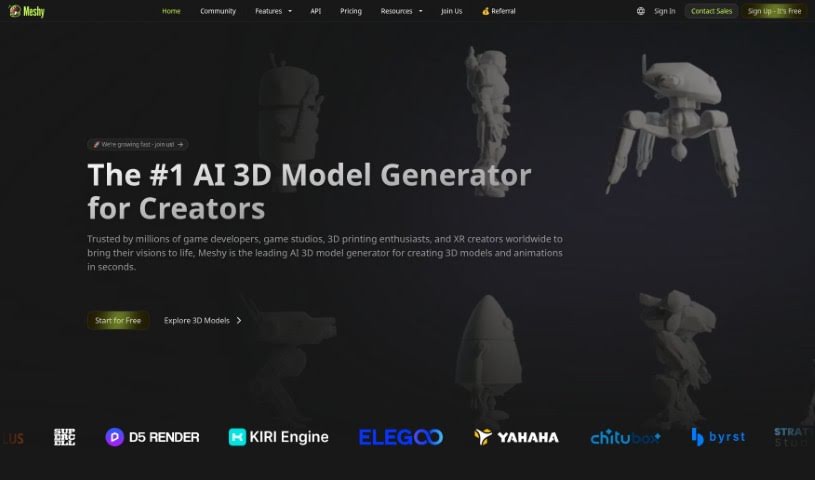
Meshy is a really cool, cutting-edge tool that uses generative AI to quickly turn your text and images into amazing 3D models. It is a bridge, making it much easier to get the detailed 3D content you need without wrestling with complicated design software like Maya or Blender. Meshy offers a much simpler way for creators of all skill levels to get things done. This innovative platform was built by a global team of pros who really know their stuff in computer graphics and AI. It opens up a whole universe of creative possibilities for people everywhere. With Meshy, you can easily texture any 3D model in just seconds. Just import your model, write a prompt describing the texture you want, and boom – it's instantly applied! The interface is designed with artists in mind, so it's super accessible and user-friendly for pretty much anyone.

Screenshot of Microsoft Designer

Microsoft Designer

Freemium

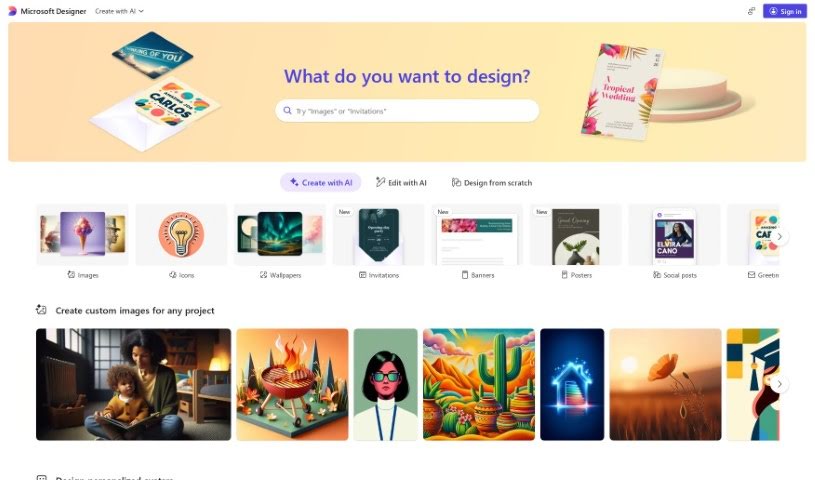
Microsoft Designer is actually a collection of tools designed to help you create great-looking content. It is a suite with different helpers, like PowerPoint Designer, Outlook Designer, and the broader Microsoft 365 Designer. PowerPoint Designer, for instance, is fantastic for making presentations look professional; it actually suggests design ideas based on what you've put in your slides. Outlook Designer helps you write emails that really grab attention by offering design tips. Then there's Microsoft 365 Designer, which is more about boosting productivity and making teamwork smoother for organizations. It provides ready-to-use templates and tools to help streamline your work. Essentially, Microsoft Designer aims to make designing easier for everyone using Microsoft apps, so you can create high-quality materials without a huge learning curve.

Screenshot of Mockey

Mockey

Freemium

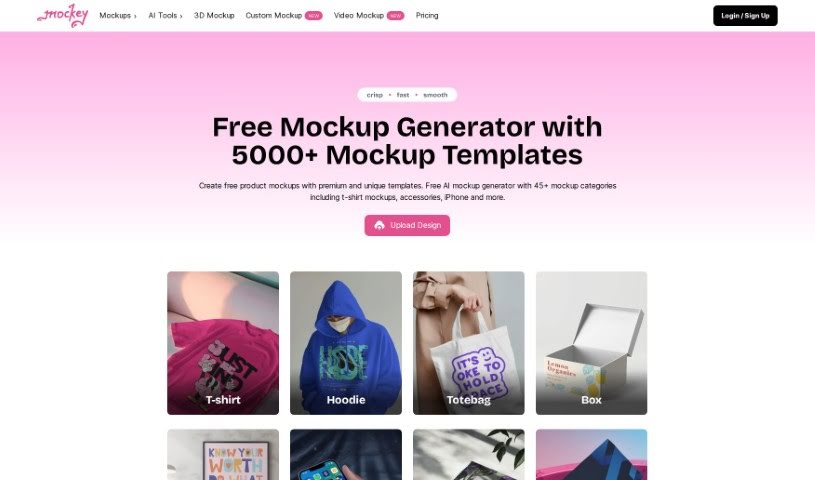
Mockey is a fantastic online tool that acts as an AI Mockup Generator, making it super easy for anyone to create free mockups. Whether you're looking to design product mockups for t-shirts, hoodies, other apparel, or accessories, Mockey's got you covered. It comes packed with a variety of helpful tools, including AI mockup bundles, 3D mockups, an AI image background remover, AI Photography features, a blur background tool, and other handy image editing capabilities. You can simply upload your own designs as image files (PNG or JPEG), place them onto different products, tweak the colors and backgrounds to your liking, and then download the final mockup without any annoying watermarks. The whole idea behind Mockey is to make creating high-quality mockups a quick and straightforward process, perfect for designers and creative folks who want to focus on their ideas.

Screenshot of Moodboard Creator

Moodboard Creator

Freemium

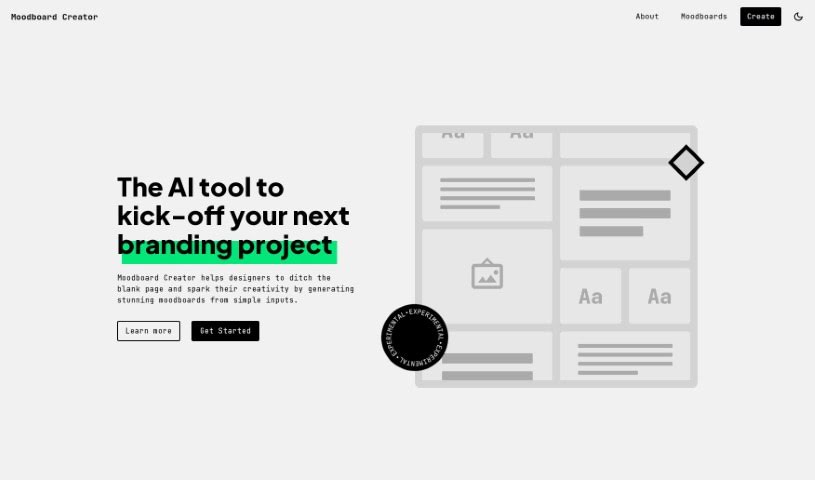
Moodboard Creator is a smart AI tool designed to help designers kickstart their branding projects. It's great for creating impressive moodboards by turning simple ideas into detailed visual guides. This really helps shape design directions and get the creative juices flowing. It's super easy to use, so whether you're a seasoned pro or just starting out, you'll find it helpful. It's fantastic for sparking creativity, letting you explore different colors, textures, and patterns, and it makes communicating your design vision a breeze. Juan Ignacio Rios developed Moodboard Creator, and it's a real lifesaver for designers who don't want to stare at a blank page. Instead, you can dive into your projects with plenty of inspiration and clear direction.

Screenshot of Mtg. Card Creator

Mtg. Card Creator

Freemium

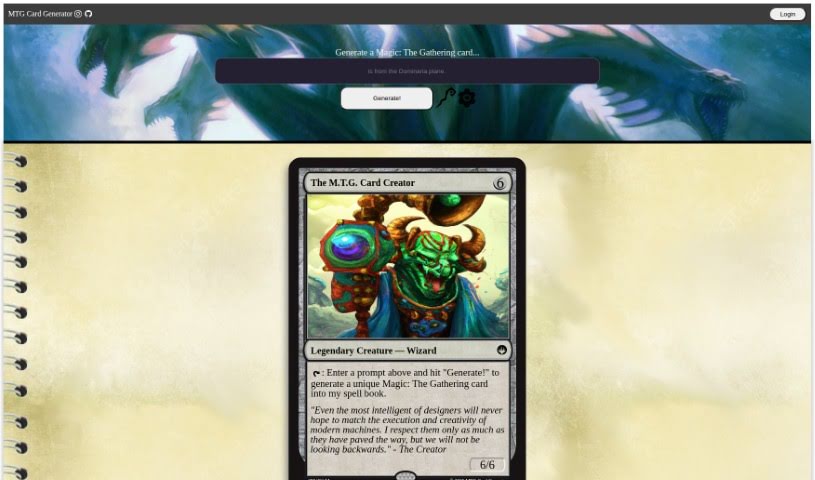
The "MTG Card Creator" tool is a neat way for anyone to whip up their own unique Magic: The Gathering cards. All you have to do is type in what you're imagining and hit "Generate." The tool even has a quote that talks about how great modern machines are at creative tasks, but it also wisely points out that human ideas are still super important going forward. You can zip around the tool using keyboard shortcuts and even bookmark it so you can easily come back later. If you're interested, you can find the tool on GitHub right here: [mtg-card-creator.pdf](sandbox:/mnt/data/mtg-card-creator.pdf).

Screenshot of Myth AI

Myth AI

Freemium

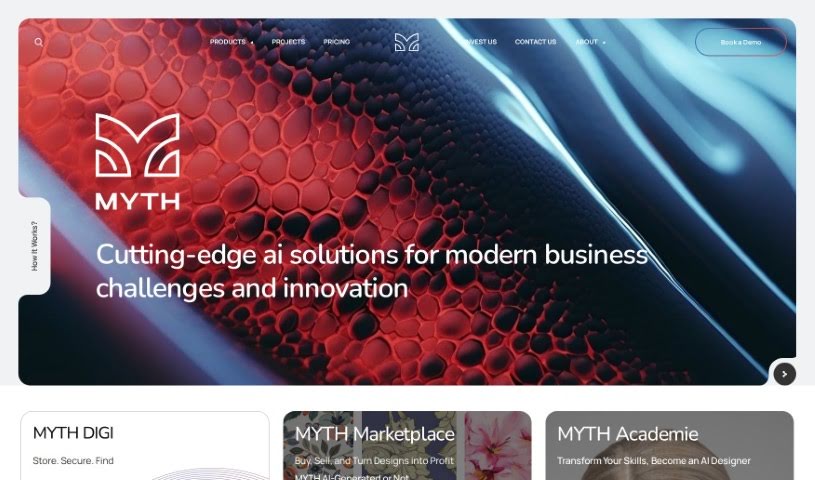
A myth is a traditional story, often one that tells us about a group's beliefs, history, or customs. These tales frequently feature supernatural beings or events, helping to explain things like natural phenomena, how the world began, or why certain cultural practices exist. Myths are usually passed down through generations, often by word of mouth, and they carry deep symbolic meanings and important lessons for the community. Ultimately, myths are really important for shaping how a society sees itself and understands the world.

Screenshot of NaijaBuzz300

NaijaBuzz300

Freemium

NaijaBuzz300 seems to be a platform designed for creative collaboration, acting as a central spot where like-minded individuals can team up on projects. It really looks like it's built to bring together people who love to create. While the specifics aren't super detailed in the info I have, it appears to offer tools or resources to help creative projects and ideas flourish through teamwork. Essentially, NaijaBuzz300 is likely a place where creative minds can connect, work together, and bring their collective visions to life.

Screenshot of Nail Designs Pro

Nail Designs Pro

Freemium

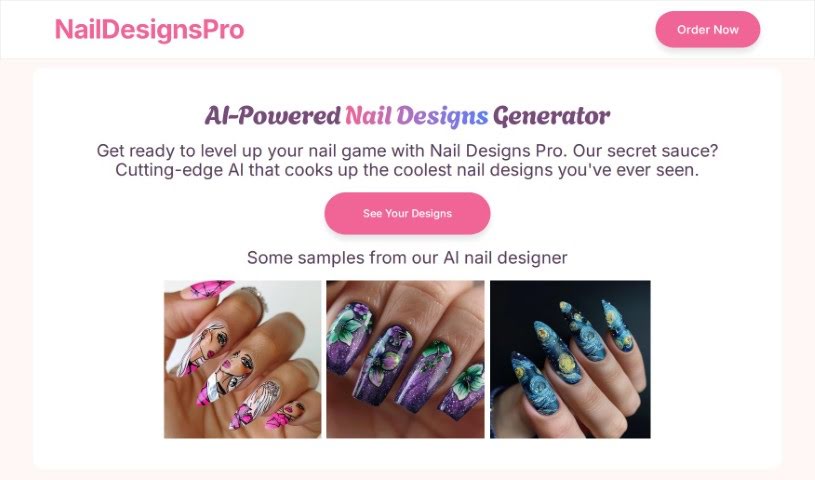
Nail Designs Pro is a really neat service that uses advanced AI to create one-of-a-kind nail designs just for you. All you have to do is describe the nail art you're imagining, and the AI will whip up some custom designs. You'll get four different versions to pick from. What's great is you don't even need to sign up! They also make data privacy a big deal, keeping your information safe on servers right here in the United States. You'll get your nail design photos sent straight to your email, and you're free to use them however you like – on social media, your website, or anywhere else. While it's mostly for fun, it can also be a fantastic source of inspiration for professional nail artists. Basically, anyone who loves creating personalized and imaginative nail art will find Nail Designs Pro super useful.

Screenshot of neoSVG

neoSVG

Freemium

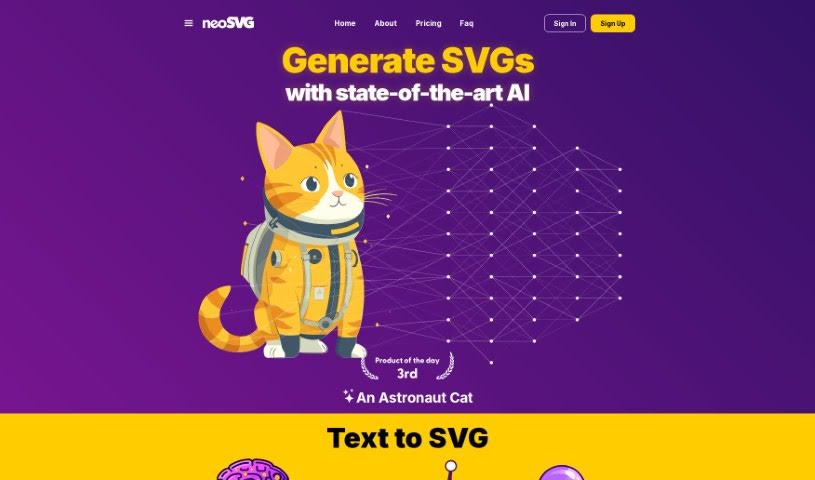
NeoSVG is a really neat Text-to-SVG platform that uses AI to turn your text ideas into customizable vector graphics. It's a Software as a Service (SaaS) tool, and it first came out in 2023. The main idea behind NeoSVG is to make creating cool SVG designs much simpler, cutting out a lot of the usual manual work. It's designed to be easy for everyone, no matter their skill level, really boosting creativity and making design work flow more smoothly thanks to its AI smarts.

Stay Updated with AI Tools

Get weekly updates on the latest AI tools, trends, and insights delivered to your inbox

Join 25,000+ AI enthusiasts. No spam, unsubscribe anytime.