AI Tools for Design

Discover the best Design AI tools to enhance your productivity and creativity.

Page 12 of 19 • 227 total tools

Designing visuals used to be something only artists or those with advanced software skills could do. But AI design generators are changing all that for everyone. Now, creating amazing graphics, logos, and layouts can be as simple as typing in a prompt.

These tools have gotten really good, really fast, making design more accessible and way less time-consuming. You no longer have to struggle with complicated software or spend hours perfecting an idea. With just a few clicks, you can generate professional-looking designs.

After spending weeks exploring and testing a bunch of AI design generators, I’ve put together a list of the best ones out there right now. Whether you’re looking for easy-to-use apps or powerful tools for experienced designers, there’s something here for you.

So, if you want to jazz up your social media posts or need eye-catching marketing materials, this guide will help you find the right AI design assistant to make your visuals stand out. Let’s dive in and see what the future of design looks like!

The Best AI Design Generators

  1. Canva for easily creating social media graphics.
  2. Ideogram for custom logo creation for brands.
  3. Renderforest for custom logo design for startups.
  4. BeFunky for effortlessly creating custom graphics.
  5. Icons8 for generating unique design templates.
  6. Microsoft Designer for quickly generating unique social media graphics.
  7. Imagine AI Art Generator for designing prototypes for branding.
  8. Meshy for rapid 3D design creation from prompts.
  9. Kittl for creating custom logos in seconds.
  10. Shakker AI for dynamic logo creation for brands.
  11. Stylar for instantly generating unique art styles.
  12. Tripo AI for creating custom product prototypes.
  13. Homestyler for creating custom room layouts and styles.
  14. Phot Ai for dynamic vector art creation from prompts.
  15. Designs AI for instant graphic design for social media.

How Do AI Design Generators Work?

AI design generators use advanced algorithms and huge datasets to create visual content. Basically, they use deep learning and neural networks to understand your input and then create new images, graphics, or designs. These generators often rely on convolutional neural networks (CNNs), which are great at processing visual information.

To get designs made, users usually give prompts – think keywords or style preferences. The AI then looks at existing design elements like colors, patterns, and shapes to create something unique and relevant. This ability to learn from countless designs means the AI can copy different styles and adapt to various aesthetics.

Many design generators are built using pre-trained models that have processed large databases of artwork, photos, and design templates. By learning from all this visual information, the AI can spot patterns and understand what makes a design appealing. It then uses this knowledge to create new pieces.

It’s important to remember that while AI design tools can produce striking results, they still need human input. Users have to choose the right input, refine their prompts, and pick the results that best match their vision. Ultimately, these tools act as collaborators, enhancing the creative process instead of completely replacing human designers.

If you’re curious to explore this technology more, lots of platforms let you try out AI design tools yourself. You can see how they turn simple ideas into compelling visuals. As technology keeps advancing, the possibilities for AI in design keep growing, pushing what we can do.

Our Best AI Design Generators at a Glance

RankNameBest ForPlans and PricingRating
1CanvaCreating social media graphics easily.N/A4.73 (11 reviews)
2IdeogramCustom logo creation for brands.N/A4.85 (26 reviews)
3RenderforestCustom logo design for startups.N/A4.50 (14 reviews)
4BeFunkyEffortlessly create custom graphics.Paid plans start at $83.88/year.4.69 (13 reviews)
5Icons8Generate unique design templates.N/A3.64 (11 reviews)
6Microsoft DesignerQuickly generate unique social media graphics.N/A4.64 (11 reviews)
7Imagine AI Art GeneratorDesign prototypes for branding.N/A4.80 (5 reviews)
8MeshyRapid 3D design creation from prompts.Paid plans start at $1.60/100 credits (billed yearly).4.58 (12 reviews)
9KittlCreate custom logos in seconds.Paid plans start at $120/annually.4.80 (10 reviews)
10Shakker AIDynamic logo creation for brands.N/A4.67 (21 reviews)
11StylarInstantly generate unique art styles.Paid plans start at $50/month.4.11 (9 reviews)
12Tripo AICreating custom product prototypes.N/A4.42 (12 reviews)
13HomestylerCustom room layouts and styles creation.Paid plans start at $9.9/month.4.77 (13 reviews)
14Phot AiDynamic vector art creation from prompts.N/A4.77 (13 reviews)
15Designs AIInstant graphic design for social media.N/A4.27 (11 reviews)
Screenshot of Newarc

Newarc

Freemium

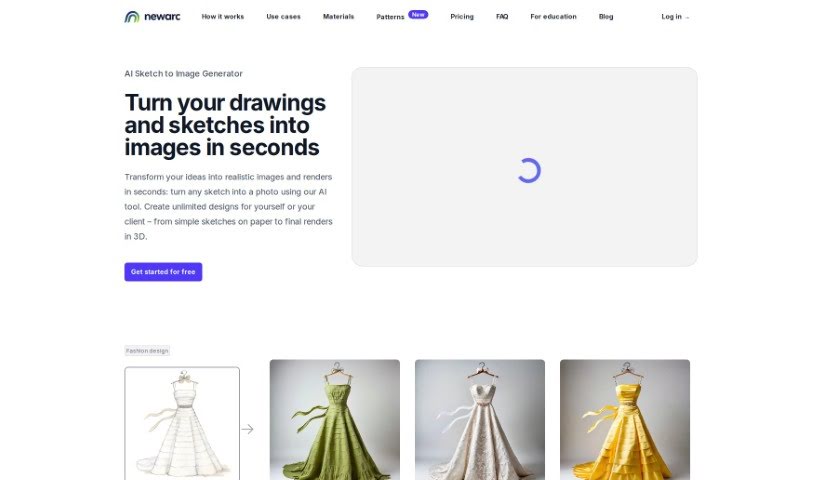
NewArc.ai is a really neat AI tool that helps people come up with fresh ideas for all sorts of design projects. Whether you're working on fashion, shoes, bags, industrial products, interiors, or even architecture, Newarc has you covered. You can start by uploading your own images, sketches, or drawings – whatever helps you show your vision and composition. Then, just describe what you're hoping to create. Newarc takes your input and generates a bunch of unique design options. It’s a fantastic way to kickstart your brainstorming and make those big design decisions.

Screenshot of Newroom

Newroom

Freemium

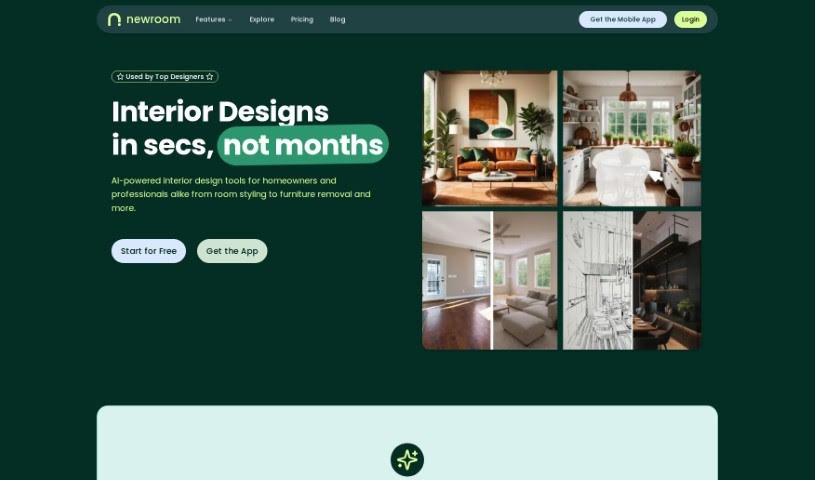
NewRoom is your personal, super-easy AI interior designer. It's built to help you design, furnish, and even shop for your perfect room, all without the usual hassle. What's really neat is how it simplifies everything: you get a huge selection of furniture and decor, and you can buy it all right there on Amazon. The process is pretty straightforward: you just upload a picture of your current room, tell it your budget, pick a style you like, and then the AI interior designer works its magic to show you what your dream space could look like. Plus, there's a whole section for inspiration, where you can check out designs others in the community have created. It’s a really smooth way to get your room looking exactly how you want it, thanks to AI.

Screenshot of Niia.ai

Niia.ai

Freemium

Niia.ai is a platform built to really change how fashion and eCommerce businesses handle design. It lets you whip up amazing apparel designs in just seconds. You can then see how these designs look on different fabrics and even create professional-looking photo shoot images using AI-powered fashion models. Beyond that, Niia.ai offers a bunch of other handy tools, like generating prints, giving you 3D previews, turning mannequin shots into studio photos, automating cataloging, creating faces from images, and much more. Essentially, it's all about making the creative process smoother and faster for anyone in these industries.

Screenshot of NVIDIA Canvas

NVIDIA Canvas

Freemium

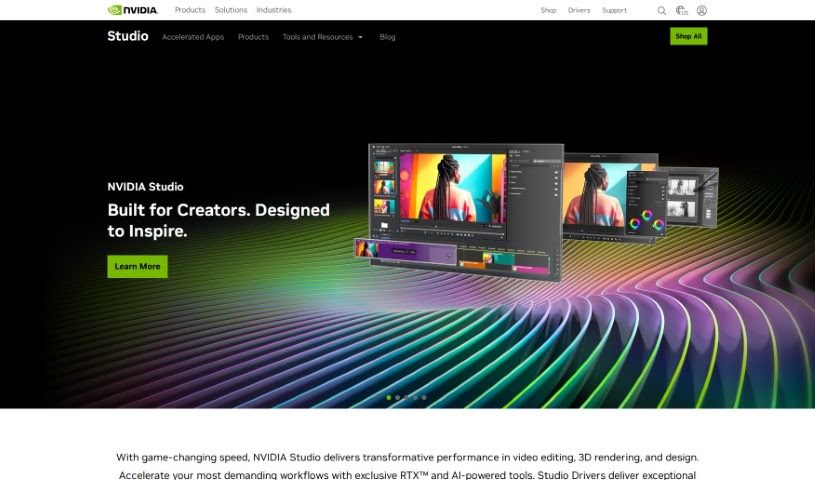
NVIDIA Canvas is a really neat AI tool that helps artists and designers whip up realistic landscape images super fast. You just make some simple brushstrokes, and Canvas turns them into detailed, professional-looking scenes. It’s got a bunch of perks, like speeding up your workflow, giving you accurate and detailed results, and even offering editing tools right inside the app. Plus, you can tweak your creations and even make 360° panoramas. Once you’re happy, you can export your work as a PSD or EXR file to keep refining it in programs like Adobe Photoshop or 3D software like NVIDIA Omniverse USD Composer and Blender. While it’s specifically for landscapes and uses NVIDIA tech, it really simplifies visualizing your ideas. It works on most desktop and laptop computers, using AI to understand your brushstrokes and generate images based on the patterns and shapes you create.

Screenshot of Online Image Vectorizer

Online Image Vectorizer

Freemium

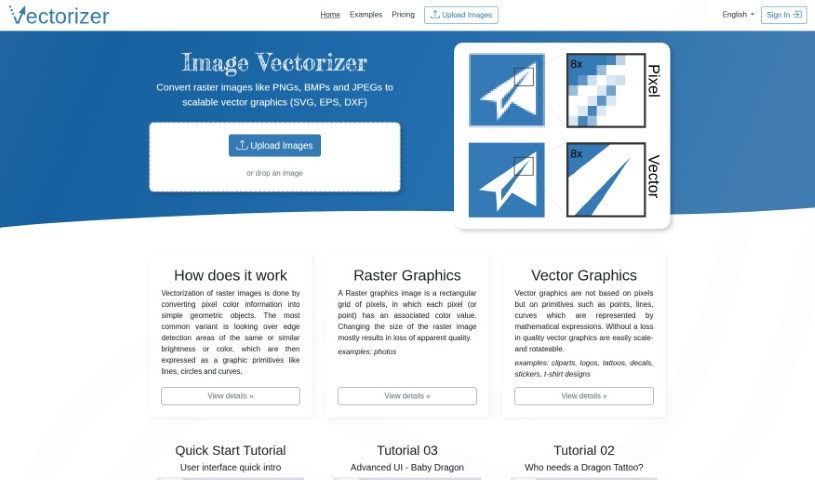
A vectorizer is a tool that takes the color information from a regular picture (like a JPEG or PNG) and turns it into simple shapes – think lines, circles, and curves. It does this by looking for edges where colors or brightness change, and then it describes those areas using mathematical formulas. Unlike pixel-based images, which are made of tiny squares, vector graphics are built on math. This is super handy because you can stretch, shrink, or rotate vector images as much as you want without them ever looking blurry or losing quality. That's why they're perfect for things like clip art, logos, and custom decals.

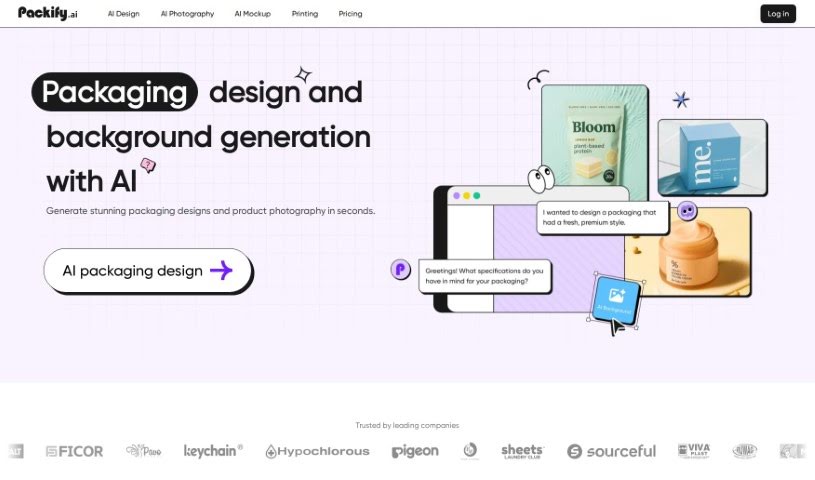
Screenshot of Packify.ai

Packify.ai

Freemium

Packify.ai is a smart AI tool designed specifically for creating product packaging. It's built by Packify, a company that really cares about sustainable product development and wants to be a dependable partner for businesses in the packaging design world. What's great about Packify.ai is that it lets even people without design experience get creative with their product packaging, simply by chatting with the AI. Plus, it offers a neat, simple feature for product photoshoots, perfect for anyone selling online.

Screenshot of Paint Potion

Paint Potion

Freemium

Paint Potion is a smart AI design tool that's really good at creating unique vector illustrations that all have a consistent style. You just give it a prompt, and it whips up four different designs in under 30 seconds. If you're not quite happy with a design, you can easily regenerate illustrations to refine them. Plus, you can export your creations as either SVG (Scalable Vector Graphics) or PNG files. What's really great is that any image you make with Paint Potion is completely yours. You get full rights to use it however you like, for personal projects or commercial ventures. It's built for everyone, from professional web agencies to individual designers, offering a super fast and efficient way to get vector designs without needing any special artistic skills.

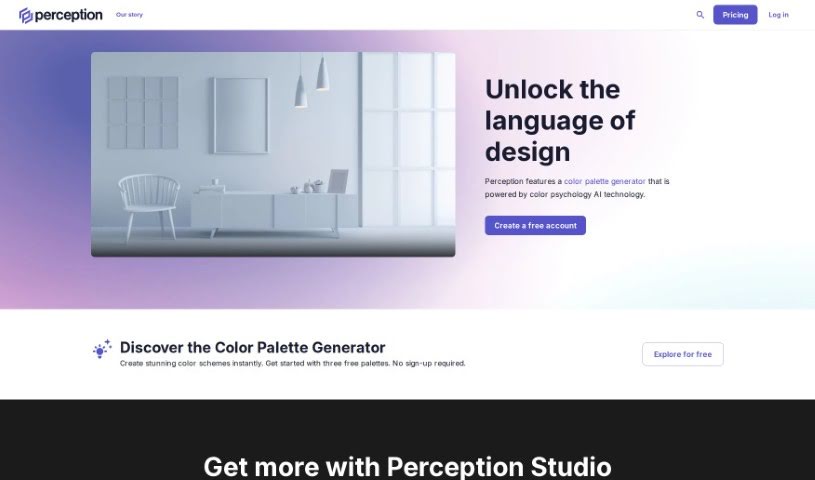
Screenshot of Perception.io

Perception.io

Freemium

Perception.io is a smart platform for design intelligence. It brings together AI technology and creative know-how to help creative folks make better design choices. It is a helpful assistant. It's got features like a Palette Builder, Palette Dictionary, and Palette Validator. These tools help you whip up your own color palettes, explore color schemes based on different moods, and make sure your color selections actually bring out the feelings you want and fit your overall design idea. Perception.io also gives you AI-powered tools to make your creative work smoother, making it a really useful resource for anyone in a creative field.

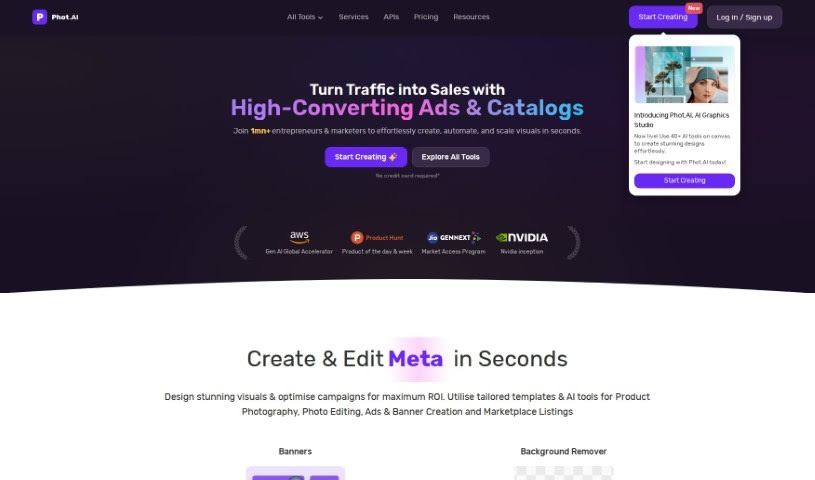
Screenshot of Phot Ai

Phot Ai

Freemium

Phot AI is a really advanced tool for editing photos and designing with AI, letting you create, change, and improve images right in your browser. It's packed with features like professional-grade retouching, HDR capabilities, and it's all cloud-based, so you can access it from anywhere. You can even generate passport photos online with it! There's a free version with basic tools, and if you go premium, you get access to more advanced features and priority support. Whether you need to remove backgrounds, get rid of watermarks, boost image quality, create professional product shots, or even make custom avatars, Phot AI has you covered. It's designed to be super user-friendly, whether you're a beginner or a seasoned pro, offering a whole range of tools to make your visuals shine.

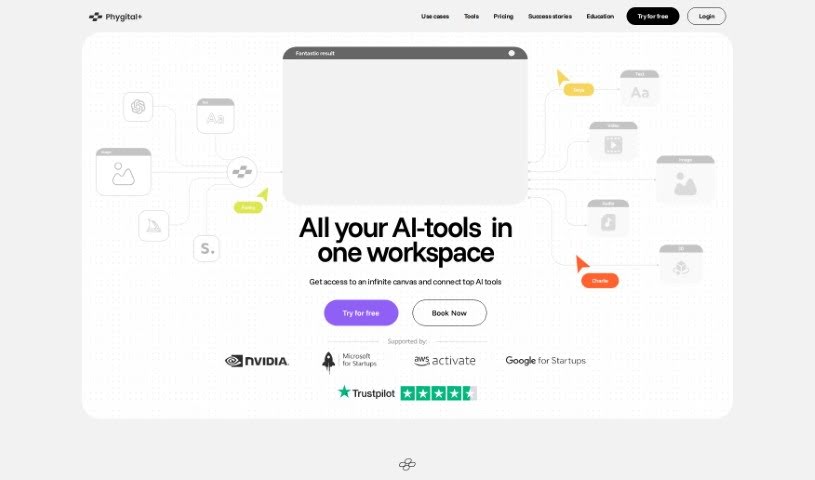
Screenshot of Phygital+

Phygital+

Freemium

Phygital+ is a platform built with the idea of smoothly bringing together the digital and physical worlds. The goal? To create a user experience that feels completely connected and natural. It really puts the user first, using a full-screen myIframe layout. This means no distracting elements, just pure, focused engagement with the digital content. Here’s a quick look at what makes Phygital+ stand out:

Screenshot of Picfinder.ai

Picfinder.ai

Freemium

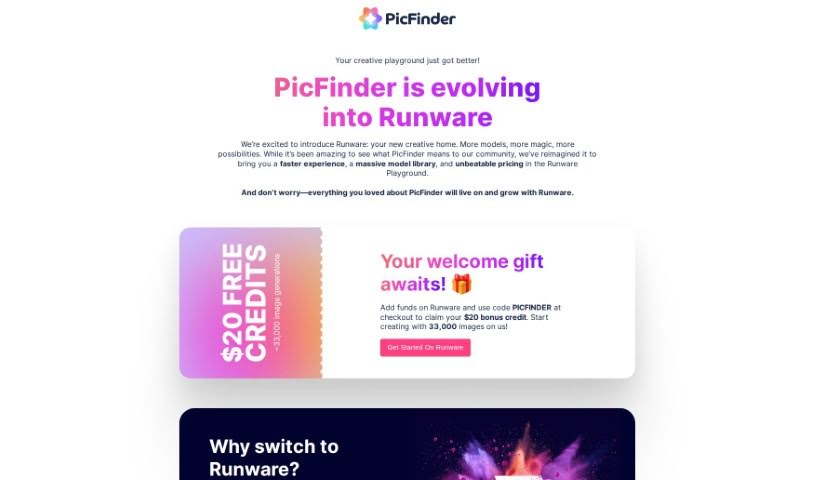
PicFinder.ai is a really neat online tool that completely changes how we search for and identify images. It uses smart AI technology to help you find and recognize images based on what's actually in them. You can search for specific things, faces, landmarks, or even colors, and PicFinder.AI will give you accurate, relevant results. It's great for things like finding products for e-commerce, looking up travel spots, or even for social media and security uses thanks to its facial recognition. Designers and artists can also use its color search to find inspiration. What makes PicFinder.AI stand out is how easy it is to use, combined with powerful AI that really nails the search results you need.

Screenshot of Pictorial

Pictorial

Freemium

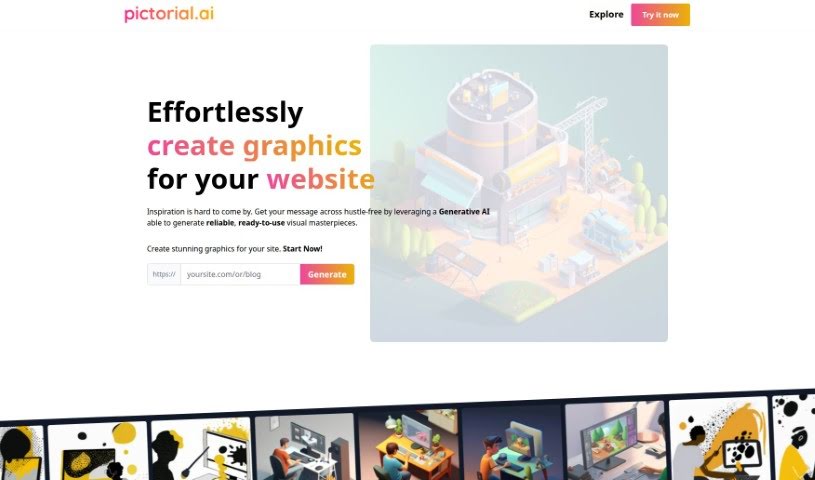
Pictorial is a really neat tool that helps you create graphics for your website or blog without any fuss, all thanks to Generative AI. You just give it the web address (URL) for your site, and the AI gets to work, creating high-quality images based on what's already there. The whole idea is to make your website or blog look much better visually, and you don't need to be a designer or know fancy prompt engineering to do it. They're calling it the first AI-powered visual generator specifically for businesses, and it gives you lots of ways to make professional, eye-catching designs.

Stay Updated with AI Tools

Get weekly updates on the latest AI tools, trends, and insights delivered to your inbox

Join 25,000+ AI enthusiasts. No spam, unsubscribe anytime.