AI Tools for Design

Discover the best Design AI tools to enhance your productivity and creativity.

Page 13 of 19 • 227 total tools

Designing visuals used to be something only artists or those with advanced software skills could do. But AI design generators are changing all that for everyone. Now, creating amazing graphics, logos, and layouts can be as simple as typing in a prompt.

These tools have gotten really good, really fast, making design more accessible and way less time-consuming. You no longer have to struggle with complicated software or spend hours perfecting an idea. With just a few clicks, you can generate professional-looking designs.

After spending weeks exploring and testing a bunch of AI design generators, I’ve put together a list of the best ones out there right now. Whether you’re looking for easy-to-use apps or powerful tools for experienced designers, there’s something here for you.

So, if you want to jazz up your social media posts or need eye-catching marketing materials, this guide will help you find the right AI design assistant to make your visuals stand out. Let’s dive in and see what the future of design looks like!

The Best AI Design Generators

  1. Canva for easily creating social media graphics.
  2. Ideogram for custom logo creation for brands.
  3. Renderforest for custom logo design for startups.
  4. BeFunky for effortlessly creating custom graphics.
  5. Icons8 for generating unique design templates.
  6. Microsoft Designer for quickly generating unique social media graphics.
  7. Imagine AI Art Generator for designing prototypes for branding.
  8. Meshy for rapid 3D design creation from prompts.
  9. Kittl for creating custom logos in seconds.
  10. Shakker AI for dynamic logo creation for brands.
  11. Stylar for instantly generating unique art styles.
  12. Tripo AI for creating custom product prototypes.
  13. Homestyler for creating custom room layouts and styles.
  14. Phot Ai for dynamic vector art creation from prompts.
  15. Designs AI for instant graphic design for social media.

How Do AI Design Generators Work?

AI design generators use advanced algorithms and huge datasets to create visual content. Basically, they use deep learning and neural networks to understand your input and then create new images, graphics, or designs. These generators often rely on convolutional neural networks (CNNs), which are great at processing visual information.

To get designs made, users usually give prompts – think keywords or style preferences. The AI then looks at existing design elements like colors, patterns, and shapes to create something unique and relevant. This ability to learn from countless designs means the AI can copy different styles and adapt to various aesthetics.

Many design generators are built using pre-trained models that have processed large databases of artwork, photos, and design templates. By learning from all this visual information, the AI can spot patterns and understand what makes a design appealing. It then uses this knowledge to create new pieces.

It’s important to remember that while AI design tools can produce striking results, they still need human input. Users have to choose the right input, refine their prompts, and pick the results that best match their vision. Ultimately, these tools act as collaborators, enhancing the creative process instead of completely replacing human designers.

If you’re curious to explore this technology more, lots of platforms let you try out AI design tools yourself. You can see how they turn simple ideas into compelling visuals. As technology keeps advancing, the possibilities for AI in design keep growing, pushing what we can do.

Our Best AI Design Generators at a Glance

RankNameBest ForPlans and PricingRating
1CanvaCreating social media graphics easily.N/A4.73 (11 reviews)
2IdeogramCustom logo creation for brands.N/A4.85 (26 reviews)
3RenderforestCustom logo design for startups.N/A4.50 (14 reviews)
4BeFunkyEffortlessly create custom graphics.Paid plans start at $83.88/year.4.69 (13 reviews)
5Icons8Generate unique design templates.N/A3.64 (11 reviews)
6Microsoft DesignerQuickly generate unique social media graphics.N/A4.64 (11 reviews)
7Imagine AI Art GeneratorDesign prototypes for branding.N/A4.80 (5 reviews)
8MeshyRapid 3D design creation from prompts.Paid plans start at $1.60/100 credits (billed yearly).4.58 (12 reviews)
9KittlCreate custom logos in seconds.Paid plans start at $120/annually.4.80 (10 reviews)
10Shakker AIDynamic logo creation for brands.N/A4.67 (21 reviews)
11StylarInstantly generate unique art styles.Paid plans start at $50/month.4.11 (9 reviews)
12Tripo AICreating custom product prototypes.N/A4.42 (12 reviews)
13HomestylerCustom room layouts and styles creation.Paid plans start at $9.9/month.4.77 (13 reviews)
14Phot AiDynamic vector art creation from prompts.N/A4.77 (13 reviews)
15Designs AIInstant graphic design for social media.N/A4.27 (11 reviews)
Screenshot of Pixcanva

Pixcanva

Freemium

Pixcanva is a really user-friendly and innovative platform that makes creating amazing visuals simple for everyone, whether you're just starting out or you're a seasoned pro. It gives you advanced editing tools and special options perfect for marketing campaigns and social media. The whole idea behind Pixcanva is to make your experience smooth and easy, with navigation that just makes sense and plenty of features to help you produce high-quality images. It’s a fantastic canvas for all your graphic design projects, whether you're looking to boost business engagement or just express your artistic side.

Screenshot of Pixelfy

Pixelfy

Freemium

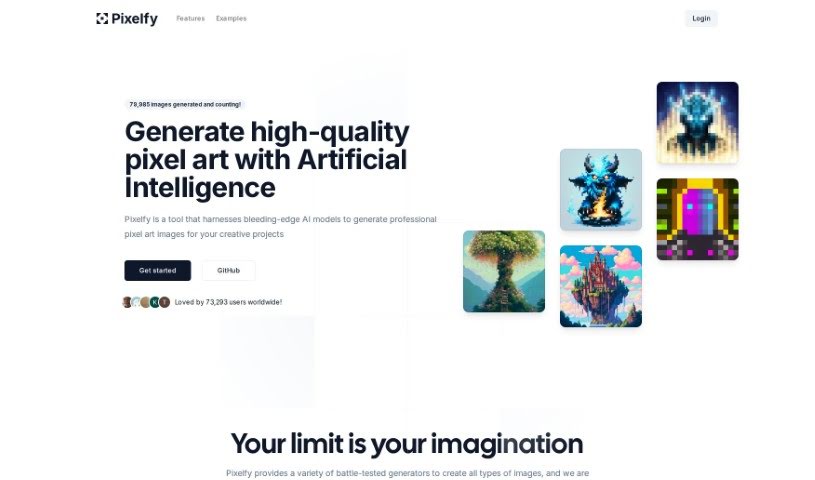
Pixelfy is a fantastic open-source AI application that's all about creating high-quality pixel art for your creative projects. It uses some pretty advanced AI models to whip up all sorts of images – think backgrounds, characters for fantasy RPGs, 32x32 skill art, or even 16x16 pixel portraits, and so much more. You can either give it a prompt to work from or upload your own images to guide the pixel art generation. Pixelfy also lets you customize grid sizes, tweak advanced sampling controls, upload reference images, and use a handy prompt builder to make things even easier. Plus, it's known for being super user-friendly and gets new features added all the time.

Screenshot of Pixite

Pixite

Freemium

Pixite is an exciting new company that sits right at the intersection of fashion, online shopping, and artificial intelligence. It was started in the lively city of Baku, Azerbaijan, by four forward-thinking individuals. Their big goal? To completely change the fashion world. They're using AI to make it super easy for anyone to design and personalize their own t-shirts. Pixite's platform is really user-friendly, letting people show off their personal style and individuality. It's a move away from the usual mass-produced clothes and a step towards more sustainable fashion choices.

Screenshot of Playbook.com

Playbook.com

Freemium

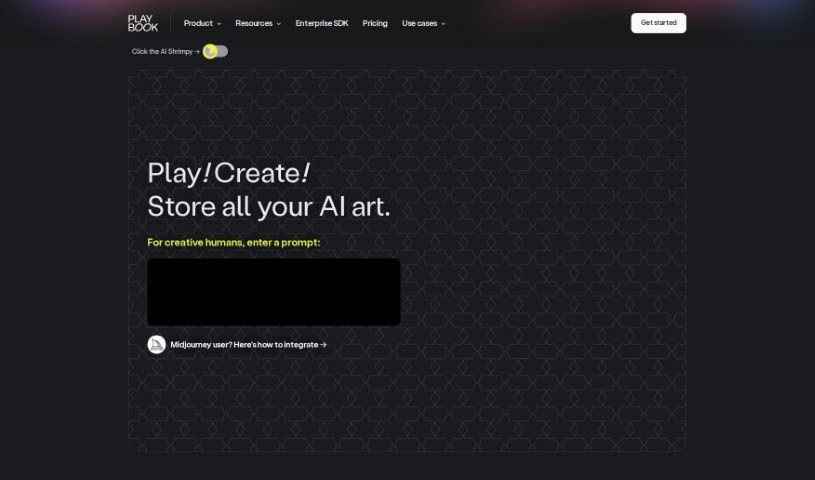
Playbook.com is a super-powered file manager built specifically for designers, and it's packed with AI to make your creative work flow smoother. You can actually generate unique, artistic designs right there using AI prompts. Plus, it helps you keep everything organized with tagging for your files and folders, offers project management tools, and makes collaboration a breeze for freelancers and design teams alike. There's also a handy Template Gallery with ready-to-go templates, and a community where you can even join AI art competitions.

Screenshot of Plugger

Plugger

Freemium

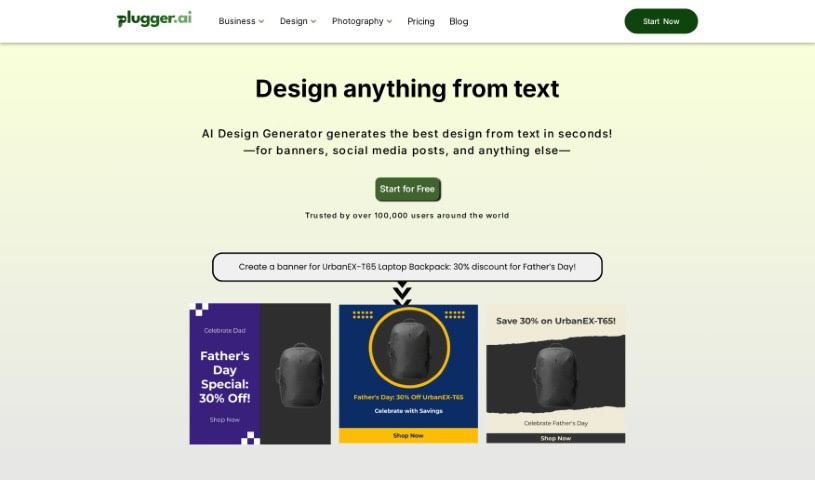
Plugger is a really versatile AI-powered design tool. It offers a whole range of design features, from graphic design and content generation to creating social media posts, logos, and even stock photos. You can also use it for t-shirt designs, comic books, character design, and even removing backgrounds from images and videos. What's cool is that it can also upscale image resolution, fix pixel errors, turn text into cartoon characters, convert photos into a cartoon style, and create those popular furry character designs. Plugger.ai lets you make unlimited revisions, which is great because it's designed to cut down on the usual headaches in design workflows. It really helps automate the whole design process, making it a cost-effective solution, especially for marketing and social media visuals.

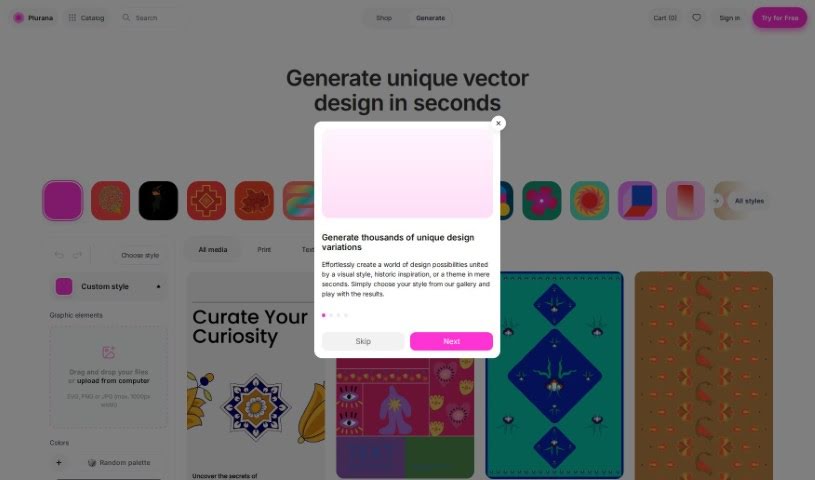
Screenshot of Plurana

Plurana

Freemium

Plurana is a really neat tool that lets you create vector designs, specifically high-quality SVGs. It is a generative design assistant for things like patterns, prints, and graphics for your social media. What's cool is that it can generate random design ideas, draw inspiration from cultural heritage for some truly unique looks, and you can even upload your own images to mix in. Plus, it works perfectly with Figma, which is a huge plus if you're already using that popular design software. The designs you make here really feel inspired by different cultures, giving them a special touch.

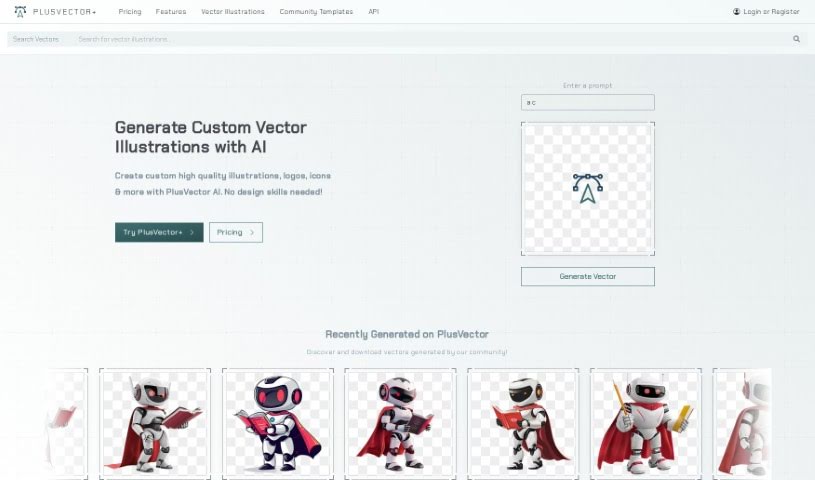
Screenshot of Plusvector

Plusvector

Freemium

PlusVector is your go-to AI engine for whipping up fantastic vector graphics. Whether you need illustrations, logos, or icons, it creates them instantly and really efficiently. The best part? You can generate scalable vector graphics (SVGs) just by typing in a simple prompt – no need to be a design pro! PlusVector lets you create vectors from prompts, gives you SVGs that look great no matter how big or small you make them, and includes easy editing tools. You also get access to a community library filled with vectors and templates, plus you can download as many vectors as you like. It's also great for commercial projects because you don't need to credit the tool for the images you use. Because the SVGs are resolution-independent, they'll always look sharp and clear on any device or screen size, and you can even tweak them with CSS and JavaScript. PlusVector offers different pricing plans: Standard, Pro, and Enterprise. You can use it for commercial work, get support for file formats beyond SVG, design logos, and really customize the vectors to your liking.

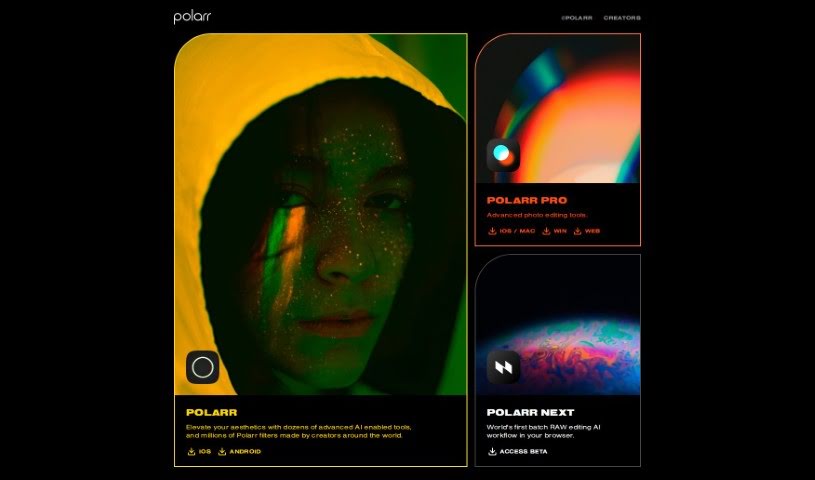
Screenshot of Polarr Copilot

Polarr Copilot

Freemium

Polarr Copilot is a really advanced platform that's changing how we create things. It uses smart AI tools to help you edit photos, make videos, and design graphics. You can easily turn your ideas into amazing visuals, and there are plenty of options to tweak everything until it's just right. The interface is super easy to use, no matter what style you're going for. It really lets you be creative with your photos, letting your imagination guide the editing process. Polarr Copilot makes editing simpler by letting you just describe what you want to change, and then you get to watch the magic happen right there in the tool.

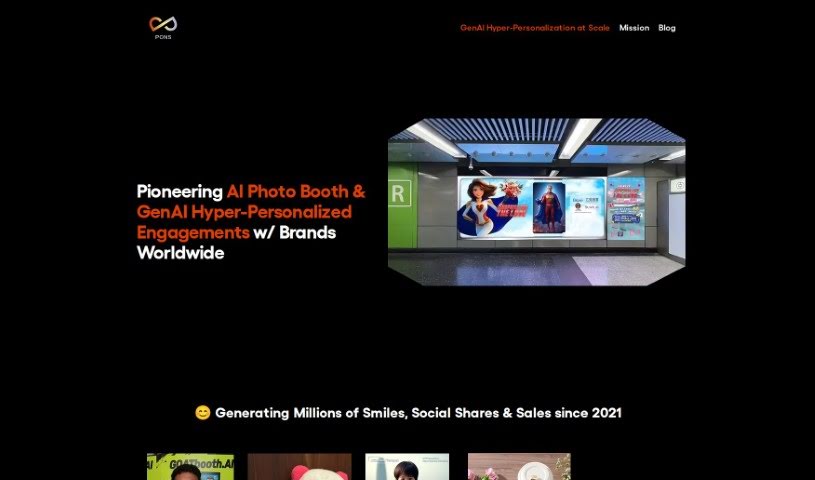
Screenshot of Pons Ai

Pons Ai

Freemium

Pons Ai is a really neat SaaS tool that uses artificial intelligence to help you create one-of-a-kind, personalized greeting cards. What makes it stand out from other card-making tools is its 'AI Artist' feature. This lets you describe exactly what you want the AI artist to draw, giving you a huge amount of control over personalization and creativity. The tool guides you through everything, from entering the recipient's details to quickly generating several card designs. It really simplifies the whole process of designing a card and even offers creative suggestions if you're stuck.

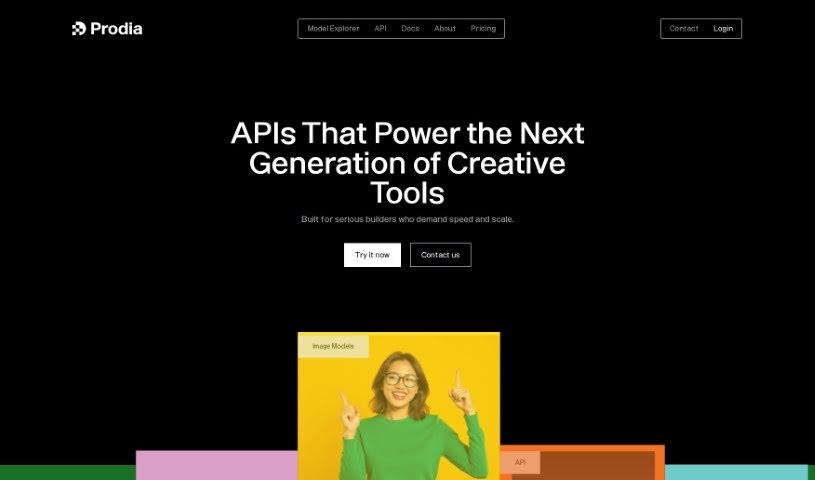
Screenshot of Prodia

Prodia

Freemium

Prodia is a really dynamic API for creating images. It can turn your text into stunning visuals in less than 2 seconds, which is pretty amazing! Plus, it's priced fairly, offering significant savings compared to typical cloud services. It's built to scale up easily, with over 10,000 GPUs ready to handle whatever your application needs. Prodia's main goal is to make AI integration simple for software applications. They offer a Stable Diffusion API tool that's great for generating both images and music. By making things easier and taking away the need for developers to manage GPU infrastructure themselves, Prodia creates a smooth experience for building AI-driven content. This means developers can really focus on bringing their AI ideas to life without worrying about training models or managing GPUs. It's no wonder they're already seeing over a million API-generated creations every week – it really shows how much of an impact Prodia is having!

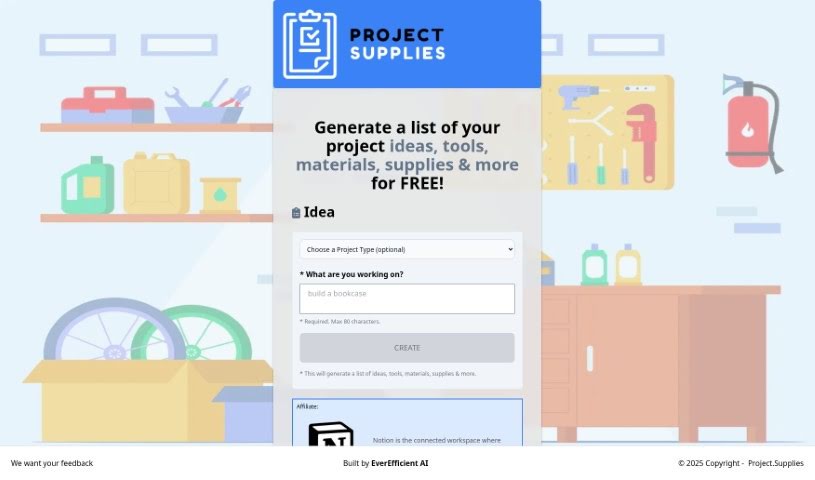
Screenshot of Project.supplies

Project.supplies

Freemium

Project.Supplies is your go-to spot for sparking creativity and diving into do-it-yourself (DIY) projects. It’s designed to be super easy to use, offering everything from project ideas and step-by-step instructions to lists of the tools and materials you'll need. Whether you're just starting out or you've been crafting for years, Project.Supplies aims to inspire you and make bringing your ideas to life a breeze. You can browse through tons of different DIY categories, grab free project ideas, and get all the guidance you need, whether your interest is 3D printing, woodworking, general crafts, or something else entirely.

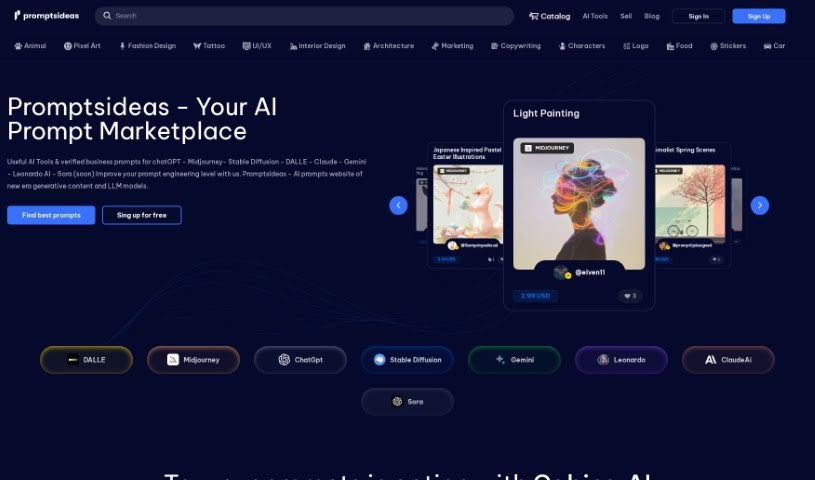
Screenshot of Promptsideas

Promptsideas

Freemium

Promptsideas is a vibrant marketplace where anyone can easily find generative AI prompts for their projects. It's also a place where you can sell your own creative ideas. When you add your AI prompts to the catalog, you get to keep 70% of the sale value. The platform features prompts crafted by engineers for popular services like Midjourney, DALL-E, Stable Diffusion, Bard, and ChatGPT. The goal? To inspire fresh ways of creating text and images, really boosting your creativity. Plus, you can customize and fine-tune AI models yourself to work more efficiently and get even better results.

Stay Updated with AI Tools

Get weekly updates on the latest AI tools, trends, and insights delivered to your inbox

Join 25,000+ AI enthusiasts. No spam, unsubscribe anytime.