AI Tools for Design

Discover the best Design AI tools to enhance your productivity and creativity.

Page 14 of 19 • 227 total tools

Designing visuals used to be something only artists or those with advanced software skills could do. But AI design generators are changing all that for everyone. Now, creating amazing graphics, logos, and layouts can be as simple as typing in a prompt.

These tools have gotten really good, really fast, making design more accessible and way less time-consuming. You no longer have to struggle with complicated software or spend hours perfecting an idea. With just a few clicks, you can generate professional-looking designs.

After spending weeks exploring and testing a bunch of AI design generators, I’ve put together a list of the best ones out there right now. Whether you’re looking for easy-to-use apps or powerful tools for experienced designers, there’s something here for you.

So, if you want to jazz up your social media posts or need eye-catching marketing materials, this guide will help you find the right AI design assistant to make your visuals stand out. Let’s dive in and see what the future of design looks like!

The Best AI Design Generators

  1. Canva for easily creating social media graphics.
  2. Ideogram for custom logo creation for brands.
  3. Renderforest for custom logo design for startups.
  4. BeFunky for effortlessly creating custom graphics.
  5. Icons8 for generating unique design templates.
  6. Microsoft Designer for quickly generating unique social media graphics.
  7. Imagine AI Art Generator for designing prototypes for branding.
  8. Meshy for rapid 3D design creation from prompts.
  9. Kittl for creating custom logos in seconds.
  10. Shakker AI for dynamic logo creation for brands.
  11. Stylar for instantly generating unique art styles.
  12. Tripo AI for creating custom product prototypes.
  13. Homestyler for creating custom room layouts and styles.
  14. Phot Ai for dynamic vector art creation from prompts.
  15. Designs AI for instant graphic design for social media.

How Do AI Design Generators Work?

AI design generators use advanced algorithms and huge datasets to create visual content. Basically, they use deep learning and neural networks to understand your input and then create new images, graphics, or designs. These generators often rely on convolutional neural networks (CNNs), which are great at processing visual information.

To get designs made, users usually give prompts – think keywords or style preferences. The AI then looks at existing design elements like colors, patterns, and shapes to create something unique and relevant. This ability to learn from countless designs means the AI can copy different styles and adapt to various aesthetics.

Many design generators are built using pre-trained models that have processed large databases of artwork, photos, and design templates. By learning from all this visual information, the AI can spot patterns and understand what makes a design appealing. It then uses this knowledge to create new pieces.

It’s important to remember that while AI design tools can produce striking results, they still need human input. Users have to choose the right input, refine their prompts, and pick the results that best match their vision. Ultimately, these tools act as collaborators, enhancing the creative process instead of completely replacing human designers.

If you’re curious to explore this technology more, lots of platforms let you try out AI design tools yourself. You can see how they turn simple ideas into compelling visuals. As technology keeps advancing, the possibilities for AI in design keep growing, pushing what we can do.

Our Best AI Design Generators at a Glance

RankNameBest ForPlans and PricingRating
1CanvaCreating social media graphics easily.N/A4.73 (11 reviews)
2IdeogramCustom logo creation for brands.N/A4.85 (26 reviews)
3RenderforestCustom logo design for startups.N/A4.50 (14 reviews)
4BeFunkyEffortlessly create custom graphics.Paid plans start at $83.88/year.4.69 (13 reviews)
5Icons8Generate unique design templates.N/A3.64 (11 reviews)
6Microsoft DesignerQuickly generate unique social media graphics.N/A4.64 (11 reviews)
7Imagine AI Art GeneratorDesign prototypes for branding.N/A4.80 (5 reviews)
8MeshyRapid 3D design creation from prompts.Paid plans start at $1.60/100 credits (billed yearly).4.58 (12 reviews)
9KittlCreate custom logos in seconds.Paid plans start at $120/annually.4.80 (10 reviews)
10Shakker AIDynamic logo creation for brands.N/A4.67 (21 reviews)
11StylarInstantly generate unique art styles.Paid plans start at $50/month.4.11 (9 reviews)
12Tripo AICreating custom product prototypes.N/A4.42 (12 reviews)
13HomestylerCustom room layouts and styles creation.Paid plans start at $9.9/month.4.77 (13 reviews)
14Phot AiDynamic vector art creation from prompts.N/A4.77 (13 reviews)
15Designs AIInstant graphic design for social media.N/A4.27 (11 reviews)
Screenshot of Puzzlegenerator.ai

Puzzlegenerator.ai

Freemium

PuzzleGenerator.ai is a really neat tool that lets you create your own unique jigsaw puzzles just by typing in a text prompt. It uses AI to generate amazing-looking puzzles based on what you describe. This makes it super handy for all sorts of things, like making educational materials or even personalized gifts. You can use its features to generate images, create the puzzles themselves, and even turn your designs into actual physical products. The tech behind it includes Stable Diffusion, MidJourney, Next.js, Shopify, TypeScript, Tailwind CSS, and Emotion. Plus, feedback from people who love AI helps make the platform even better in the exciting World of AI.

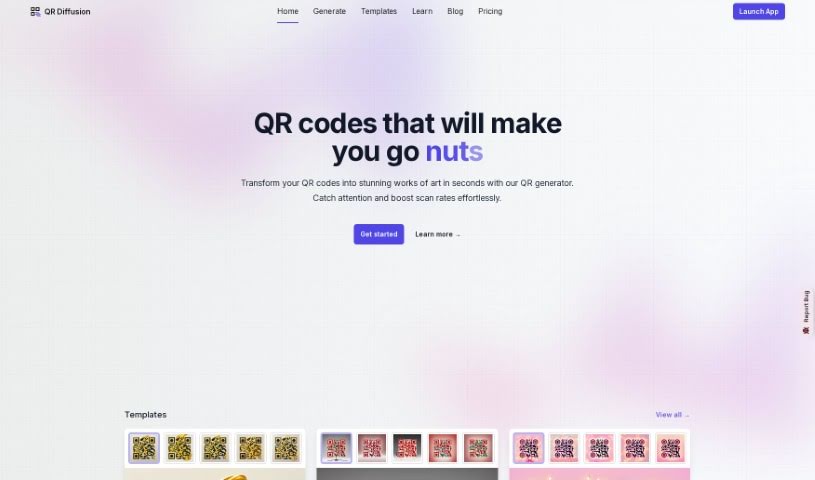
Screenshot of QR Diffusion

QR Diffusion

Freemium

QR Diffusion is a really neat Artistic QR code generator. It takes those standard black and white QR codes and turns them into eye-catching designs by blending AI with dynamic art. What's great is that these codes aren't just pretty; they work perfectly too, smoothly combining style with practicality. You can really make them your own, too, since customization is a big part of it. You can tweak templates for color, size, and design to fit exactly what you need. The platform also has ready-made templates if you're in a hurry, and it's designed for everyone, with settings for Beginners, Advanced, and Expert users. Plus, there's an Outpaint feature that lets you add a special creative flair, making your QR codes truly unique compared to the usual ones. And with a fast GPU, generating and rendering your codes is quick, ensuring a smooth experience for everyone, whether you're using it for free or as a premium user.

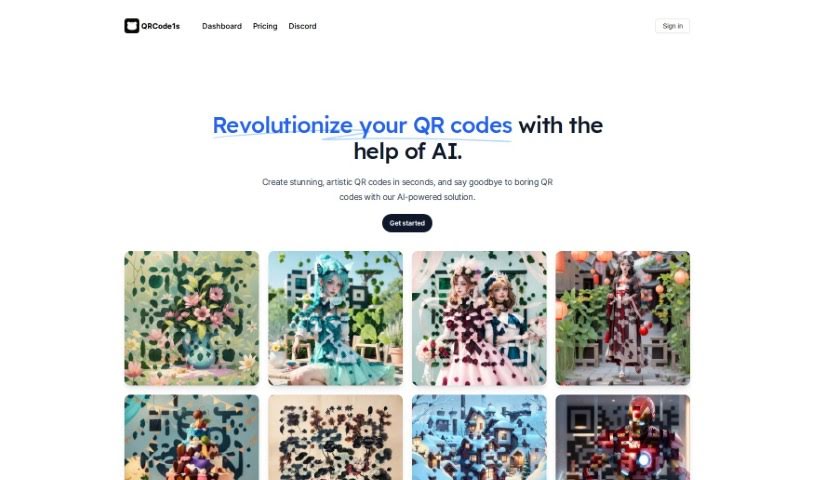
Screenshot of Qrcode1S

Qrcode1S

Freemium

Qrcode1S is a platform that uses AI to help you create really unique, artistic QR codes, and it's super quick and easy to use. It is a way to jazz up those standard QR codes so they look more like your personal style or your brand's look. You can get started by either uploading a QR code you already have or just typing in some text. Then, you give the AI a creative prompt, and bam! You've got an artistic QR code in seconds. They offer a Free Account, which comes with watermarks, and a Pro Account. The Pro version is available at a special early price and gives you 1000 generations of artistic QR codes without watermarks, plus private mode. This tool is pretty versatile; you can use it for everything from making your personal brand stand out on WeChat to helping protect your brand against counterfeiting. It's a handy tool for all sorts of industries and personal projects.

Screenshot of Qriginals

Qriginals

Freemium

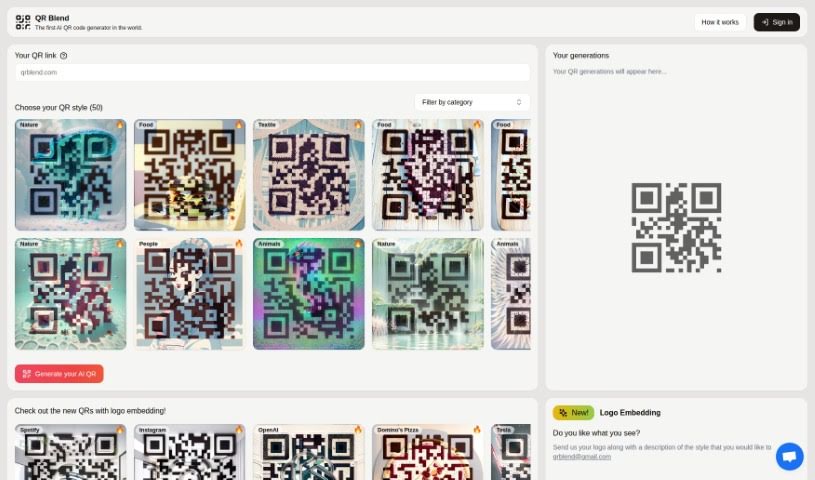
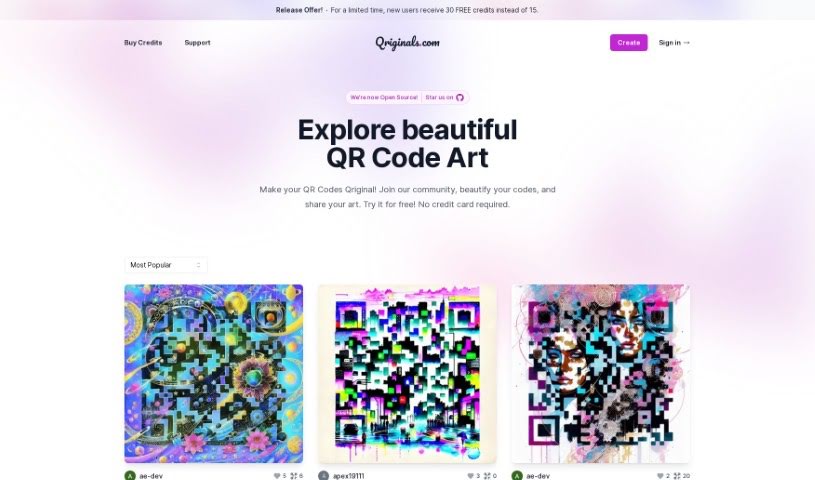
Qriginals is a really cool platform that uses AI to help you create and share your own unique artwork, but with a twist – it's all in the form of QR codes! You can play around with the AI Art Generator to customize your designs and then share them with the whole Qriginals community. What's neat is that you get customizable QR code art, tons of design ideas to spark your creativity, and a special offer for new users: free credits just for signing up! Plus, there's a community forum if you need help or want to chat, and a gallery showcasing all sorts of amazing QR code art that others have made. It’s a great way to connect with other artists and see what they're creating.

Screenshot of QRX Codes

QRX Codes

Freemium

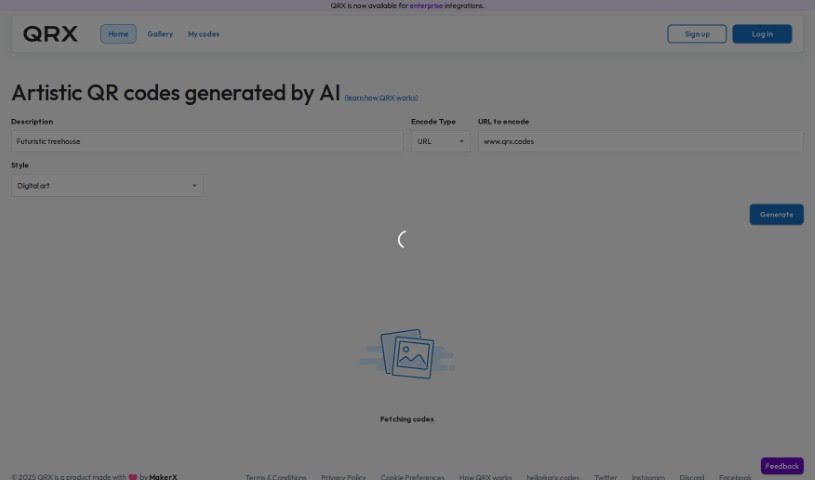
QRX is a really neat tool that lets you create QR codes that aren't just functional, but also colorful and artistic. You can customize them to perfectly match your brand's look and feel. Instead of those standard black-and-white QR codes, QRX lets you transform them into visually appealing images that are much more likely to grab people's attention. And don't worry, these aren't just pretty pictures; they're fully functional and scannable, leading users directly to whatever content you want them to see. The platform itself has a super user-friendly editor, making customization a breeze, and it offers high-resolution export options, which is great whether you're using them digitally or for print.

Screenshot of Quilt.AI

Quilt.AI

Freemium

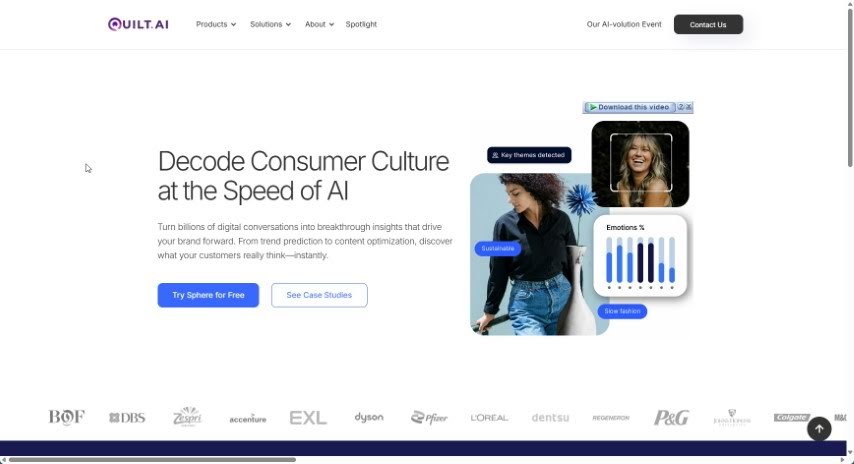
Quilt & Create is an online platform that seems to offer resources for quilting and creativity. While the available content doesn't go into much detail about its specific functions, it appears to be a place for quilters and creative folks to find what they need. To really get a feel for what it offers, you'd probably want to check out more information directly from their site.

Screenshot of Rayst Gradients

Rayst Gradients

Freemium

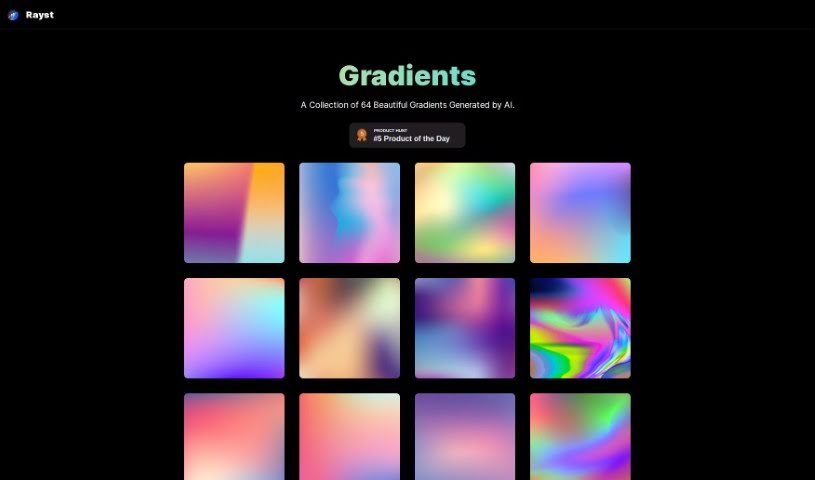
Rayst Gradients offers a collection of 64 beautiful gradients, all generated by artificial intelligence. These aren't just any gradients; they're designed to really make your design projects pop with unique color blends, adding a fantastic splash of vibrancy and visual appeal. What's even better is that the entire collection is available for free, whether you're using it for commercial work or just for fun, and you don't need any special permissions. While attribution is always appreciated, it's not required. This means designers, web developers, and artists can easily download and plug these gradients into all sorts of projects, instantly boosting the visual experience without worrying about licenses. Each gradient is carefully crafted by AI, giving you a versatile and inspiring resource for whatever design challenges you're facing.

Screenshot of Refabric

Refabric

Freemium

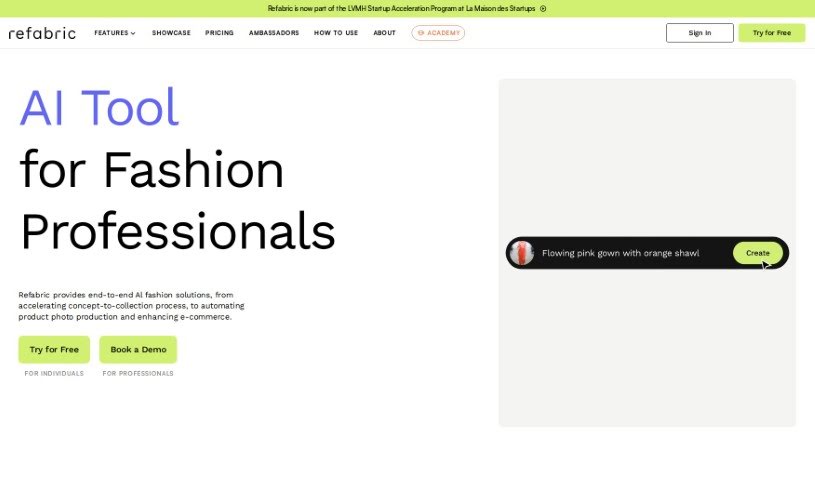
Refabric is a fantastic tool that lets you dive into the world of AI fashion design without any hassle. It's perfect whether you're just starting to sketch out your very first collection or you're already a seasoned designer looking to refine your skills. Refabric offers a really intuitive and easy-to-use interface that's designed to help you every step of the way. This platform makes it simple to explore designs that are on-trend, connect with other designers, and really bring your fashion ideas to life. Essentially, it empowers you to create designs using generative AI, completely changing the game for fashion design.

Screenshot of Reimagina

Reimagina

Freemium

ReImagina is a really neat Chrome Extension that uses AI to help you be more creative. It is a smart assistant for artists, designers, and anyone who works with visuals. It helps you find images that spark your imagination and then, with a few clicks, generates similar images that are perfectly suited to what you need. This makes it so much easier to find just the right visual and create AI-powered alternatives, which means you can really boost your creativity, save a ton of time, and get more done. Plus, it can help your designs grab attention and improve your results, especially since top companies often use high-quality, fresh designs like these. It's super easy to use, too. Just right-click on any image, pick "ReImagine Image," and you'll get AI-generated options right away. There’s a free LITE version that gives you 20 credits each month, and a PRO version with 500 credits if you need more. It’s all priced affordably, too. The team behind ReImagina is made up of skilled engineers from well-known companies, and they’ve created a tool that really balances being efficient with fostering creativity, all through a simple Chrome extension.

Screenshot of Renderforest

Renderforest

Freemium

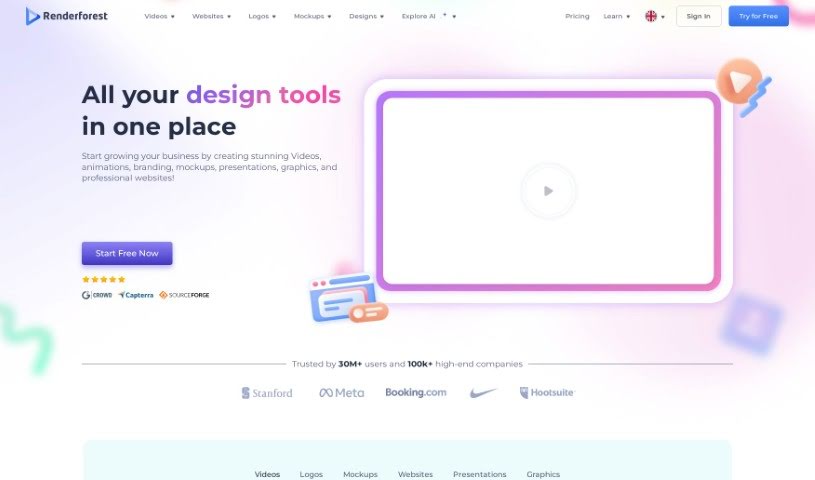
The Renderforest Free AI Business Name Generator is a handy tool designed to help entrepreneurs and business owners come up with unique and memorable names for their companies. It uses smart AI to help you brainstorm. Beyond just names, Renderforest offers a whole suite of services to get your brand off the ground. You can create logos, get branding advice, find social media templates, register a domain name, and even design website templates. Basically, by inputting keywords and information about your company, the platform can suggest thousands of name ideas. It also helps you create promotional materials like social media graphics and animated videos to support your business's growth.

Screenshot of ReRoom AI

ReRoom AI

Freemium

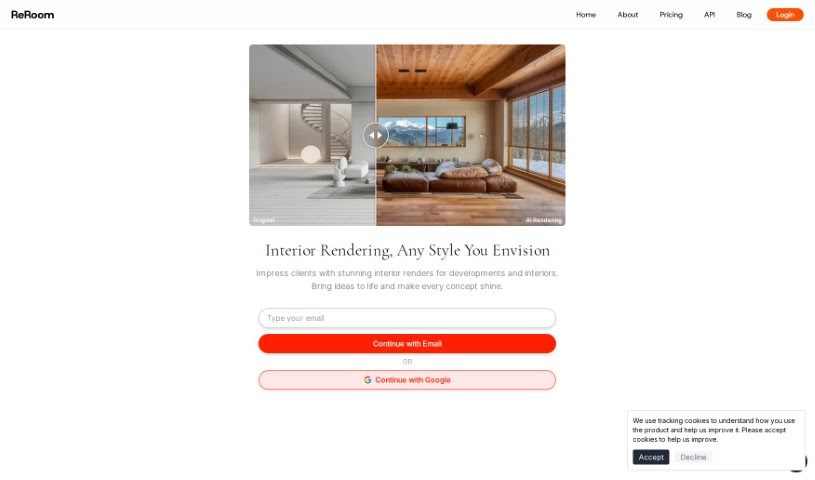
ReRoom AI is a really neat online tool that can instantly give your rooms impressive interior design makeovers. All you have to do is upload a photo of your room, and you can then check out more than 20 different design styles. You'll get photorealistic images of your space in just seconds! It's perfect for anyone who owns a home, works as an interior designer, or just loves decor and wants to play around with different looks without any hassle. ReRoom AI makes it super easy to virtually stage rooms, plan out renovations, and explore all sorts of creative design ideas, really bringing your imagination to life visually.

Stay Updated with AI Tools

Get weekly updates on the latest AI tools, trends, and insights delivered to your inbox

Join 25,000+ AI enthusiasts. No spam, unsubscribe anytime.