AI Tools for Design

Discover the best Design AI tools to enhance your productivity and creativity.

Page 15 of 19 • 227 total tools

Designing visuals used to be something only artists or those with advanced software skills could do. But AI design generators are changing all that for everyone. Now, creating amazing graphics, logos, and layouts can be as simple as typing in a prompt.

These tools have gotten really good, really fast, making design more accessible and way less time-consuming. You no longer have to struggle with complicated software or spend hours perfecting an idea. With just a few clicks, you can generate professional-looking designs.

After spending weeks exploring and testing a bunch of AI design generators, I’ve put together a list of the best ones out there right now. Whether you’re looking for easy-to-use apps or powerful tools for experienced designers, there’s something here for you.

So, if you want to jazz up your social media posts or need eye-catching marketing materials, this guide will help you find the right AI design assistant to make your visuals stand out. Let’s dive in and see what the future of design looks like!

The Best AI Design Generators

  1. Canva for easily creating social media graphics.
  2. Ideogram for custom logo creation for brands.
  3. Renderforest for custom logo design for startups.
  4. BeFunky for effortlessly creating custom graphics.
  5. Icons8 for generating unique design templates.
  6. Microsoft Designer for quickly generating unique social media graphics.
  7. Imagine AI Art Generator for designing prototypes for branding.
  8. Meshy for rapid 3D design creation from prompts.
  9. Kittl for creating custom logos in seconds.
  10. Shakker AI for dynamic logo creation for brands.
  11. Stylar for instantly generating unique art styles.
  12. Tripo AI for creating custom product prototypes.
  13. Homestyler for creating custom room layouts and styles.
  14. Phot Ai for dynamic vector art creation from prompts.
  15. Designs AI for instant graphic design for social media.

How Do AI Design Generators Work?

AI design generators use advanced algorithms and huge datasets to create visual content. Basically, they use deep learning and neural networks to understand your input and then create new images, graphics, or designs. These generators often rely on convolutional neural networks (CNNs), which are great at processing visual information.

To get designs made, users usually give prompts – think keywords or style preferences. The AI then looks at existing design elements like colors, patterns, and shapes to create something unique and relevant. This ability to learn from countless designs means the AI can copy different styles and adapt to various aesthetics.

Many design generators are built using pre-trained models that have processed large databases of artwork, photos, and design templates. By learning from all this visual information, the AI can spot patterns and understand what makes a design appealing. It then uses this knowledge to create new pieces.

It’s important to remember that while AI design tools can produce striking results, they still need human input. Users have to choose the right input, refine their prompts, and pick the results that best match their vision. Ultimately, these tools act as collaborators, enhancing the creative process instead of completely replacing human designers.

If you’re curious to explore this technology more, lots of platforms let you try out AI design tools yourself. You can see how they turn simple ideas into compelling visuals. As technology keeps advancing, the possibilities for AI in design keep growing, pushing what we can do.

Our Best AI Design Generators at a Glance

RankNameBest ForPlans and PricingRating
1CanvaCreating social media graphics easily.N/A4.73 (11 reviews)
2IdeogramCustom logo creation for brands.N/A4.85 (26 reviews)
3RenderforestCustom logo design for startups.N/A4.50 (14 reviews)
4BeFunkyEffortlessly create custom graphics.Paid plans start at $83.88/year.4.69 (13 reviews)
5Icons8Generate unique design templates.N/A3.64 (11 reviews)
6Microsoft DesignerQuickly generate unique social media graphics.N/A4.64 (11 reviews)
7Imagine AI Art GeneratorDesign prototypes for branding.N/A4.80 (5 reviews)
8MeshyRapid 3D design creation from prompts.Paid plans start at $1.60/100 credits (billed yearly).4.58 (12 reviews)
9KittlCreate custom logos in seconds.Paid plans start at $120/annually.4.80 (10 reviews)
10Shakker AIDynamic logo creation for brands.N/A4.67 (21 reviews)
11StylarInstantly generate unique art styles.Paid plans start at $50/month.4.11 (9 reviews)
12Tripo AICreating custom product prototypes.N/A4.42 (12 reviews)
13HomestylerCustom room layouts and styles creation.Paid plans start at $9.9/month.4.77 (13 reviews)
14Phot AiDynamic vector art creation from prompts.N/A4.77 (13 reviews)
15Designs AIInstant graphic design for social media.N/A4.27 (11 reviews)
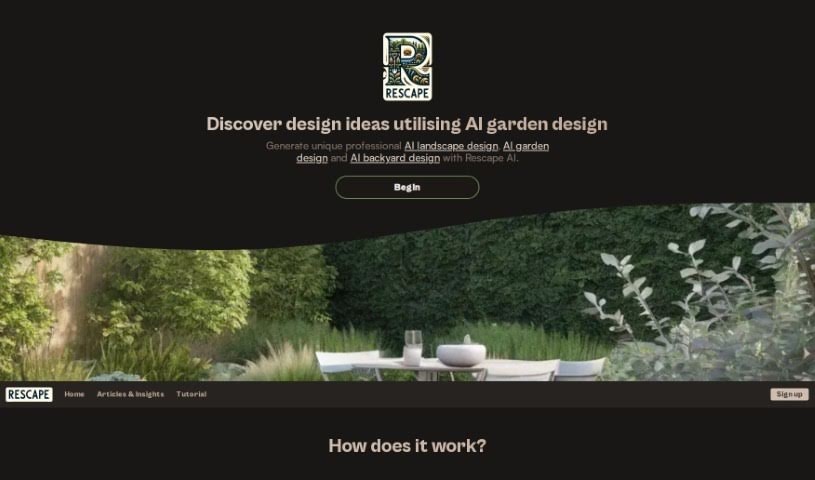
Screenshot of Rescape AI

Rescape AI

Freemium

RescapeAI is an AI-powered app that's changing the game for garden design. It lets homeowners and garden lovers create custom garden layouts that perfectly fit their outdoor spaces. Just upload a picture of your garden, tell it the style you're dreaming of, and in seconds, you'll get a professional garden plan with fresh landscaping ideas. You can try it out for free forever, though the images will have a watermark. If you want higher quality, watermark-free images, they offer affordable subscription plans, making it a super easy tool to get inspired and make your garden look amazing.

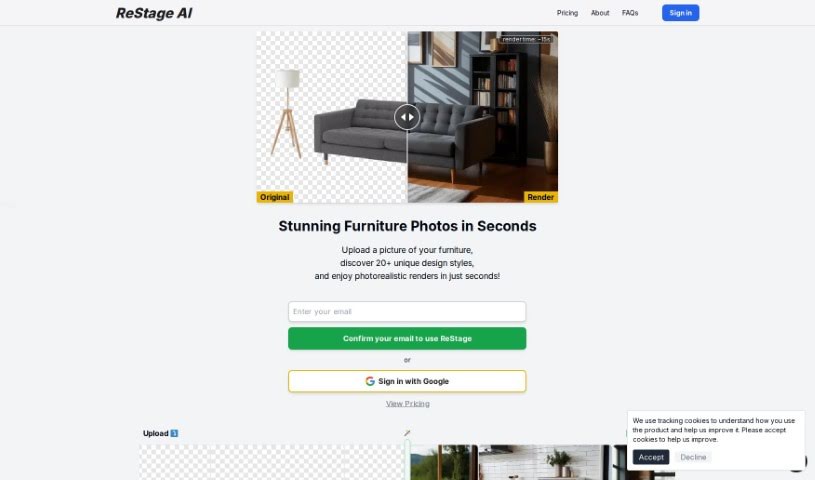
Screenshot of Restage

Restage

Freemium

Restage AI is a really neat tool that uses artificial intelligence to help you out. You can upload a photo of any space, and then pick from over 20 different design styles. The AI then digitally transforms your photo, creating incredibly realistic images that match exactly what you had in mind. It’s perfect for visualizing concepts or products in a way that looks totally natural and fits your chosen style. Plus, it's super easy to use, has a "Creative Mode" if you want to get a bit more experimental, and it generates these amazing renders super fast – usually in just seconds!

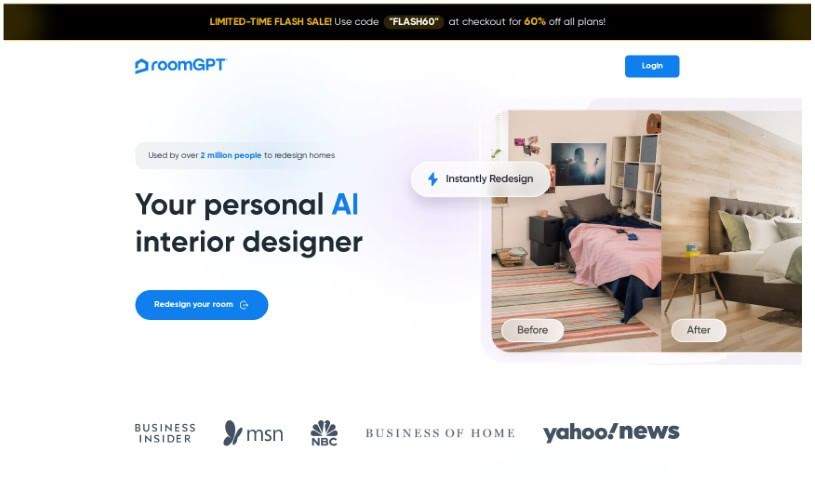
Screenshot of RoomGPT

RoomGPT

Freemium

RoomGPT is a cool AI tool that helps you redesign your rooms. Basically, you give it a photo of your space, and it generates different design ideas and layouts based on what you like. It's pretty popular, with over 92,000 users worldwide already! Since it's open-source and hosted on GitHub, developers can easily access and work with it. RoomGPT uses smart AI to digitally change your room's photo, showing you new themes, wall colors, and furniture setups. This makes it super easy to see what your redesign could look like and pick the best options. People really like how it helps them visualize redesigns and make smarter choices for their home projects. You can change room layouts, swap out wall colors, and try out new furniture arrangements just by using RoomGPT. The best part? It's completely free to use! Over 2 million users have given it great feedback, praising how fast, affordable, and convenient it is compared to hiring a professional interior designer.

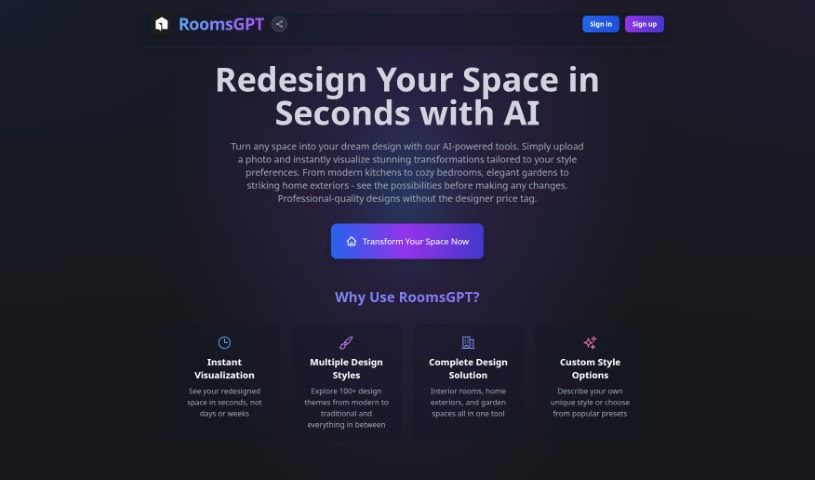
Screenshot of Roomsgpt

Roomsgpt

Freemium

Roomsgpt is a really neat online design tool from RoomGPT. It lets you create the home or living space you've always dreamed of, simply by uploading a photo of your current room or house. Thanks to RoomGPT's AI design tools, you can get interior and exterior design ideas in a flash. This means you can easily visualize and actually make your design dreams a reality. Whether you're thinking about a bedroom makeover, a kitchen renovation, or even an entire home redesign, Roomsgpt makes exploring all the design possibilities feel effortless.

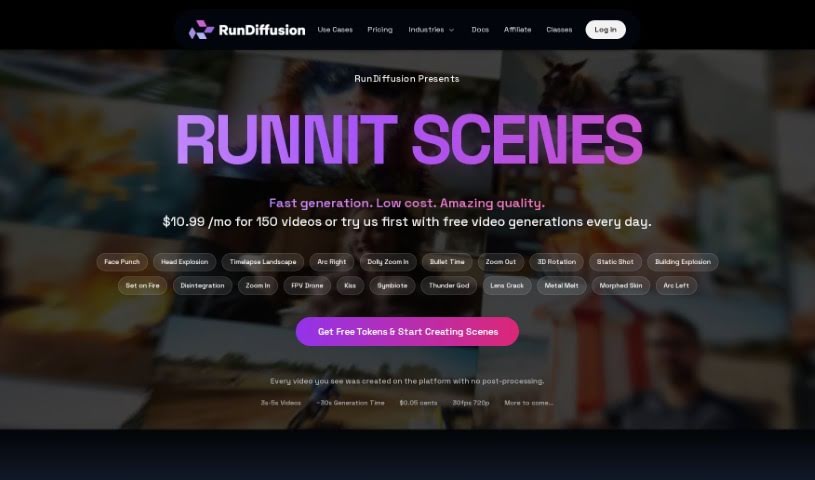
Screenshot of RunDiffusion

RunDiffusion

Freemium

RunDiffusion is a cloud platform built specifically for creating AI-generated art. It is a managed service that gives you access to powerful GPUs, so you can jump right into generating AI art without any coding hassle. It's designed for everyone, from seasoned artists to folks just curious about AI art. The interface is really straightforward, letting you play around with all sorts of artistic styles and techniques. Plus, RunDiffusion makes it easy for artists to connect, share what they've made, and even team up on projects in a friendly, creative space.

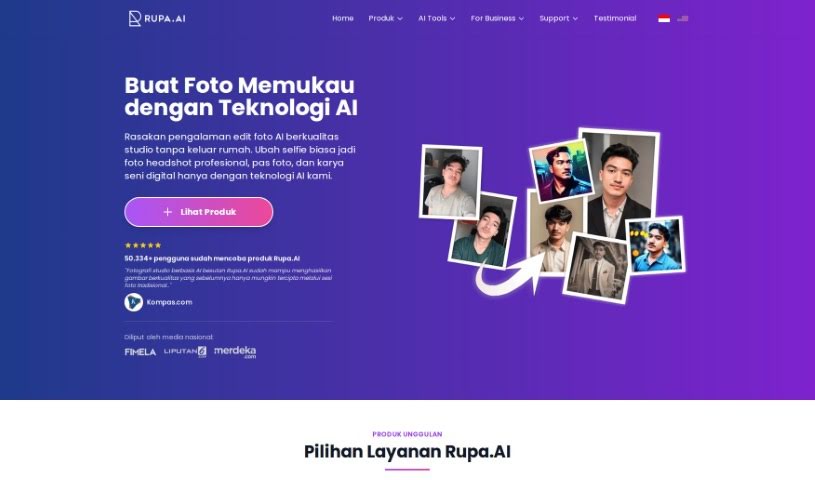
Screenshot of Rupa.ai

Rupa.ai

Freemium

Rupa.AI is an AI-powered platform that really shines when it comes to enhancing and transforming your photos and visual designs. It is your go-to tool for making images look their absolute best. It comes packed with several cool features, including Artvatar, Headshot, Potret Kenangan (which is inspired by K-Beauty), and Dreamspace. These tools let you take regular images and turn them into something extraordinary, create polished, professional profile pictures, or even help you visualize your dream interior designs.

Screenshot of Rusher AI Meme

Rusher AI Meme

Freemium

AI Meme technology is all about using artificial intelligence to create memes. It is smart software that can look at images, understand text, and even pick up on current trends to whip up funny and relatable memes. With AI meme generators, making your own custom memes is super easy. You can just type in some text or pick from ready-made templates. This tech has really taken off on social media, making it much quicker for anyone – individuals or businesses – to create engaging content that uses humor and creativity to connect with their audience.

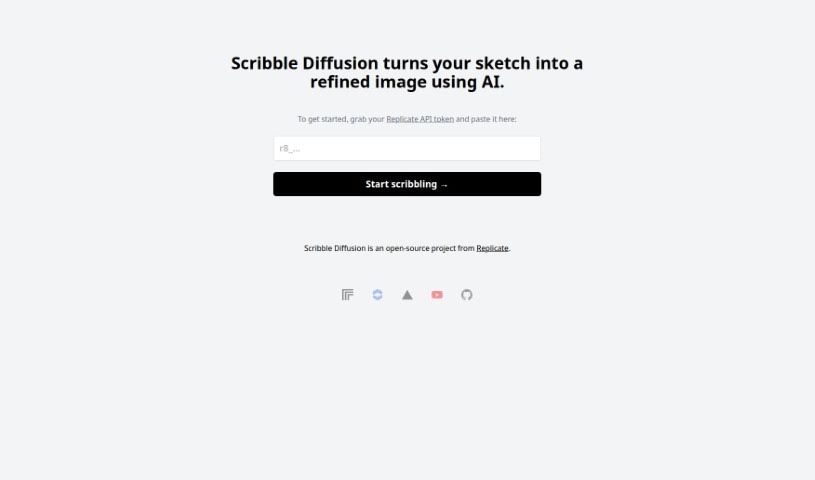
Screenshot of Scribble Diffusion

Scribble Diffusion

Freemium

Scribble Diffusion is a really neat open-source project from Replicate. It uses AI to take your rough sketches and turn them into much more polished, professional-looking images. You just draw something simple, and Scribble Diffusion works its magic to create something that looks like it came straight from a designer's toolkit. What makes it stand out is how easy it is to go from a sketch to a finished image, the professional quality of the results, and the fact that it's open-source, meaning people can contribute to make it even better over time. It's super versatile, great for artists and designers, and honestly, anyone who likes to create things. Plus, its interface is really straightforward, so you don't need to be a tech wizard to use it.

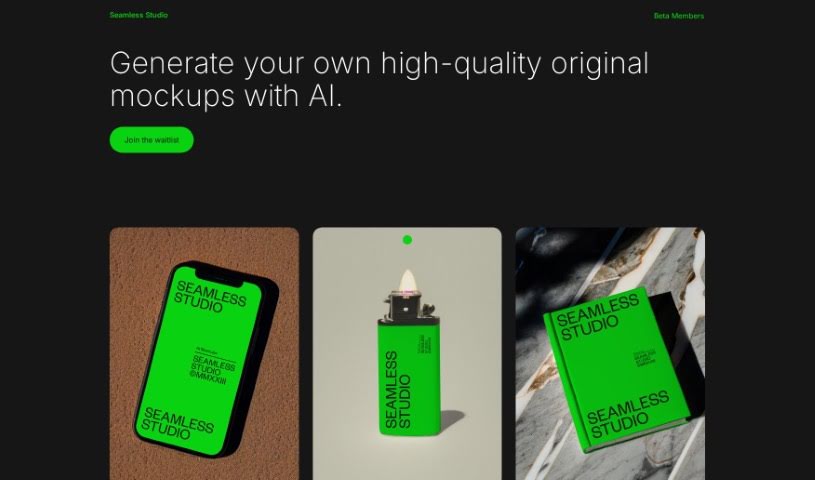
Screenshot of Seamless Studio

Seamless Studio

Freemium

Seamless Studio is a platform designed to help you create really good, original mockups using artificial intelligence. Basically, you can generate your own unique mockups with a little help from AI. The whole idea behind the platform is to make creating mockups a smooth and easy process, so you can get them done efficiently and effectively. By using AI's capabilities, Seamless Studio gives you the power to design and customize mockups exactly how you need them. It’s a great solution if you’re looking to create original, professional-looking visuals.

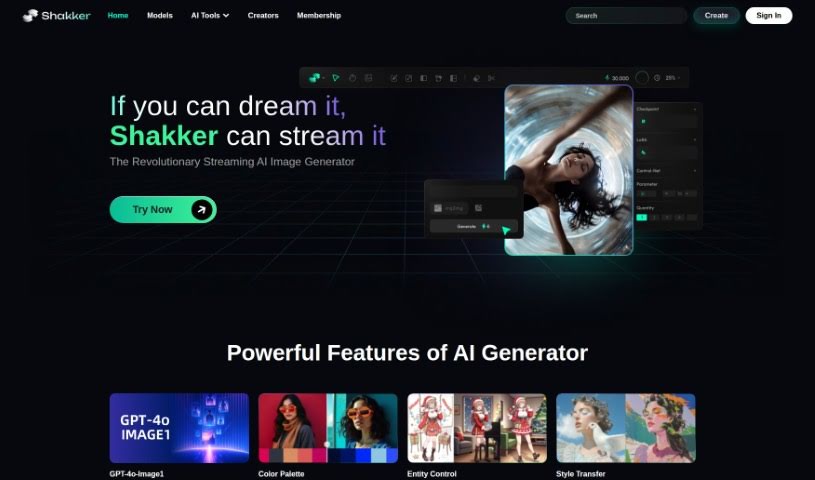
Screenshot of Shakker AI

Shakker AI

Freemium

Shakker AI is a really impressive tool in the world of digital images. It's essentially an advanced Image to Image AI Generation Tool that's changing how we create visuals. It is a super user-friendly way for anyone – whether you're a pro designer or just enjoy creating things – to easily transform images, spark new ideas, and get more done. It's incredibly useful for graphic design, advertising, and making social media content. When you start using Shakker AI in your projects, you can expect great-looking results, fast image changes, and a lot of flexibility for marketing, design, and social media work. What really makes it stand out are the options to customize what you get, the high quality of the images it produces, how quickly it works, its easy-to-use design, and how many different ways you can apply it.

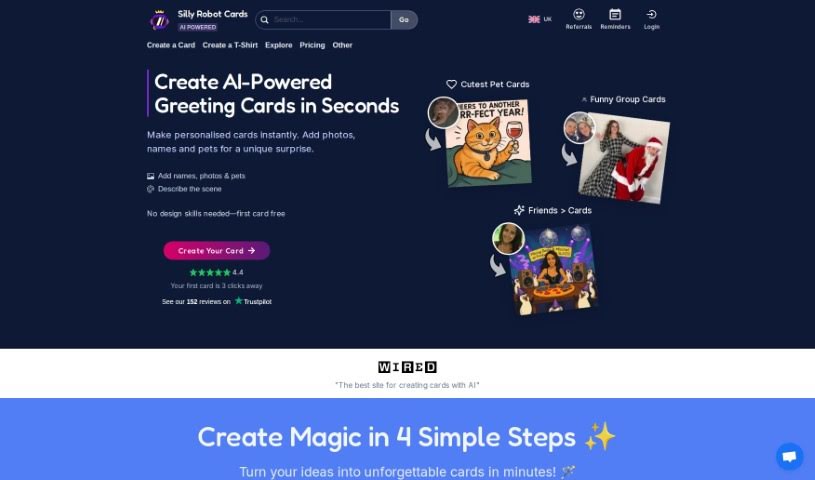
Screenshot of Silly Robot Cards

Silly Robot Cards

Freemium

Silly Robot Cards is a really neat platform that uses AI and some cool, unique card designs to help you create personalized greeting cards. You can upload your own photos and then pick from over 80 different AI-generated designs. This lets you make custom cards that really fit the person you're sending them to – their interests, their personality, all of it. Plus, they're committed to the environment; the cards are printed on materials sourced sustainably and use water-based inks. You can also write your own messages inside and choose from various shipping options, even if you need them sent internationally. The person behind it all, Matt, got the idea because he felt there weren't many greeting cards out there that felt truly meaningful. He used AI generative art to create cards that people found both funny and thoughtful. What really makes Silly Robot Cards stand out is how they focus on giving you personalized, high-quality cards quickly, all thanks to AI.

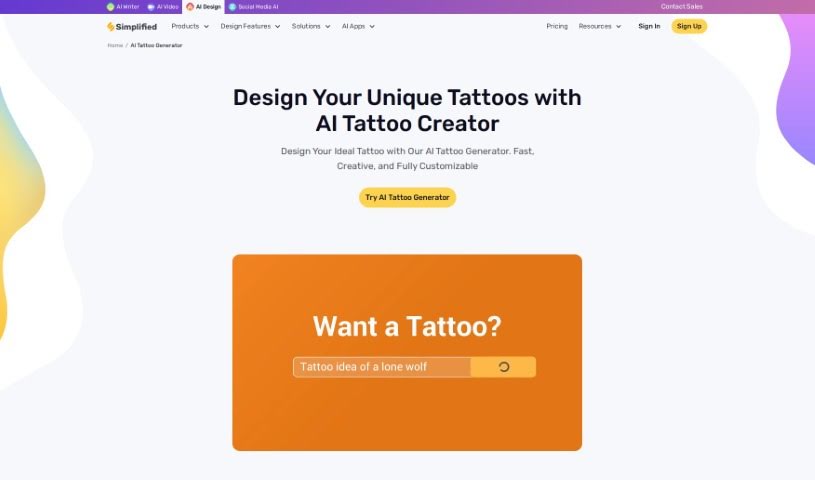
Screenshot of Simplified Tattoo Generator

Simplified Tattoo Generator

Freemium

Simplified's AI Tattoo Generator is a really neat tool that uses the latest artificial intelligence to help you create and personalize tattoo designs. You just give it some input, and it comes up with unique tattoo ideas tailored to what you're looking for. It's designed to offer a huge variety of custom tattoo concepts by taking into account all sorts of user specifications and preferences. You can explore different styles and even think about placement options, giving you a broad range of possibilities for your body art. The AI-generated tattoo options it provides really simplify the whole design process, presenting you with creative and personalized results quickly. Plus, it makes designing online super easy and convenient, which is a much more affordable way to go than traditional methods. Basically, the AI Tattoo Generator aims to bring creativity, affordability, and top-notch artistry right into the tattoo design process, making it great for anyone, whether it's your first tattoo or you're a seasoned tattoo enthusiast.

Stay Updated with AI Tools

Get weekly updates on the latest AI tools, trends, and insights delivered to your inbox

Join 25,000+ AI enthusiasts. No spam, unsubscribe anytime.