AI Tools for Design

Discover the best Design AI tools to enhance your productivity and creativity.

Page 16 of 19 • 227 total tools

Designing visuals used to be something only artists or those with advanced software skills could do. But AI design generators are changing all that for everyone. Now, creating amazing graphics, logos, and layouts can be as simple as typing in a prompt.

These tools have gotten really good, really fast, making design more accessible and way less time-consuming. You no longer have to struggle with complicated software or spend hours perfecting an idea. With just a few clicks, you can generate professional-looking designs.

After spending weeks exploring and testing a bunch of AI design generators, I’ve put together a list of the best ones out there right now. Whether you’re looking for easy-to-use apps or powerful tools for experienced designers, there’s something here for you.

So, if you want to jazz up your social media posts or need eye-catching marketing materials, this guide will help you find the right AI design assistant to make your visuals stand out. Let’s dive in and see what the future of design looks like!

The Best AI Design Generators

  1. Canva for easily creating social media graphics.
  2. Ideogram for custom logo creation for brands.
  3. Renderforest for custom logo design for startups.
  4. BeFunky for effortlessly creating custom graphics.
  5. Icons8 for generating unique design templates.
  6. Microsoft Designer for quickly generating unique social media graphics.
  7. Imagine AI Art Generator for designing prototypes for branding.
  8. Meshy for rapid 3D design creation from prompts.
  9. Kittl for creating custom logos in seconds.
  10. Shakker AI for dynamic logo creation for brands.
  11. Stylar for instantly generating unique art styles.
  12. Tripo AI for creating custom product prototypes.
  13. Homestyler for creating custom room layouts and styles.
  14. Phot Ai for dynamic vector art creation from prompts.
  15. Designs AI for instant graphic design for social media.

How Do AI Design Generators Work?

AI design generators use advanced algorithms and huge datasets to create visual content. Basically, they use deep learning and neural networks to understand your input and then create new images, graphics, or designs. These generators often rely on convolutional neural networks (CNNs), which are great at processing visual information.

To get designs made, users usually give prompts – think keywords or style preferences. The AI then looks at existing design elements like colors, patterns, and shapes to create something unique and relevant. This ability to learn from countless designs means the AI can copy different styles and adapt to various aesthetics.

Many design generators are built using pre-trained models that have processed large databases of artwork, photos, and design templates. By learning from all this visual information, the AI can spot patterns and understand what makes a design appealing. It then uses this knowledge to create new pieces.

It’s important to remember that while AI design tools can produce striking results, they still need human input. Users have to choose the right input, refine their prompts, and pick the results that best match their vision. Ultimately, these tools act as collaborators, enhancing the creative process instead of completely replacing human designers.

If you’re curious to explore this technology more, lots of platforms let you try out AI design tools yourself. You can see how they turn simple ideas into compelling visuals. As technology keeps advancing, the possibilities for AI in design keep growing, pushing what we can do.

Our Best AI Design Generators at a Glance

RankNameBest ForPlans and PricingRating
1CanvaCreating social media graphics easily.N/A4.73 (11 reviews)
2IdeogramCustom logo creation for brands.N/A4.85 (26 reviews)
3RenderforestCustom logo design for startups.N/A4.50 (14 reviews)
4BeFunkyEffortlessly create custom graphics.Paid plans start at $83.88/year.4.69 (13 reviews)
5Icons8Generate unique design templates.N/A3.64 (11 reviews)
6Microsoft DesignerQuickly generate unique social media graphics.N/A4.64 (11 reviews)
7Imagine AI Art GeneratorDesign prototypes for branding.N/A4.80 (5 reviews)
8MeshyRapid 3D design creation from prompts.Paid plans start at $1.60/100 credits (billed yearly).4.58 (12 reviews)
9KittlCreate custom logos in seconds.Paid plans start at $120/annually.4.80 (10 reviews)
10Shakker AIDynamic logo creation for brands.N/A4.67 (21 reviews)
11StylarInstantly generate unique art styles.Paid plans start at $50/month.4.11 (9 reviews)
12Tripo AICreating custom product prototypes.N/A4.42 (12 reviews)
13HomestylerCustom room layouts and styles creation.Paid plans start at $9.9/month.4.77 (13 reviews)
14Phot AiDynamic vector art creation from prompts.N/A4.77 (13 reviews)
15Designs AIInstant graphic design for social media.N/A4.27 (11 reviews)
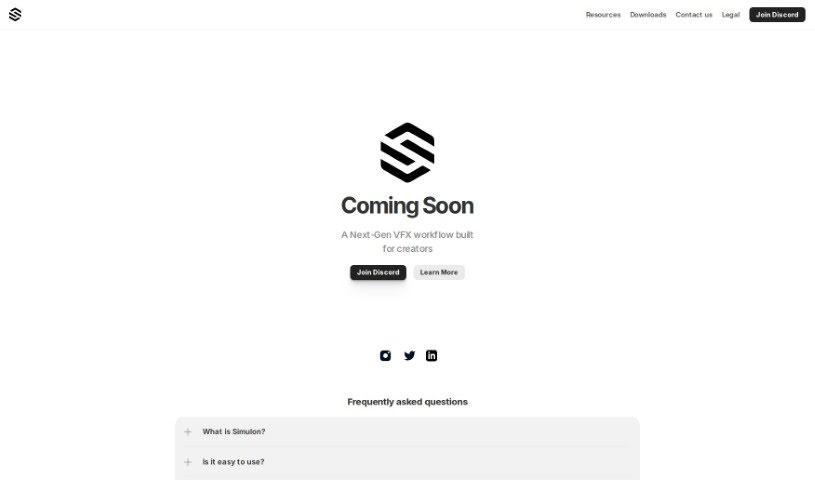
Screenshot of Simulon

Simulon

Freemium

Simulon is a really interesting new platform for VFX workflows, built specifically for creators like you. It is a suite of advanced tools designed to make the whole visual effects creation process smoother and more efficient. The team behind Simulon really focused on creating a comprehensive solution that brings together different parts of VFX production, aiming to simplify things for professionals. They want to make it easier for anyone working on VFX projects, whether you're flying solo or part of a big team. Plus, they offer a Custom Asset Guide, which is a great resource showing they're committed to helping creators get exactly the specialized assets they need for their work.

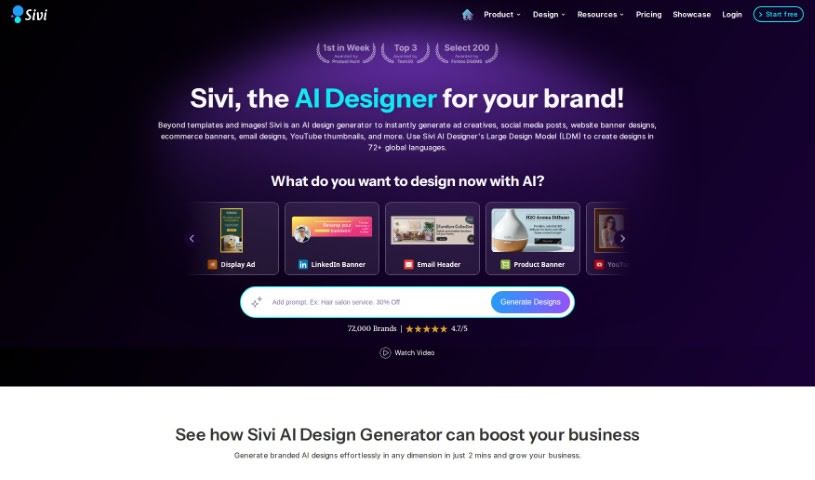
Screenshot of Sivi AI

Sivi AI

Freemium

Sivi AI is a really neat generative AI tool that helps you create visual designs from your text or prompts. It works in over 72 languages, which is pretty amazing! What sets Sivi apart is that it creates unique, template-free designs tailored to your text and brand preferences. You can choose from various design dimensions, and it even offers multi-layered designs that you can customize. They've also got Sivi Gen-2, which is an upgraded version offering even more control and customization options for your designs. You can use Sivi AI to whip up designs for ads, marketing campaigns, website content, banners, social media posts, and a whole lot more. There's a freemium plan to get you started, and you can always upgrade if you need more features. If you ever have an issue with a generation, Sivi accepts payments via Stripe and will automatically refund your credits if a design doesn't work out.

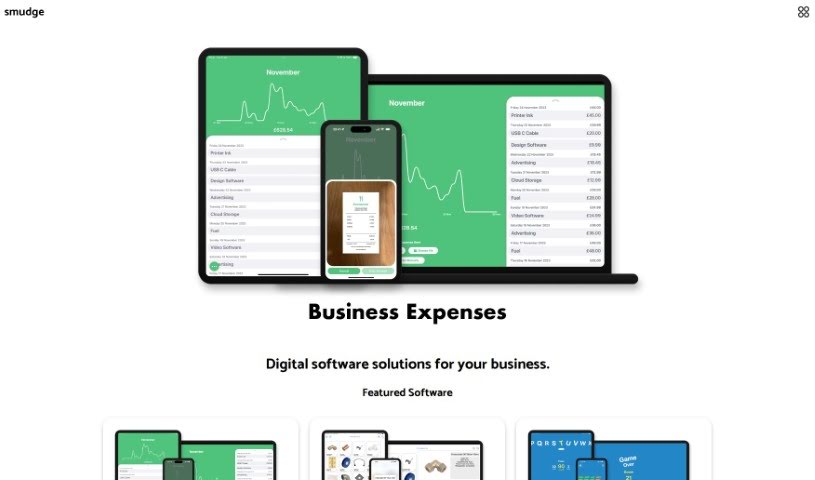
Screenshot of Smudge

Smudge

Freemium

Smudge is a really handy color palette app built specifically for developers. It's packed with features to make your design work smoother. You can easily convert colors to HEX, RGB, and even Swift codes. Plus, it helps you keep all your color palettes organized, and you can share them with your teammates or clients. What's pretty cool is that it uses AI to pull colors right from images, or it can even generate custom palettes based on objects or scenes you describe. The whole idea is to speed up your design process and make teamwork much better. You can grab it for your iPhone, iPad, and Mac. Want to learn more or download it? Check out their website at <https://smudge.app/developer-colour-palette>.

Screenshot of Spline AI

Spline AI

Freemium

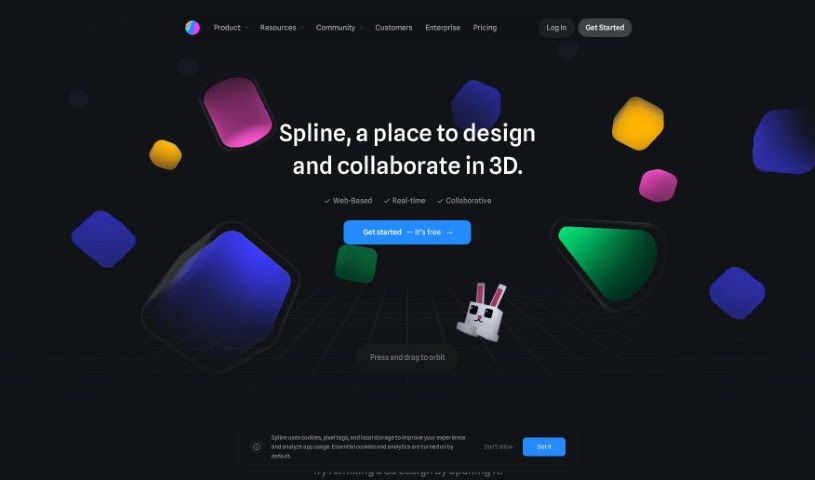
Spline AI is a really advanced platform that uses artificial intelligence to completely change how we create 3D designs. It is a powerful assistant that helps you build complex 3D objects, create lively animations, and design detailed textures, all guided by simple text prompts. This means you can speed up your design process significantly and bring your ideas to life much faster. Plus, your whole team can work together in real-time, making sure everyone's on the same page and designs are precise and efficient. With Spline AI ALPHA, you get to explore the exciting third dimension of AI innovation. You can easily edit scenes, tweak the lighting, add different materials, and really fine-tune the overall look and feel of your work. The texture generation feature alone opens up so many creative avenues for styling your creations, making Spline AI a truly promising tool for the future of 3D design.

Screenshot of Spring by Sourceful

Spring by Sourceful

Freemium

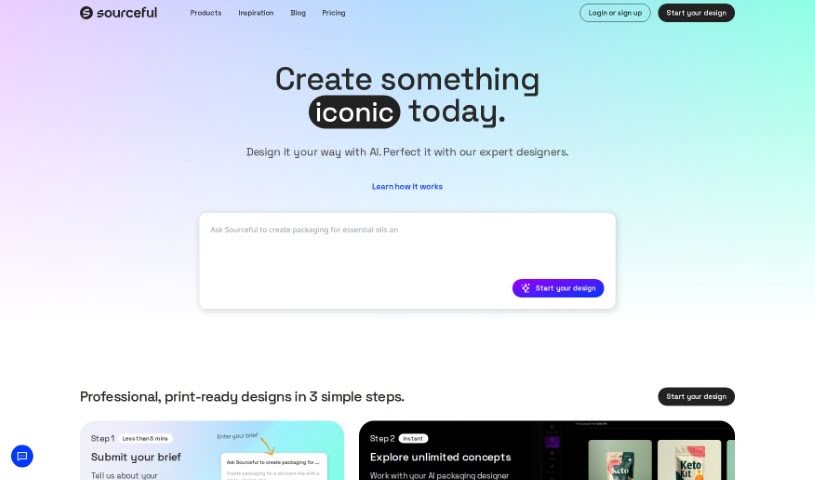
Spring by Sourceful is a really neat platform that uses AI to help you come up with unique packaging design ideas, and it does it all for free in just a few minutes. You can quickly generate artwork, share what you've created, and then actually have those designs produced in real life through Sourceful's services.

Screenshot of Sticker Magic

Sticker Magic

Freemium

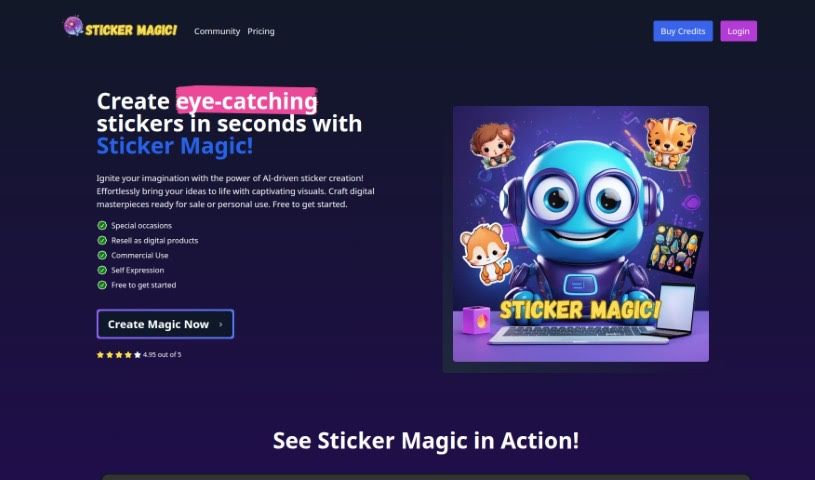
Sticker Magic is a really neat AI tool that helps you create high-quality digital stickers just by describing what you want. It makes making stickers super simple, whether you're using them for yourself, your business, or anything in between. You can whip up custom stickers for social media, marketing campaigns, personal expression, or even special events. The AI behind Sticker Magic is pretty smart; it looks at your descriptions and prompts, picking up on patterns, shapes, and colors to design unique stickers. New users get a free trial with some credits, and you can use the stickers you create for both personal and commercial projects. People seem to love Sticker Magic because it's easy to use, really versatile, and saves a ton of time.

Screenshot of Sticker Maker

Sticker Maker

Freemium

Sticker Maker is a really easy-to-use platform that lets you create your own custom stickers just by typing in what you want. You don't need any design experience at all! It uses an AI-powered Sticker Wizard that can whip up unique stickers in a flash. Just give it a simple idea or even a mood, and it goes to work. The stickers it makes are top-notch, too. They automatically get upscaled, so you always get crisp, print-quality results. Plus, you get two versions of each sticker: one with a transparent background and another with a colorful, vibrant one. If you're on a paid plan, you can even sell the stickers you create commercially. This makes it a great tool for anyone selling on print-on-demand sites or for business owners. Over 10,000 people around the world have already started using Sticker Maker, and it's highly recommended if you're a designer or just want to add a personal touch to your stuff.

Screenshot of Sticker.show

Sticker.show

Freemium

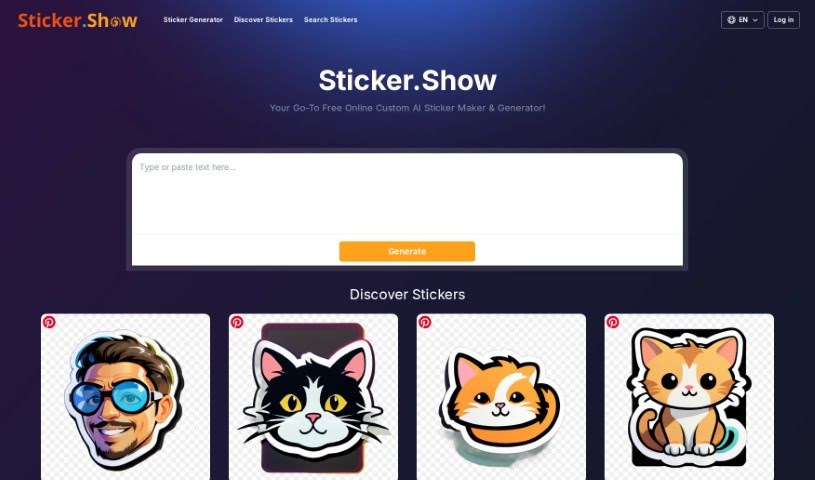
Sticker.Show is a handy online tool that uses AI to help you create custom stickers for pretty much anything – whether it's for your personal use or for your business. It really simplifies the whole process of designing and making unique stickers. You've got tons of design choices available, so you can easily match them to your personal style, how you like to communicate, or even your brand's look. The interface is super user-friendly, making it a breeze to whip up personalized stickers or just browse through some cool pre-made ones. Plus, it's a free tool! Sticker.Show's goal is to make your digital conversations more engaging by letting you add that personal touch with custom stickers, and it's a great way to give your branding a little boost.

Screenshot of StickerBaker

StickerBaker

Freemium

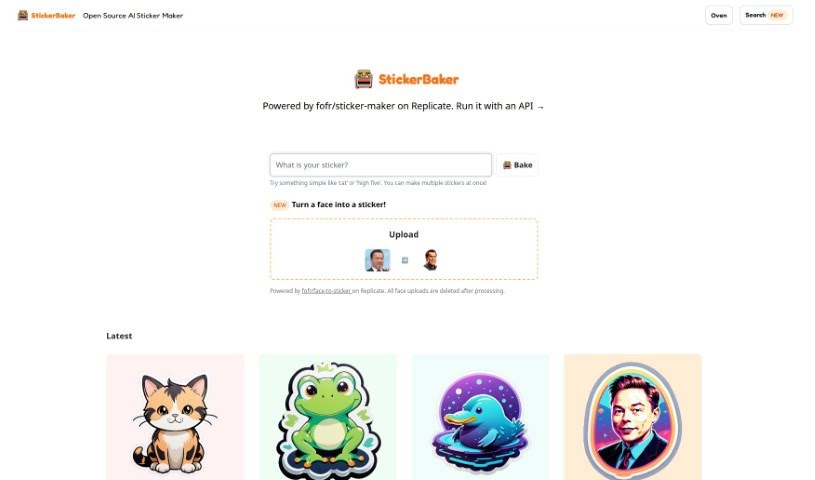
StickerBaker is a cool open-source AI tool that lets you create stickers just by typing in what you want. You can give it simple ideas or more detailed descriptions, and its artificial intelligence will whip up custom sticker designs for you. It runs on the Replicate platform, which is handy because it means you can easily see your past creations and even help improve the tool by contributing on GitHub. StickerBaker is pretty versatile; it can generate all sorts of stickers, whether you're thinking of fictional characters or specific scenes, and people like it because it's so customizable and easy to use.

Screenshot of Stockimg AI

Stockimg AI

Freemium

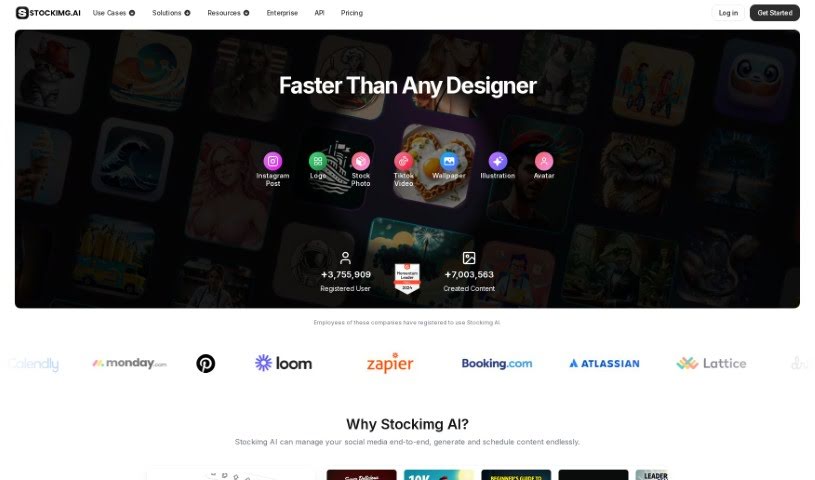
Stockimg AI is an all-in-one design and content creation tool that uses artificial intelligence to help you easily generate all sorts of visuals. Think logos, illustrations, wallpapers, posters, and much more. It also offers handy features for social media, like managing your accounts and automating posts by scheduling them with AI. What's great about Stockimg AI is that it offers a variety of categories, lets you create stock images, has a super user-friendly interface, generates images at high speed, and provides a wide range of design options.

Screenshot of Stylar

Stylar

Freemium

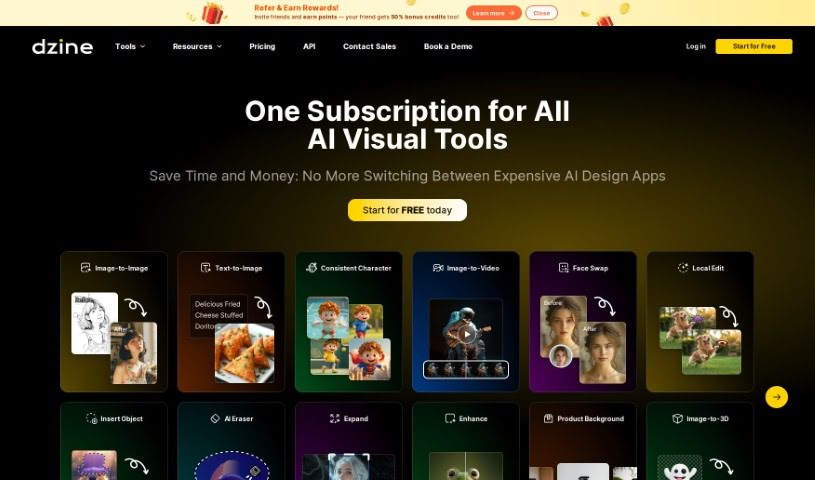
Dzine, which you might know as Stylar, is an online design platform that really uses generative AI to help creators turn their initial ideas into polished, professional visuals. It's packed with features designed to make your creative process smoother and more impactful. You can transform photos into cartoons with its AI Photo Filter, blend images together using AI, and use handy generative fill and modify tools. Need to clean up a photo? It's got background removal and object removal covered. Plus, you can add cool text effects, create logos, and even turn your sketches into finished art. What's more, it offers AI-assisted tools specifically for generating consistent characters, and its combined approach to image generation and editing has earned praise from users, especially graphic designers and game developers.

Stay Updated with AI Tools

Get weekly updates on the latest AI tools, trends, and insights delivered to your inbox

Join 25,000+ AI enthusiasts. No spam, unsubscribe anytime.