AI Tools for Design

Discover the best Design AI tools to enhance your productivity and creativity.

Page 17 of 19 • 227 total tools

Designing visuals used to be something only artists or those with advanced software skills could do. But AI design generators are changing all that for everyone. Now, creating amazing graphics, logos, and layouts can be as simple as typing in a prompt.

These tools have gotten really good, really fast, making design more accessible and way less time-consuming. You no longer have to struggle with complicated software or spend hours perfecting an idea. With just a few clicks, you can generate professional-looking designs.

After spending weeks exploring and testing a bunch of AI design generators, I’ve put together a list of the best ones out there right now. Whether you’re looking for easy-to-use apps or powerful tools for experienced designers, there’s something here for you.

So, if you want to jazz up your social media posts or need eye-catching marketing materials, this guide will help you find the right AI design assistant to make your visuals stand out. Let’s dive in and see what the future of design looks like!

The Best AI Design Generators

  1. Canva for easily creating social media graphics.
  2. Ideogram for custom logo creation for brands.
  3. Renderforest for custom logo design for startups.
  4. BeFunky for effortlessly creating custom graphics.
  5. Icons8 for generating unique design templates.
  6. Microsoft Designer for quickly generating unique social media graphics.
  7. Imagine AI Art Generator for designing prototypes for branding.
  8. Meshy for rapid 3D design creation from prompts.
  9. Kittl for creating custom logos in seconds.
  10. Shakker AI for dynamic logo creation for brands.
  11. Stylar for instantly generating unique art styles.
  12. Tripo AI for creating custom product prototypes.
  13. Homestyler for creating custom room layouts and styles.
  14. Phot Ai for dynamic vector art creation from prompts.
  15. Designs AI for instant graphic design for social media.

How Do AI Design Generators Work?

AI design generators use advanced algorithms and huge datasets to create visual content. Basically, they use deep learning and neural networks to understand your input and then create new images, graphics, or designs. These generators often rely on convolutional neural networks (CNNs), which are great at processing visual information.

To get designs made, users usually give prompts – think keywords or style preferences. The AI then looks at existing design elements like colors, patterns, and shapes to create something unique and relevant. This ability to learn from countless designs means the AI can copy different styles and adapt to various aesthetics.

Many design generators are built using pre-trained models that have processed large databases of artwork, photos, and design templates. By learning from all this visual information, the AI can spot patterns and understand what makes a design appealing. It then uses this knowledge to create new pieces.

It’s important to remember that while AI design tools can produce striking results, they still need human input. Users have to choose the right input, refine their prompts, and pick the results that best match their vision. Ultimately, these tools act as collaborators, enhancing the creative process instead of completely replacing human designers.

If you’re curious to explore this technology more, lots of platforms let you try out AI design tools yourself. You can see how they turn simple ideas into compelling visuals. As technology keeps advancing, the possibilities for AI in design keep growing, pushing what we can do.

Our Best AI Design Generators at a Glance

RankNameBest ForPlans and PricingRating
1CanvaCreating social media graphics easily.N/A4.73 (11 reviews)
2IdeogramCustom logo creation for brands.N/A4.85 (26 reviews)
3RenderforestCustom logo design for startups.N/A4.50 (14 reviews)
4BeFunkyEffortlessly create custom graphics.Paid plans start at $83.88/year.4.69 (13 reviews)
5Icons8Generate unique design templates.N/A3.64 (11 reviews)
6Microsoft DesignerQuickly generate unique social media graphics.N/A4.64 (11 reviews)
7Imagine AI Art GeneratorDesign prototypes for branding.N/A4.80 (5 reviews)
8MeshyRapid 3D design creation from prompts.Paid plans start at $1.60/100 credits (billed yearly).4.58 (12 reviews)
9KittlCreate custom logos in seconds.Paid plans start at $120/annually.4.80 (10 reviews)
10Shakker AIDynamic logo creation for brands.N/A4.67 (21 reviews)
11StylarInstantly generate unique art styles.Paid plans start at $50/month.4.11 (9 reviews)
12Tripo AICreating custom product prototypes.N/A4.42 (12 reviews)
13HomestylerCustom room layouts and styles creation.Paid plans start at $9.9/month.4.77 (13 reviews)
14Phot AiDynamic vector art creation from prompts.N/A4.77 (13 reviews)
15Designs AIInstant graphic design for social media.N/A4.27 (11 reviews)
Screenshot of Stylar AI Design Sketch

Stylar AI Design Sketch

Freemium

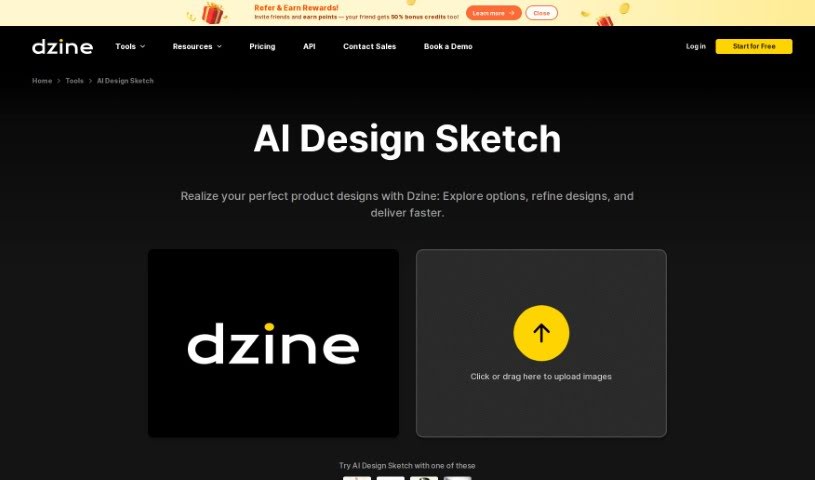
Design Sketch, especially when we're talking about AI Design Sketch from Dzine, is a really neat tool. It lets you create product renderings with just a single click – super easy! This platform is pretty innovative because it gives you high-quality images for your products and a whole bunch of different style options to play around with. This means you can really nail down unique, polished designs that fit exactly what you need and what you like. With AI Design Sketch, you can upload your product sketches, no matter how rough or detailed they are, and turn them into professional-looking product images. Plus, you get to pick from different artistic styles to really match your design vision and business goals, making the whole design process smoother and way more visually appealing.

Screenshot of Stylemyride

Stylemyride

Freemium

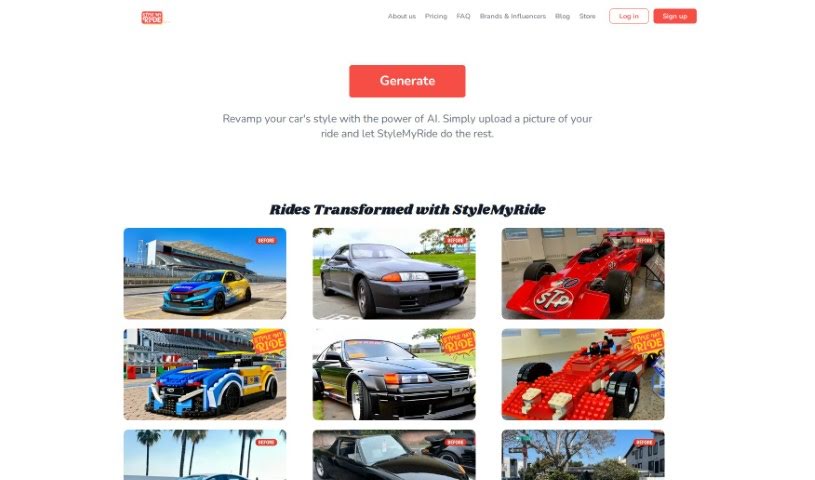
StyleMyRide.ai is a web-based platform designed for car enthusiasts. It uses AI technology to let you customize your car's look. You simply upload a clear picture of your car, pick a tuning style you like, and the AI gets to work. It'll generate several design options for you, covering things like body kits, rims, and paint jobs. The platform is really easy to use, making it simple to visualize and compare different customization ideas. It’s all about making it easy for you to turn your car into something truly unique and enjoy the whole car tuning process.

Screenshot of Supercarousels

Supercarousels

Freemium

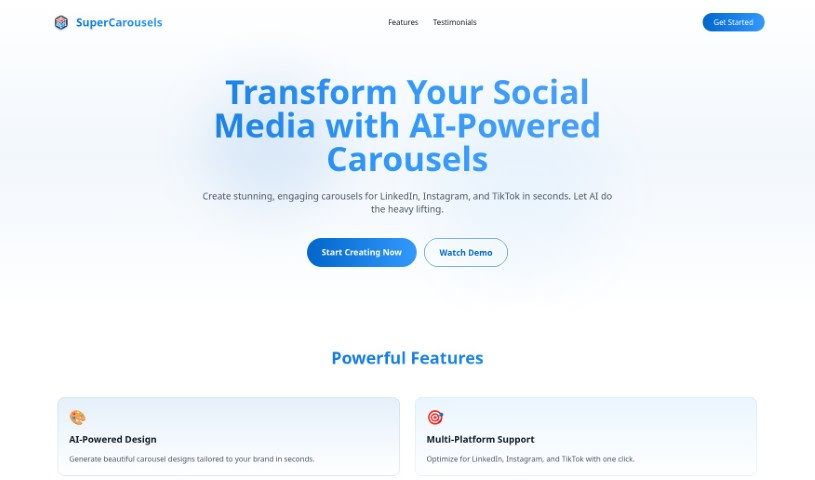
SuperCarousels is a handy Software as a Service (SaaS) platform that uses artificial intelligence to help social media content creators whip up eye-catching carousels. It's perfect for folks who aren't design pros or are just short on time. You'll find the interface super easy to use, with plenty of options to tweak your designs. Plus, you can count on consistent quality, making it versatile for all sorts of projects. They're always adding new features, too! The best part? You can jump in and start using SuperCarousels for free – no credit card needed. It's a great fit for all kinds of users and really helps keep your brand looking consistent.

Screenshot of Svg.io

Svg.io

Freemium

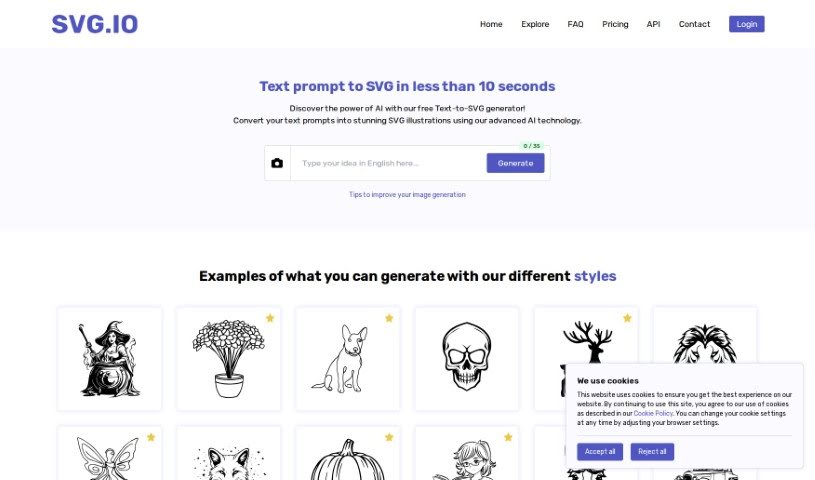
SVG.io is a platform that offers a Text-to-SVG AI Generator. This tool lets you easily turn text prompts into scalable vector graphics (SVG) without needing to sign up or pay anything. It's a free tool that helps designers and anyone interested in graphics create custom SVG artwork quickly and simply. Scalable Vector Graphics, or SVG, is a file format that uses XML to describe two-dimensional vector graphics. This format is great because it scales up or down without losing quality, is lightweight, and can be easily changed with code. That's why it's so popular for web development and interactive graphics. The SVG images you create are generally free for commercial use, but it's always a good idea to double-check the licensing for any third-party elements that might be included.

Screenshot of Switchboard Canvas

Switchboard Canvas

Freemium

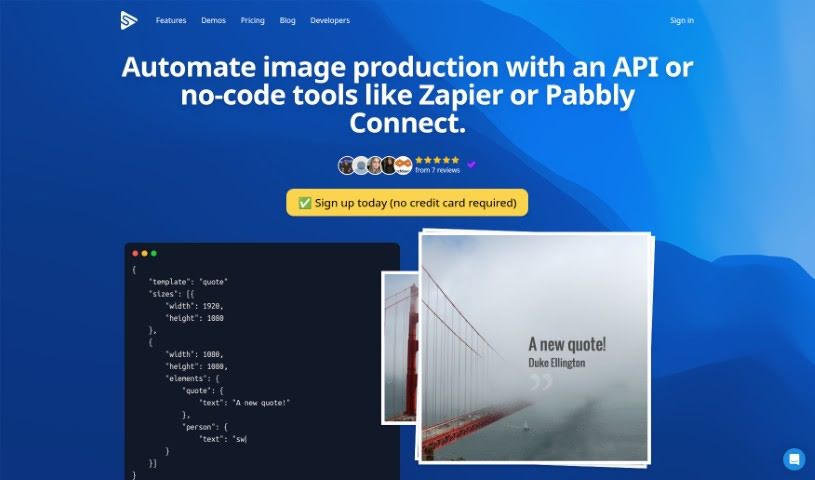
Switchboard Canvas is a really handy tool designed to make your workflows smoother and more automated. It is a powerful API for creating assets. What's great about it is you can generate multiple images all at once with just one API call. This makes it super easy to integrate with your existing automation services. Plus, you get precise control over asset creation – you can set specific dimensions and even swap out template values for each size you need. On top of that, Switchboard Canvas can translate text into over 70 languages, which is pretty efficient. They offer different plans, like Creator, Agency, and Enterprise, each with its own set of features. These plans vary in how many images you can create per API call and offer things like multilingual content creation. You can try it out with a 14-day trial, but there's a limit on image sizes per API call during that time. If you don't switch to a paid plan after the trial, any content or templates you made will be removed. Just so you know, if you go over your usage limit, each extra API call will cost $0.10.

Screenshot of Tattoodesign

Tattoodesign

Freemium

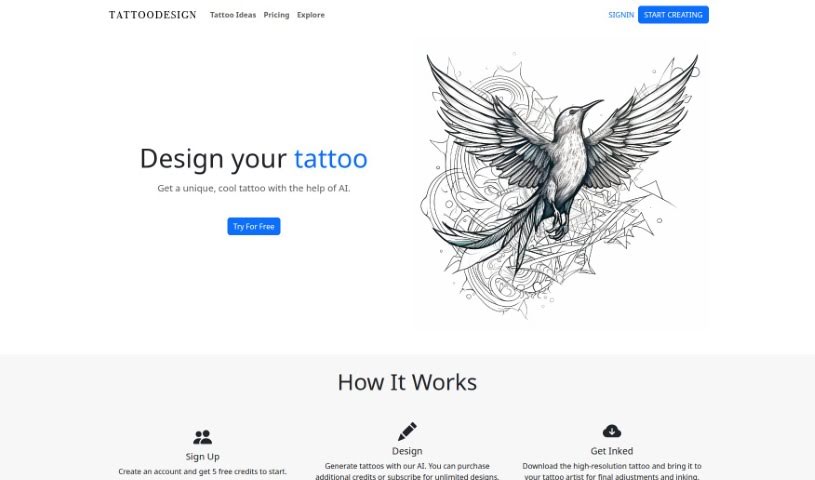
Tattoo Idea Design is an online platform that uses AI to help you create your own unique tattoo designs. Once you sign up for an account, you get credits to generate personalized tattoo ideas. The AI is built to create detailed designs that match your personal style, making the whole process smooth and easy to use. You can then download these designs in high resolution and take them to a tattoo artist for any final tweaks before they ink your skin. People have said great things about how it can take a vague idea and turn it into a really cool tattoo design. It offers both paid and free options, making it a helpful tool for anyone looking for tattoo inspiration, whether you're getting your first tattoo or you're a professional artist yourself.

Screenshot of TattoosAI

TattoosAI

Freemium

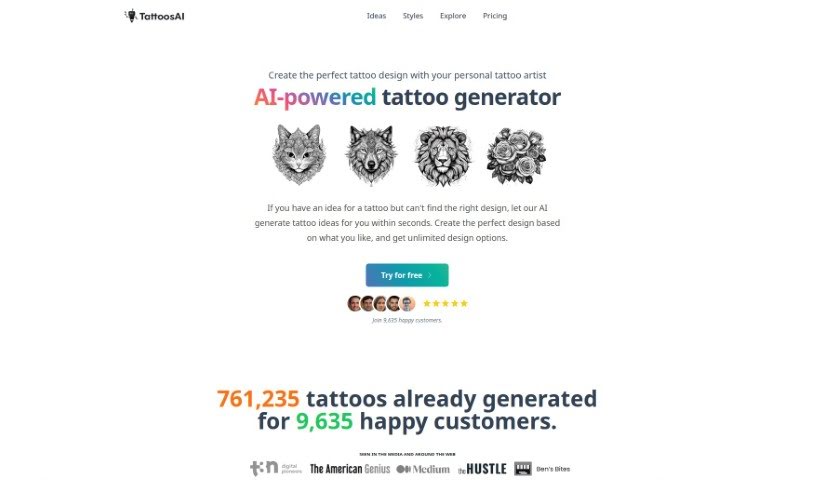
TattoosAI is a cool tool that uses artificial intelligence to help you come up with unique tattoo designs. You just tell it what you're dreaming of for your tattoo, pick a style and color, and the AI will whip up a bunch of different design options for you. What's great is that these designs are totally original, and you can tweak them however you like. Plus, TattoosAI offers a huge variety of styles – think geometric, watercolor, traditional, portraits, and so much more. You can generate as many designs as you want, and if you upgrade to the pro plan, you can keep them all to yourself. They're also always working on making the AI even better, with plans to add a simulator so you can see how your tattoo would look on your skin before you commit. Nick Berns, based in New Zealand, is the person behind TattoosAI.

Screenshot of Terrasketcher

Terrasketcher

Freemium

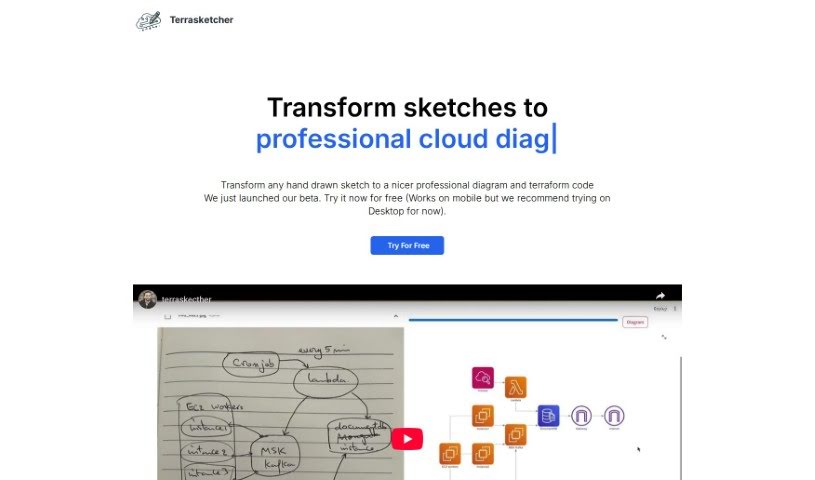
Terrasketcher is a smart AI tool that takes your hand-drawn sketches and turns them into digital infrastructure and cloud diagrams. It is a quick and easy way to bring your rough ideas to life digitally. It's especially good for anything related to cloud infrastructure, making it a real help for people in cloud design, IT, and other technical fields who need to visualize how things are laid out. This tool really speeds things up by quickly translating your sketches into detailed digital drawings. This not only boosts your productivity when designing but also makes your visualizations much more precise. Terrasketcher's AI is designed to understand your sketches and create accurate digital diagrams, which is perfect for technical areas that frequently need to create formal infrastructure designs.

Screenshot of Text-to-CAD UI

Text-to-CAD UI

Freemium

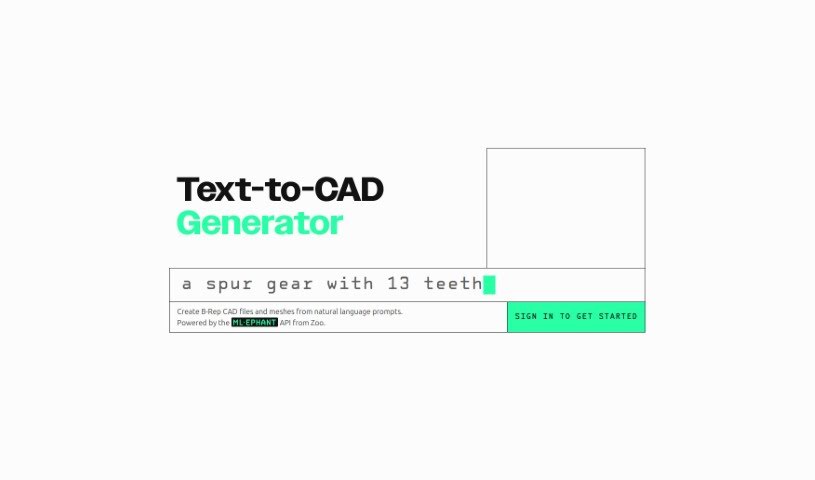
Text-to-CAD UI is essentially a user interface designed to turn your text descriptions into actual Computer-Aided Design (CAD) models. It is a way to describe what you want to build, and the system translates that into a digital design. This really cool technology lets you generate CAD designs much faster, simply by telling it what you need using everyday language or even by feeding it simple sketches. So, if you're not a CAD expert, you can still create or tweak designs just by typing out what you envision. It really simplifies the whole design process, makes learning CAD software less daunting, and helps everyone involved – designers, engineers, clients – communicate more clearly about the designs. All in all, Text-to-CAD UIs offer a super user-friendly and accessible way to get into CAD design, making it feel much more natural and open to everyone.

Screenshot of Texture Lab

Texture Lab

Freemium

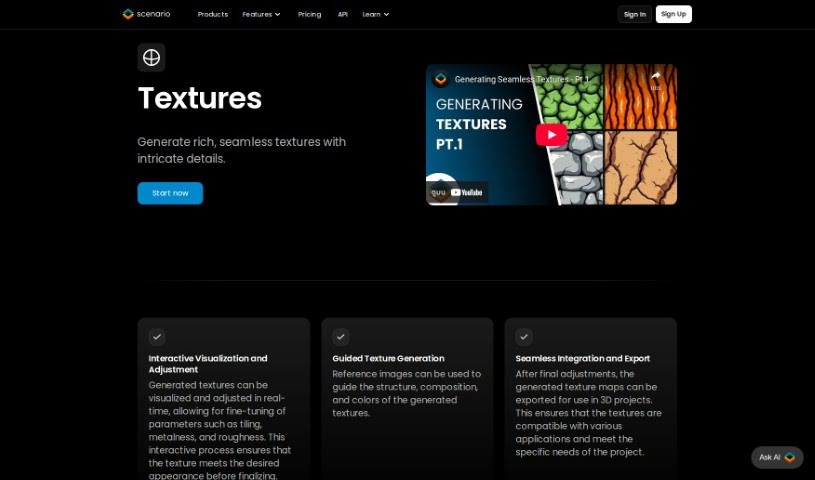
TextureLab is a really neat tool built for game developers and digital artists. It helps you create high-quality, seamless textures for all sorts of projects. Now, it's part of Scenario, which means you can actually create and tweak unique textures just by typing in what you want. TextureLab offers a bunch of different texture types, like dragon scales, old Egyptian tiles, rocks, and stonewalls. If you want to easily make different versions of a texture, you can use the Clay mode. Plus, you can add effects like diffuse, height, and normal mapping to really make them pop. All the textures you create with TextureLab are completely free to use and ready to go, covering pretty much any texture need you might have in categories like Building, Rock, Wood, Sand, Vegetable, Ice, and Miscs. It was created by Hugo, a super innovative guy, making TextureLab a go-to for whipping up seamless textures on the fly.

Screenshot of The Millshop Online

The Millshop Online

Freemium

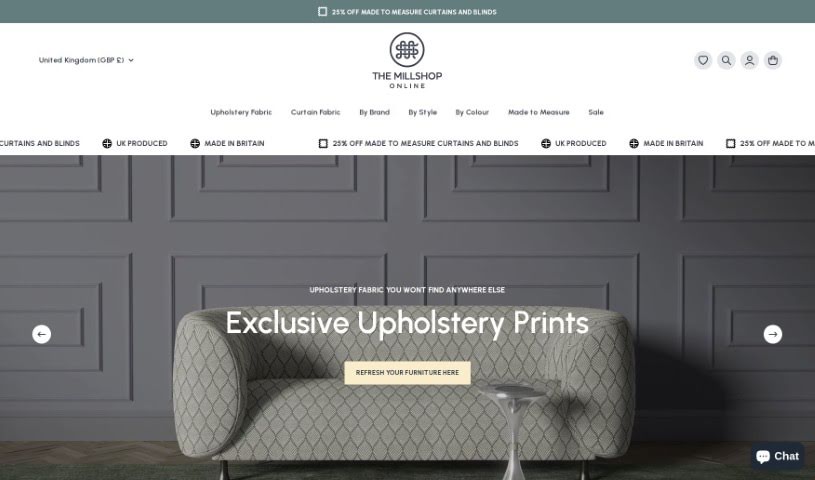
FabricGenie is a really neat fabric design tool you can only find at The Millshop Online. It uses smart AI technology to help you create your own custom print designs for things like curtains, blinds, and upholstery fabrics. Whether you're a homeowner, a designer, or just love DIY projects, FabricGenie makes it easy to craft personalized patterns that fit your unique style. They offer a bunch of exclusive and original designs, so you can really make your interior design stand out. What's great about FabricGenie is that it has these one-of-a-kind designs, it's powered by AI, it's free for The Millshop Online customers, it's perfect for decorating your home, and it's super easy to use for anyone, no matter your skill level.

Screenshot of The New Black

The New Black

Freemium

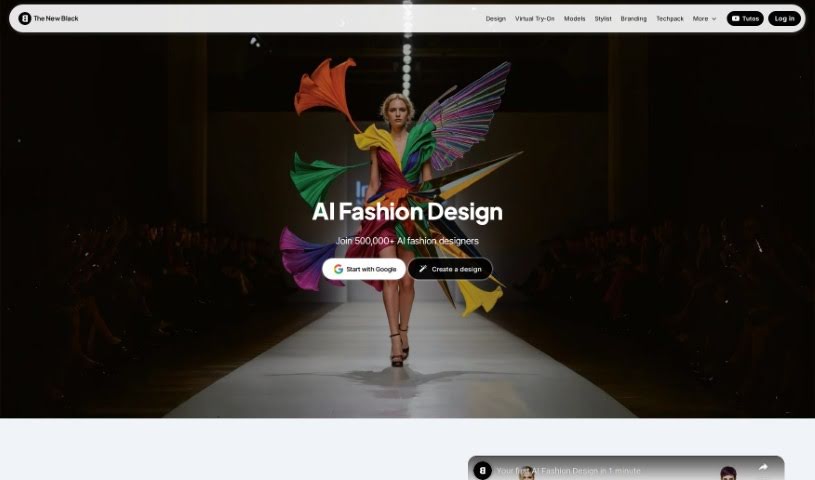
The New Black is a really neat AI tool designed specifically to help designers whip up unique clothing designs super fast. It's packed with features like generating different design options, rendering them, and even a collaborative space where creators can connect. The AI behind it is pretty smart – it learns from past designs, what's trending in fashion right now, and what you, the user, tend to like. This helps it come up with all sorts of cool and stylish clothing ideas. Plus, you can really play around with different concepts here to create outfits that truly stand out.

Stay Updated with AI Tools

Get weekly updates on the latest AI tools, trends, and insights delivered to your inbox

Join 25,000+ AI enthusiasts. No spam, unsubscribe anytime.