123RF AI Image Generator
Creative Image Generation
Learn more
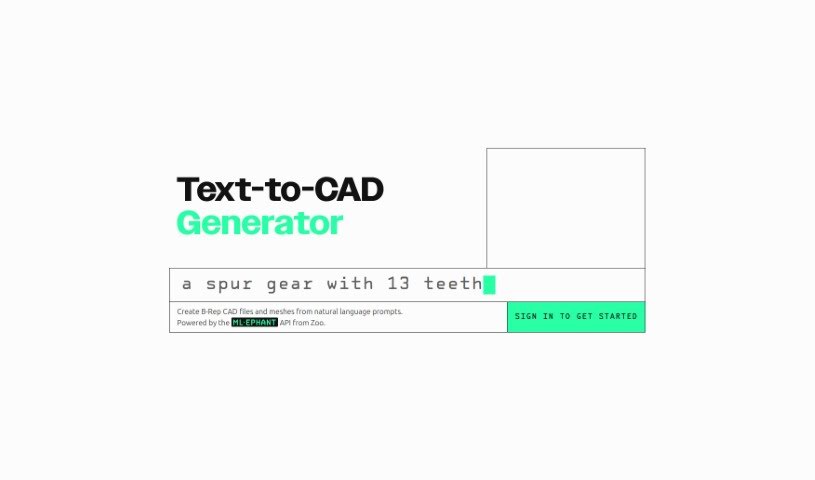
Discover what Text-to-CAD UI is and how it turns plain-language descriptions into CAD models and meshes. Learn about its features and who it's for.
Text-to-CAD UI is an interface that turns text descriptions into Computer-Aided Design (CAD) models. You describe what you want to build in everyday language — or feed it simple sketches — and the system translates that into a digital design.
This lowers the barrier to CAD work: you don’t need to be a CAD expert to create or tweak designs. It can also speed up the design process, make learning CAD software less daunting, and help designers, engineers, and clients communicate more clearly about designs.
The Text-to-CAD UI is powered by the ML-ephant API from Zoo. Specific details about the founder or the company behind this particular interface aren’t available.
You can repeat this process for any number of designs, refining prompts and results as you go.
Related
Discover more tools in similar categories
Weekly picks of the best AI tools we've researched and added — no spam, unsubscribe anytime.
Join 25,000+ AI enthusiasts. No spam, unsubscribe anytime.