123RF AI Image Generator
Creative Image Generation
Learn more
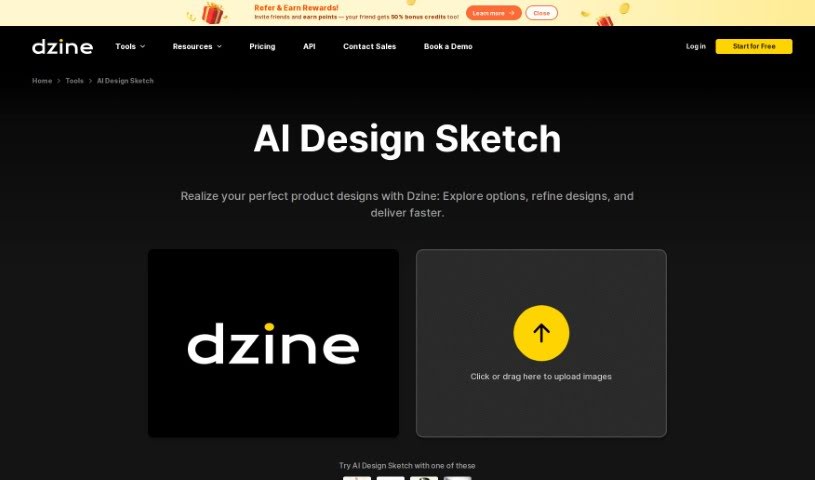
Stylar AI Design Sketch converts rough product sketches into polished, professional renderings with a range of realistic and artistic styles.
Stylar AI Design Sketch is a tool from Dzine that turns product sketches into high-quality renderings with a single click. Upload sketches at any level of detail — from rough concepts to finished drawings — and convert them into professional-looking product images. Style options range from realistic to artistic, so you can match the output to your design vision and business goals.
Dzine is the company behind the tool. Its founder isn’t publicly documented, but Dzine’s focus is helping users bring product designs to life by exploring options, refining designs, and delivering results faster.
The tool targets a broad creative audience, including product, graphic, interior, fashion, industrial, web, and game designers, as well as architects, art directors, and marketing professionals.
Stylar AI Design Sketch streamlines product visualization by converting sketches into polished renderings quickly, with enough style flexibility to suit both professionals and beginners.
Related
Discover more tools in similar categories
Weekly picks of the best AI tools we've researched and added — no spam, unsubscribe anytime.
Join 25,000+ AI enthusiasts. No spam, unsubscribe anytime.