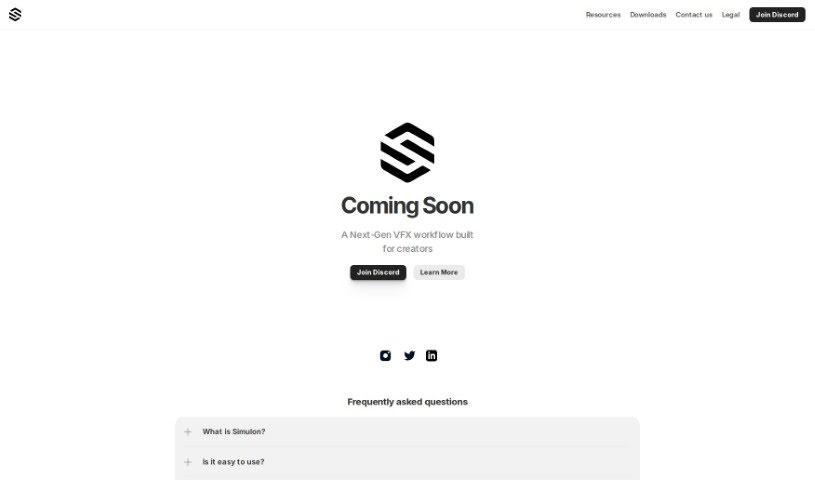
Screenshot of Simulon

Simulon

Discover what Simulon is and how to use it effectively in 2025. We'll dive into its features and see how it stacks up against other Design Generators.

Screenshot

What is Simulon?

Simulon is a really interesting new platform for VFX workflows, built specifically for creators like you. It is a suite of advanced tools designed to make the whole visual effects creation process smoother and more efficient. The team behind Simulon really focused on creating a comprehensive solution that brings together different parts of VFX production, aiming to simplify things for professionals. They want to make it easier for anyone working on VFX projects, whether you’re flying solo or part of a big team. Plus, they offer a Custom Asset Guide, which is a great resource showing they’re committed to helping creators get exactly the specialized assets they need for their work.

Who created Simulon?

Simulon was actually started by a group of creative folks, with Pavlo Nayda leading the charge. They’re all about building this next-generation VFX workflow that’s really geared towards creators. Their goal is to offer cutting-edge solutions that make visual effects production better. If you’re curious for more details about the company and what they offer, like that helpful custom asset guide, you should definitely check out their website. It’s a good place to get all the info you might need.

How to use Simulon?

Getting started with Simulon is pretty straightforward. Here’s a step-by-step guide to help you through it:

  1. First off, head over to the official Simulon website. That’s where you’ll find the tool itself.
  2. Once you’re there, take some time to explore all the different features. You’ll find things like simulations, modeling tools, and a whole lot more.
  3. It’s a good idea to get familiar with the interface and how to navigate around. Understanding the layout will make using the tool much easier.
  4. You can either start a brand new project or open one you’ve already been working on to jump right into your simulations.
  5. Simulon offers customization options, so be sure to use them to tailor the simulations exactly how you need them.
  6. Next, you’ll need to input the necessary parameters and data for whatever simulation you’re planning to run.
  7. Then, just run the simulation and take a good look at the results the tool gives you.
  8. Based on what you see in the results, you can make any adjustments you think are needed.
  9. Don’t forget to save your project and all your results so you can easily refer back to them later.
  10. For even more in-depth help, there’s the Simulon Custom Asset Guide available on their official website. It’s packed with useful information.

Following these steps should help you use Simulon effectively for all your simulation and modeling projects.

Related AI Tools

Discover more tools in similar categories that might interest you

123RF AI Image Generator

Creative Image Generation
Learn More

Stay Updated with AI Tools

Get weekly updates on the latest AI tools, trends, and insights delivered to your inbox

Join 25,000+ AI enthusiasts. No spam, unsubscribe anytime.