AI Tools for Design

Discover the best Design AI tools to enhance your productivity and creativity.

Page 10 of 19 • 227 total tools

Designing visuals used to be something only artists or those with advanced software skills could do. But AI design generators are changing all that for everyone. Now, creating amazing graphics, logos, and layouts can be as simple as typing in a prompt.

These tools have gotten really good, really fast, making design more accessible and way less time-consuming. You no longer have to struggle with complicated software or spend hours perfecting an idea. With just a few clicks, you can generate professional-looking designs.

After spending weeks exploring and testing a bunch of AI design generators, I’ve put together a list of the best ones out there right now. Whether you’re looking for easy-to-use apps or powerful tools for experienced designers, there’s something here for you.

So, if you want to jazz up your social media posts or need eye-catching marketing materials, this guide will help you find the right AI design assistant to make your visuals stand out. Let’s dive in and see what the future of design looks like!

The Best AI Design Generators

  1. Canva for easily creating social media graphics.
  2. Ideogram for custom logo creation for brands.
  3. Renderforest for custom logo design for startups.
  4. BeFunky for effortlessly creating custom graphics.
  5. Icons8 for generating unique design templates.
  6. Microsoft Designer for quickly generating unique social media graphics.
  7. Imagine AI Art Generator for designing prototypes for branding.
  8. Meshy for rapid 3D design creation from prompts.
  9. Kittl for creating custom logos in seconds.
  10. Shakker AI for dynamic logo creation for brands.
  11. Stylar for instantly generating unique art styles.
  12. Tripo AI for creating custom product prototypes.
  13. Homestyler for creating custom room layouts and styles.
  14. Phot Ai for dynamic vector art creation from prompts.
  15. Designs AI for instant graphic design for social media.

How Do AI Design Generators Work?

AI design generators use advanced algorithms and huge datasets to create visual content. Basically, they use deep learning and neural networks to understand your input and then create new images, graphics, or designs. These generators often rely on convolutional neural networks (CNNs), which are great at processing visual information.

To get designs made, users usually give prompts – think keywords or style preferences. The AI then looks at existing design elements like colors, patterns, and shapes to create something unique and relevant. This ability to learn from countless designs means the AI can copy different styles and adapt to various aesthetics.

Many design generators are built using pre-trained models that have processed large databases of artwork, photos, and design templates. By learning from all this visual information, the AI can spot patterns and understand what makes a design appealing. It then uses this knowledge to create new pieces.

It’s important to remember that while AI design tools can produce striking results, they still need human input. Users have to choose the right input, refine their prompts, and pick the results that best match their vision. Ultimately, these tools act as collaborators, enhancing the creative process instead of completely replacing human designers.

If you’re curious to explore this technology more, lots of platforms let you try out AI design tools yourself. You can see how they turn simple ideas into compelling visuals. As technology keeps advancing, the possibilities for AI in design keep growing, pushing what we can do.

Our Best AI Design Generators at a Glance

RankNameBest ForPlans and PricingRating
1CanvaCreating social media graphics easily.N/A4.73 (11 reviews)
2IdeogramCustom logo creation for brands.N/A4.85 (26 reviews)
3RenderforestCustom logo design for startups.N/A4.50 (14 reviews)
4BeFunkyEffortlessly create custom graphics.Paid plans start at $83.88/year.4.69 (13 reviews)
5Icons8Generate unique design templates.N/A3.64 (11 reviews)
6Microsoft DesignerQuickly generate unique social media graphics.N/A4.64 (11 reviews)
7Imagine AI Art GeneratorDesign prototypes for branding.N/A4.80 (5 reviews)
8MeshyRapid 3D design creation from prompts.Paid plans start at $1.60/100 credits (billed yearly).4.58 (12 reviews)
9KittlCreate custom logos in seconds.Paid plans start at $120/annually.4.80 (10 reviews)
10Shakker AIDynamic logo creation for brands.N/A4.67 (21 reviews)
11StylarInstantly generate unique art styles.Paid plans start at $50/month.4.11 (9 reviews)
12Tripo AICreating custom product prototypes.N/A4.42 (12 reviews)
13HomestylerCustom room layouts and styles creation.Paid plans start at $9.9/month.4.77 (13 reviews)
14Phot AiDynamic vector art creation from prompts.N/A4.77 (13 reviews)
15Designs AIInstant graphic design for social media.N/A4.27 (11 reviews)
Screenshot of Invoke AI

Invoke AI

Freemium

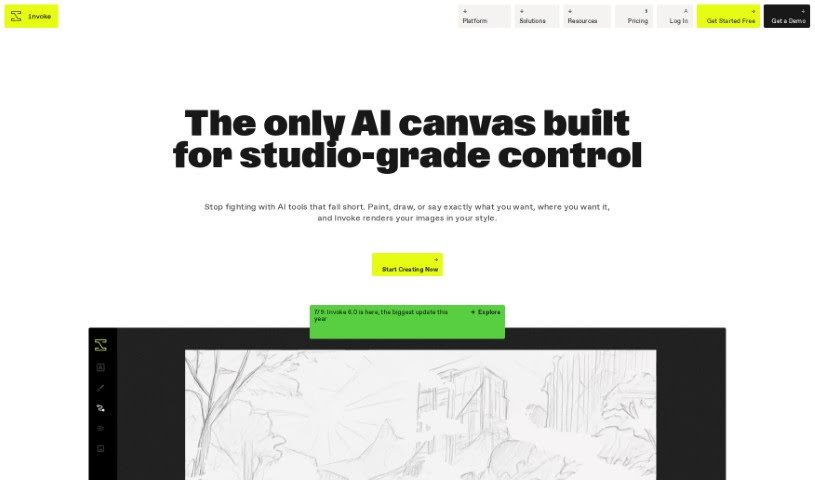
Invoke AI is a platform built for creating images with real precision and control. It's especially helpful for professional visual creatives who often find current generative AI tools a bit limiting. What makes Invoke AI stand out?

Screenshot of Jife

Jife

Freemium

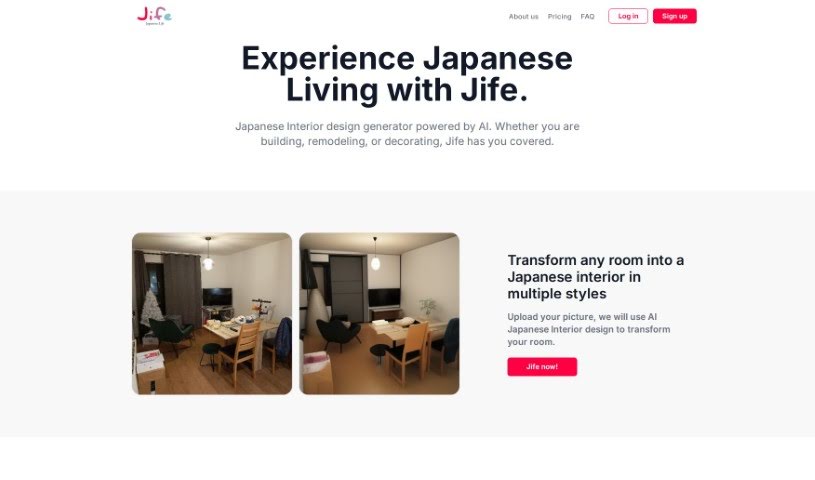
Jife is a really neat AI-powered platform that focuses on interior design, especially for creating those beautiful Japanese-style interiors. You can upload a picture of your room, pick what kind of room it is, and then Jife will give you several different design ideas. These options will include unique layouts, furniture setups, and decor choices, all inspired by Japanese aesthetics. Jife even lets you pick from styles by famous Japanese designers and lets you tweak things based on what you like and your feedback. Beyond just interiors, Jife also touches on the Japanese lifestyle, offering things like recipes and fashion tips, plus personalized layouts. Just a heads-up: while Jife is fantastic for sparking design ideas, it's not meant to replace advice from a professional designer. You're responsible for making sure any designs you implement follow local rules and safety standards.

Screenshot of Jina AI BestBanner

Jina AI BestBanner

Freemium

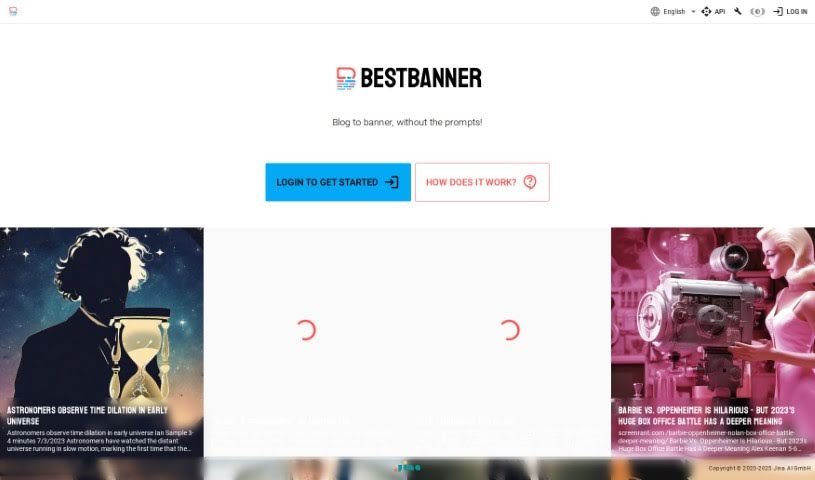
BestBanner is a smart tool that makes creating banners super easy, perfect for anyone who publishes content online – think publishers, bloggers, and content creators. It really simplifies designing banners for your online stuff by using advanced AI that understands different kinds of information. With BestBanner, you can whip up eye-catching banners just by typing in the text from your article. The AI then creates unique visuals that perfectly match what you're writing, so you don't need any design experience at all. It’s really versatile, too. You can use it for blog posts, social media updates, or even ads, and you get great results instantly. It’s designed to be accessible for everyone, no matter your design background.

Screenshot of Khroma

Khroma

Freemium

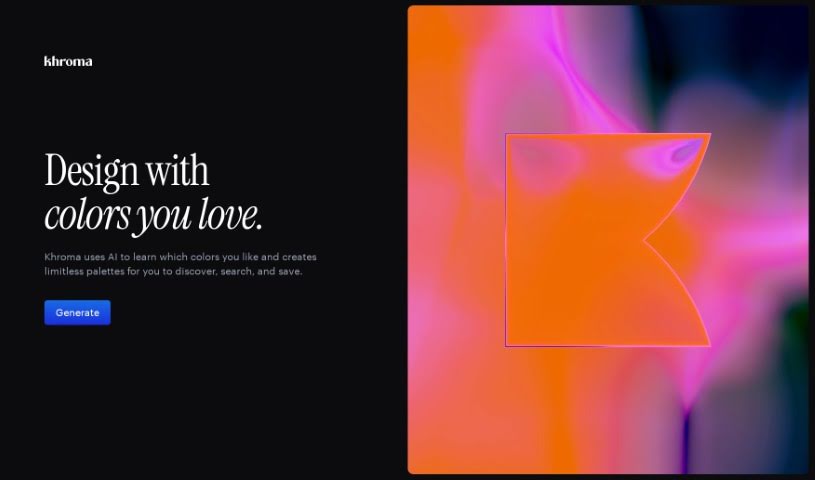
Khroma is a really neat AI tool that helps designers pick colors. It makes finding and organizing color schemes that you'll actually like much faster. Basically, Khroma uses artificial intelligence to create custom palettes just for you, based on the color patterns you prefer. You can search for color combinations using things like hue, tint, and value, and it gives you the hex and RGB codes for each one. Plus, you can save your favorite combos to a personal collection, complete with all the color details and even accessibility ratings. If you need some design inspiration, Khroma's Instagram, curated by Lucie Bajgart, is a great place to look.

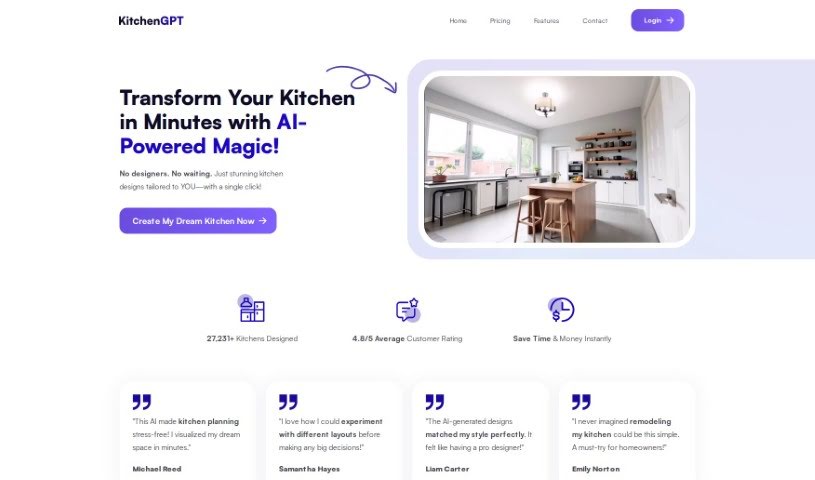
Screenshot of kitchenGPT

kitchenGPT

Freemium

KitchenGPT.io is a really interesting platform where artificial intelligence meets interior design. It's designed to help you transform your living spaces with AI's assistance, making it super easy. You can upload a picture of your space, then explore all sorts of different design styles. With the help of their Room AI and Kitchen AI tools, you can remodel your rooms and get results that look like a professional designer did them, all in just a few clicks. They offer different subscription options, like the Personal plan which gives you 50 images a month, or the Business plan for 250 images a month, so there's something for most needs. Using KitchenGPT.io means you can redesign your interiors fast, come up with design ideas quickly, and find plenty of inspiration for your unique home.

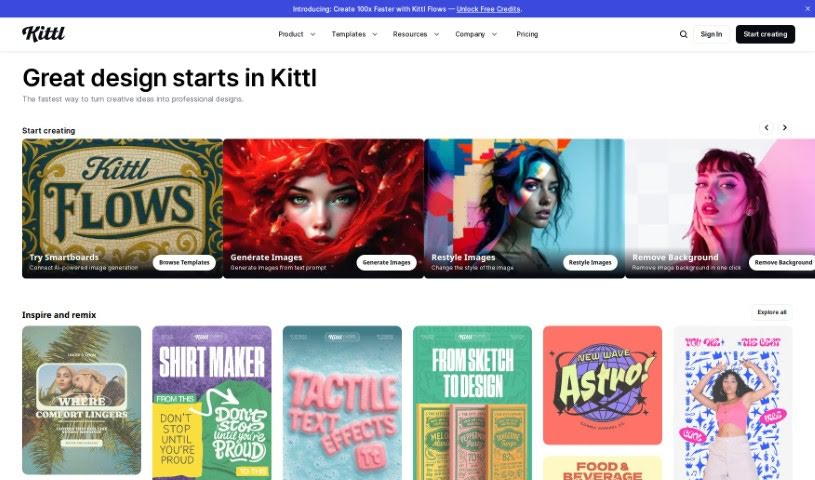
Screenshot of Kittl

Kittl

Freemium

Kittl is a design platform that really makes creating stunning graphics easy and fast, thanks to its AI-powered tools. You can generate vector logo icons and clipart just by typing what you want. Plus, it's packed with features like advanced text editing, a 'Magic Recoloring' tool that lets you swap colors instantly with trending palettes, and tons of ready-to-use templates. You get unlimited access to content, a huge illustration library, some really great fonts, and a photo catalog. It's super simple to customize professional design templates, grab millions of free photos, and play around with texture clipping and other design elements like shapes, banners, and frames. Kittl offers different plans for individuals and teams, giving you access to vector files, advanced editing, high-res downloads, and premium features depending on what you choose. And don't worry, you can always cancel or upgrade your plan if your needs change.

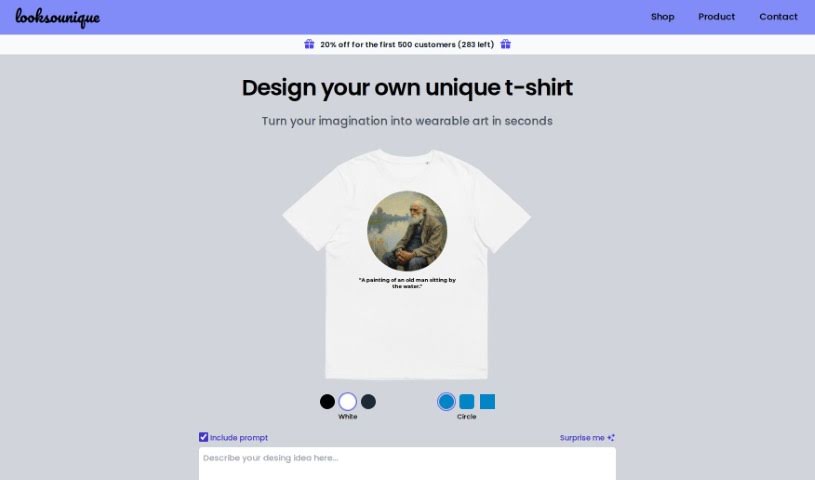
Screenshot of Looksounique

Looksounique

Freemium

Looksounique is a really neat AI tool that helps you design and even shop for t-shirts. It's all about turning your creative ideas into something you can wear, and it happens super fast – in just seconds, really. Here’s the simple process: you start by typing in your design idea, or if you’re feeling stuck, you can hit the "Surprise Me" button for a bit of inspiration. The AI then takes your text and whips up some totally unique designs. You can then tweak these designs by picking out the colors and shapes you like best. Once you’re happy with it, Looksounique’s team takes over. They’ll print your custom design onto a comfortable, unisex 100% cotton t-shirt, made just how you want it. Then, they ship it right to your doorstep. People seem to really love it! One customer mentioned how easy it was to create something unique, while another was thrilled with the AI art and the quality of the shirt itself. A third person even said their shirt became a great conversation starter at events. Plus, if you need shirts for a group, Looksounique can handle that too.

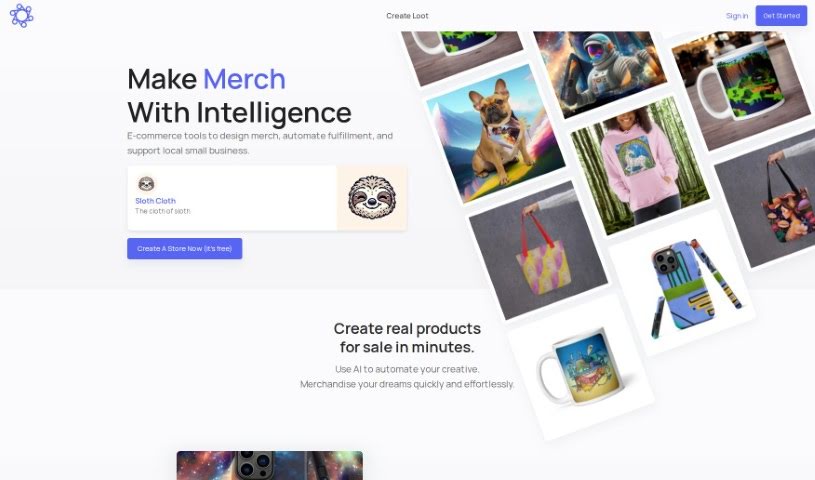
Screenshot of Lootgod

Lootgod

Freemium

Lootgod is a really cool platform for artists, kind of like a digital gallery and shop rolled into one. It's designed to help you share and sell your art in new and exciting ways, blending the physical and digital worlds. It is a place where your art can really shine online, reaching more people and getting more attention. It's built to be easy to use, no matter what kind of art you create, and it gives you a strong digital space to connect with your audience. It really focuses on making your work stand out.

Screenshot of Lucidpic

Lucidpic

Freemium

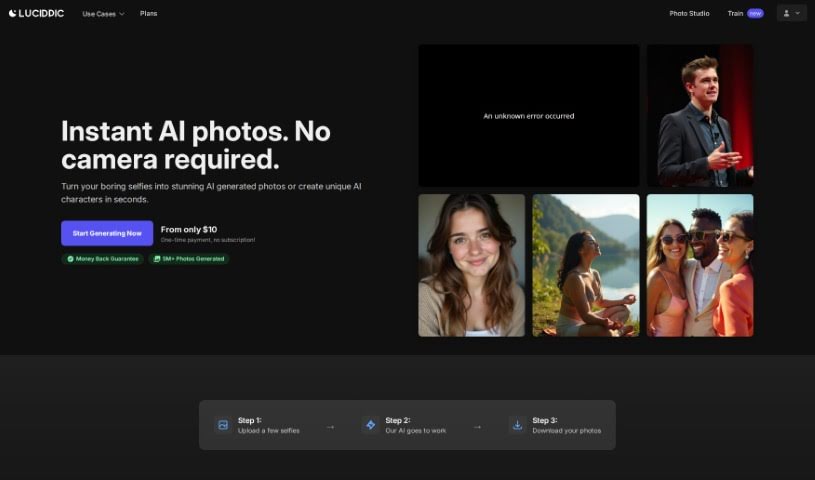
Lucidpic's AI Person Generator is a really handy tool that lets you easily create high-quality, AI-generated images of people for all sorts of uses. It is your go-to for custom people photos. It's packed with features like:

Screenshot of Luw.ai

Luw.ai

Freemium

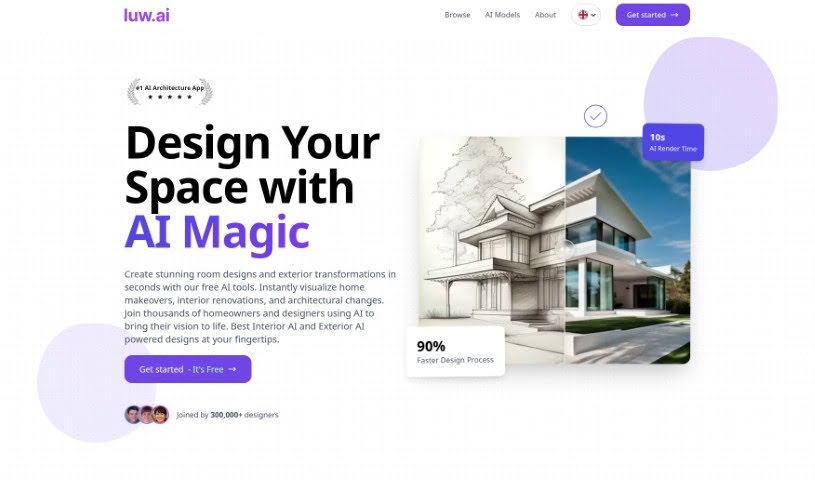
Luw.ai is an online tool that uses AI to create personalized room plans and virtual home designs. It tailors these designs based on your interior and exterior style preferences. You can even create a unique persona to guide the AI, ensuring the designs truly match your taste. With handy features like the Magic Wand for easy modifications, HD Exports for high-quality images, and a library boasting over 55 different design styles, Luw.ai makes it simple to transform spaces and get those polished images right away.

Screenshot of Magic Prints

Magic Prints

Freemium

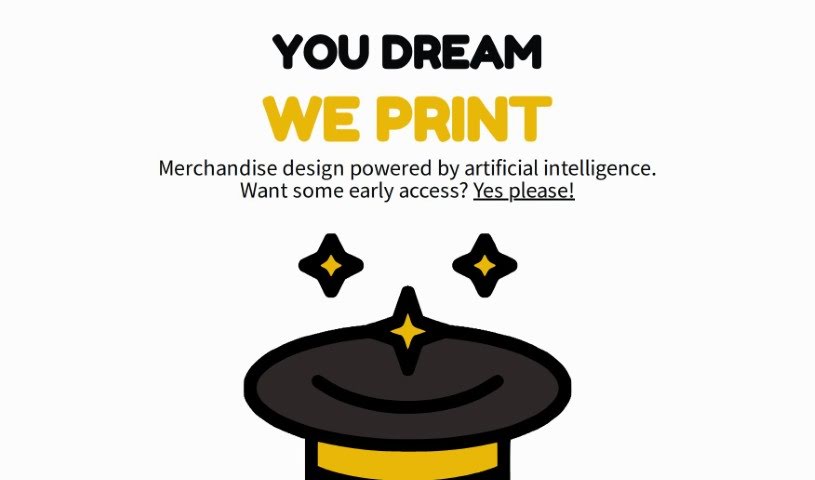
Magic Prints is a service that uses artificial intelligence to create custom merchandise designs. It offers a really unique way for you to bring your ideas to life on various products, all with a little help from AI. Whether you're a business owner wanting branded items, an artist looking to put your work on different materials, or just someone who loves personalized, one-of-a-kind things, Magic Prints has you covered. They're aiming to completely change how merchandise is designed by blending your creativity with smart technology. You'll find features like AI-generated designs, lots of ways to customize, a chance to get early access through a waitlist, printing on all sorts of items, and some genuinely new printing techniques.

Screenshot of Magician for Figma

Magician for Figma

Freemium

Magician for Figma is a really neat design assistant, powered by AI, built specifically for people who use Figma. It’s designed to help you out with all sorts of design tasks, like writing copy or even creating custom icons just by typing what you want. It fits right into the Design category, offering features for AI Editing and UI/UX Design. The best part? Magician for Figma is currently free to use. It runs on technologies like Vercel, Cloudflare, and Animate css. You get access to all its current features and any future updates with this public beta version, all at no charge. If you want to dive deeper, you can check out their official website at magician.design.

Stay Updated with AI Tools

Get weekly updates on the latest AI tools, trends, and insights delivered to your inbox

Join 25,000+ AI enthusiasts. No spam, unsubscribe anytime.