AI UI/UX Tools: What They Are & How They Work

AI Tools for UI UX

Discover the best UI UX AI tools to enhance your productivity and creativity.

Page 3 of 4 • 37 total tools
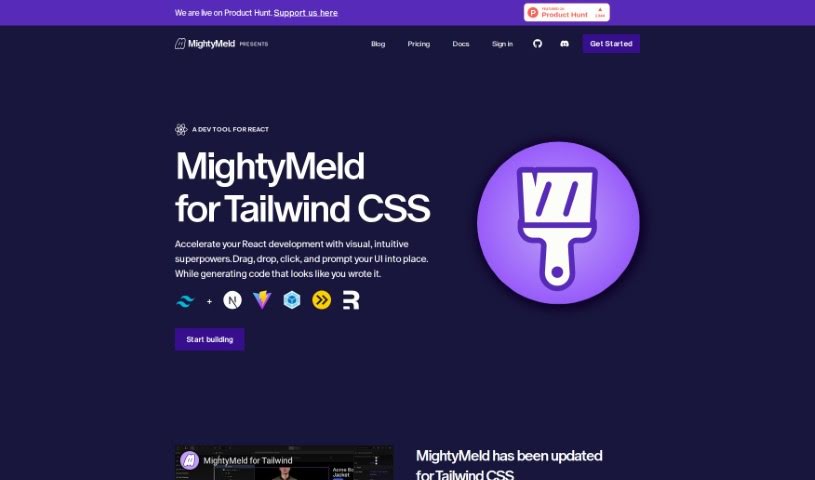
Screenshot of MightyMeld for Tailwind

MightyMeld for Tailwind

Freemium

MightyMeld is a visual development tool for building React applications styled with Tailwind CSS. You arrange and modify your interface by dragging and dropping elements, and MightyMeld writes the corresponding code automatically. Code on disk updates in real time, so visual edits and source files stay in sync.

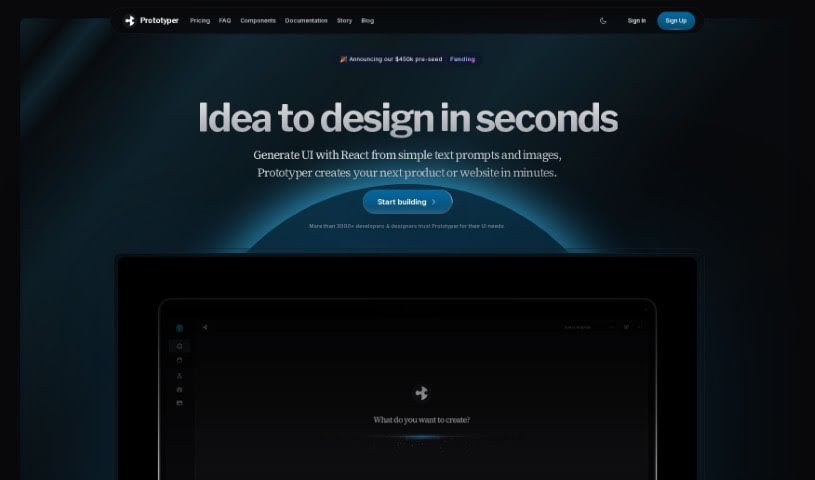
Screenshot of Prototyper

Prototyper

Freemium

Prototyper is an AI-powered design tool that generates UI elements from a simple text prompt or an image. Describe your idea in plain language, and it turns that description into working code. You can edit the code in real time in an editor beside the preview, so changes appear instantly. It supports popular frameworks including Tailwind, HTML, and React, and includes features for team collaboration on prototypes.

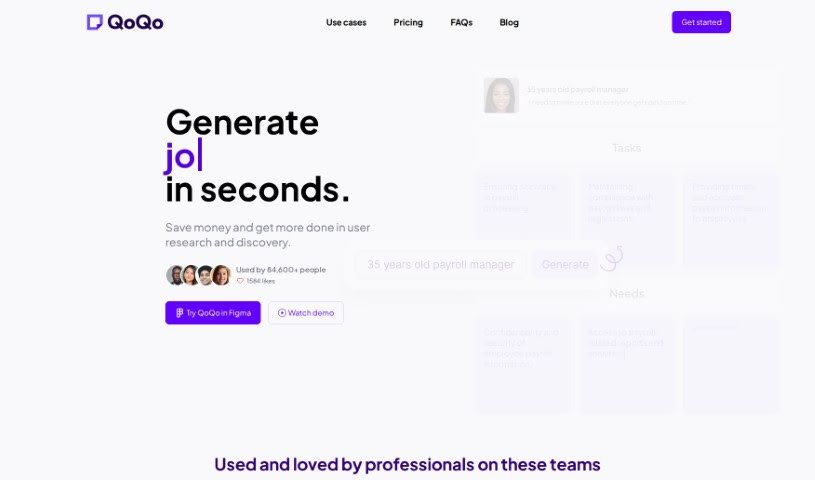
Screenshot of QoQo

QoQo

Freemium

QoQo is an AI-powered companion for user experience research and discovery. It helps designers and design agencies generate user personas, journey maps, and other research elements in seconds, so they can move quickly from insights to user-focused designs. It is especially useful for design agencies, startups, and individual designers, and it works as a plugin inside Figma. Pricing is a clear structure of monthly and yearly subscriptions for full access.

Screenshot of Rawuser

Rawuser

Freemium

Rawuser is an AI-powered personalization tool that dynamically improves user interactions and website performance. It creates personalized content tailored to each visitor, so every person who lands on your site gets an experience suited to them. You can also use it to test and fine-tune your products, and to keep improving the user experience over time — which can increase engagement, retention, and satisfaction.

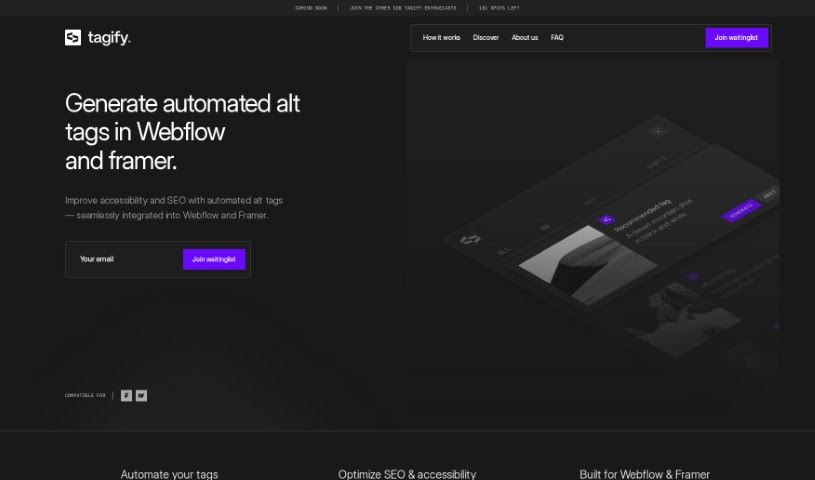
Screenshot of Tagify

Tagify

Freemium

Tagify is a tool for Webflow professionals that automates alt-tagging for website images. It connects with Azure AI to generate accurate, SEO-friendly alt tags while allowing full manual editing control. Tagify scans all images in a Webflow project, creates alt tags automatically, and reviews existing tags to suggest improvements.

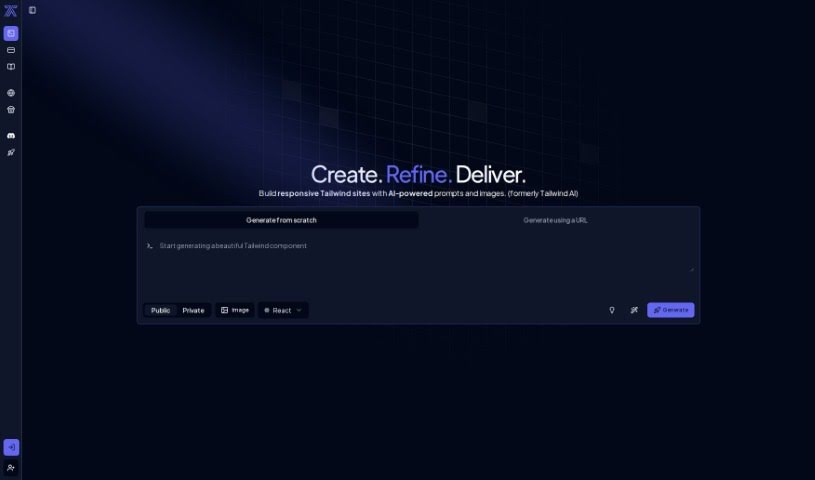
Screenshot of Tailwindai

Tailwindai

Freemium

Tailwind AI uses artificial intelligence to speed up web interface design by automating the creation of Tailwind components. It generates custom components from simple text prompts and images, reducing the manual work typically involved in web design.

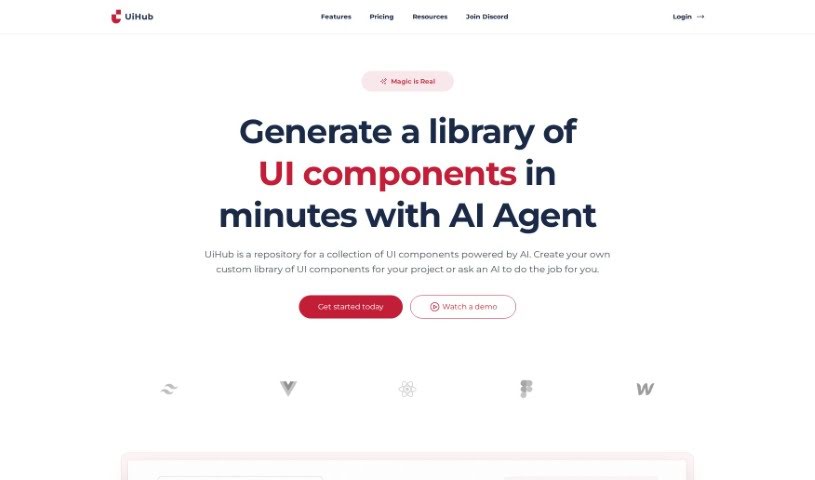
Screenshot of Uihub

Uihub

Freemium

Uihub is an AI-powered tool that streamlines UI design and development. It lets you build custom libraries of UI components with TailwindCSS, showing instant previews of every change — whether you're writing TailwindCSS or HTML code or adjusting branding colors. A built-in code editor brings component designs to life immediately.

Screenshot of UX Pilot

UX Pilot

Freemium

UX Pilot is an AI-powered web application and Figma plugin for user experience design work. It provides design reviews, workshop template generation, and insights drawn from UX data, integrating directly with Figma and FigJam. The tool covers the design process from defining requirements through to visual design.

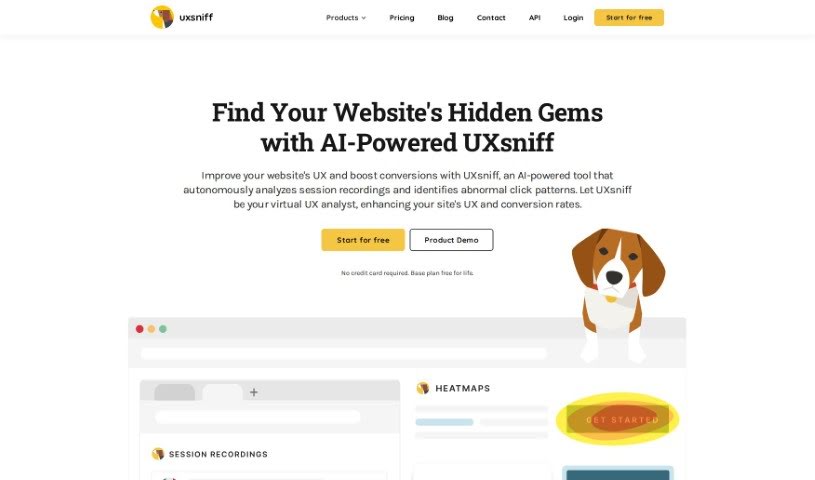
Screenshot of UXsniff

UXsniff

Freemium

UXsniff is an AI-powered tool that improves your user experience (UX) insights by automatically analyzing session recordings and spotting unusual click patterns on your website. You can watch session recordings to see exactly what users are doing — scrolling, moving their mouse, or "rage clicking" in frustration — which helps pinpoint where users get stuck or annoyed.

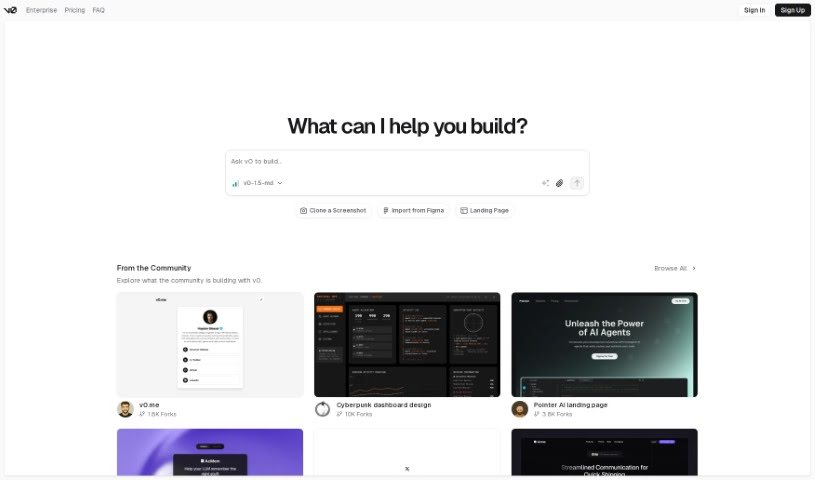
Screenshot of v0 by Vercel

v0 by Vercel

Freemium

v0 is a tool from Vercel for building websites. It creates dynamic user interfaces (UI) from simple text prompts, with a focus on speed and ease of use so developers can quickly generate UI components and add them to their projects without getting bogged down in design or coding. You describe what you want — product categories, hero sections, contact forms, or detailed e-commerce dashboards — and v0 generates it. The tool is currently in beta and includes a toggle menu that makes navigating the development environment straightforward. It works for both public and private projects.

Screenshot of Websitecolorsai

Websitecolorsai

Freemium

WebsiteColorsAI is a tool that uses AI to extract color schemes from any website. Enter a URL, and it identifies and pulls out the exact colors used on that site. Palettes can be copied, downloaded, and saved for your own design projects — no coding skills required.

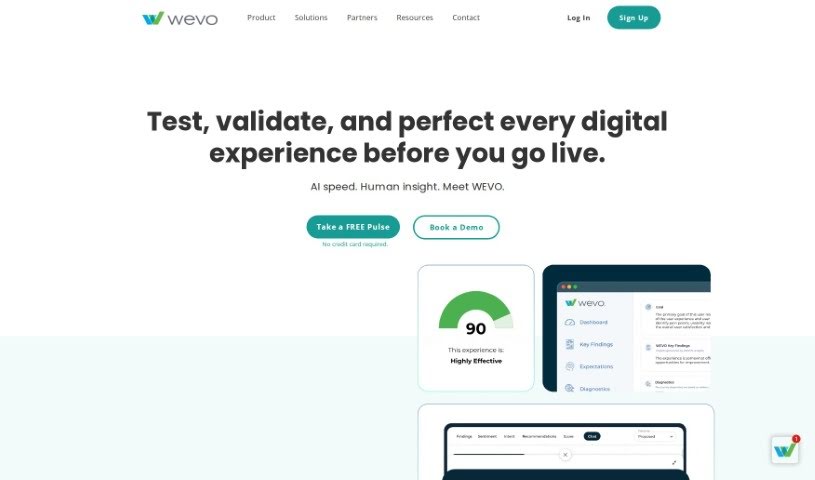
Screenshot of WEVO

WEVO

Freemium

WEVO is a user experience (UX) research platform that gives companies reliable, statistically sound insights into how people interact with their digital products. It provides scores, benchmarks, and summarized findings to help research, product, and marketing teams make faster decisions. The goal is to make it easy for anyone to gather human insights and improve digital experiences.

About UI UX tools

Designing clean user interfaces and mapping out seamless user journeys across dozens of screens can quickly turn into a grueling process. Whether you’re sketching initial wireframes, organizing component libraries, or conducting usability testing, balancing user needs with tight project deadlines takes constant effort. It’s easy to spend days adjusting pixel spacing, building repetitive UI elements, or resolving handoff miscommunications with developers.

Think of these platforms as specialized creative co-pilots for UI/UX design, wireframing, and user research. They don’t replace design intuition or human empathy, but they speed up initial wireframing, generate interactive mockups, and convert design concepts into clean code.

Prompt-to-Screen Wireframing, User Flows, and Design-to-Code

Moving from initial concept to clear interface layouts often takes hours of manual block-drawing and layout tweaks. Smart design assistants transform natural language descriptions, rough pencil sketches, or text prompts into structured wireframes and high-fidelity screens in seconds. Instead of starting with an empty canvas, you get working UI layouts complete with realistic copy, button states, and visual hierarchy options ready for refinement.

Understanding user behavior and creating targeted user flows becomes far simpler, as well. Mapping complex user journeys, generating user personas, and analyzing feedback usually requires sifting through mountains of survey data. Specialized UX tools analyze project briefs to generate clear user flowcharts, summarize customer research insights, and highlight potential usability friction points before you launch a prototype.

Bridging the gap between visual design and developer handoff also gets much smoother. Translating static mockups into responsive front-end code often leads to discrepancies between design files and live apps. AI UI tools convert screen layouts directly into production-ready code like React, Tailwind CSS, or HTML—preserving typography, color schemes, and spacing rules while keeping design systems aligned.

Practical Features for Designers:

  • Prompt-to-screen generation: Systems that transform written descriptions or rough sketches into editable high-fidelity mobile and web UI layouts.
  • Design system synchronization: Settings that automatically enforce consistent typography, component libraries, and color palettes across multiple screens.
  • User flow mapping: Features that create connected user journeys and interactive prototypes to show how screens connect.
  • Design-to-code export: Tools that convert visual interfaces directly into responsive code like React, Tailwind, or HTML for seamless developer handoffs.
  • UX research and persona generation: Analytics capabilities that summarize feedback, generate realistic user personas, and spot usability friction points.

Delivering memorable user experiences will always rely on your empathy, problem-solving skills, and deep understanding of human behavior. Software can’t conduct genuine user interviews, replace visual taste, or experience what it’s like to navigate a product for the first time. But letting smart tools handle routine wireframing, component generation, and code conversion gives you back the time needed to design products people love.

Explore the UI/UX tools below to simplify your design workflow.

The Best AI UI/UX Tools

  1. v0 by Vercel: for quickly trying out UI ideas with users
  2. UX Pilot: for better UX design through group workshops
  3. Looppanel: for making user testing feedback easier to collect
  4. Horizon UI: for smoothly blending UI and UX design
  5. Feedspace: for fine-tuning user interfaces to boost engagement
  6. Goodspeed Studio: for creating interactive user flow diagrams.
  7. Evolv AI: for improving user journeys by testing.
  8. Devwares: for simplifying UI design with flexible kits.
  9. Qo Qo: for making user research for design projects simpler.
  10. Langui: for easy UI for AI-powered apps
  11. WEVO: for A/B testing to improve UI design.
  12. Designpro: for quickly finding UI bugs to make designs better.
  13. Befront: for simpler ways to collect design feedback
  14. UXsniff: for seeing user behavior in real-time
  15. LanguageGUI: Open-source UI kit for adding graphical interfaces to LLM outputs.
New tools, in your inbox.

Weekly picks of the best AI tools we've researched and added — no spam, unsubscribe anytime.

Join 25,000+ AI enthusiasts. No spam, unsubscribe anytime.