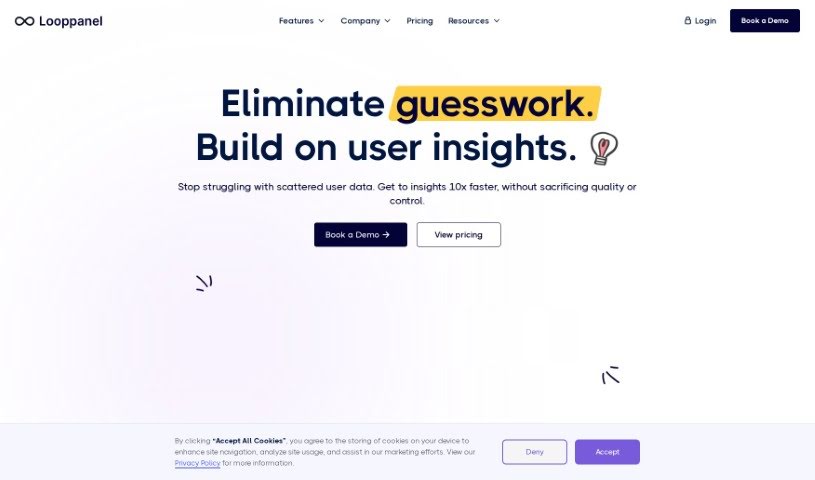
What is Looppanel?
LoopPanel is a user research platform designed to make analyzing UX research much simpler. It uses transcription technology to create accurate transcripts in multiple languages. The platform includes an AI system that can record calls, automatically take notes, and keep all your research data in one central place. You can take notes live during calls, bookmark important moments, and easily share notes, transcripts, and video clips with your team. Plus, LoopPanel works with Zoom and offers features like a repository search, video clipping, and a smart search function similar to Google, all to improve your user experience research process.
Who created Looppanel?
Obtan Technologies Inc. is the company behind Looppanel. They launched the platform on December 15, 2023. It comes with a bunch of helpful features, like really accurate transcripts, support for many languages, and automated note-taking, including live note-taking during calls. LoopPanel really simplifies UX research analysis by using AI for call recording, note-taking, and keeping all your data organized. It also makes collaboration easier by letting you share notes, transcripts, and video clips with your team members.
What is Looppanel used for?
Here’s a look at what LoopPanel helps you do:
- It supports many different languages.
- You can record calls and have notes taken automatically.
- It produces transcripts that are highly accurate and work in multiple languages.
- All your research data is centralized, making it easy to access.
- You can take notes live while you’re on calls.
- It lets you bookmark key moments so you can easily find them later.
- Collaboration is a breeze because you can share notes, transcripts, and video clips with your team.
- You can create and share report summaries just by sending a link.
- The repository search function helps you manage and find your research data efficiently.
- AI is used to automate note-taking during calls.
- The video clipping feature helps you track and understand user behavior patterns.
- It offers automated note-taking.
- You get highly accurate transcripts.
- Your research data is kept in one central place.
- It includes a live note-taking feature.
- You can bookmark key moments.
- It’s built with collaboration in mind.
- It supports video clipping.
- You can embed video clips directly into platforms like Jira, Notion, and Confluence.
- It has a repository search function.
- It offers user testing features.
- You can easily share transcripts and clips with your team members.
Who is Looppanel for?
LoopPanel is a great tool for:
- User experience researchers
- User Interface Designers
- Market Researchers
- Product Managers
- Data Analysts
- Customer Experience Managers
- Researchers in general
- UX designers
- User experience analysts
- Research teams
- UX Researchers specifically
- Transcriptionists
- User testing professionals
- User experience professionals
How to use Looppanel?
Here’s a simple guide to using LoopPanel for your UX research analysis:
- Sign Up: First, create your account on LoopPanel. You can visit their website to sign up for a free trial or choose a plan that works for you.
- Initiate Calls: When you need to talk to participants for your research, just start your calls as usual.
- Utilize Transcription: LoopPanel automatically records your calls and then transcribes them accurately, making them easy to reference later.
- Live Note-Taking: While you’re on a call, you can take live notes. The platform lets you timestamp key moments, which is super helpful.
- Collaboration: Sharing your work is easy. You can share notes, transcripts, and video clips with your team members to work together more effectively.
- Repository Search: Need to find something specific? Use the repository search function to easily manage and search through all the research data you’ve stored on the platform.
- AI Integration: Take advantage of LoopPanel’s AI features. They help automate note-taking and keep all your research data centralized.
- Language Support: The platform supports multiple languages for transcription services, so you can work with a wider range of participants.
- Video Integration: You can create and share video clips. What’s more, you can even embed these video clips directly into platforms like Jira, Notion, and Confluence.
- Support and Security: If you run into any issues, don’t hesitate to contact LoopPanel’s support team. You can also be confident that the platform maintains high data security standards.