AI Tools for UI UX

Discover the best UI UX AI tools to enhance your productivity and creativity.

Page 1 of 4 • 40 total tools

In today’s world, how a product feels and looks to users can make or break it. Having the right tools is super important for success. Old design methods often took ages and were a bit of a hassle, but AI is changing all that for UI and UX design.

We’re past the point where designers just relied on their gut feelings and experience. Now, AI tools can actually look at how users behave, speed up your workflow, and spark creative ideas in ways we never imagined. They give designers the power to try out ideas fast and make choices based on real data.

But, let’s be honest, with so many options out there, finding the best AI tools for UI and UX can feel like looking for a tiny needle in a giant haystack. I’ve spent a good chunk of time digging through all these options, trying out different products to find the ones that really make the design process better.

Whether you’ve been designing for years or you’re just starting out, these tools can help you create interfaces that are easy to use and really connect with your audience. So, let’s get into the most effective AI tools for UI UX design available right now.

The best AI UI UX Tools

  1. v0 by Vercel for quickly trying out UI ideas with users
  2. UX Pilot for better UX design through group workshops
  3. Looppanel for making user testing feedback easier to collect
  4. Horizon UI for smoothly blending UI and UX design
  5. Feedspace for fine-tuning user interfaces to boost engagement
  6. Goodspeed Studio for creating interactive user flow diagrams.
  7. Evolv AI for improving user journeys by testing.
  8. Devwares for simplifying UI design with flexible kits.
  9. Qo Qo for making user research for design projects simpler.
  10. Langui for easy UI for AI-powered apps
  11. WEVO for A/B testing to improve UI design.
  12. Designpro for quickly finding UI bugs to make designs better.
  13. Befront for simpler ways to collect design feedback
  14. UXsniff for seeing user behavior in real-time
  15. Magify.design for turning sketches into UI designs right away.

How do AI UI UX tools work?

AI UI/UX tools really shake up the design process by using artificial intelligence to understand what users like and how they act. Basically, these tools use tons of data from how people use products, from surveys, and from design best practices to guide decisions. This data helps designers create experiences that better match what users actually need, which in turn boosts engagement and satisfaction.

By using machine learning, these tools can spot patterns in how people interact with designs. For instance, they might show which parts grab attention or which layouts make navigation smoother. This gives designers real insights into what design choices work, based on actual user behavior instead of just guessing.

Lots of AI UI/UX tools include features like automatic user testing and predictions about what might happen. Automatic testing lets designers quickly test out how users might interact with prototypes, finding problems before the product even launches. Predictive analytics can give a heads-up on how design changes might affect user engagement, leading to smarter choices.

Plus, these tools can suggest design ideas based on proven layouts or current trends. By looking at databases of designs that have performed well, AI helps designers create interfaces that look good. This saves time and also sparks creativity by pushing past old design limits.

Finally, bringing AI into UI/UX design allows for constant improvements. Built-in ways to get feedback mean designs can be updated in real-time based on how users interact with them, ensuring designs grow with user needs. This flexibility makes AI tools incredibly useful for creating modern, user-focused interfaces in a digital world that’s always changing.

Our best AI UI UX tools at a glance

RankNameBest forPlans and PricingRating
1v0 by Verceltrying out UI ideas quickly with usersN/A4.73 (11 reviews)
2UX Pilotmaking UX design better with group workshopsN/A4.72 (36 reviews)
3Looppanelcollecting user testing feedback more easilyPaid plans start at $324/year.4.83 (12 reviews)
4Horizon UIsmoothly combining UI and UX designN/A4.33 (9 reviews)
5Feedspaceimproving user interfaces for more engagementPaid plans start at $49.9/month.3.50 (6 reviews)
6Goodspeed Studiocreating interactive user flow diagrams.N/A4.77 (13 reviews)
7Evolv AIimproving user journeys through testing.N/A4.00 (12 reviews)
8Devwaressimplifying UI design with flexible kits.N/A3.75 (8 reviews)
9QoQomaking user research for design projects simpler.Paid plans start at $$4/month.4.88 (8 reviews)
10Languicreating easy UI for AI-powered appsN/A4.13 (8 reviews)
11WEVOA/B testing to improve UI design.N/A3.93 (14 reviews)
12Designprofinding UI bugs quickly for better designs.N/A4.00 (6 reviews)
13Befrontcollecting design feedback more smoothlyN/A4.33 (6 reviews)
14UXsniffvisualizing user behavior in real-timeN/A4.86 (28 reviews)
15Magify.designturning sketches into UI designs instantly.N/A4.77 (26 reviews)
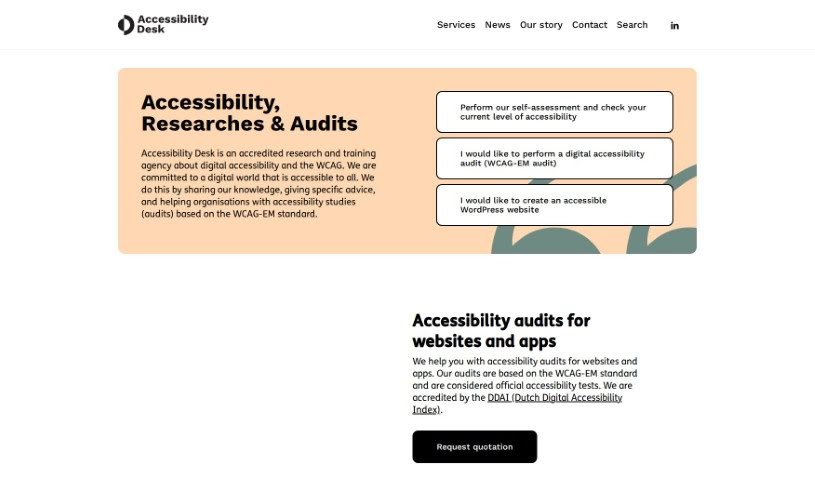
Screenshot of Accessibility Desk

Accessibility Desk

Freemium

Accessibility Desk offers a robust suite of tools designed to make digital content more accessible for everyone. At its core is the AI Accessibility Toolkit, which is packed with features to simplify text, create descriptive alternative text (alt text), improve readability, and help you assess and report on your digital accessibility efforts. It is your go-to resource for crafting clear alt text for images, videos, and more, checking your text against accessibility standards, building comprehensive accessibility statements, making sure your website code is up to par, and guiding you through self-assessments and reporting. You can dive deeper and access all these handy tools on their website: <https://accessibilitydesk.com/ai-toolkit/>.

Web Development View Tool →
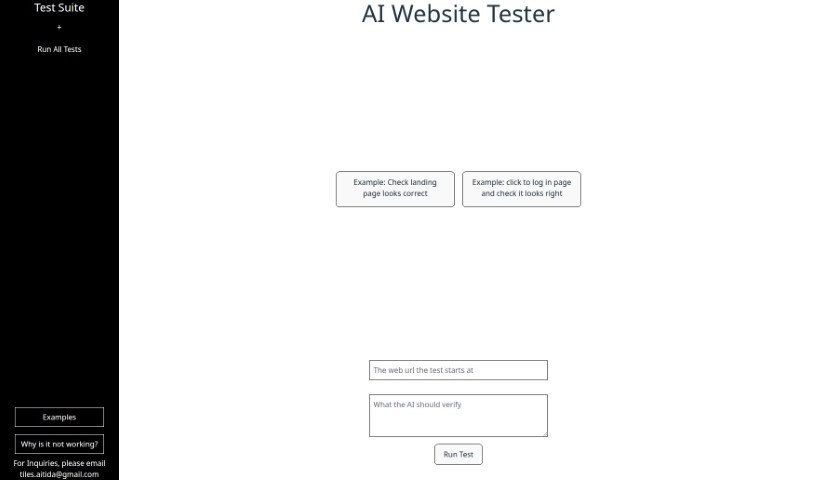
Screenshot of Aitida Test Suite

Aitida Test Suite

Freemium

Aitida Test Suite is a handy tool built for automating website testing. Its main goal is to make sure your website works just right, looks good, and gives visitors a great experience. It does this by acting like a real visitor, clicking around your site, trying out the login, and checking how everything appears. You can use it to check user experience, analyze landing pages, test login flows, find errors, and just generally keep your website in good shape. If you ever get stuck or have questions, you can reach out to their customer support via email. It's a great way to spot problems so you can make your website even better.

Web Development View Tool →
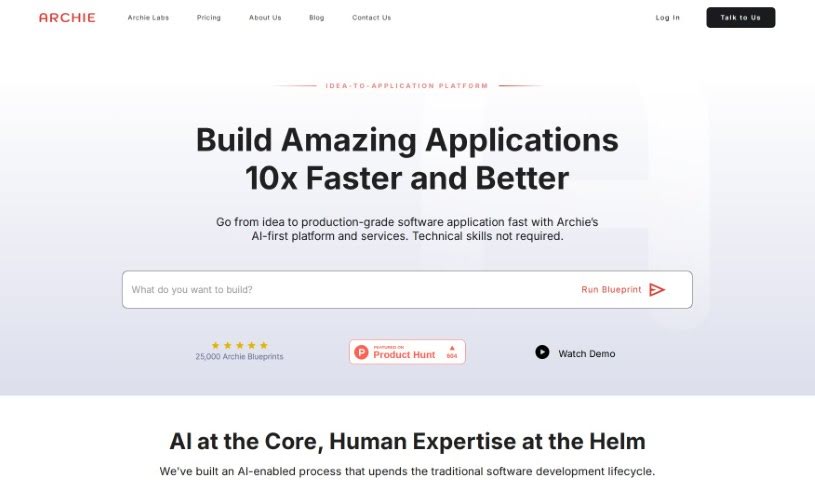
Screenshot of Archie AI

Archie AI

Freemium

Archie AI is an AI-powered solution architect designed to make turning your ideas into detailed software application designs, specifications, and architectural plans much simpler. It uses several large language models to quickly come up with and create feature-rich blueprints. This really helps boost your idea's value and soundness, making the jump from concept to design smoother. You can even work with product designers to check your ideas, plan your strategy, spot potential risks, and speed up your software projects.

Web Development View Tool →
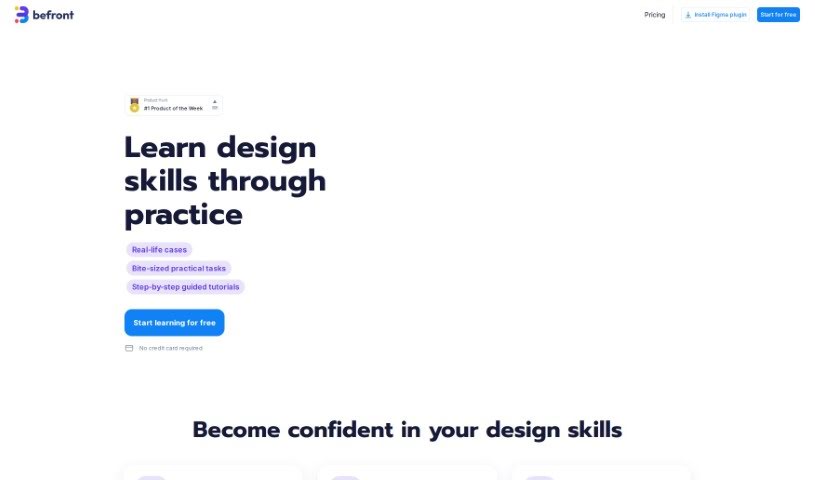
Screenshot of Befront

Befront

Freemium

Befront is a really advanced simulator for Interactive UI/UX Design. It is a tool that brings your digital design ideas to life in a super engaging way. It offers a unique, immersive experience, letting you create, test, and refine your user interface and user experience designs right there in real-time. Whether you're a designer, part of a product team, or an educator, Befront helps you explore different design ideas much more efficiently. It makes the whole design process feel more natural and encourages teamwork. By letting you simulate how users might interact with different layouts and components, Befront helps you build designs that look great and work smoothly. Its interface is easy to get the hang of, and its powerful simulation features make it a must-have for anyone working on UI/UX design today. It’s designed to ensure your digital products are top-notch in terms of usability and overall design quality. Essentially, Befront makes your design work smoother and helps you tap into your creative side, acting as your go-to partner for exploring new UI/UX possibilities.

Web Development View Tool →
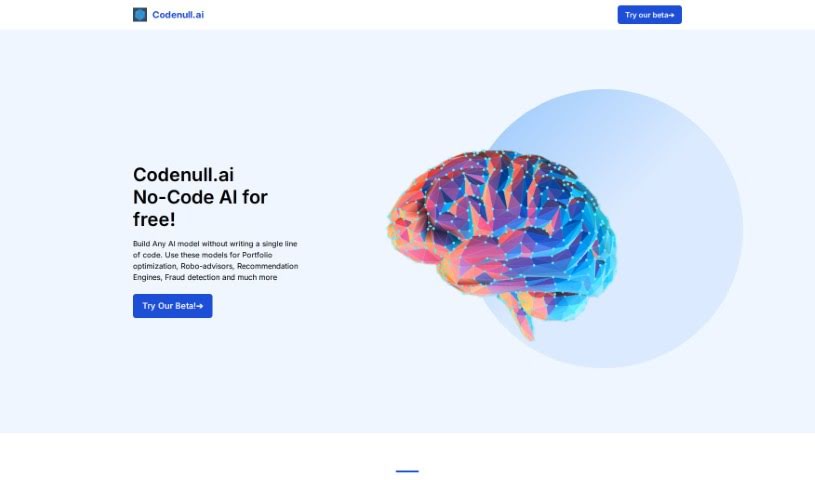
Screenshot of Codenull

Codenull

Freemium

It seems there wasn't any specific information about "Codenull" in the document I reviewed. If you have more details or another topic you'd like to discuss, please let me know! I'm here to help.

Web Development View Tool →
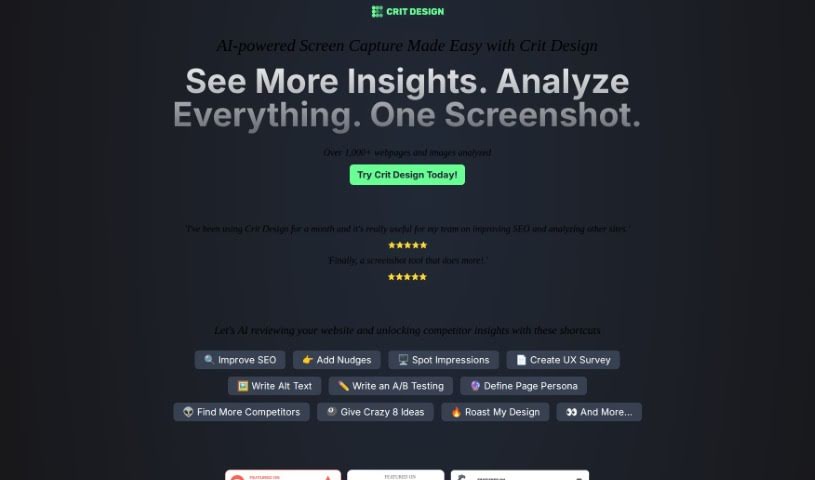
Screenshot of Crit Design

Crit Design

Freemium

Crit Design is your AI design assistant, built right into your browser. It's a powerful extension designed to supercharge your creative workflow. How? By using advanced AI models like GPT4 Vision, Gemini Vision Pro, and LlaVa-34B to really dig into images, web pages, and even text. It makes analyzing designs a breeze, whether you need to quickly capture a screen, get ideas for design improvements, generate alt text to make your website more accessible, or even get a handle on what your competitors are doing and how to boost your SEO. If you're in design, development, or UX research, this tool can seriously speed up your decision-making and make your work more effective.

Web Development View Tool →
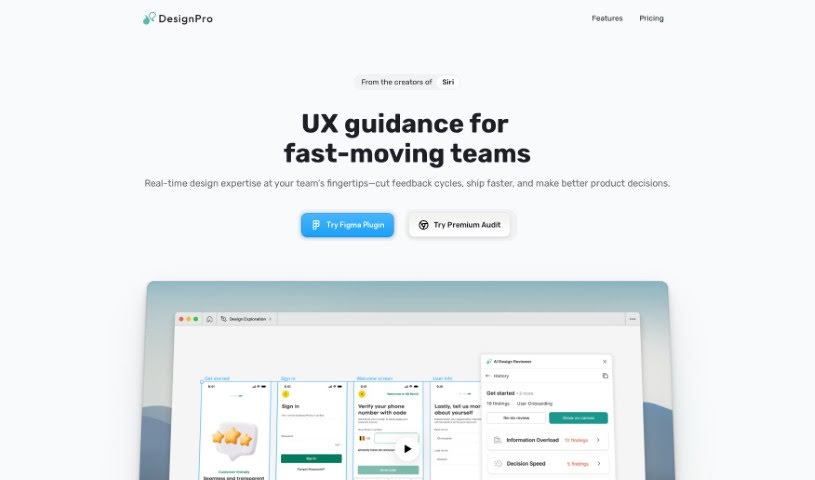
Screenshot of Designpro

Designpro

Freemium

DesignPro is an AI tool built to make design reviews much better. It gives super-fast feedback and suggestions right inside tools like Figma. It is a helpful assistant that can offer specific copy ideas, spot UI bugs and other issues, and even help tweak your website designs to encourage more people to take action. The AI behind DesignPro has learned from the best, using frameworks from Nielson Norman and IDEO. This means your design team can easily put best practices into play. What does this mean for you? You'll get feedback much faster, see your tasks laid out clearly, generate transcriptions automatically, and even send tasks straight to project management tools like Jira or Notion. Basically, DesignPro makes collaboration smoother, saving you both time and money.

Web Development View Tool →
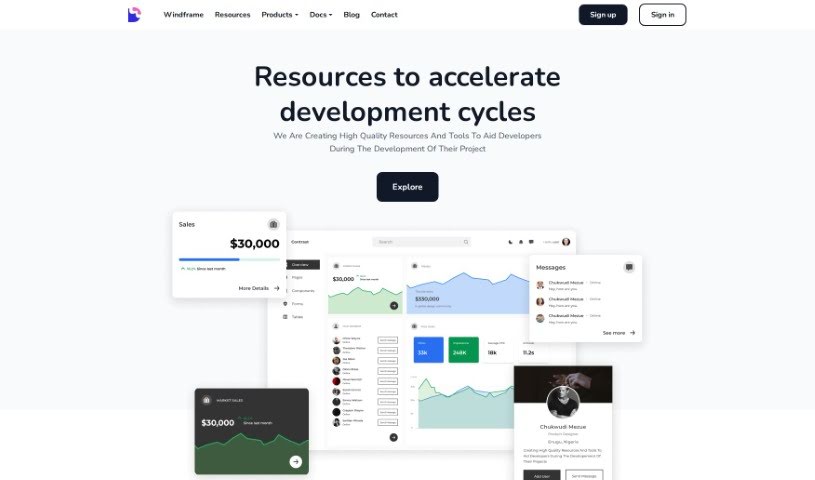
Screenshot of Devwares

Devwares

Freemium

Devwares is a really useful platform packed with tools and resources specifically made for developers and designers. It is a one-stop shop to make your project development process smoother and faster. They offer things like ready-to-use UI kits, admin dashboards, and comprehensive design systems. These are all built for popular frameworks such as Bootstrap, React, and Angular. Devwares really focuses on providing high-quality assets that save you time and are super flexible, which is exactly what you need for modern web and app development. You can find both free and premium resources here, so it's accessible whether you're a seasoned pro or just starting out. The components and templates they offer are carefully put together, designed to give your projects a great head start and really speed up your creative work.

Web Development View Tool →
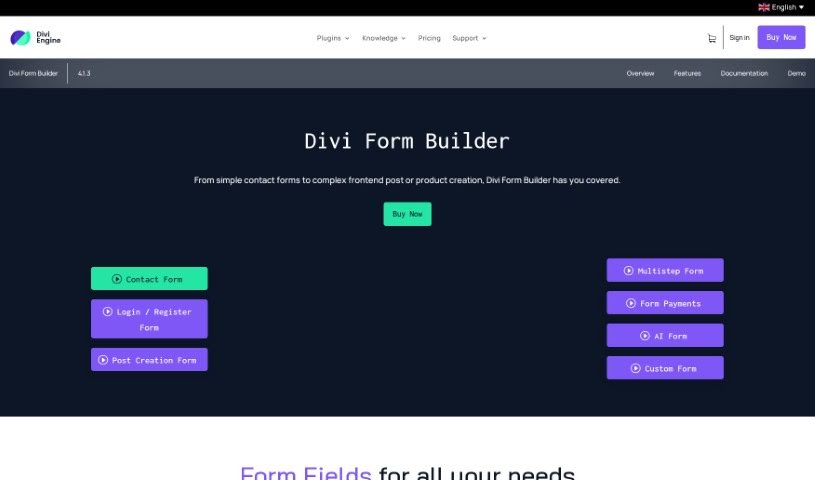
Screenshot of Divi Engine Divi Form Builder

Divi Engine Divi Form Builder

Freemium

The Divi Form Builder from Divi Engine is a really neat tool that lets you build beautiful, complex forms for your website. The best part? You don't need to know any code to use it! It fits right into the Divi Builder, making your website more interactive and user-friendly. Here are some of the cool things it offers:

Web Development View Tool →
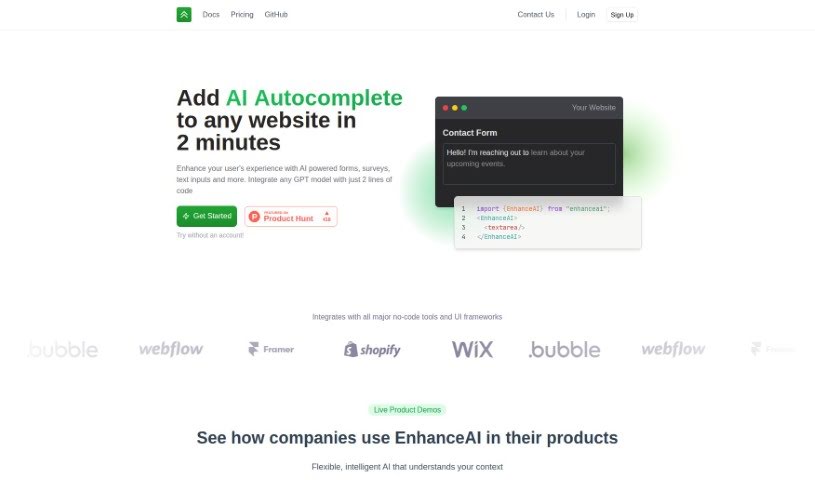
Screenshot of EnhanceAI

EnhanceAI

Freemium

EnhanceAI is a really neat tool designed to make websites more interactive. It does this by adding AI-powered autocomplete features right into your forms, surveys, and any text input fields. It is a smart assistant that helps users fill things out faster and more easily. It uses GPT technology to offer smart suggestions, which really speeds up data entry and makes the whole experience much better for visitors. What's great is how simple it is to set up – you can get EnhanceAI working on your website in about two minutes! This means you can quickly boost user satisfaction and engagement, whether you're running an online store, a service platform, or any other kind of site where people interact with text.

Web Development View Tool →
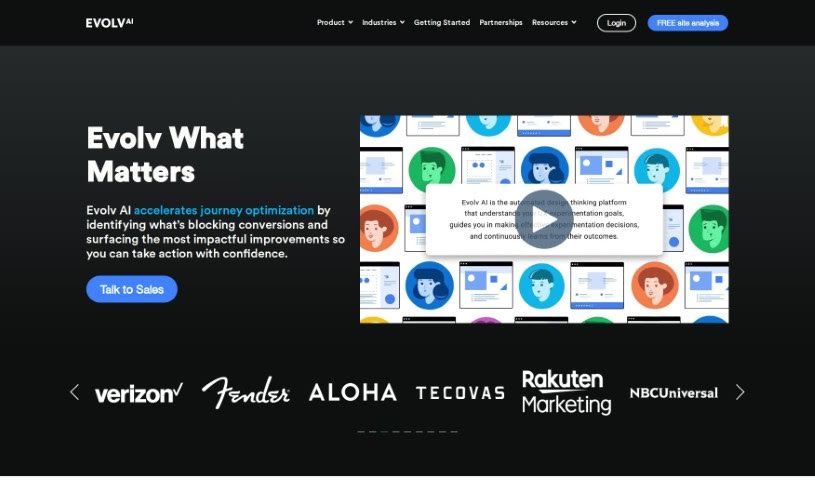
Screenshot of Evolv AI

Evolv AI

Freemium

Evolv AI is a platform built to make customer experiences better by using AI-powered testing and personalization. Essentially, it helps businesses improve their digital customer interactions. It does this by using AI and machine learning to look at data, giving you clear ideas on how to tweak your digital touchpoints in real-time. The platform lets you find, personalize, and deliver better user journeys, constantly adjusting based on how people are actually using your site or app. Evolv AI is designed for easy setup, comes with expert help, and offers clear executive dashboards so you can see your results. This means you can automate your testing, send more traffic to the experiences that are working best, and ultimately boost customer happiness across all your digital channels.

Web Development View Tool →
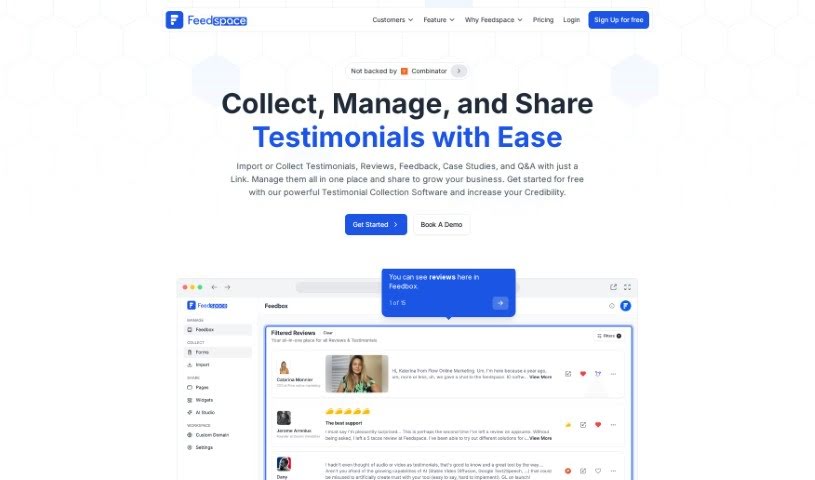
Screenshot of Feedspace

Feedspace

Freemium

Feedspace's UI Auditor AI Tool is designed to make improving user satisfaction simple. It helps you optimize your app's designs with automated edits. All you need to do is upload a screenshot of your app's UI or share a direct URL. Then, the UI Auditor Tool will offer guidance on how to make your user experience even better. Essentially, this tool aims to boost the design quality of your apps and websites, leading to smoother user interactions and happier users.

Web Development View Tool →
Previous 1 of 4 Next

Stay Updated with AI Tools

Get weekly updates on the latest AI tools, trends, and insights delivered to your inbox

Join 25,000+ AI enthusiasts. No spam, unsubscribe anytime.