AI Tools for UI UX

Discover the best UI UX AI tools to enhance your productivity and creativity.

Page 2 of 4 • 40 total tools

In today’s world, how a product feels and looks to users can make or break it. Having the right tools is super important for success. Old design methods often took ages and were a bit of a hassle, but AI is changing all that for UI and UX design.

We’re past the point where designers just relied on their gut feelings and experience. Now, AI tools can actually look at how users behave, speed up your workflow, and spark creative ideas in ways we never imagined. They give designers the power to try out ideas fast and make choices based on real data.

But, let’s be honest, with so many options out there, finding the best AI tools for UI and UX can feel like looking for a tiny needle in a giant haystack. I’ve spent a good chunk of time digging through all these options, trying out different products to find the ones that really make the design process better.

Whether you’ve been designing for years or you’re just starting out, these tools can help you create interfaces that are easy to use and really connect with your audience. So, let’s get into the most effective AI tools for UI UX design available right now.

The best AI UI UX Tools

  1. v0 by Vercel for quickly trying out UI ideas with users
  2. UX Pilot for better UX design through group workshops
  3. Looppanel for making user testing feedback easier to collect
  4. Horizon UI for smoothly blending UI and UX design
  5. Feedspace for fine-tuning user interfaces to boost engagement
  6. Goodspeed Studio for creating interactive user flow diagrams.
  7. Evolv AI for improving user journeys by testing.
  8. Devwares for simplifying UI design with flexible kits.
  9. Qo Qo for making user research for design projects simpler.
  10. Langui for easy UI for AI-powered apps
  11. WEVO for A/B testing to improve UI design.
  12. Designpro for quickly finding UI bugs to make designs better.
  13. Befront for simpler ways to collect design feedback
  14. UXsniff for seeing user behavior in real-time
  15. Magify.design for turning sketches into UI designs right away.

How do AI UI UX tools work?

AI UI/UX tools really shake up the design process by using artificial intelligence to understand what users like and how they act. Basically, these tools use tons of data from how people use products, from surveys, and from design best practices to guide decisions. This data helps designers create experiences that better match what users actually need, which in turn boosts engagement and satisfaction.

By using machine learning, these tools can spot patterns in how people interact with designs. For instance, they might show which parts grab attention or which layouts make navigation smoother. This gives designers real insights into what design choices work, based on actual user behavior instead of just guessing.

Lots of AI UI/UX tools include features like automatic user testing and predictions about what might happen. Automatic testing lets designers quickly test out how users might interact with prototypes, finding problems before the product even launches. Predictive analytics can give a heads-up on how design changes might affect user engagement, leading to smarter choices.

Plus, these tools can suggest design ideas based on proven layouts or current trends. By looking at databases of designs that have performed well, AI helps designers create interfaces that look good. This saves time and also sparks creativity by pushing past old design limits.

Finally, bringing AI into UI/UX design allows for constant improvements. Built-in ways to get feedback mean designs can be updated in real-time based on how users interact with them, ensuring designs grow with user needs. This flexibility makes AI tools incredibly useful for creating modern, user-focused interfaces in a digital world that’s always changing.

Our best AI UI UX tools at a glance

RankNameBest forPlans and PricingRating
1v0 by Verceltrying out UI ideas quickly with usersN/A4.73 (11 reviews)
2UX Pilotmaking UX design better with group workshopsN/A4.72 (36 reviews)
3Looppanelcollecting user testing feedback more easilyPaid plans start at $324/year.4.83 (12 reviews)
4Horizon UIsmoothly combining UI and UX designN/A4.33 (9 reviews)
5Feedspaceimproving user interfaces for more engagementPaid plans start at $49.9/month.3.50 (6 reviews)
6Goodspeed Studiocreating interactive user flow diagrams.N/A4.77 (13 reviews)
7Evolv AIimproving user journeys through testing.N/A4.00 (12 reviews)
8Devwaressimplifying UI design with flexible kits.N/A3.75 (8 reviews)
9QoQomaking user research for design projects simpler.Paid plans start at $$4/month.4.88 (8 reviews)
10Languicreating easy UI for AI-powered appsN/A4.13 (8 reviews)
11WEVOA/B testing to improve UI design.N/A3.93 (14 reviews)
12Designprofinding UI bugs quickly for better designs.N/A4.00 (6 reviews)
13Befrontcollecting design feedback more smoothlyN/A4.33 (6 reviews)
14UXsniffvisualizing user behavior in real-timeN/A4.86 (28 reviews)
15Magify.designturning sketches into UI designs instantly.N/A4.77 (26 reviews)
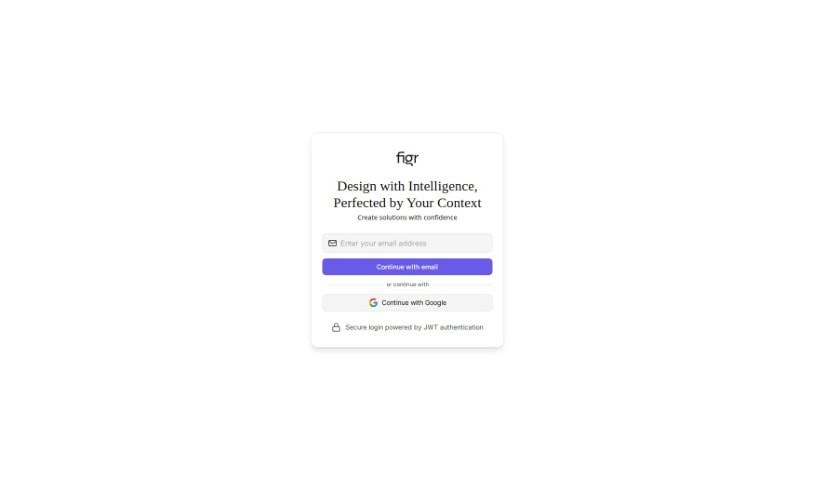
Screenshot of Figr Design

Figr Design

Freemium

Figr Design is an AI-powered tool built to help you with the initial stages of project development: brainstorming ideas, creating wireframes, and bringing your design concepts to life. It is a collaborative partner that works alongside you. It helps you brainstorm, then generates wireframes based on the details you provide about your project. What's really neat is how it directly incorporates your design ideas as it builds. The whole goal is to make the design process smoother by letting you easily feed your feedback and concepts right into the project's development. Right now, it's in an 'Early Preview' phase, which means it's still being refined and will likely change and improve as users provide feedback and as the technology advances. It really promotes a collaborative way of designing, where your input is key, and it can be a great asset for anyone working on web or app projects.

Web Development View Tool →
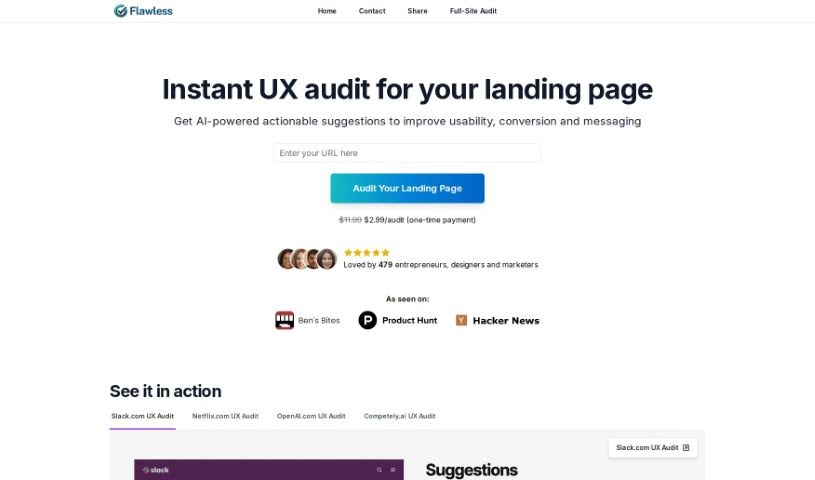
Screenshot of Flawless.is

Flawless.is

Freemium

Flawless.is is a really neat service that uses advanced AI vision technology, specifically GPT-4 Vision, to take a close look at your website's landing pages. It then gives you practical, easy-to-understand feedback on how to make them better. It is a smart assistant that checks your layout, design, how clear your message is, and how well your call-to-action works. It’s designed to be helpful for anyone working on a website, no matter their experience level. You get instant audits, super-fast results, and you can pay just once for each landing page you want analyzed.

Web Development View Tool →
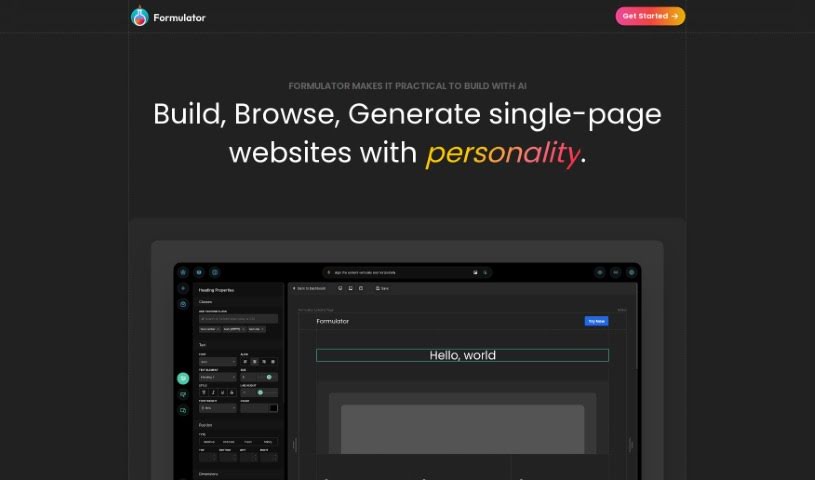
Screenshot of Formulator

Formulator

Freemium

Formulator.app is a platform that helps you build user interface (UI) components, making the process of creating web applications much faster. It's got this neat drag-and-drop interface, so you can actually build components without needing to write any code at all. Plus, it uses AI to whip up components really quickly just from your descriptions. You can also dive into a huge library packed with ready-made components and UI kits, which you can easily tweak to fit your needs. When you're done, you can export the HTML and CSS code for your components without any hassle, making it super simple to plug them into your current projects.

Web Development View Tool →
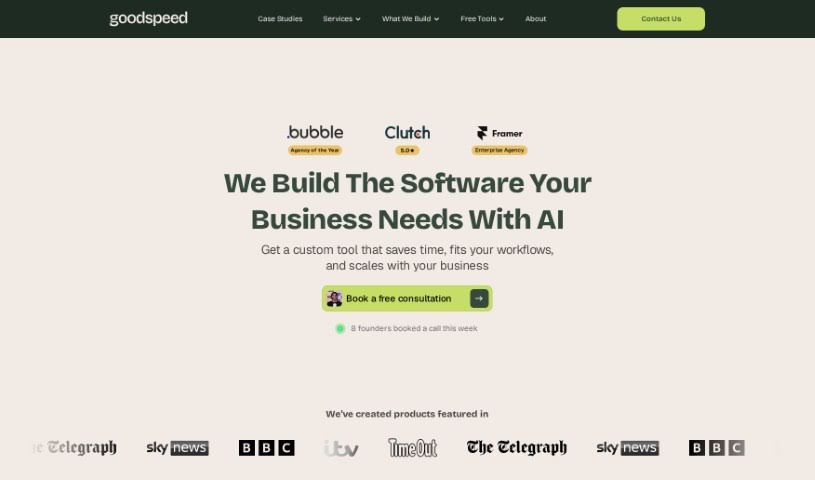
Screenshot of Goodspeed Studio

Goodspeed Studio

Freemium

Goodspeed Studio guides you through a structured process designed to bring your product ideas to life. It breaks down product development into key stages:

Web Development View Tool →
Screenshot of Grid

Grid

Freemium

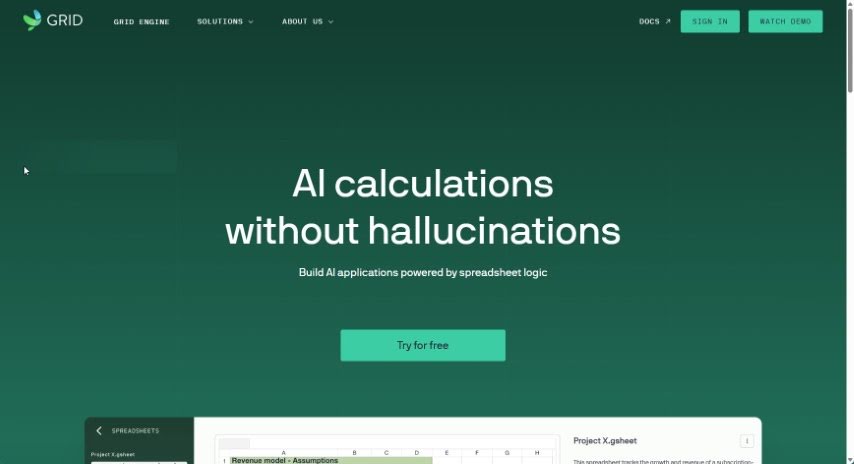
A grid is essentially a layout framework that helps you line up and organize elements on a webpage. Think of it like a blueprint for your design. It divides your page into columns and rows, making it much easier for designers and developers to create layouts that look good and are well-structured. When you use a grid, you can make sure things like text, images, and buttons are placed just right, with the perfect amount of space between them. This leads to a more balanced and pleasing design overall. Grids offer a systematic way to control where content goes, which is super important for creating responsive designs that look great on any screen size or device. So, really, grids are a fundamental tool for web design, helping you achieve both great looks and solid functionality.

Web Development View Tool →
Screenshot of Horizon UI

Horizon UI

Freemium

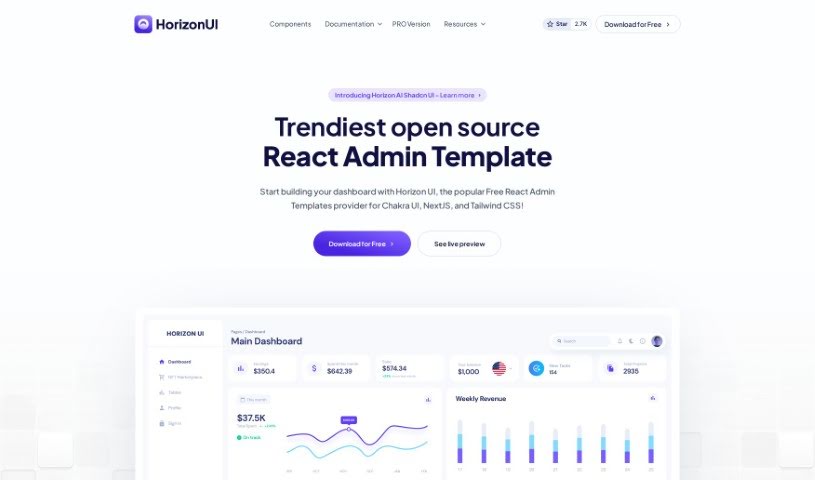
Horizon UI is a fantastic React admin template that really helps you turn your data into visually appealing dashboards. It's got a modern, beautiful user interface that makes your data pop. You get over 70 dark and light frontend elements – think buttons, inputs, navbars, and cards – all ready to make your dashboard look great. Plus, you can really make it your own using the Horizon Configurator to tweak colors, contrast, and theme styles. People have been loving how Horizon UI blends user interface (UI) with user experience (UX) so well, saving them tons of time on web design and development. It's even earned a lot of GitHub stars and was the #3 Product of the Day on Product Hunt, showing it's a genuinely useful tool for speeding up development and building responsive admin templates efficiently.

Web Development View Tool →
Screenshot of IMAGINaiTION

IMAGINaiTION

Freemium

IMAGINaiTION is all about making digital spaces more inclusive and accessible. It is using smart, AI-powered tools to make sure mobile apps meet global standards and work well for everyone, including people with neurodivergence. It's a way to get a really thorough analysis and clear, actionable advice, helping you build apps that are not just accessible, but truly outstanding. The goal here is to give organizations the power to lead the charge in creating inclusive mobile apps, without getting bogged down in complicated development processes. Plus, the platform is designed to help tackle social issues, build stronger community ties, and make a real, lasting difference through mobile apps.

Web Development View Tool →
Screenshot of Intervidy

Intervidy

Freemium

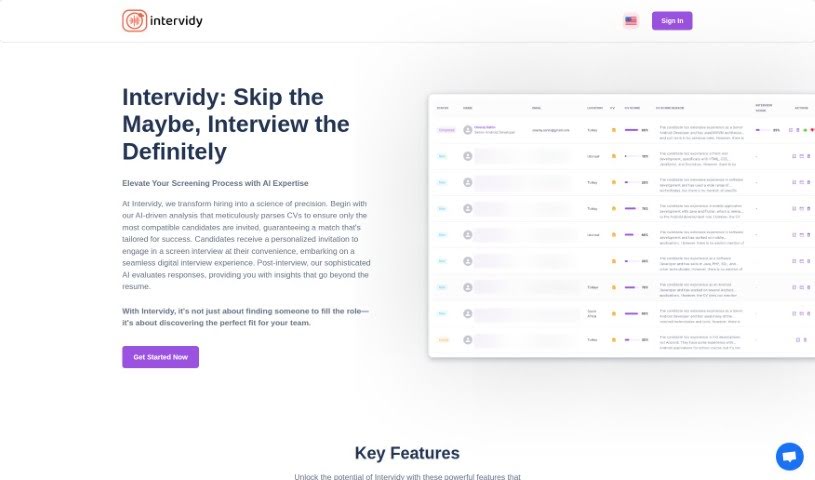
Intervidy is a really well-designed platform built to give you a smooth and enjoyable time online. It's packed with content that's been carefully put together, featuring smooth fonts and grayscale adjustments to make sure everything is super easy to read, no matter what device you're using. The design really pops with strong, bold text to make sure you don't miss the important stuff. Plus, it's built with accessibility and user-friendliness in mind, offering a flexible layout that looks great on all sorts of screen sizes. They've also added cool, dynamic animations to keep things interesting as you browse, all while keeping the background clean and free of distractions. This creates a professional, user-focused feel. Honestly, Intervidy shines because it presents information so clearly and looks so good, making it a fantastic choice for anyone who cares about both how things look and how easy they are to use.

Web Development View Tool →
Screenshot of LanguageGUI

LanguageGUI

Freemium

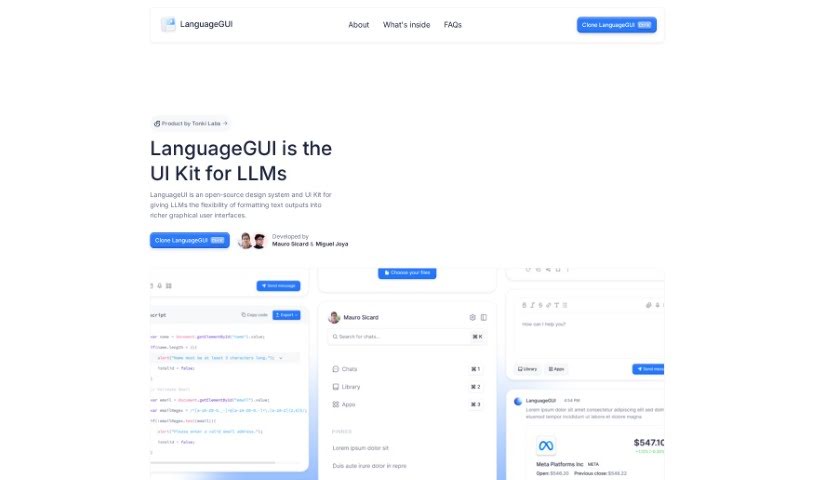
LanguageGUI is a really neat open-source UI kit. Its main goal is to boost what large language models (LLMs) can do by letting you add graphical user interfaces right into their text outputs. It is a way to make AI conversations more visual and interactive. It comes packed with over 100 different UI components, widgets, and even ready-made screens. You can use these for all sorts of conversational interfaces, like chat bubbles, sidebars, or setting up multi-prompt workflows. Plus, it's super adaptable for both your personal projects and commercial ventures, all thanks to the MIT License. It gives developers a solid starting point for building really engaging AI applications.

Web Development View Tool →
Screenshot of Langui

Langui

Freemium

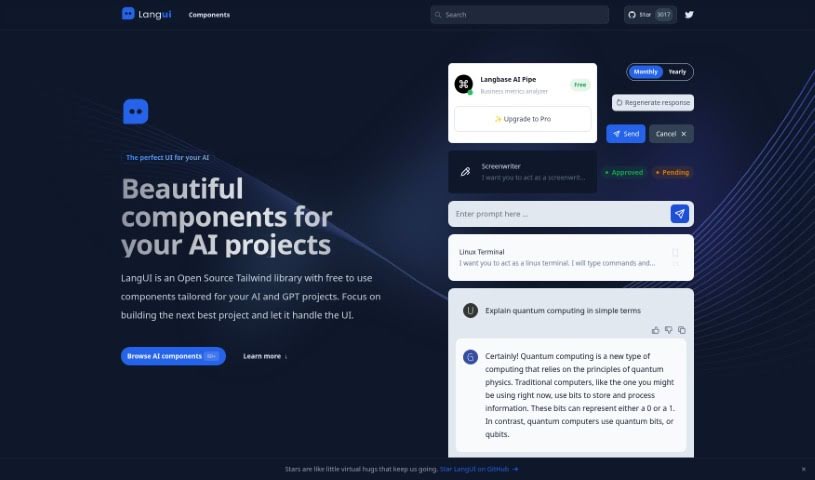
LangUI is a really neat open-source Tailwind library. It's loaded with free components, all designed with AI and GPT projects in mind. Think beautiful, responsive, and reusable building blocks that work perfectly in both dark and light modes. This means you can really focus on building out your project's core features, letting LangUI handle the heavy lifting of UI design. Plus, it's super easy to customize, thanks to a simple two-color palette (slate and blue), and it looks great on any screen size.

Web Development View Tool →
Screenshot of Looppanel

Looppanel

Freemium

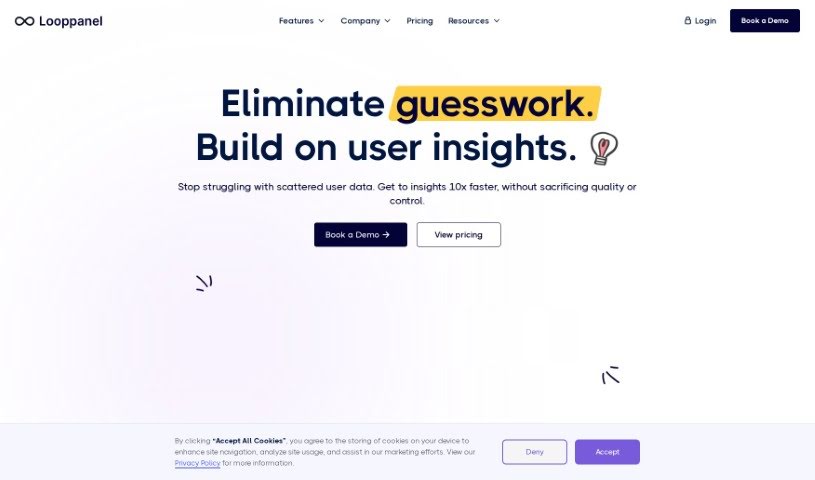
LoopPanel is a user research platform designed to make analyzing UX research much simpler. It uses transcription technology to create accurate transcripts in multiple languages. The platform includes an AI system that can record calls, automatically take notes, and keep all your research data in one central place. You can take notes live during calls, bookmark important moments, and easily share notes, transcripts, and video clips with your team. Plus, LoopPanel works with Zoom and offers features like a repository search, video clipping, and a smart search function similar to Google, all to improve your user experience research process.

Web Development View Tool →
Screenshot of Midjourney Grid Splitter

Midjourney Grid Splitter

Freemium

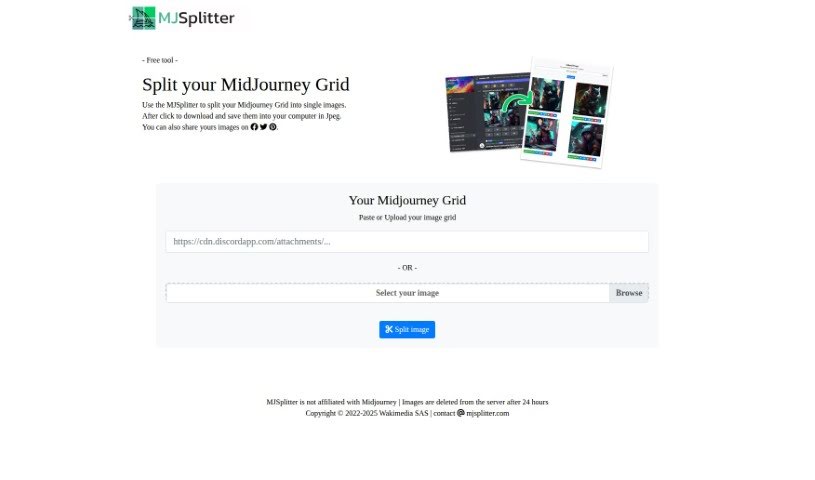
Midjourney Grid Splitter is a really useful AI tool built to make website grid design and layout much better. It's got some advanced features that let you split, divide, and organize your grid system really effectively. One of the coolest things it does is automatically create responsive grid layouts. This means your website will look great and work smoothly on all sorts of screen sizes, giving everyone a consistent experience. The tool also comes with a huge library of pre-made grid templates, so you can customize things quickly. Whether you need a simple two-column setup or something more complex with multiple columns, it's got you covered. Plus, you can tweak things like element size, spacing, and alignment to really experiment with different looks without any hassle. Because it's so easy to use and packed with powerful features, Midjourney Grid Splitter is a top choice for web designers and developers who want to get their website grids just right.

Web Development View Tool →

Stay Updated with AI Tools

Get weekly updates on the latest AI tools, trends, and insights delivered to your inbox

Join 25,000+ AI enthusiasts. No spam, unsubscribe anytime.