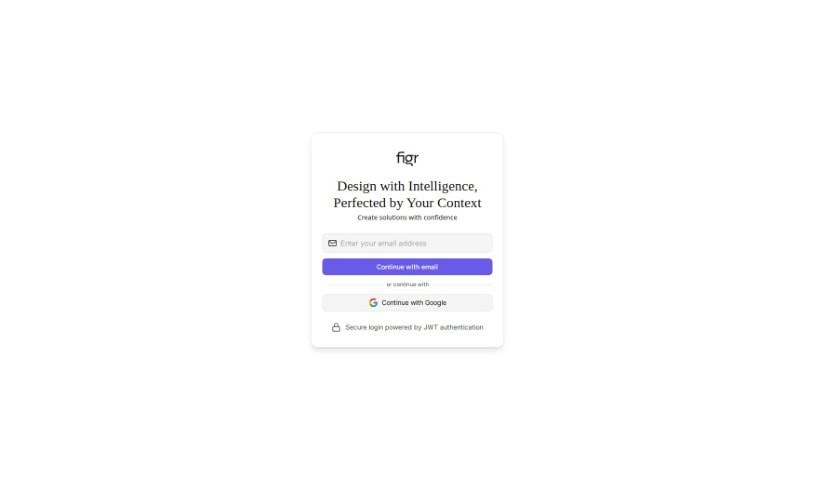
Screenshot of Figr Design

Figr Design

Discover what Figr Design is and how to use it to your advantage in 2025. We'll dive into its features, compare it to other web design tools, and show you how it can streamline your projects.

Screenshot

What is Figr Design?

Figr Design is an AI-powered tool built to help you with the initial stages of project development: brainstorming ideas, creating wireframes, and bringing your design concepts to life. It is a collaborative partner that works alongside you. It helps you brainstorm, then generates wireframes based on the details you provide about your project. What’s really neat is how it directly incorporates your design ideas as it builds. The whole goal is to make the design process smoother by letting you easily feed your feedback and concepts right into the project’s development. Right now, it’s in an ‘Early Preview’ phase, which means it’s still being refined and will likely change and improve as users provide feedback and as the technology advances. It really promotes a collaborative way of designing, where your input is key, and it can be a great asset for anyone working on web or app projects.

Who created Figr Design?

Figr Co-Pilot was developed by Figr Technologies. This AI-based tool, designed to assist with ideation, wireframing, and the overall design process for various projects, was launched on February 9, 2024. Figr Co-Pilot stands out by offering collaborative features and an interactive approach to design, actively integrating user feedback to make the design process for web and app development projects much more efficient.

What is Figr Design used for?

  • Helps kickstart your creative process with ideation.
  • Makes wireframing much quicker and more straightforward.
  • Offers an interactive way to approach design.
  • Lets users actively shape how the project develops.
  • Provides benefits from being an early preview user.
  • Operates on a collaborative design model.
  • Seamlessly fuses your ideas with the design.
  • Facilitates concept development from start to finish.
  • Aims to improve overall design processes.
  • Proves convenient for a wide range of projects.

Who is Figr Design for?

  • Web Developers
  • App developers

How to use Figr Design?

To get the most out of Figr Co-Pilot, here’s a simple, step-by-step guide:

  1. Provide Project Details: Start by giving Figr Co-Pilot all the necessary information about the project you’re planning to build. The more detail you offer, the better it can assist.
  2. Brainstorm Together: Take advantage of Figr Co-Pilot’s collaborative features. Brainstorm ideas, share your project’s goals, and see what AI-generated design concepts it comes up with.
  3. Create Wireframes: Use Figr Co-Pilot’s interactive wireframing tools. These create a structural blueprint that maps out your project’s design and how its features will function.
  4. Incorporate Your Feedback: Get involved in the design process by feeding your feedback directly into the project’s development. You can refine ideas with the AI’s help.
  5. Guide Development: Actively shape your project by participating in the design. This ensures your ideas and feedback truly influence the project’s direction.
  6. Leverage Early Preview Advantages: As an early user, you can contribute feedback during the tool’s development. This not only helps you but can also influence its future capabilities.
  7. Streamline Your Design Workflow: Experience a smoother design process by combining ideation, wireframing, and the final design stages all within one collaborative platform.
  8. Expect Adaptability: Remember that Figr Co-Pilot is in its Early Preview stage. Features will evolve based on user feedback and ongoing advancements, so expect changes and improvements.

By following these steps, you can really make the most of Figr Co-Pilot’s AI-powered help with ideation, wireframing, and design for all sorts of projects.

Related AI Tools

Discover more tools in similar categories that might interest you

Stay Updated with AI Tools

Get weekly updates on the latest AI tools, trends, and insights delivered to your inbox

Join 25,000+ AI enthusiasts. No spam, unsubscribe anytime.