In today’s world, how a product feels and looks to users can make or break it. Having the right tools is super important for success. Old design methods often took ages and were a bit of a hassle, but AI is changing all that for UI and UX design.
We’re past the point where designers just relied on their gut feelings and experience. Now, AI tools can actually look at how users behave, speed up your workflow, and spark creative ideas in ways we never imagined. They give designers the power to try out ideas fast and make choices based on real data.
But, let’s be honest, with so many options out there, finding the best AI tools for UI and UX can feel like looking for a tiny needle in a giant haystack. I’ve spent a good chunk of time digging through all these options, trying out different products to find the ones that really make the design process better.
Whether you’ve been designing for years or you’re just starting out, these tools can help you create interfaces that are easy to use and really connect with your audience. So, let’s get into the most effective AI tools for UI UX design available right now.
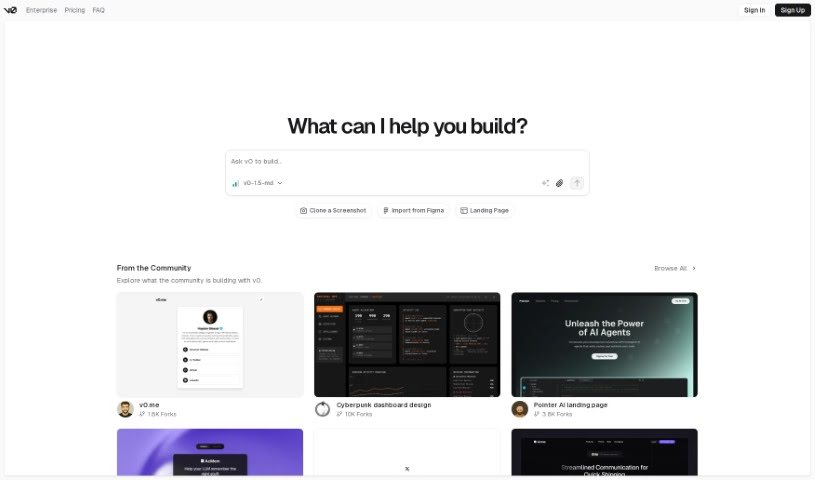
- v0 by Vercel for quickly trying out UI ideas with users
- UX Pilot for better UX design through group workshops
- Looppanel for making user testing feedback easier to collect
- Horizon UI for smoothly blending UI and UX design
- Feedspace for fine-tuning user interfaces to boost engagement
- Goodspeed Studio for creating interactive user flow diagrams.
- Evolv AI for improving user journeys by testing.
- Devwares for simplifying UI design with flexible kits.
- Qo Qo for making user research for design projects simpler.
- Langui for easy UI for AI-powered apps
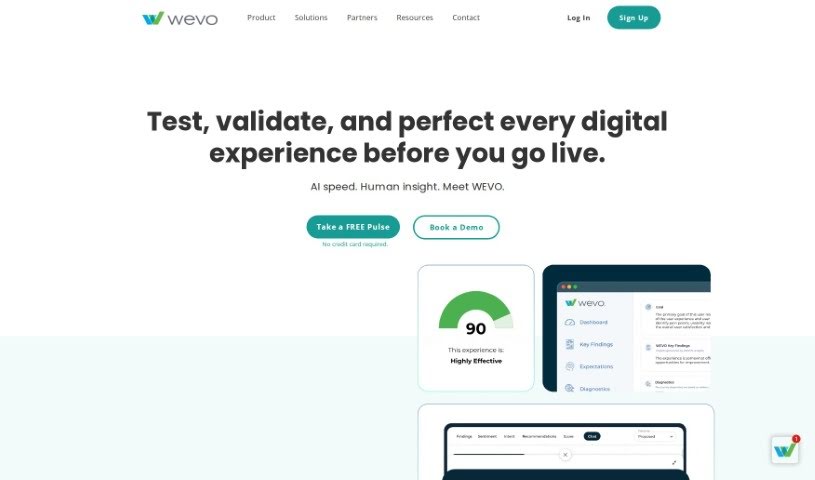
- WEVO for A/B testing to improve UI design.
- Designpro for quickly finding UI bugs to make designs better.
- Befront for simpler ways to collect design feedback
- UXsniff for seeing user behavior in real-time
- Magify.design for turning sketches into UI designs right away.
AI UI/UX tools really shake up the design process by using artificial intelligence to understand what users like and how they act. Basically, these tools use tons of data from how people use products, from surveys, and from design best practices to guide decisions. This data helps designers create experiences that better match what users actually need, which in turn boosts engagement and satisfaction.
By using machine learning, these tools can spot patterns in how people interact with designs. For instance, they might show which parts grab attention or which layouts make navigation smoother. This gives designers real insights into what design choices work, based on actual user behavior instead of just guessing.
Lots of AI UI/UX tools include features like automatic user testing and predictions about what might happen. Automatic testing lets designers quickly test out how users might interact with prototypes, finding problems before the product even launches. Predictive analytics can give a heads-up on how design changes might affect user engagement, leading to smarter choices.
Plus, these tools can suggest design ideas based on proven layouts or current trends. By looking at databases of designs that have performed well, AI helps designers create interfaces that look good. This saves time and also sparks creativity by pushing past old design limits.
Finally, bringing AI into UI/UX design allows for constant improvements. Built-in ways to get feedback mean designs can be updated in real-time based on how users interact with them, ensuring designs grow with user needs. This flexibility makes AI tools incredibly useful for creating modern, user-focused interfaces in a digital world that’s always changing.
| Rank | Name | Best for | Plans and Pricing | Rating |
|---|
| 1 | v0 by Vercel | trying out UI ideas quickly with users | N/A | 4.73 (11 reviews) |
| 2 | UX Pilot | making UX design better with group workshops | N/A | 4.72 (36 reviews) |
| 3 | Looppanel | collecting user testing feedback more easily | Paid plans start at $324/year. | 4.83 (12 reviews) |
| 4 | Horizon UI | smoothly combining UI and UX design | N/A | 4.33 (9 reviews) |
| 5 | Feedspace | improving user interfaces for more engagement | Paid plans start at $49.9/month. | 3.50 (6 reviews) |
| 6 | Goodspeed Studio | creating interactive user flow diagrams. | N/A | 4.77 (13 reviews) |
| 7 | Evolv AI | improving user journeys through testing. | N/A | 4.00 (12 reviews) |
| 8 | Devwares | simplifying UI design with flexible kits. | N/A | 3.75 (8 reviews) |
| 9 | QoQo | making user research for design projects simpler. | Paid plans start at $$4/month. | 4.88 (8 reviews) |
| 10 | Langui | creating easy UI for AI-powered apps | N/A | 4.13 (8 reviews) |
| 11 | WEVO | A/B testing to improve UI design. | N/A | 3.93 (14 reviews) |
| 12 | Designpro | finding UI bugs quickly for better designs. | N/A | 4.00 (6 reviews) |
| 13 | Befront | collecting design feedback more smoothly | N/A | 4.33 (6 reviews) |
| 14 | UXsniff | visualizing user behavior in real-time | N/A | 4.86 (28 reviews) |
| 15 | Magify.design | turning sketches into UI designs instantly. | N/A | 4.77 (26 reviews) |