10Web
Web Development Website Builders
Learn more
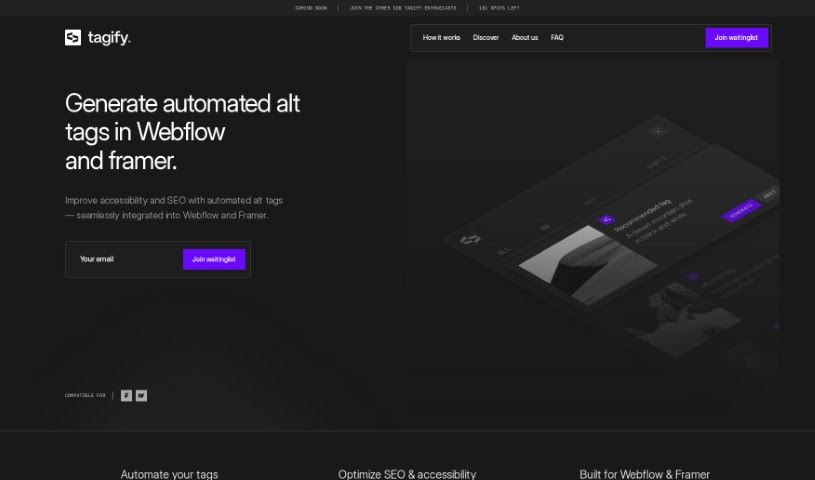
Tagify automates SEO-friendly alt tag generation for Webflow images using Azure AI. It supports bulk creation, optimization suggestions, and manual editing
Tagify is a tool for Webflow professionals that automates alt-tagging for website images. It connects with Azure AI to generate accurate, SEO-friendly alt tags while allowing full manual editing control. Tagify scans all images in a Webflow project, creates alt tags automatically, and reviews existing tags to suggest improvements.
Any auto-generated tag can be reviewed, changed, or rewritten manually to ensure accuracy, and the Azure AI integration keeps descriptions contextually relevant and optimized for search engines.
Tagify is designed for Webflow professionals — developers, designers, and marketers — who want to automate image alt-tagging and improve their site’s SEO and accessibility.
Tagify was developed by ++addmore, a team including Louis Demeester, Jens Deryckere, Patrice Van Delm, Philippe Delfs, Robin Waroquier, and Wout Hardy.
Related
Discover more tools in similar categories
Weekly picks of the best AI tools we've researched and added — no spam, unsubscribe anytime.
Join 25,000+ AI enthusiasts. No spam, unsubscribe anytime.