AI Project Management Tools

AI Tools for Project Management

Discover the best Project Management AI tools to enhance your productivity and creativity.

Page 19 of 21 • 251 total tools
Screenshot of TekMatix

TekMatix

Freemium

TekMatix is an all-in-one business platform designed to simplify operations and replace multiple tech subscriptions with a single, integrated solution. It includes course creation, custom white-labelled websites, membership areas, communities, marketing automations, and AI tools for content creation and social media planning. The platform offers 24/7 support and is built with ease of use in mind.

Project Management View Tool →
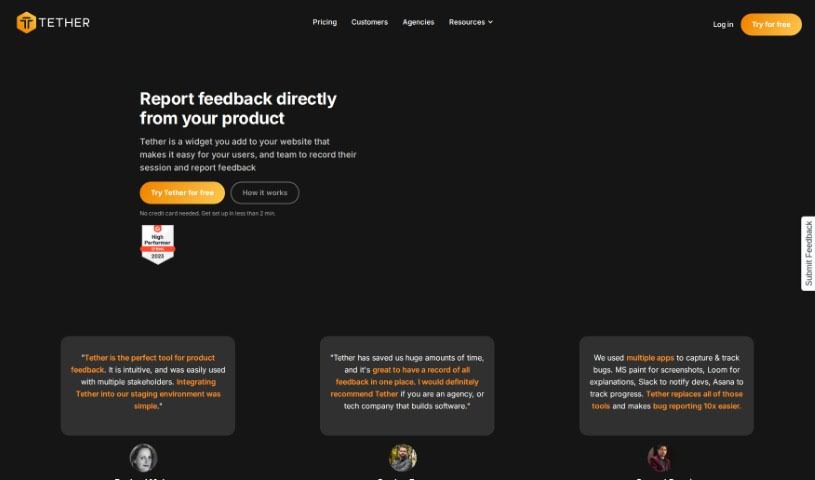
Screenshot of Tether

Tether

Freemium

Tether is a feedback management tool for collecting and organizing input from users and team members. Teams can report bugs, suggest new features, or request copy changes in one place, with notifications that keep everyone aligned. It is aimed at web agencies and SaaS companies of any size, and integrates with tools like GitHub, Jira, Linear, Slack, and Notion.

Project Management View Tool →
Screenshot of The Agile You

The Agile You

Freemium

'The Agile You' is a collection of AI-powered templates for Notion, built around Notion's Second Brain AI. It helps you capture, organize, and manage tasks, notes, projects, and resources in one place. The templates follow Tiago Forte's P.A.R.A organization method, with AI capabilities added on top: breaking large projects into smaller steps, distilling notes into concise summaries and actionable insights, and keeping everything structured in Notion as a central hub for your work and life.

Project Management View Tool →
Screenshot of The North

The North

Freemium

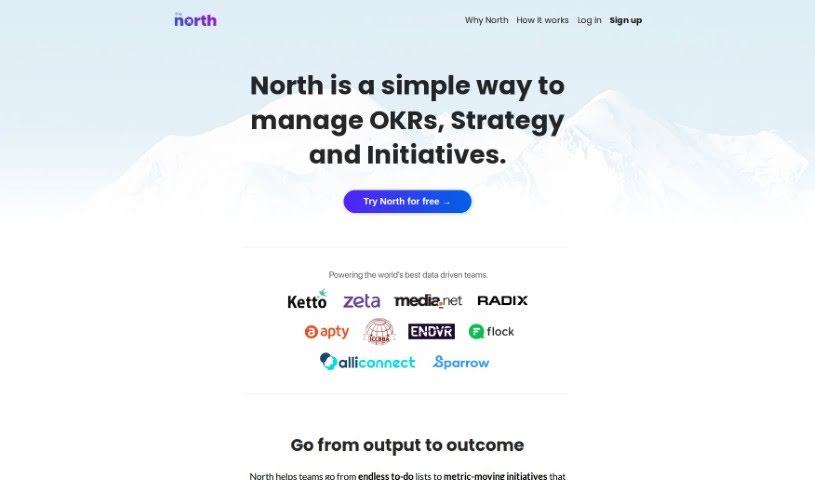
The North is a management tool for businesses that rely on data. Its main goal is to make Objectives and Key Results (OKRs) easier and more practical, helping to steer company initiatives and keep everyone aligned. It emphasizes outcomes (what you achieve) over tasks (what you do), aiming for results that move the needle for your business.

Project Management View Tool →
Screenshot of The Visualizer AI

The Visualizer AI

Freemium

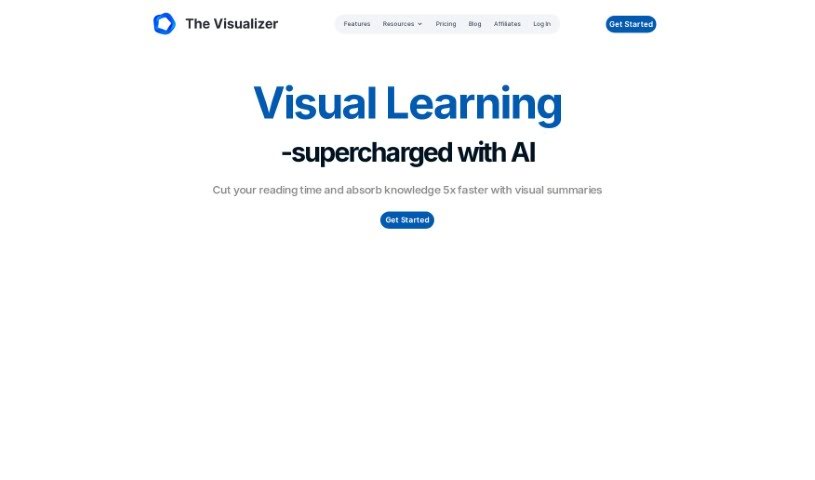
The Visualizer AI turns complex ideas into visual maps that make concepts easier to understand. It can map project structures, scientific findings, or the flow of a book, making it useful in education, scientific research, and project management. Users report it helps with brainstorming, reduces mental overload, and improves information retention. It is plagiarism-free, supports team collaboration, offers flexible pricing, and works alongside tools like ChatGPT.

Project Management View Tool →
Screenshot of theGist

theGist

Freemium

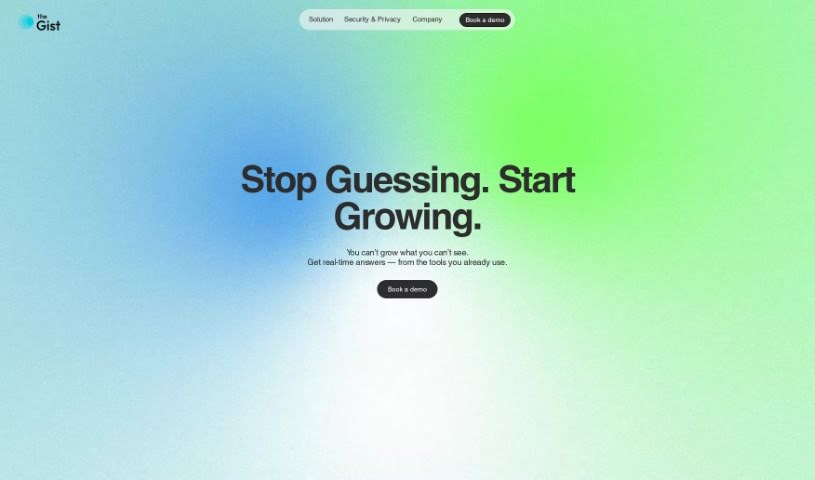
TheGist is a unified AI workspace that serves as a central hub for your work apps. It combines a priority feed that keeps you informed, a personal chat for communication, and an AI assistant. It is used by teams around the world and meets Soc2 type2 standards, with a strong focus on privacy and security. The goal is to cut through the noise and help you focus on what matters most.

Project Management View Tool →
Screenshot of ThinkTask

ThinkTask

Freemium

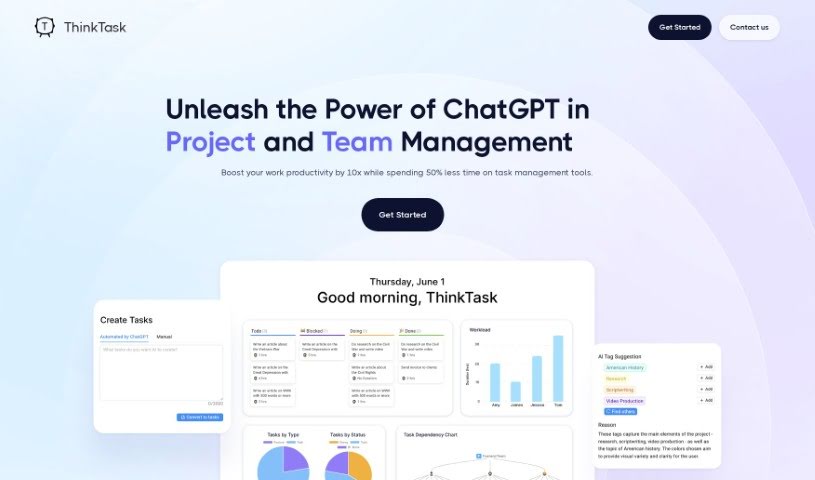
ThinkTask is a project management tool that integrates ChatGPT to boost team productivity and streamline workflows. It automatically generates performance reports from historical data, tracks how AI is being used across your team, and helps with task planning and creation. Visual tools like the AI usage chart and Team Pulse show team engagement and project status, while the Project Progress Table details hours spent and costs. Task Insights uses tree diagrams for planning, and you can create tasks simply by typing a note — ThinkTask fills in details like titles and assignees automatically, with AI-generated tags for categorization. The Workpage combines notes, tasks, databases, and team collaboration in one place.

Project Management View Tool →
Screenshot of Ticket Artisan

Ticket Artisan

Freemium

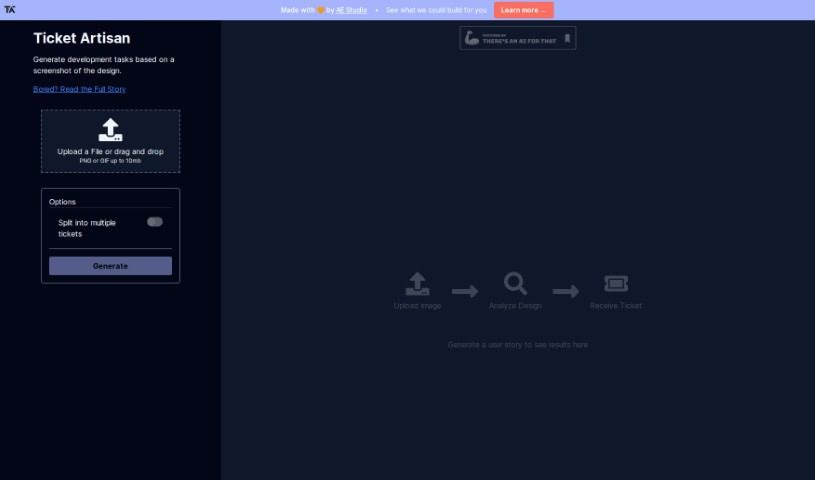
Ticket Artisan is an AI tool from AE Studio that turns design files into development tickets. Upload a design (PNG or GIF, up to 10MB) and the tool generates detailed tickets with clear user stories that a development team can act on immediately. Complex designs can be split into multiple tickets to keep tasks organized.

Project Management View Tool →
Screenshot of Time Studio

Time Studio

Freemium

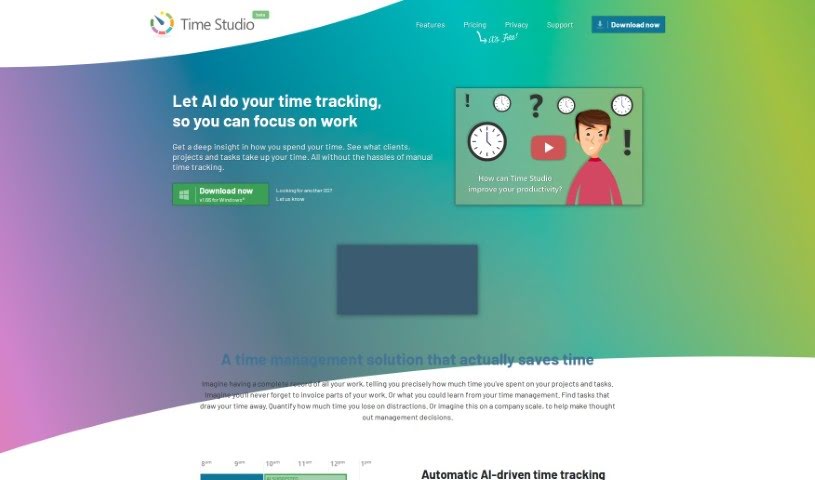
Time Studio is a completely free time tracking tool aimed at professionals across a wide range of fields, including architecture, accounting, consulting, engineering, graphic design, law, marketing, programming, research, sales, and startups.

Project Management View Tool →
Screenshot of TimeHero

TimeHero

Freemium

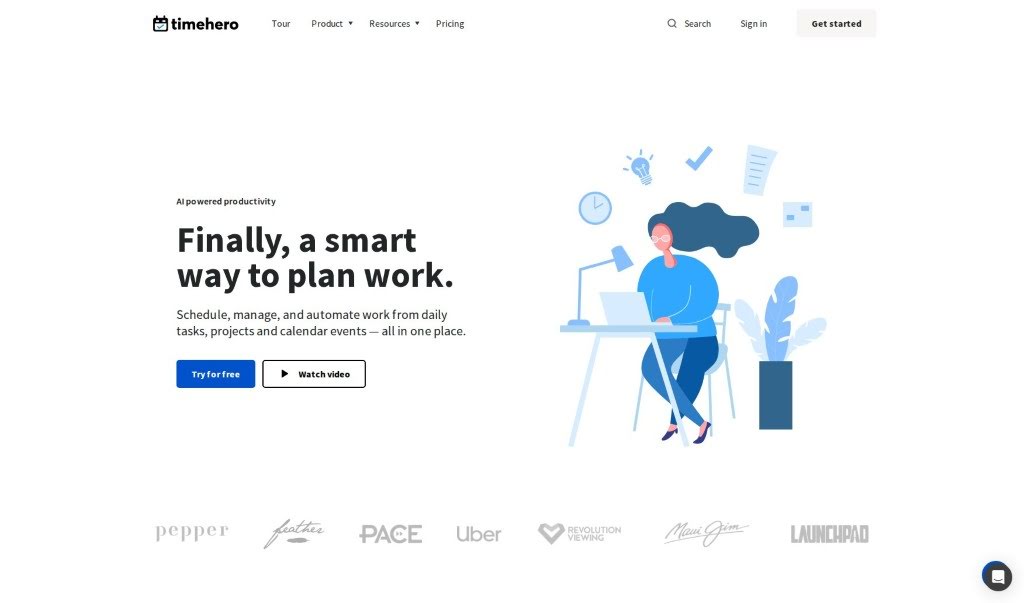
TimeHero is a productivity platform focused on work management, planning, and automation. Unlike task apps that rely only on due dates, TimeHero plans when you should work on tasks based on your availability, and adjusts those plans automatically if priorities shift or things change.

Project Management View Tool →
Screenshot of timeOS

timeOS

Freemium

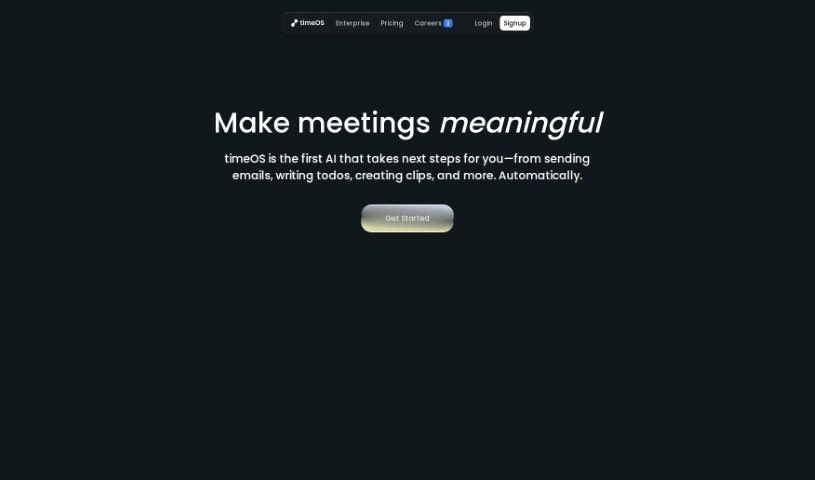
timeOS is an AI-powered time management system. Beyond tracking hours, it provides insights, monitors what needs doing, and handles task delegation. Its core capabilities include:

Project Management View Tool →
Screenshot of Todo.is

Todo.is

Freemium

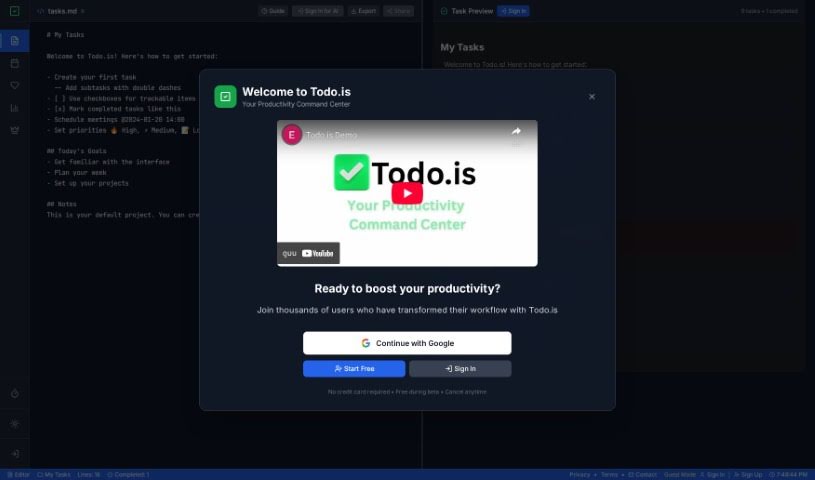
Todo.is is a task management and project organization tool that uses AI to help teams and individuals stay productive. It offers AI-powered task generation, team collaboration features, text-to-speech and speech-to-text conversion, and AI vision for analyzing images. The platform is designed to help users stay organized, prioritize effectively, manage their time, and keep tasks, projects, and team workflows running smoothly.

Project Management View Tool →

About Project Management tools

Keeping a complex project moving when team deadlines shift and task dependencies get tangled is a constant juggling act. (I once spent two full hours updating Gantt chart dependencies after a developer went on sick leave, only to realize I’d pushed three client deliverables into the wrong week.) Between tracking status updates, reallocating team workloads, summarizing status meetings, and hunting down missing deliverables, administrative upkeep drains your day. When managing the project board takes more time than guiding the actual work, staying on schedule gets tough.

These AI platforms act as high-speed operations assistants for project managers, Scrum masters, operations leads, and team coordinators. They handle routine status tracking, predict scheduling bottlenecks, and generate clear project reports in seconds so you can focus on leading your team.

Automating Updates, Timeline Risks, and Action Items

Automating routine status tracking and project updates keeps your team focused on real work. Sifting through dozens of Slack messages or checking individual board cards just to build a weekly progress update eats up valuable time. Smart project assistants read team activity across your workspace, pull out completed milestones, and draft concise status reports for stakeholders automatically.

Predicting timeline risks and balancing team workloads prevents burnout before deadlines hit. Trying to spot hidden scheduling overlaps or resource bottlenecks across multiple simultaneous projects can feel overwhelming. AI scheduling engines analyze task durations, evaluate historical team velocity, and flag potential delays early, giving you room to adjust assignments before a crunch happens.

Synthesizing meeting action items and updating task boards keeps everyone aligned after every call. Listening through recorded syncs or reading raw transcripts just to assign follow-up tasks manually takes unnecessary effort. Intelligent meeting tools pull out key decisions, create new task cards on your project board, and tag the right team members automatically, ensuring nothing falls through the cracks.

Key Capabilities to Look For:

  • Automated status report generation: Systems that scan workspace activity to draft progress updates and executive summaries.
  • Predictive timeline and risk analysis: Software that evaluates team capacity and task dependencies to flag potential project bottlenecks early.
  • Natural language task creation: Tools that let you create, assign, and schedule tasks by typing plain English commands or uploading call transcripts.
  • Workload and resource balancing: Features that track team bandwidth across projects to prevent over-allocation and burnout.
  • Cross-platform workspace integration: Connectors that sync tasks seamlessly across apps like Jira, Asana, Trello, Slack, and email.

Successful project management will always depend on personal leadership, clear communication, and keeping people motivated. Software can update a board, predict a delay, or draft a status summary, but guiding a team through unexpected changes requires human empathy and judgment.

Take a look through the tools below to find the right project management helper for your team.

The Best AI Project Management Tools

  1. Odoo: for making team collaboration on tasks easier.
  2. N8N: for automatically updating project tools.
  3. Servicenow: for smoother project tracking and reporting.
  4. Whimsical: for simplifying project planning tasks.
  5. Mermaid Chart: for creating visual project timelines.
  6. Pitch: for getting real-time team updates and tracking progress.
  7. Git Mind: for making project timelines and tasks run more smoothly.
  8. Motion: for better team task coordination.
  9. Mindmap: for visualizing project milestones and tasks.
  10. Contra: for managing projects and contracts without a hitch.
  11. Creately: for real-time project tracking and updates.
  12. Spike: for making team communication effortless.
  13. Sintra: for simplifying how team tasks are assigned.
  14. Reclaim AI: for fitting project tasks into your calendar.
  15. Lucid: for managing project timelines and workflows.

New tools, in your inbox.

Weekly picks of the best AI tools we've researched and added — no spam, unsubscribe anytime.

Join 25,000+ AI enthusiasts. No spam, unsubscribe anytime.