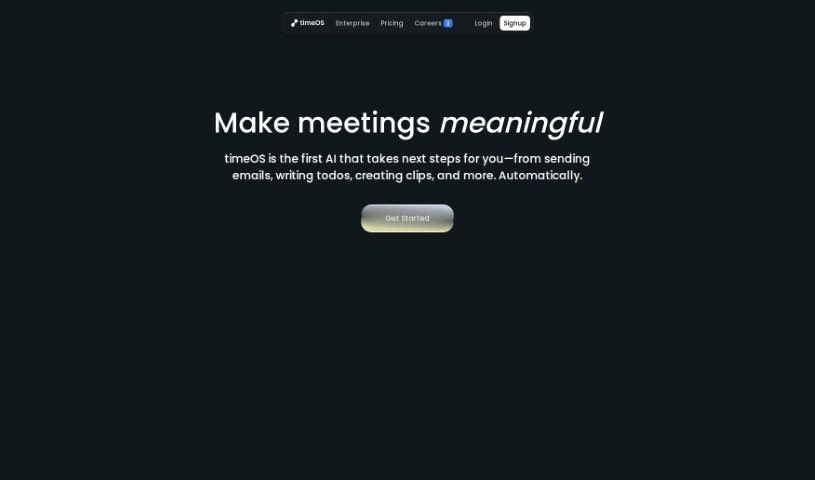
Screenshot of timeOS

timeOS

Discover what timeOS is and how to use it effectively in 2025. We'll explore its features, compare it to other project management tools, and show you how it can boost your productivity.

Screenshot

What is timeOS?

TimeOS is an AI-powered system designed to completely change how you manage your time. It’s not just about tracking hours; it actively gives you insights, helps you keep tabs on what needs doing, and even handles delegating tasks for you. It is your smart assistant for all things time-related.

One of its standout features is how it handles meeting notes. Instead of you frantically scribbling or trying to remember everything, timeOS uses advanced AI to automatically create detailed meeting summaries. This saves you a ton of time and effort, letting you focus on the conversation itself. Plus, scheduling meetings becomes a breeze. timeOS suggests the best times for everyone involved, taking into account their availability and preferences, so you can ditch those endless back-and-forth emails.

How does it offer these proactive insights? By looking at your past productivity patterns, timeOS can pinpoint where you might be wasting time and suggest ways to optimize. It also makes sure you don’t miss a beat with its action item tracking and integrates smoothly with popular video conferencing tools. Essentially, timeOS is built to make your time management better, boost your overall productivity, and help you handle tasks and scheduling much more efficiently.

Who created timeOS?

timeOS was brought to life by Tomer Dean and Liat Aaronson. Tomer Dean is the Co-founder & CEO at Lychee, and Liat Aaronson is a Co-Founder and Managing Director at Horizen Labs Ventures. Together, they’ve developed a platform that really shakes up time management. It offers automated meeting notes, AI-driven scheduling, proactive insights to help you work smarter, keeps track of action items, and even helps delegate tasks seamlessly.

How to use timeOS?

Ready to get the most out of timeOS? Here’s a simple breakdown of how to use its key features:

  1. Automated Meeting Notes: Forget about taking notes manually during meetings. timeOS’s smart AI automatically generates thorough meeting summaries for you. This really saves time and effort, letting you stay present in the discussion.
  2. AI Scheduling Feature: Scheduling meetings is so much simpler now. timeOS suggests the best times based on everyone’s availability and preferences, cutting down on all those coordination emails.
  3. Proactive Insights: Get ahead of your schedule by using timeOS’s proactive insights. It analyzes your past productivity patterns to find opportunities for better time management and gives you practical advice.
  4. Action Item Tracking: Make sure no task gets forgotten! You can create and assign tasks directly from your meeting notes. This makes it super easy to follow up and see how things are progressing.
  5. Collaborative Task Management: Delegating tasks to your team is effortless with timeOS. You can easily assign tasks and monitor their completion status, making teamwork much smoother.
  6. Platform Integration: No matter where you hold your virtual meetings, timeOS integrates seamlessly with popular platforms like Zoom, Google Meet, and Microsoft Teams.
  7. Empowerment: By using timeOS, you’re harnessing the power of AI to improve how you manage your time. This leads to a more organized, productive, and efficient workday, helping you stay on top of your schedule and reach your goals with greater ease.

By following these steps, you’ll be well on your way to using timeOS effectively for better time management and increased productivity.

Related AI Tools

Discover more tools in similar categories that might interest you

Stay Updated with AI Tools

Get weekly updates on the latest AI tools, trends, and insights delivered to your inbox

Join 25,000+ AI enthusiasts. No spam, unsubscribe anytime.