AI Tools for Project Management

Discover the best Project Management AI tools to enhance your productivity and creativity.

Page 20 of 23 • 270 total tools

Project management has always been about staying organized, communicating well, and planning ahead. But as teams get bigger and projects more complicated, keeping everything on track can feel like a lot. That’s where AI comes in—it’s changing the game for how we manage teams and get things done.

Today’s AI project management tools do more than just basic scheduling. They offer smart features that can predict delays, handle routine tasks automatically, and improve communication, helping to turn potential chaos into clear progress. The right tool can really make workflows better and boost collaboration, which ultimately means more gets done.

I’ve spent weeks looking at different AI project management platforms to see which ones really shine in this busy market. No matter if you’re managing a small team or several big projects, there’s a solution out there for you.

If you’re ready to change how you manage projects and help your team perform better, keep reading. Here’s a look at some of the top AI project management tools available right now.

The best AI Project Management Tools

  1. Odoo for making team collaboration on tasks easier.
  2. N8N for automatically updating project tools.
  3. Servicenow for smoother project tracking and reporting.
  4. Whimsical for simplifying project planning tasks.
  5. Mermaid Chart for creating visual project timelines.
  6. Pitch for getting real-time team updates and tracking progress.
  7. Git Mind for making project timelines and tasks run more smoothly.
  8. Motion for better team task coordination.
  9. Mindmap for visualizing project milestones and tasks.
  10. Contra for managing projects and contracts without a hitch.
  11. Creately for real-time project tracking and updates.
  12. Spike for making team communication effortless.
  13. Sintra for simplifying how team tasks are assigned.
  14. Reclaim AI for fitting project tasks into your calendar.
  15. Lucid for managing project timelines and workflows.

How do AI project management tools work?

AI project management tools use smart algorithms and data analysis to help teams plan, carry out, and keep an eye on their projects more effectively. Basically, these tools use machine learning models that look at lots of project data. This helps them guess where problems might pop up and suggest ways to fix them. Because they can predict issues, managers can make decisions ahead of time and stay on top of things.

When you enter project details, like deadlines, what resources you have, and the project’s scope, the AI algorithms analyze it all. Then, they give you actionable insights. These might include better timelines, how to best allocate resources, and what risks to watch out for, which really simplifies the planning stage. In short, the tools take complex data and make it easier to understand, helping teams see their progress more clearly.

Collaboration is also a key part of AI project management tools. These platforms often include ways for team members to talk about tasks and share updates as they happen. The AI can even summarize conversations, point out important decisions, and remind people about deadlines. This makes sure everyone is on the same page and accountable throughout the project.

As the project moves forward, AI tools keep learning from how people use them and what the results are. This feedback loop makes their suggestions better and more personalized over time. By looking at data from past projects, the algorithms can suggest the best ways to work based on your organization’s specific needs, which ultimately boosts overall productivity.

So, AI project management tools work by combining smart data analysis with easy-to-use interfaces. They offer a powerful way to manage projects, pulling insights from past data and making it easier for team members to work together. The future of project management looks bright, with AI playing a big part in how teams collaborate effectively.

Our best AI project management tools at a glance

RankNameBest forPlans and PricingRating
1OdooMaking team collaboration on tasks easier.N/A4.67 (6 reviews)
2N8NAutomatically updating project tools.Paid plans start at $50/month.4.58 (12 reviews)
3ServicenowSmoother project tracking and reporting.N/A4.45 (11 reviews)
4WhimsicalSimplifying project planning tasks.Paid plans start at $10/month.4.67 (27 reviews)
5Mermaid ChartCreating visual project timelines.N/A4.84 (19 reviews)
6PitchGetting real-time team updates and tracking progress.N/A4.75 (12 reviews)
7GitMindMaking project timelines and tasks run more smoothly.Paid plans start at $Free Trial/month.4.67 (6 reviews)
8MotionBetter team task coordination.N/A4.18 (11 reviews)
9MindmapVisualizing project milestones and tasks.N/A4.82 (11 reviews)
10ContraManaging projects and contracts seamlessly.N/A4.75 (12 reviews)
11CreatelyReal-time project tracking and updates.N/A5.00 (27 reviews)
12SpikeMaking team communication effortless.N/A4.15 (26 reviews)
13SintraSimplifying how team tasks are assigned.Paid plans start at $39/month.4.76 (17 reviews)
14Reclaim AIFitting project tasks into your calendar.Paid plans start at $10/month.4.25 (12 reviews)
15LucidManaging project timelines and workflows.N/A4.77 (13 reviews)
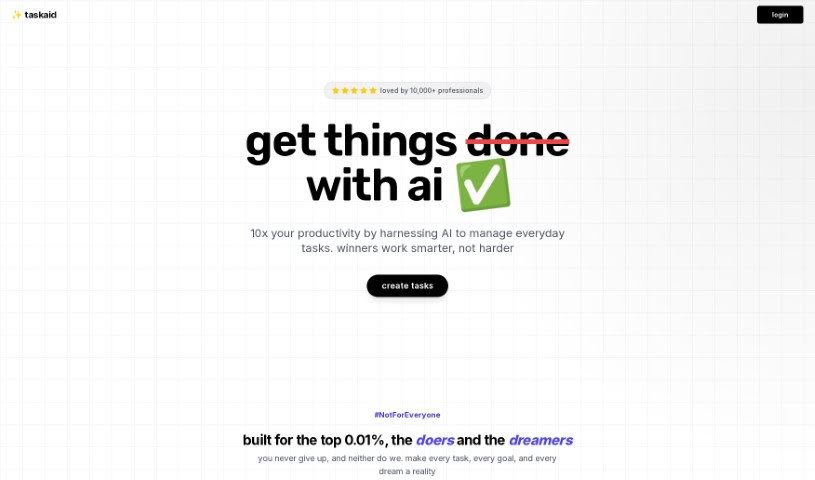
Screenshot of Taskaid AI

Taskaid AI

Freemium

Taskaid AI takes an AI-first approach to managing your tasks and to-dos. It's designed to help you harness the power of AI and Large Language Models (LLMs) to be more efficient. It is a productivity booster that lets you get more done in less time, thanks to technologies like ChatGPT and GPT4. With Taskaid AI, you can actually chat with your to-do lists, strategize your next steps, and make changes on the fly, all while the AI handles the heavy lifting. It's packed with features like agenda planning, task organization, time management tools, helpful alerts, and integration capabilities, giving you a really complete way to manage your tasks. Plus, it's super user-friendly and intuitive – you don't need any special AI knowledge to get started. Taskaid AI also takes your privacy seriously, with strict data protection policies and transparent operations to keep your information safe.

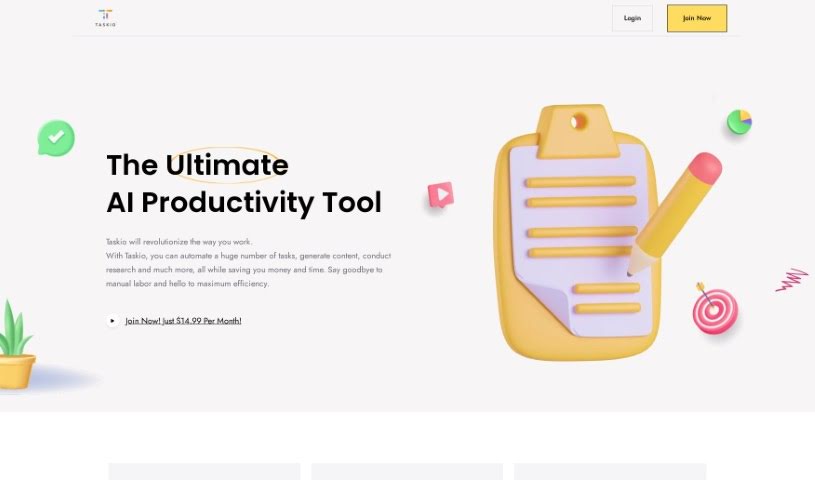
Screenshot of Taskio

Taskio

Freemium

I couldn't find specific details about "Taskio" in the information I have. If you could share more about it, perhaps by providing another file or more context, I'd be happy to help explain it!

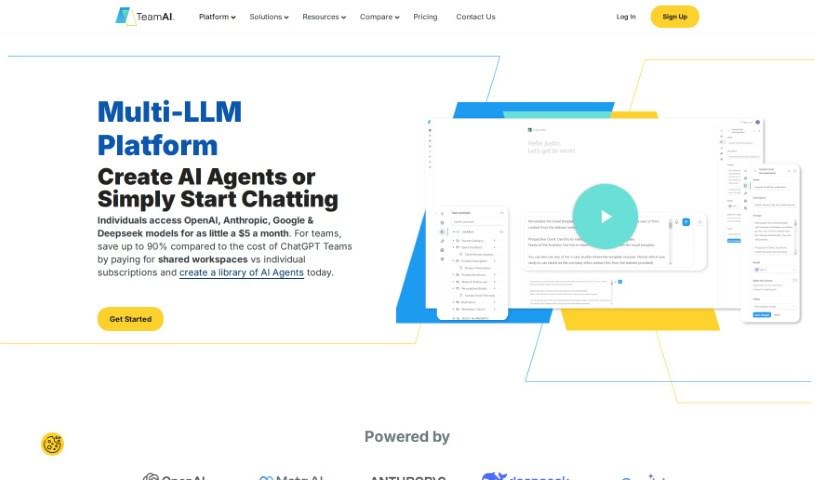
Screenshot of TeamAI

TeamAI

Freemium

TeamAI is a powerful team workspace that uses AI to help teams and businesses collaborate smoothly and keep their resources organized. It is your team's central hub for getting things done. It comes with handy features like prompt libraries you can customize, the ability to chat directly with your documents, and a neat folder system with subfolders. What's really cool is that TeamAI lets you tap into advanced AI models from big names like OpenAI, Anthropic, Google, and Meta, all without needing your own API keys. You can integrate these models, have collaborative conversations, and create personalized AI experiences. Getting started is easy: the platform begins at $15 a month, which gives 100 team members access to models like GPT-4, PaLM, Claude, and LLaMA. There's also a free tier available with usage limits. Ultimately, TeamAI aims to make team collaboration simpler, boost everyone's productivity, and provide a great space for inviting team members and working together effectively.

Screenshot of TekMatix

TekMatix

Freemium

TekMatix is a comprehensive business platform designed to simplify your operations and speed up growth. It is a single, integrated solution that replaces multiple tech subscriptions you might be using. It's built with ease of use in mind, offers 24/7 support, and packs in features like course creation, custom white-labelled websites, membership areas, communities, marketing automations, and even AI tools for creating content and planning your social media. Essentially, TekMatix wants to be your go-to hub for all your business tech needs, making everything smoother and more enjoyable to use.

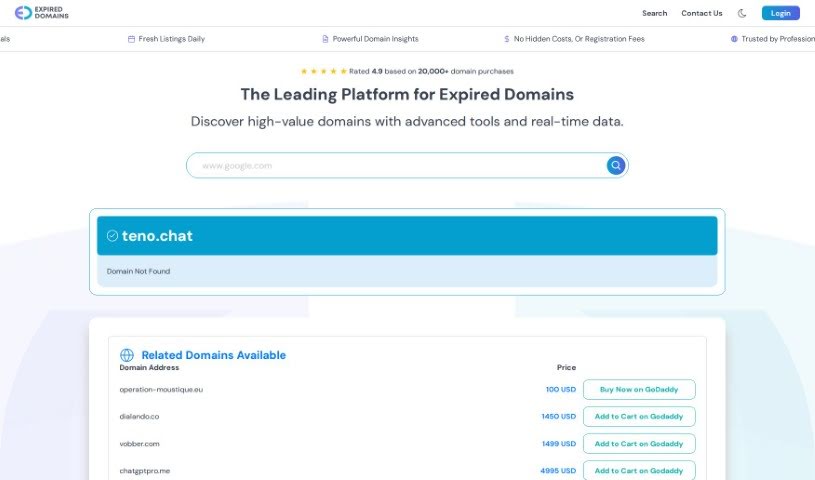
Screenshot of Teno Chat

Teno Chat

Freemium

Teno Chat is a smart Discord bot designed to help run your Discord meetings smoothly. It is your go-to assistant for managing tasks, keeping track of who's attending, answering questions on the fly, and generally making things easier with simple commands. Deab Labs developed Teno Chat with the goal of making meetings more efficient, automating repetitive jobs, and improving overall meeting results. Plus, they've put a strong emphasis on privacy, with a dedicated policy to back it up.

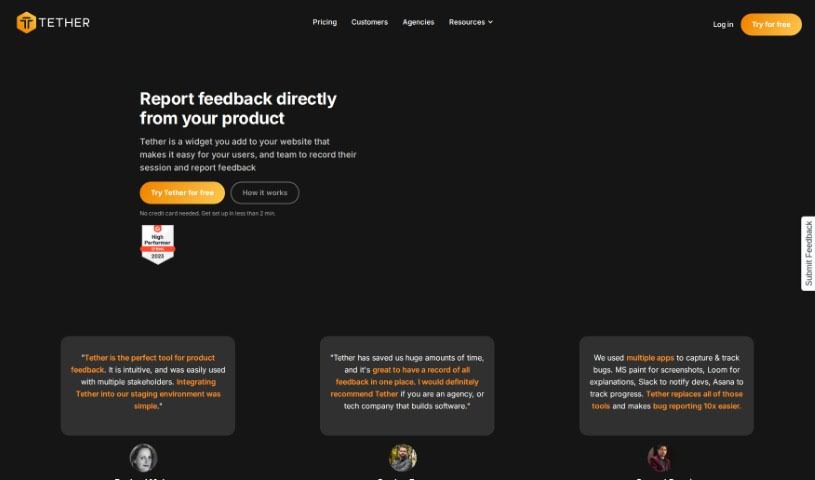
Screenshot of Tether

Tether

Freemium

Tether is a handy tool designed to make collecting and managing feedback from everyone involved – like users and your own team members – super simple. You can easily report bugs, suggest new features, or even ask for copy changes, all in one place. It really helps save time, keeps all that feedback nicely organized, and makes teamwork smoother by sending out notifications and keeping everyone on the same page. It's a real game-changer, especially for web agencies and SaaS companies, no matter their size. Plus, it plays well with other tools you might already use, like Github, Jira, and Linear.

Screenshot of The Agile You

The Agile You

Freemium

'The Agile You' is a concept centered around using Notion's Second Brain AI as a smart tool to boost how you manage knowledge and get things done. It's all about helping you capture, organize, and handle your tasks, notes, projects, and resources efficiently, right within Notion. This tool uses AI to help you break down big projects, pull out key takeaways from your notes, and keep everything tidy in Notion. It offers templates based on Tiago Forte's P.A.R.A organization method, but with added AI smarts. This means you can bring all your activities and information together in one spot, making it easier to manage tasks and projects, reflect on your progress, and plan ahead. You can see how effective knowledge management can really help careers, just like Kemi's success story shows.

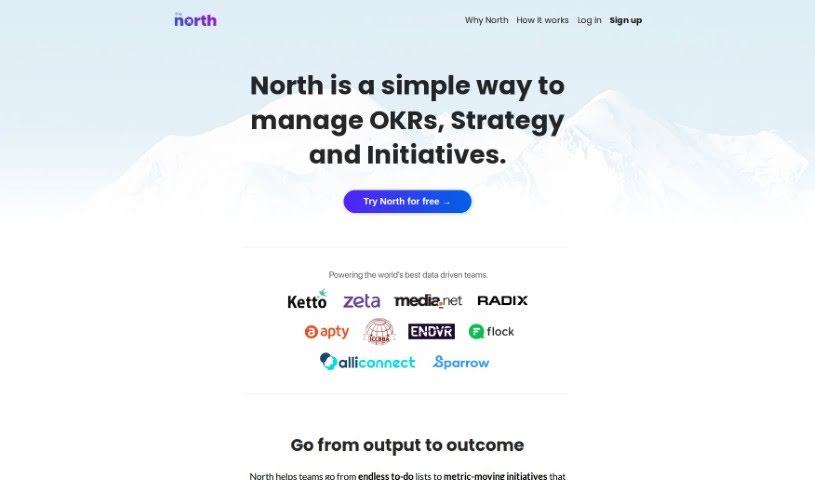
Screenshot of The North

The North

Freemium

"The North" is a smart management tool, especially helpful for businesses that rely on data. Its main goal is to make using Objectives and Key Results (OKRs) easier and more practical, helping to steer company initiatives and get everyone on the same page. It really pushes for a focus on what you achieve (outcomes) rather than just what you do (tasks), aiming for results that actually move the needle for your business. This tool is built to grow with you, whether you're a small startup or a large corporation. It's a real plus for remote teams, too, keeping everyone connected and focused on company goals, no matter where they are. North helps you figure out which projects are most important by linking them to specific key metrics. It also lets you keep an eye on how you're progressing toward your goals, helps with strategic planning using AI, and makes sure teams are aligned by using OKRs to connect company-wide objectives with day-to-day tasks. Basically, it helps you stay focused on the important milestones, gives you a clear view of your yearly business targets, makes sure everyone is working together, and lets you set and track goals. It even turns your regular to-do lists into actions that actually help you hit your metrics. If your data-driven business wants to achieve real impact, North is a great choice for driving your strategies and initiatives with OKRs.

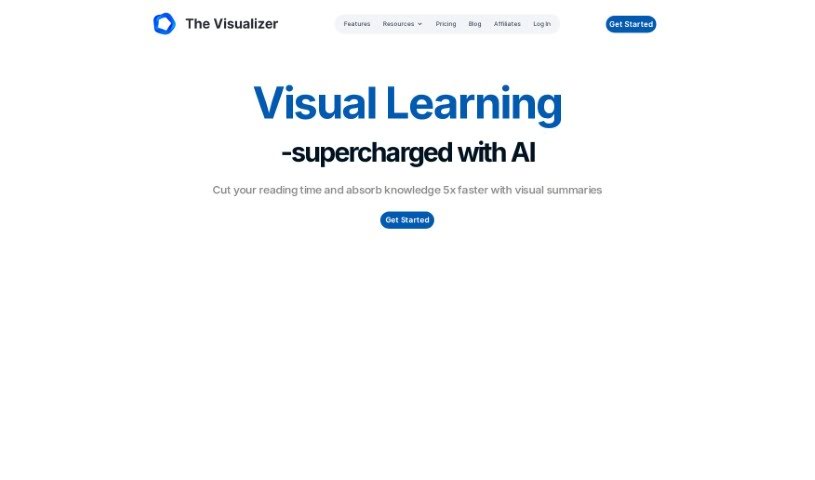
Screenshot of The Visualizer AI

The Visualizer AI

Freemium

The Visualizer AI is a really neat tool that turns complicated ideas into easy-to-understand visual maps. It's designed to help you grasp concepts faster, learn more quickly, and even tackle problems creatively. It is your go-to for making sense of things in fields like education, scientific research, and project management. People love how it can map out project structures, scientific findings, or even the flow of a book, really sparking creativity along the way. It's great for brainstorming new ideas, reducing that mental overload we all feel sometimes, and helping information stick in your memory. Plus, users appreciate that it's plagiarism-free, helps teams work together better, offers flexible pricing, and even plays nicely with other tools like ChatGPT.

Screenshot of theGist

theGist

Freemium

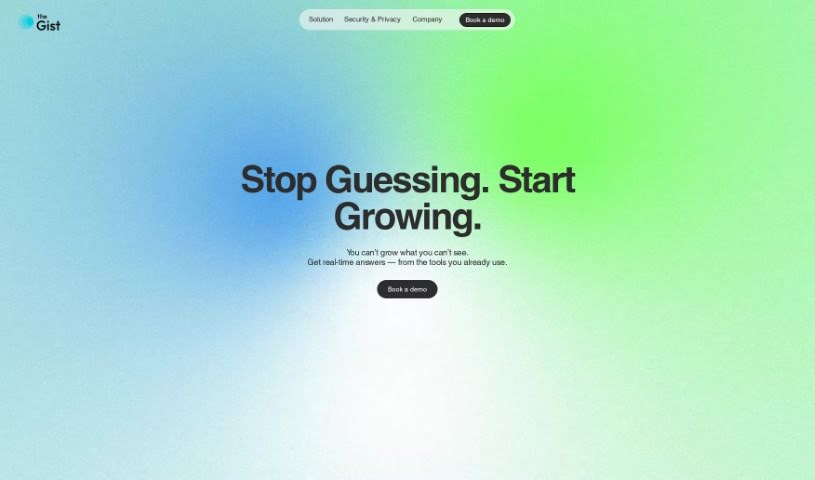
TheGist is designed to be a single, smart workspace that makes your work life more efficient, without adding any extra complexity. It is your central hub for all your work apps, bringing together features like a priority feed to keep you informed, a personal chat for easy communication, and a helpful AI assistant. It’s already being used by top teams around the world, and they really focus on keeping your information private and secure, meeting Soc2 type2 standards. The team behind TheGist is made up of seasoned professionals who are genuinely committed to making work simpler and boosting everyone's productivity. Their goal is to help you cut through the noise, focus on what truly matters, and fundamentally change how we approach productivity today.

Screenshot of ThinkTask

ThinkTask

Freemium

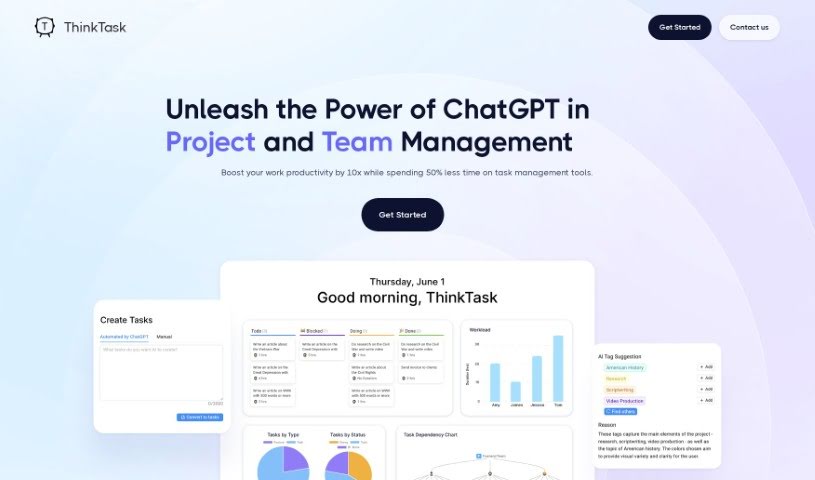
ThinkTask is a really smart tool designed to completely change how teams and projects are managed. It does this by bringing ChatGPT right into the mix, which seriously boosts productivity and makes everything run more smoothly. This dynamic tool automatically generates performance reports by looking at past data, helps you make better decisions, and keeps an eye on how AI is being used to make your workflows as efficient as possible. You can easily see how engaged your team is and where projects stand thanks to visual tools like the AI usage chart and Team Pulse. The Project Progress Table gives you the nitty-gritty on how projects are advancing, including hours spent and costs, while Task Insights uses tree diagrams to help you plan tasks like a pro. Need to create a task quickly? Just type a note, and ThinkTask can generate the task for you with pre-filled details. Plus, AI-generated tags make categorizing and assigning tasks a breeze. ThinkTask's Workpage is your all-in-one spot for notes, tasks, databases, and team collaboration, all aimed at making your team more productive and your projects run like clockwork.

Screenshot of Ticket Artisan

Ticket Artisan

Freemium

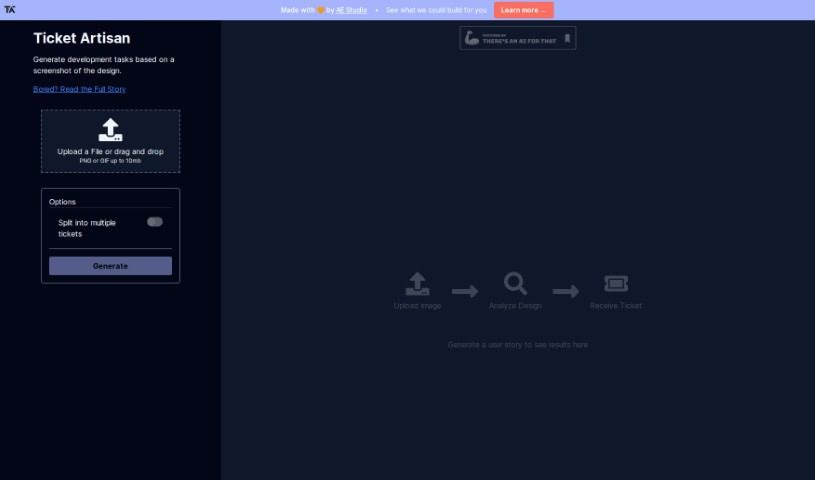
Ticket Artisan is a really smart tool from AE Studio designed to make turning design files into development tasks much smoother. It is an AI assistant that looks at your design files and then creates detailed tickets your development team can use right away. It lays out clear user stories, which helps save a ton of time and cuts down on confusion during the workflow. You can upload designs as PNG or GIF files, as long as they're under 10MB. If a design is pretty complex, you can even split it into several tickets to keep things organized.

Stay Updated with AI Tools

Get weekly updates on the latest AI tools, trends, and insights delivered to your inbox

Join 25,000+ AI enthusiasts. No spam, unsubscribe anytime.