AI Programming Tools

AI Tools for Programming

Discover the best Programming AI tools to enhance your productivity and creativity.

Page 12 of 13 • 150 total tools
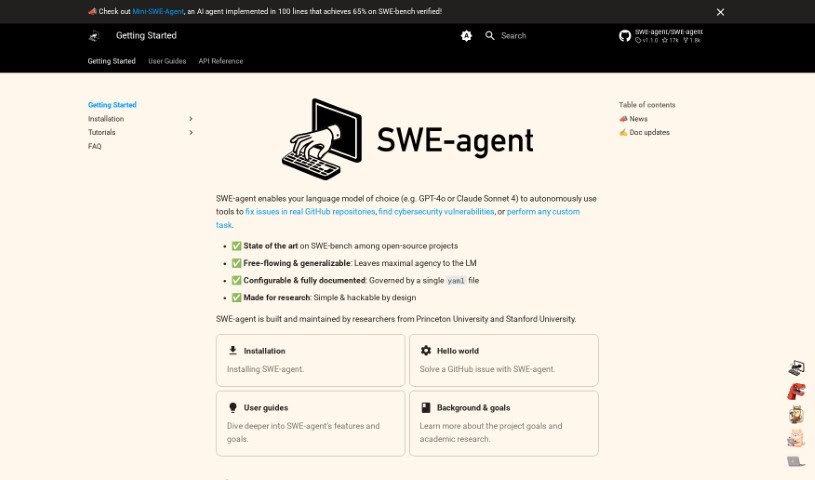
Screenshot of SWE-agent

SWE-agent

Freemium

SWE-agent turns language models, such as GPT-4, into agents capable of fixing issues directly in GitHub repositories, tackling coding challenges, and handling cybersecurity tasks through its EnIGMA mode. It offers extensive customization without requiring code changes, and the project publishes its goals, research, code documentation, and guidance on modifying agent behavior. This makes it a versatile foundation for building your own agents for coding, cybersecurity, and related tasks.

Programming View Tool →
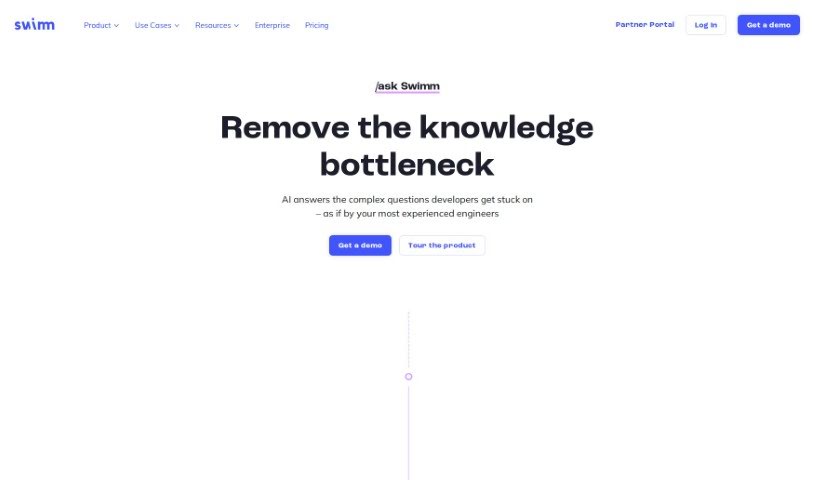
Screenshot of Swimm

Swimm

Freemium

Swimm AI is a code documentation tool that automates code explanations, streamlines documentation, and supports team collaboration. Documentation can be started directly from pull requests, and the tool automatically generates explanations for code snippets. All data is kept secure with encryption.

Programming View Tool →
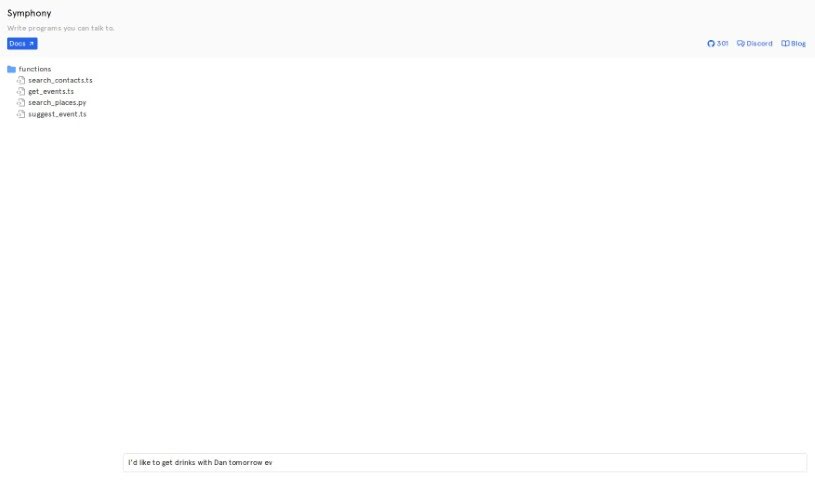
Screenshot of Symphony.run

Symphony.run

Freemium

Symphony.run is a tool for building programs you can talk to — applications that understand and respond to natural, spoken language. It simplifies natural language processing and understanding for developers, enabling apps that process and reply to verbal commands and requests.

Programming View Tool →
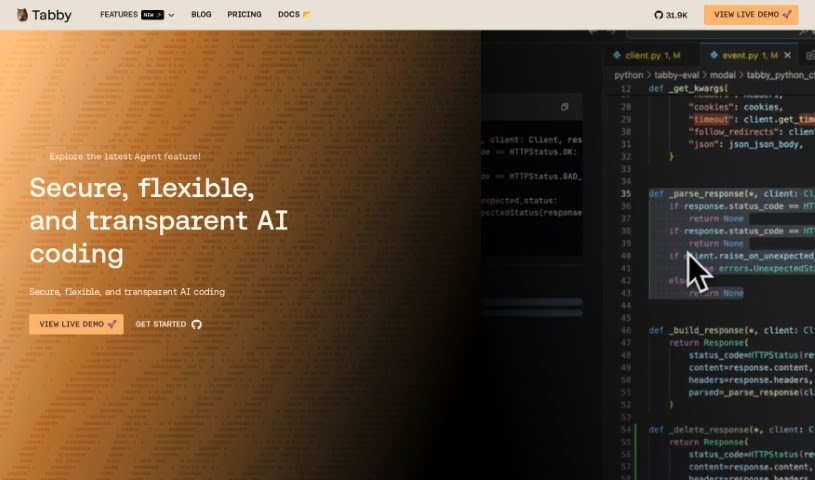
Screenshot of Tabby

Tabby

Freemium

Tabby is an open-source AI coding assistant that you can host yourself. It is built with Rust, a language known for reliability and efficiency, and is configured through a simple TOML file that lets you tailor the deployment to your needs.

Programming View Tool →
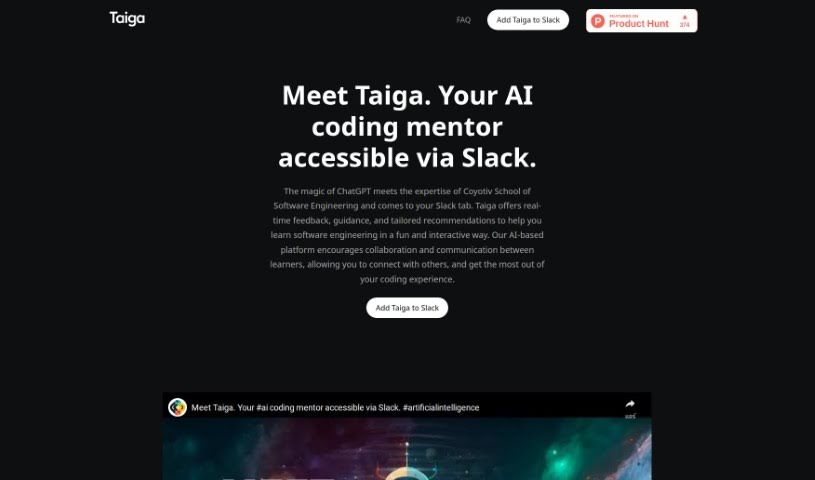
Screenshot of Taiga

Taiga

Freemium

Taiga is an AI coding mentor that combines ChatGPT with practical expertise from Coyotiv School of Software Engineering. It provides instant feedback, guidance, and advice tailored to software engineering, directly within Slack conversations. Taiga offers step-by-step help, real-time answers with practical examples, and personalized chats designed to feel like talking to a seasoned mentor. It works across devices and encourages collaborative learning.

Programming View Tool →
Screenshot of Timecomplexity.ai

Timecomplexity.ai

Freemium

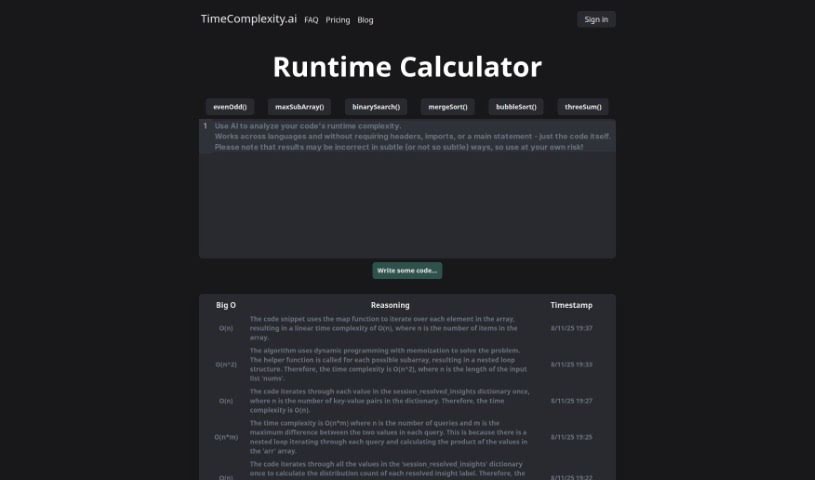
TimeComplexity.ai is an AI-powered tool created by @jparismorgan, with the website designed by @baileybrooks. It analyzes code to determine its runtime complexity, presenting results in standard Big O notation. The tool supports popular programming languages including Python, C++, C, Java, JavaScript, and Go, and can even analyze pseudocode or incomplete code snippets.

Programming View Tool →
Screenshot of Tldrdev.ai

Tldrdev.ai

Freemium

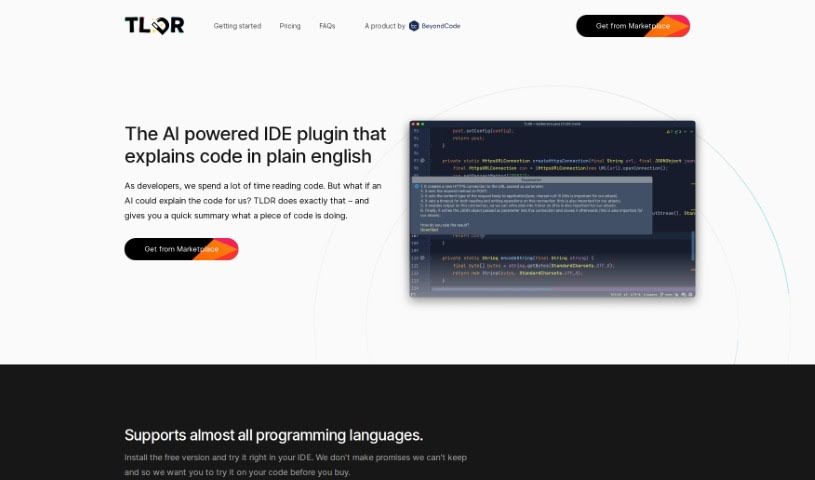
Tldrdev.ai is an IDE plugin that uses AI to help developers understand code more easily. It acts as a translator for your code, taking complicated code and turning it into simple English explanations. It supports many programming languages and integrates directly into JetBrains IDEs. It is available for free, with paid plans offering benefits such as graceful rate limiting and priority support. The underlying AI is continuously updated, improving accuracy and capability over time.

Programming View Tool →
Screenshot of Unblocked

Unblocked

Freemium

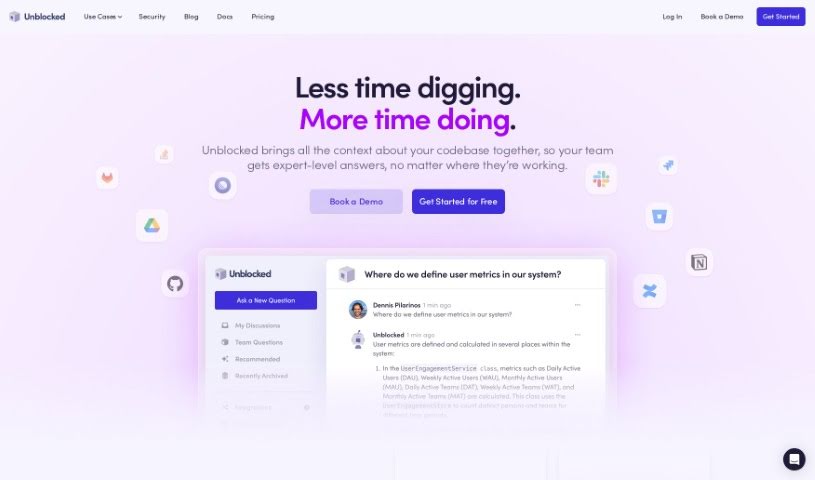
Unblocked is an assistant that helps developers find answers about their code more efficiently. It enriches source code with knowledge pulled from tools like GitHub, Slack, Confluence, and Jira, so you can get accurate answers without sitting through meetings or pinging teammates. For any file you're working on, Unblocked surfaces related documents and past conversations, keeping the right information at hand.

Programming View Tool →
Screenshot of Unfold AI

Unfold AI

Freemium

Unfold AI is a coding assistant that runs inside Visual Studio Code and provides real-time solutions for bugs and errors as you code. It detects errors automatically, offers manual fixes, answers questions asked in plain language, shows aggregated solutions, and lets you attach code snippets.

Programming View Tool →
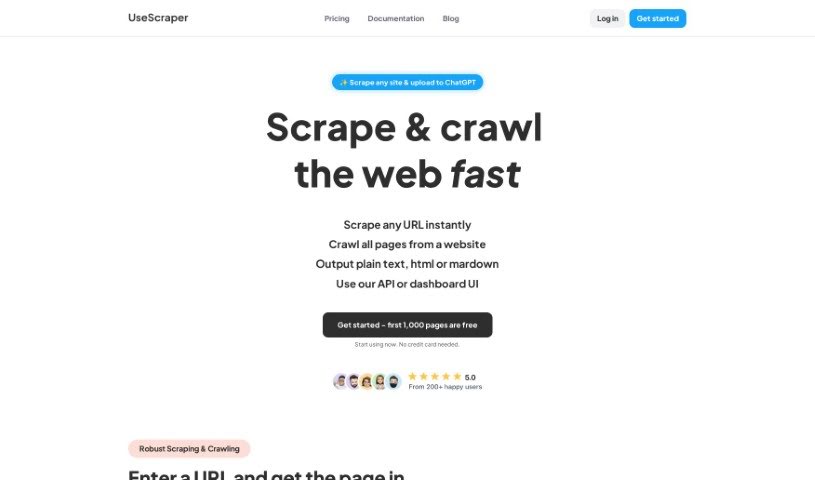
Screenshot of UseScraper

UseScraper

Freemium

UseScraper is an API built for web crawling and scraping. It converts any website into plain text or markdown, making it useful for training AI models and setting up RAG (Retrieval-Augmented Generation) systems.

Programming View Tool →
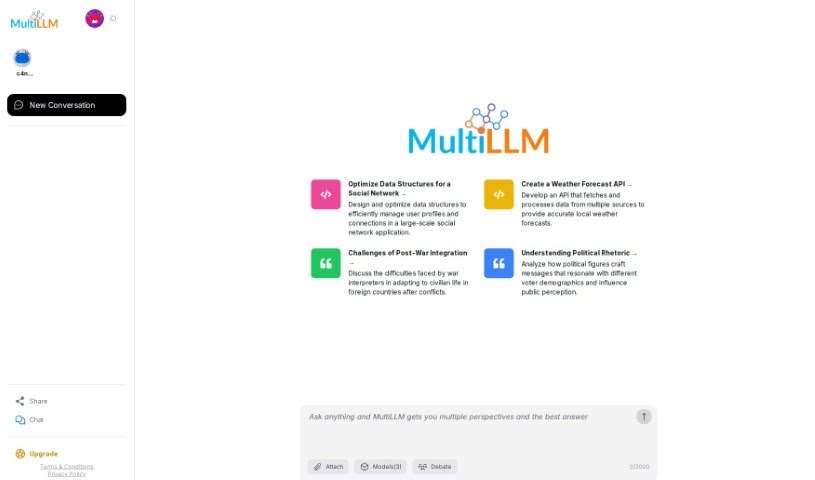
Screenshot of Verifai

Verifai

Freemium

VerifAI's MultiLLM is an open-source Python framework that runs multiple language models (LLMs) in parallel, compares their outputs, and ranks the results to identify the most accurate answers. It is built primarily for comparing code generated by popular LLMs such as GPT3, GPT5, and Google-Bard. You can add new LLMs and customize how outputs are ranked. Cross-checking results across models reduces the risk of relying on incorrect information from a single LLM. The framework is available on GitHub.

Programming View Tool →
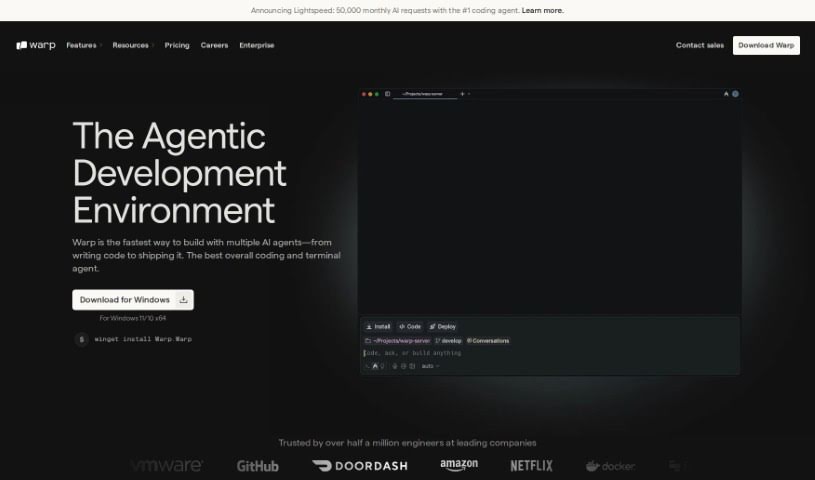
Screenshot of Warp Terminal

Warp Terminal

Freemium

Warp Terminal is a modern application designed to make the command line more user-friendly, intuitive, and powerful. It offers developers faster ways to manage cloud systems, work with local files and programs, and create reusable workflows. There is a learning curve at first, but the effort can improve your development and DevOps skills.

Programming View Tool →

About Programming tools

Staring at a terminal screen at two in the morning while trying to trace a subtle memory leak or decipher a cryptic stack trace drains any developer’s spirit. Between writing repetitive boilerplate, untangling legacy codebases, updating dependencies, and writing unit tests, everyday development work often keeps you away from solving actual logic problems.

Built for software engineers, web developers, and system architects, these AI development tools act as high-speed pair programmers. They write routine code, catch edge cases, and explain unfamiliar syntax in seconds without replacing algorithmic thinking or system design skills.

Boilerplate Generation, Debugging, and Test Suites

Accelerating daily coding tasks and generating boilerplate code turns ideas into working software much faster. Writing repetitive CRUD endpoints, database schemas, or API wrapper functions by hand eats up valuable sprint hours. Modern AI coding assistants auto-complete functions, suggest context-aware logic based on your existing codebase, and turn plain English comments into tested functions directly inside your editor.

Debugging complex errors and refactoring legacy systems becomes far less tedious, as well. Tracing how a massive legacy module works or figuring out why a specific build failed often leads to endless web searches. Intelligent development agents scan your repository, pinpoint failing lines of code, explain the root cause in simple terms, and offer clean refactoring suggestions that preserve your application’s intent.

Writing unit tests and updating documentation keeps codebases healthy without extra overhead. Most developers love building features, but few enjoy writing test suites or updating API docs. AI tools analyze code pathways, generate test cases covering tricky edge cases, and auto-generate inline documentation to keep your repository maintainable.

Key Capabilities to Look For:

  • Context-aware code completion: Systems that read your entire repository to suggest code matching your existing patterns and conventions.
  • Interactive terminal and chat assistants: Tools that let you query your codebase, debug stack traces, and run terminal commands directly from your IDE.
  • Automated test and doc generation: Features that create unit tests, integration scenarios, and inline docstrings for your functions.
  • Multi-language and framework support: Software that works smoothly across Python, JavaScript, TypeScript, Rust, Go, SQL, and popular web frameworks.
  • Privacy and repository security controls: Platforms built with strict security models ensuring proprietary code remains private and isn’t used for model training.

Building great software will always depend on human problem-solving, architectural vision, and a deep understanding of user needs. Algorithms can suggest a function, flag a syntax error, or draft a unit test, but designing scalable architecture requires a developer’s mind.

Explore the coding tools below to upgrade your development environment.

The Best AI Programming Tools

  1. Code Sandbox: Great for a code compilation environment.
  2. Warp Terminal: Helps streamline devops automation.
  3. ZZZ Code AI: Offers tools for code conversion and evaluation.
  4. Sourcegraph Cody: Provides intelligent code completion right in your IDEs.
  5. Code Rabbit: Enhances code quality through automation.
  6. Aider Chat: Offers improved pair programming with AI.
  7. Code Convert AI: Quickly converts code between multiple languages.
  8. Promptmetheus: Streamlines code generation prompts.
  9. JetBrains: Streamlines coding with smart suggestions.
  10. AI2sql: Converts plain-English questions into SQL queries.
  11. Inngest: Streamlines error handling in workflows.
  12. HTTPie: Makes cli http requests for API development easier.
  13. Snappify: Helps you easily visualize and compare code snippets.
  14. Build Ship: Streamlines API development for apps.
  15. Peak U: Offers quick bug fixes across many languages.
New tools, in your inbox.

Weekly picks of the best AI tools we've researched and added — no spam, unsubscribe anytime.

Join 25,000+ AI enthusiasts. No spam, unsubscribe anytime.