AI Tools for Programming

Discover the best Programming AI tools to enhance your productivity and creativity.

Page 11 of 14 • 161 total tools

Coding has always been a bit of a challenge, but with the rise of AI programming tools, things are changing fast. These tools can help simplify coding tasks, find and fix bugs, and even generate code for you. They’re really changing how developers work. No matter if you’re a pro or just starting out, the right AI tools can seriously boost how much you get done.

But, as more developers start using these AI features, it’s clear that not all tools are created equal. The market is packed with options, from tools that help you complete code as you type to smart systems that generate documentation. Each one has its own pros and cons. Figuring out the best one for your own work can feel a bit overwhelming, especially since new tools and features are popping up so quickly.

To help you sort through everything, I’ve spent time testing and checking out the most promising AI programming tools out there. You’ll find a selection that not only makes your coding more efficient but also helps you take on challenges with more confidence. Whether you need a hand with debugging or want to automate tasks you do over and over, there’s an AI tool that’s perfect for you.

In today’s world, where every minute counts, using these tools can make a huge difference in hitting deadlines and moving projects forward. Come along as we look at the best AI programming tools designed to really ramp up your coding experience.

The best AI Programming Tools

  1. Code Sandbox: Great for a code compilation environment.
  2. Warp Terminal: Helps streamline devops automation.
  3. ZZZ Code AI: Offers tools for code conversion and evaluation.
  4. Sourcegraph Cody: Provides intelligent code completion right in your IDEs.
  5. Code Rabbit: Enhances code quality through automation.
  6. Aider Chat: Offers improved pair programming with AI.
  7. Code Convert AI: Quickly converts code between multiple languages.
  8. Promptmetheus: Streamlines code generation prompts.
  9. JetBrains: Streamlines coding with smart suggestions.
  10. Gpt4V Online: Explains code using image analysis.
  11. Inngest: Streamlines error handling in workflows.
  12. HTTPie: Makes cli http requests for API development easier.
  13. Snappify: Helps you easily visualize and compare code snippets.
  14. Build Ship: Streamlines API development for apps.
  15. Peak U: Offers quick bug fixes across many languages.

How do AI programming tools work?

AI programming tools use the same basic technology as AI writing software: large language models, or LLMs. These tools are built to help developers by suggesting code, assisting with debugging, and even writing entire functions based on what you tell them. Most of these tools connect to established LLM providers through APIs, which lets them offer their services fast without needing to build complicated models themselves.

When you use these tools, you usually describe the coding task or ask a specific question. The AI figures out what you need and then predicts the code or solution that best matches, drawing from a massive amount of programming knowledge. This includes sample code, libraries, and coding best practices learned from all the programming resources available online.

AI programming tools are showing up more and more in popular development environments, like Visual Studio Code and JetBrains IDEs. These platforms give you code suggestions as you type, offering developers insights while they’re writing. By teaming up with LLM creators, these applications provide extra features designed to improve the coding experience, cutting down on the need for extensive in-house research and development.

The training process LLMs go through is key to how effective these tools are. They study huge amounts of code, documentation, and programming texts to learn coding language patterns and conventions. This deep training helps them understand context and what you’re trying to do, making their suggestions more relevant to the task at hand.

So, to sum it up, AI programming tools use LLMs to make coding simpler. While they won’t replace human programmers, they’re great assistants that boost productivity and accuracy. As they keep getting better, these tools will continue to shape how we program, giving developers new ways to create and innovate.

Our best AI programming tools at a glance

RankNameBest forPlans and PricingRating
1CodeSandboxcode compilation environmentN/A4.45 (11 reviews)
2Warp Terminalstreamlining devops automationN/A4.79 (28 reviews)
3ZZZ Code AIcode conversion and evaluation toolsN/A4.17 (6 reviews)
4Sourcegraph Codyintelligent code completion in idesN/A4.70 (10 reviews)
5CodeRabbitenhancing code quality with automationN/A4.73 (37 reviews)
6Aider Chatenhanced pair programming with ai.N/A3.59 (22 reviews)
7CodeConvert AIquickly convert code in multiple languagesN/A3.60 (5 reviews)
8Promptmetheusstreamline code generation promptsN/A4.17 (6 reviews)
9JetBrainsstreamlining code with smart suggestionsPaid plans start at $8.33/month.3.63 (8 reviews)
10Gpt4V Onlinecode explanation through image analysisPaid plans start at $8/month.4.40 (10 reviews)
11Inngeststreamline error handling in workflows.N/A4.69 (13 reviews)
12HTTPiecli http requests for api developmentN/A4.73 (22 reviews)
13Snappifyvisualize and compare code snippets easily.Paid plans start at $5/month.4.18 (11 reviews)
14BuildShipstreamlined api development for appsN/A4.20 (5 reviews)
15PeakUquick bug fixes across multiple languages.N/A4.20 (5 reviews)
Screenshot of Roboweb

Roboweb

Freemium

Roboweb is your smart AI partner for exploring code. It cleverly brings OpenAI's ChatGPT right into JupyterLab, making your programming life much smoother. It's designed to spot errors in your code and even suggest fixes, which really helps when you're trying to write code that works perfectly. Setting it up is pretty straightforward, too, with options like Docker and Conda available to get your coding environment ready. Plus, Roboweb takes your data privacy seriously – it keeps your OpenAI API key safely stored on your own computer, never sending it anywhere else. Basically, Roboweb is here to boost your coding experience and let you tap into AI's power for all your programming projects.

Web Development View Tool →
Screenshot of RTutor

RTutor

Freemium

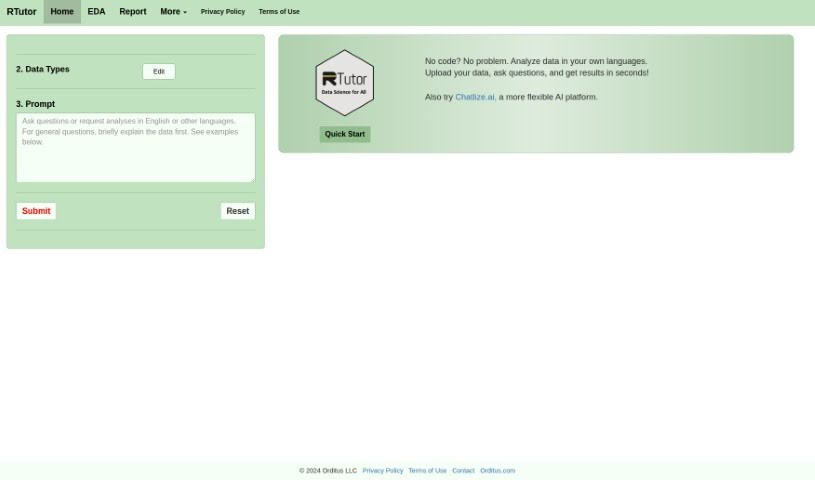
RTutor is a sophisticated AI tool built for anyone diving into programming and data science – whether you're a student, an educator, or a working professional. It provides interactive tutorials and hands-on coding exercises that cover a wide range of essential topics. Think R programming, mastering data manipulation, understanding statistical analysis, and even getting into machine learning. With RTutor, you can actively practice your coding, get instant feedback on your work, and tap into a handy library filled with code snippets and examples to really boost your skills. Plus, it encourages learning together through discussion forums and makes it easy to share your projects.

Web Development View Tool →
Screenshot of Safa

Safa

Freemium

Safa.ai is a platform built to take the hassle out of software documentation. It is your AI assistant for keeping your project's documentation in order. It uses advanced language models to read through your code, figure out what it does, and then explain it all in plain English. This means you can keep your system documentation current and accurate without spending hours manually writing summaries or tracking changes. It's designed to make life easier for teams by improving how everyone communicates and reducing potential misunderstandings or risks. Plus, it helps keep everyone on the same page, which is a big win for collaboration.

Web Development View Tool →
Screenshot of Screenshot to Code

Screenshot to Code

Freemium

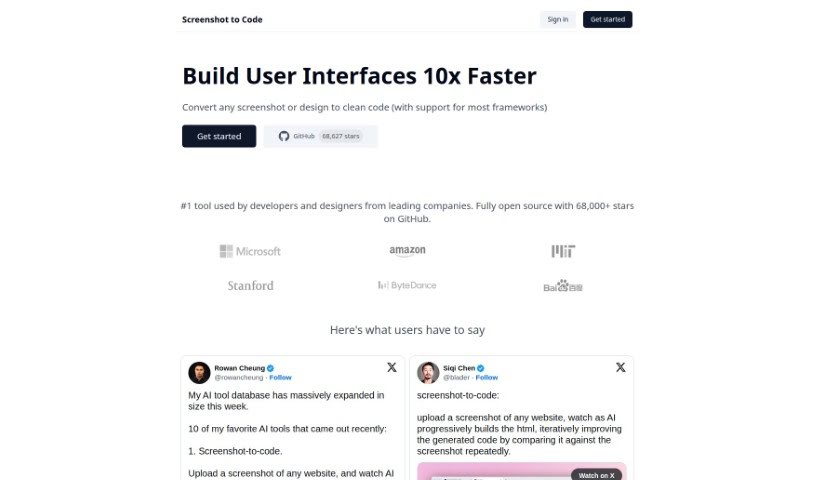
Screenshot to Code is a clever tool that takes any screenshot or design you have and turns it into clean, usable code. It's pretty versatile, supporting popular frameworks like HTML, Tailwind CSS, and React. You'll find developers and designers from some big companies using it. What can it do? Well, it converts screenshots into code, lets you clone entire websites just by entering a URL, and even works with AI tools like GPT-4 Vision and DALL-E 3. Plus, you can edit and preview the code right there as it's being generated. Essentially, it's designed to speed up web development, offering quick ways to iterate and prototype, which is a huge plus for developers and their teams.

Web Development View Tool →
Screenshot of Second

Second

Freemium

Second is a company focused on making software development more efficient, founded by Eric Rowell. Eric's own experience building and managing complex software systems made him realize that migrating and upgrading codebases could be much smoother. When AI started becoming more prominent, he saw a real chance to transform these processes. That's how Second came to be in January 2023. The core idea is to use AI to understand what developers are trying to do and then automate the tasks that usually take up a lot of time and effort.

Web Development View Tool →
Screenshot of SmartCrawl AI

SmartCrawl AI

Freemium

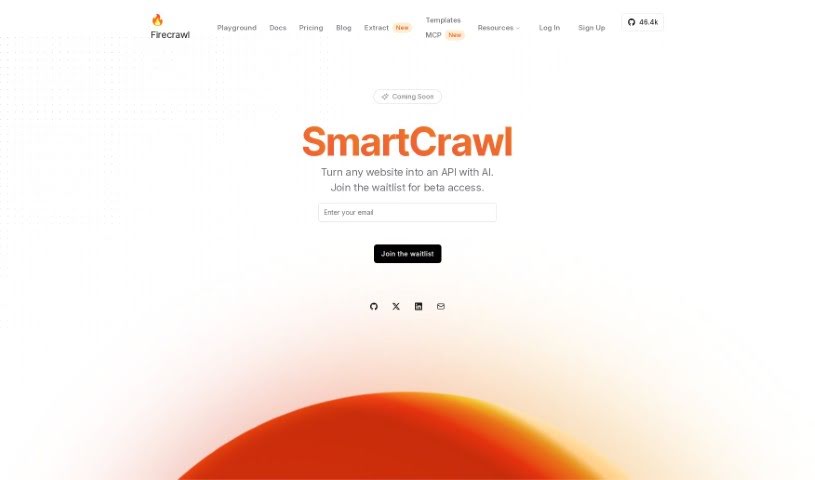
SmartCrawl AI is a neat tool from Firecrawl that lets you turn pretty much any website into an API, all thanks to artificial intelligence. Essentially, its main job is to make it super easy to convert websites into interfaces that are accessible and programmable. This means you can grab data from websites and use it in your own applications much more smoothly. If you're interested, you can hop on the waitlist to get into the beta version and start playing around with how AI can help you create website APIs.

Web Development View Tool →
Screenshot of SmartScripter

SmartScripter

Freemium

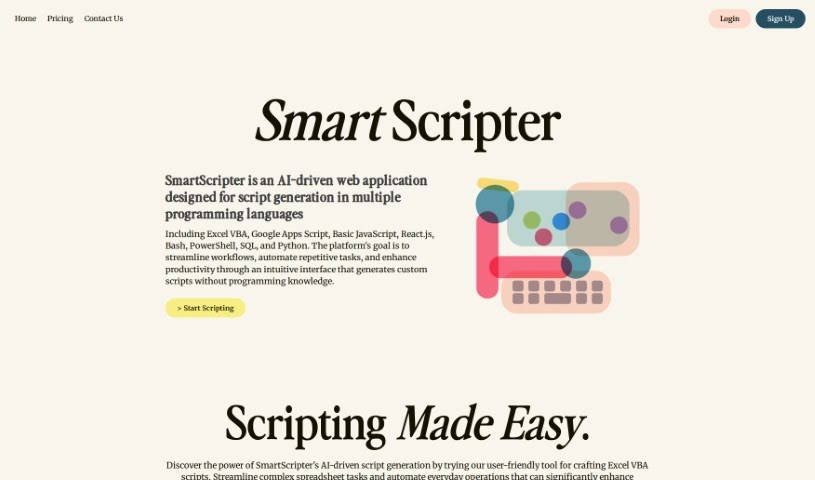
SmartScripter is a web application powered by AI, built to automatically create scripts in a variety of programming languages. Its main goal is to boost your productivity and make your work processes smoother by offering custom script generation through a really easy-to-use interface. You don't need any programming experience to use SmartScripter. It supports many languages, including Excel VBA, Google Apps Script, JavaScript, Bash, PowerShell, Python, and others. SmartScripter can be a big help in fields like finance, marketing, and IT, making tasks simpler when it comes to managing spreadsheets, working on web development projects, handling command line tasks, and doing data analysis.

Web Development View Tool →
Screenshot of Snappify

Snappify

Freemium

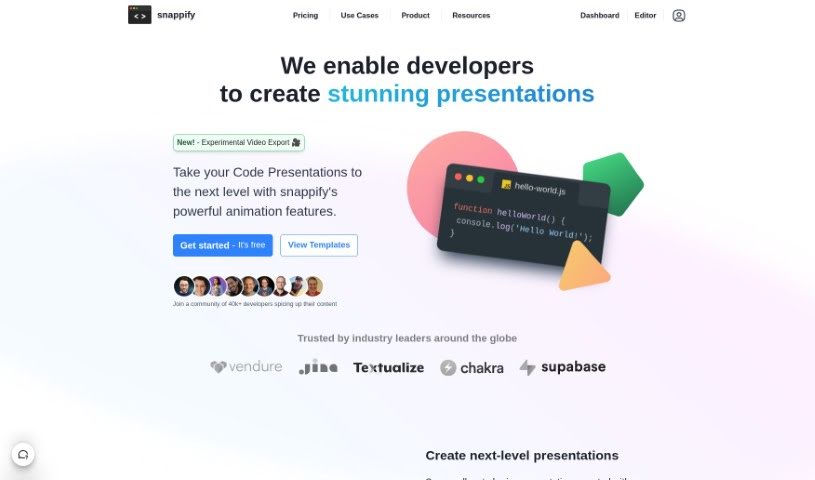
Snappify is a really handy tool that helps you animate your code snippets. It is a way to make your code presentations and videos much more engaging. It's pretty neat because it supports interactive slides, which means people watching can easily copy code directly from your presentation or click on links. This really boosts how much people interact with your technical content. Plus, Snappify offers cool, eye-catching infographics perfect for social media. These make explaining technical stuff much simpler, and they're a great help for teachers who want to make complex ideas easier for students to understand.

Web Development View Tool →
Screenshot of Snorkell

Snorkell

Freemium

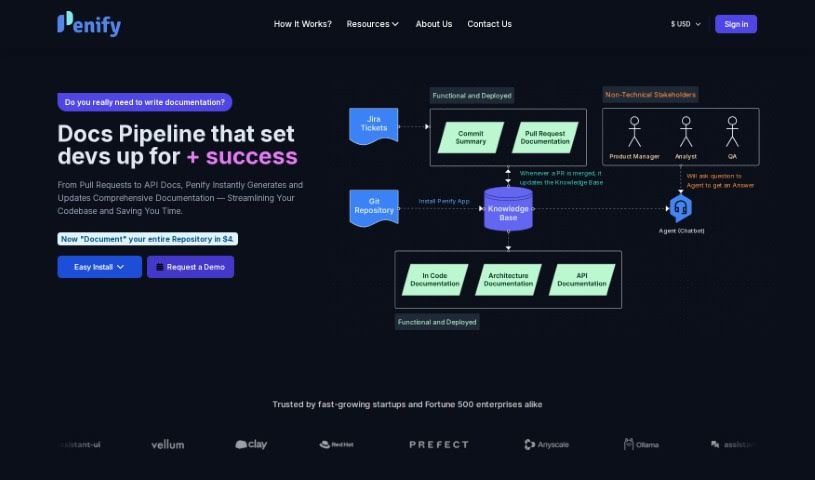
Snorkell is a smart AI tool designed to automatically create documentation, or docstrings, for all sorts of programming languages. It connects seamlessly with popular version control systems like GitHub, GitLab, and Bitbucket. This integration means it can automatically generate and update your docstrings every time a pull request is merged, keeping your documentation perfectly in sync with your code. Plus, Snorkel.ai lets you easily review the docstrings it generates and suggest any changes you think are needed, all through pull requests. You can choose from a free plan or paid options, which offer more support for your repositories, on-premise hosting, access to new experimental features, and support for languages like Python, Java, Kotlin, JavaScript, and TypeScript. What really sets Snorkel.ai apart is its focus on creating docstrings that are easy for people to read and understand, unlike older tools that might just produce technical, syntactic docstrings.

Web Development View Tool →
Screenshot of Snyk Deepcode AI

Snyk Deepcode AI

Freemium

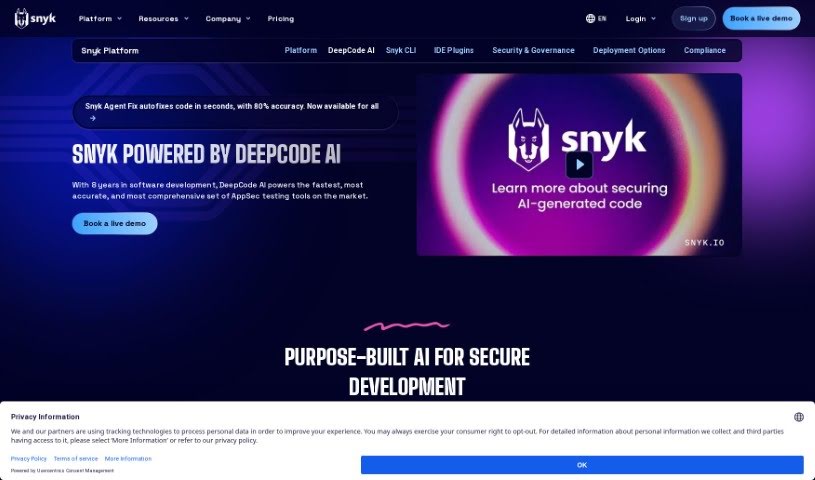
Snyk Deepcode AI is a specialized AI designed specifically for secure software development, powering the Snyk platform. It brings together several AI models that have been fine-tuned using security-focused data, all curated by leading security experts. This approach means you get the advantages of AI for security without the usual headaches. Deepcode AI really hones in on code security, helping you find, automatically fix, and prioritize vulnerabilities across more than 19 programming languages. Plus, it's a real productivity booster, offering security autofixes that are over 80% accurate. With comprehensive coverage for your applications, it lets developers build faster while still meeting important security standards. The AI behind Snyk Deepcode AI is developed and improved by top researchers. They ensure it's trustworthy by training it on millions of open-source projects that have verified code fixes, always keeping data privacy and security front and center.

Web Development View Tool →
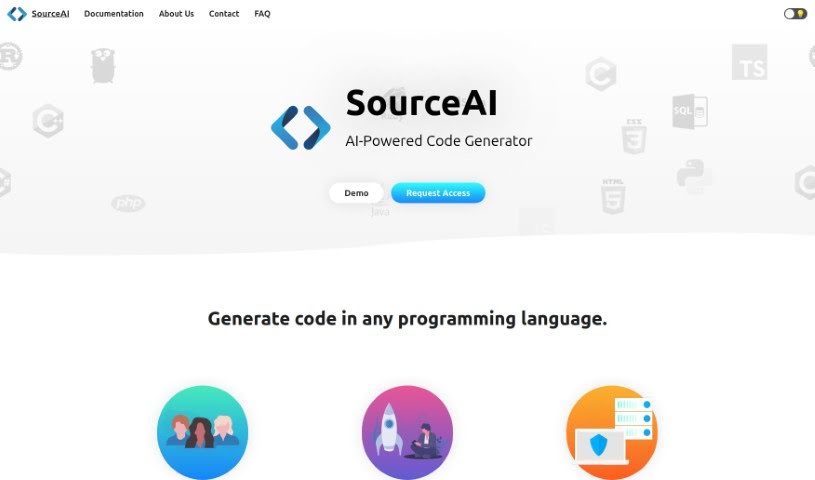
Screenshot of SourceAI

SourceAI

Freemium

SourceAI is a really neat AI tool that makes coding much simpler. It can write code for you in any programming language, just from a description you give it in plain English (or other languages!). It uses smart technology to save developers a ton of time and effort. It is a way to skip the tedious parts of writing code yourself, as it can even spot and fix errors automatically. SourceAI is designed to be easy for everyone to use, whether you're just starting out or you're a seasoned pro. It’s all about making your work smoother and letting your creativity really shine in software development.

Web Development View Tool →
Screenshot of Sourcegraph Cody

Sourcegraph Cody

Freemium

Sourcegraph Cody is an AI coding assistant designed to help developers write, understand, and fix code more efficiently. It's an open-source tool that uses AI to offer smart code completion, documentation help, and chat support across many programming languages and codebases. Cody can even explain entire code repositories, create tests, and optimize your code, all with just a few clicks. It integrates smoothly into popular IDEs like VS Code and JetBrains, and for a limited time, you can even use the 'Pro' version for free.

Web Development View Tool →

Stay Updated with AI Tools

Get weekly updates on the latest AI tools, trends, and insights delivered to your inbox

Join 25,000+ AI enthusiasts. No spam, unsubscribe anytime.