AI Tools for Programming

Discover the best Programming AI tools to enhance your productivity and creativity.

Page 10 of 14 • 161 total tools

Coding has always been a bit of a challenge, but with the rise of AI programming tools, things are changing fast. These tools can help simplify coding tasks, find and fix bugs, and even generate code for you. They’re really changing how developers work. No matter if you’re a pro or just starting out, the right AI tools can seriously boost how much you get done.

But, as more developers start using these AI features, it’s clear that not all tools are created equal. The market is packed with options, from tools that help you complete code as you type to smart systems that generate documentation. Each one has its own pros and cons. Figuring out the best one for your own work can feel a bit overwhelming, especially since new tools and features are popping up so quickly.

To help you sort through everything, I’ve spent time testing and checking out the most promising AI programming tools out there. You’ll find a selection that not only makes your coding more efficient but also helps you take on challenges with more confidence. Whether you need a hand with debugging or want to automate tasks you do over and over, there’s an AI tool that’s perfect for you.

In today’s world, where every minute counts, using these tools can make a huge difference in hitting deadlines and moving projects forward. Come along as we look at the best AI programming tools designed to really ramp up your coding experience.

The best AI Programming Tools

  1. Code Sandbox: Great for a code compilation environment.
  2. Warp Terminal: Helps streamline devops automation.
  3. ZZZ Code AI: Offers tools for code conversion and evaluation.
  4. Sourcegraph Cody: Provides intelligent code completion right in your IDEs.
  5. Code Rabbit: Enhances code quality through automation.
  6. Aider Chat: Offers improved pair programming with AI.
  7. Code Convert AI: Quickly converts code between multiple languages.
  8. Promptmetheus: Streamlines code generation prompts.
  9. JetBrains: Streamlines coding with smart suggestions.
  10. Gpt4V Online: Explains code using image analysis.
  11. Inngest: Streamlines error handling in workflows.
  12. HTTPie: Makes cli http requests for API development easier.
  13. Snappify: Helps you easily visualize and compare code snippets.
  14. Build Ship: Streamlines API development for apps.
  15. Peak U: Offers quick bug fixes across many languages.

How do AI programming tools work?

AI programming tools use the same basic technology as AI writing software: large language models, or LLMs. These tools are built to help developers by suggesting code, assisting with debugging, and even writing entire functions based on what you tell them. Most of these tools connect to established LLM providers through APIs, which lets them offer their services fast without needing to build complicated models themselves.

When you use these tools, you usually describe the coding task or ask a specific question. The AI figures out what you need and then predicts the code or solution that best matches, drawing from a massive amount of programming knowledge. This includes sample code, libraries, and coding best practices learned from all the programming resources available online.

AI programming tools are showing up more and more in popular development environments, like Visual Studio Code and JetBrains IDEs. These platforms give you code suggestions as you type, offering developers insights while they’re writing. By teaming up with LLM creators, these applications provide extra features designed to improve the coding experience, cutting down on the need for extensive in-house research and development.

The training process LLMs go through is key to how effective these tools are. They study huge amounts of code, documentation, and programming texts to learn coding language patterns and conventions. This deep training helps them understand context and what you’re trying to do, making their suggestions more relevant to the task at hand.

So, to sum it up, AI programming tools use LLMs to make coding simpler. While they won’t replace human programmers, they’re great assistants that boost productivity and accuracy. As they keep getting better, these tools will continue to shape how we program, giving developers new ways to create and innovate.

Our best AI programming tools at a glance

RankNameBest forPlans and PricingRating
1CodeSandboxcode compilation environmentN/A4.45 (11 reviews)
2Warp Terminalstreamlining devops automationN/A4.79 (28 reviews)
3ZZZ Code AIcode conversion and evaluation toolsN/A4.17 (6 reviews)
4Sourcegraph Codyintelligent code completion in idesN/A4.70 (10 reviews)
5CodeRabbitenhancing code quality with automationN/A4.73 (37 reviews)
6Aider Chatenhanced pair programming with ai.N/A3.59 (22 reviews)
7CodeConvert AIquickly convert code in multiple languagesN/A3.60 (5 reviews)
8Promptmetheusstreamline code generation promptsN/A4.17 (6 reviews)
9JetBrainsstreamlining code with smart suggestionsPaid plans start at $8.33/month.3.63 (8 reviews)
10Gpt4V Onlinecode explanation through image analysisPaid plans start at $8/month.4.40 (10 reviews)
11Inngeststreamline error handling in workflows.N/A4.69 (13 reviews)
12HTTPiecli http requests for api developmentN/A4.73 (22 reviews)
13Snappifyvisualize and compare code snippets easily.Paid plans start at $5/month.4.18 (11 reviews)
14BuildShipstreamlined api development for appsN/A4.20 (5 reviews)
15PeakUquick bug fixes across multiple languages.N/A4.20 (5 reviews)
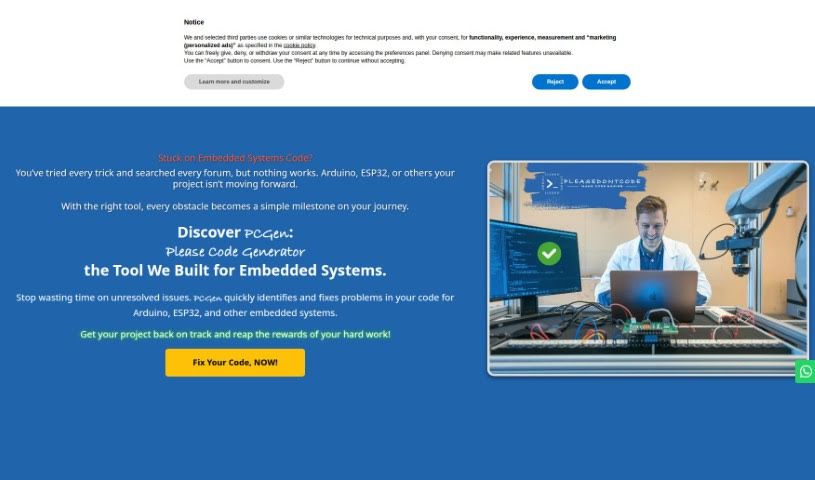
Screenshot of Please Don't Code

Please Don't Code

Freemium

'Please Don't Code' is an initiative from ITALCODY designed to speed up and automate the creation of basic code for professionals and small to medium-sized businesses. It's useful across many fields, like IoT, education, automotive, blockchain, and home automation. The main idea is to boost efficiency by offering easy-to-use tools for generating and fixing code. This way, businesses can spend less time on the nitty-gritty of programming and more time on what really matters for their core operations.

Web Development View Tool →
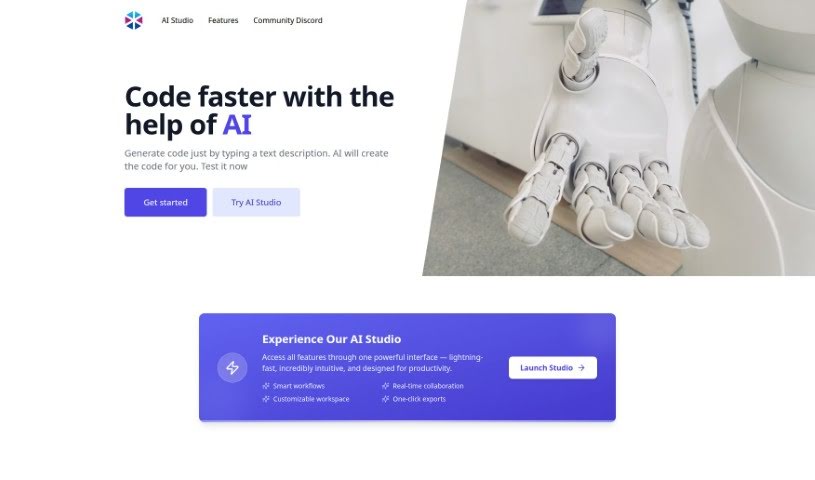
Screenshot of Programming Helper

Programming Helper

Freemium

Based on the details in "programming-helper.pdf," Programming Helper is essentially a tool built to lend a hand with your coding projects. It's packed with features that can help you out, like generating code just from your text descriptions, using AI to write code for you, and even handling specific tasks such as setting up encryption algorithms or building particular program functions – think of a program that can encrypt and decrypt using a Caesar cipher.

Web Development View Tool →
Screenshot of Promptmetheus

Promptmetheus

Freemium

Promptmetheus is a really solid Prompt Engineering IDE, built to help developers make their applications and workflows much better using advanced AI. It's a cross-platform tool that gives you a friendly space to bring cutting-edge AI technologies into your projects. With Promptmetheus, you can fine-tune your code, automate repetitive tasks, and generally speed up how efficiently you develop. The IDE comes packed with a whole range of AI-powered features and tools designed to add intelligent capabilities to your applications.

Web Development View Tool →
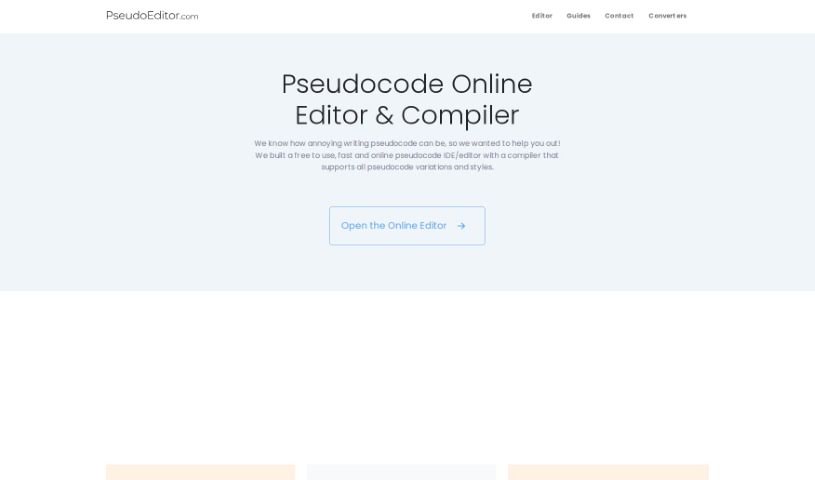
Screenshot of Pseudocode Online Editor

Pseudocode Online Editor

Freemium

Meet PseudoEditor: Your Go-To for Pseudocode

Web Development View Tool →
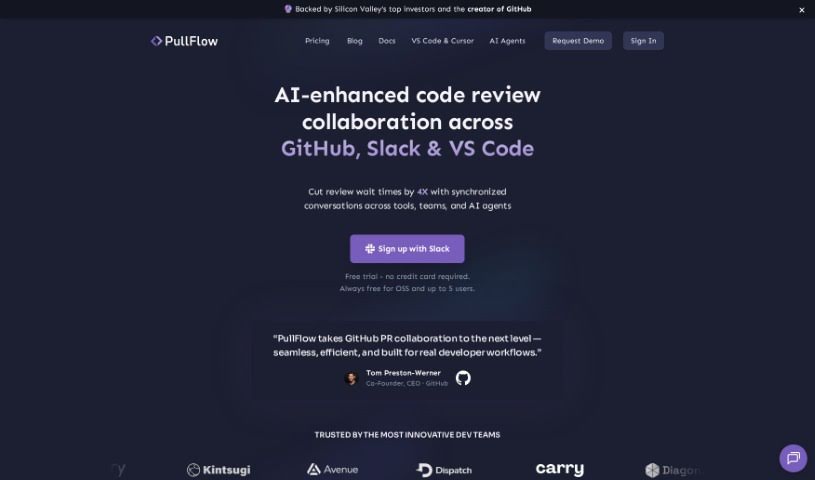
Screenshot of Pullflow

Pullflow

Freemium

Pullflow is a smart tool that uses AI to make code review collaboration smoother. It's like a central hub where developers, systems, and AI can all chat together in sync. This handy tool works with popular platforms like GitHub, Slack, and Visual Studio Code, making teamwork and communication much easier. What makes Pullflow stand out is its ability to keep conversations flowing naturally across different platforms. Plus, it uses AI to offer helpful, context-aware answers right when you're discussing code. It also gives you a clear, all-in-one view of your pull requests, from the very first draft all the way to deployment.

Web Development View Tool →
Screenshot of Quilter

Quilter

Freemium

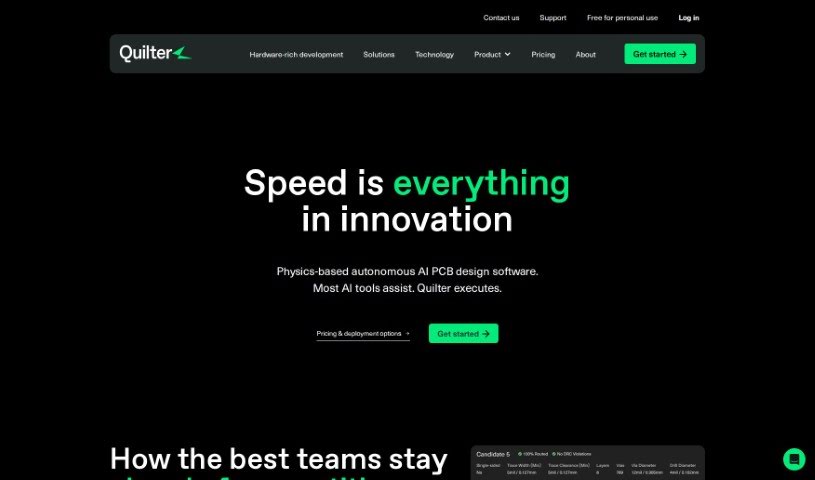
Quilter is a smart tool that automates the layout of circuit boards, making the whole PCB design process much smoother. It is an automated assistant that handles tasks like placing components, routing connections, and setting up the board's layers. It can do a lot more than just basic routing; it handles things like component placement and even EMI simulations. What's really neat is that Quilter can quickly create many different design options for you to choose from. It's designed to optimize for things like EMI performance and make sure your designs are ready for manufacturing without any errors. Plus, it works well with popular ECAD tools like Altium and KiCAD, so it should fit right into your current design setup.

Web Development View Tool →
Screenshot of Rails Guard

Rails Guard

Freemium

Rails Guard is a smart AI tool built specifically for Rails console sessions. Its main job is to mask sensitive data in real-time as you work. It is a security layer that keeps your customer data safe without you having to do extra work. It comes packed with features like secure, passwordless login using Google SSO and Multi-Factor Authentication (MFA). Plus, it uses AI to mask sensitive data on the fly, keeps a detailed audit trail of everything that happens in the console, and protects customer data with AI masking. The best part? It integrates smoothly into your current setup without needing any changes to your clients or how you've already configured things. Rails Guard also helps with code reviews for your console tasks, automatically manages users and groups who access the Rails console, allows for just-in-time access grants, and records all interactions while masking sensitive information with AI in real-time. It's designed to help you meet security controls and regulations like HIPAA, SOC 1/2, PCI, and GDPR. It even helps you rely less on the Rails console by spotting repetitive tasks that could be turned into simple, no-code user interfaces.

Web Development View Tool →
Screenshot of Regex.ai

Regex.ai

Freemium

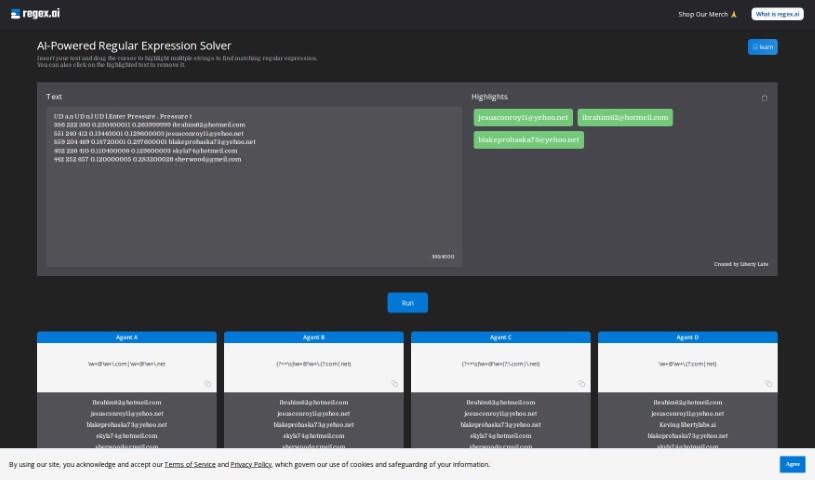
Regex.ai is a platform designed to help programmers create regular expressions, often called regex. It was built to tackle the common struggle of writing effective regex patterns efficiently. This tool uses advanced AI to really understand what you need and then generates regex that not only works but often does even better than expected. The main idea behind Regex.ai is to make programming and handling data simpler by automating regex creation. This, in turn, makes the whole coding process more approachable and enjoyable for everyone. The team behind Regex.ai envisions pushing AI's role in programming further, aiming to create a comprehensive, AI-driven solution for developers everywhere. At its heart, the company values innovation, simplicity, and making sure customers are happy, which drives them to constantly improve their AI algorithms.

Web Development View Tool →
Screenshot of Regexer

Regexer

Freemium

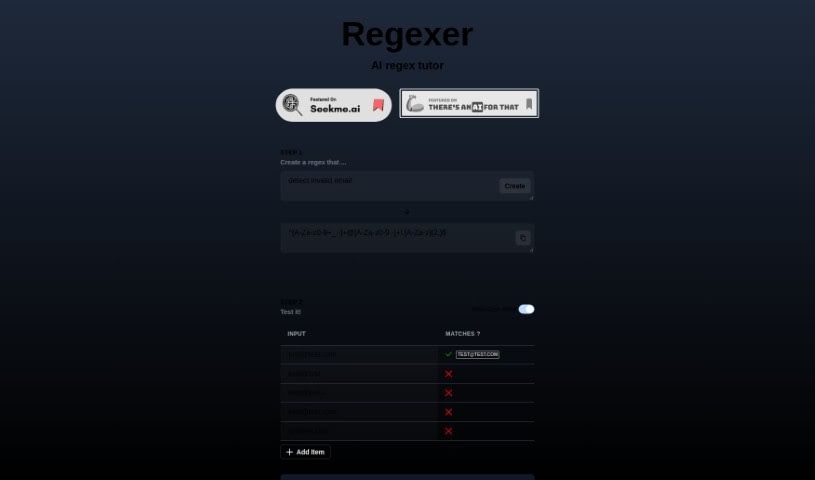
Regexer is a really helpful AI tutor designed specifically to help you get better at creating and testing regular expressions, or regex for short. It makes the whole process feel pretty straightforward. You can actually build your regex patterns right there in a Code Editor, which is super convenient for matching specific patterns within any text you're working with. What's great is that you get instant feedback – it'll tell you right away if your regex is valid and what matches you can expect when you test it against different inputs. You're totally free to tweak and play around with your regex patterns in the Code Editor, and you'll see the results, like any replacements or matched parts of the text, right there in the console. One of the things that makes Regexer stand out is that it uses a simpler way of writing regex operations, which really helps make things more accessible for everyone. Plus, if you ever get stuck or need a bit of a hand, you can even chat with tutor support in Step 3. It’s a genuinely practical and supportive tool for anyone looking to sharpen their regex skills.

Web Development View Tool →
Screenshot of Replexica

Replexica

Freemium

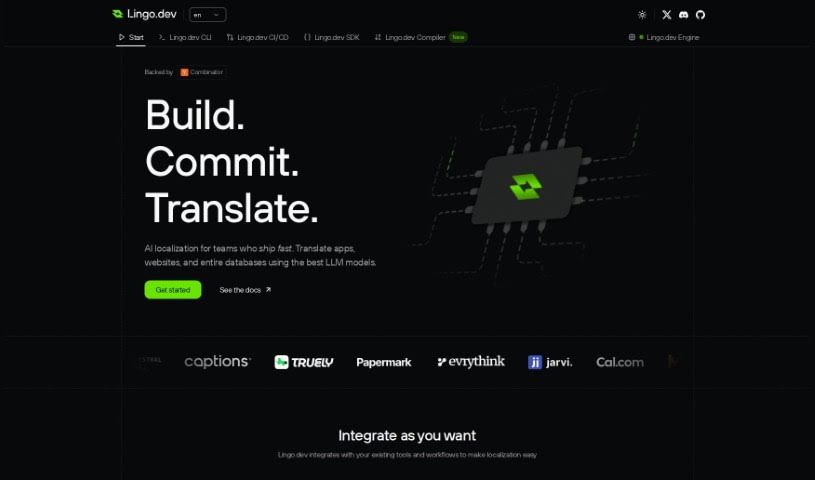
Replexica is a smart toolkit that uses AI to help with internationalization (i18n) for modern React apps. It is a way to easily get your app ready for different languages, but it does things differently. Instead of using the usual JSON files, Replexica uses advanced Language-Logic Models (LLMs) to handle localization tasks efficiently. It supports a variety of file formats and standards, and it's easy to integrate into your workflow with a developer-friendly command-line interface (CLI). Plus, there's an i18n Dashboard that makes controlling and keeping an eye on your localization tasks super simple. Since it's open-source, the community can get involved, helping to customize it for all sorts of projects.

Web Development View Tool →
Screenshot of Rgx Tools

Rgx Tools

Freemium

Rgx Tools is a handy AI-powered tool for creating and editing regular expressions, developed by Amir Mendelson. It uses OpenAI's gpt-3.5-chat to help you generate regexes that are both efficient and easy to read, all based on the patterns you describe. It is a smart assistant for building complex search patterns. You can use rgx.tools to find all sorts of data patterns – like matching website URLs, phone numbers, specific date formats, or even validating things like email addresses, passwords, and social security numbers. It's also great for just finding specific words. The tool makes creating regexes much simpler than doing it all by hand, offering code examples and being completely free to use. Plus, its interface is really user-friendly, and it generates clean, readable regexes, which is a big help when you're dealing with complex patterns. It really streamlines the whole regex creation process, making the results more efficient and easier to understand.

Web Development View Tool →
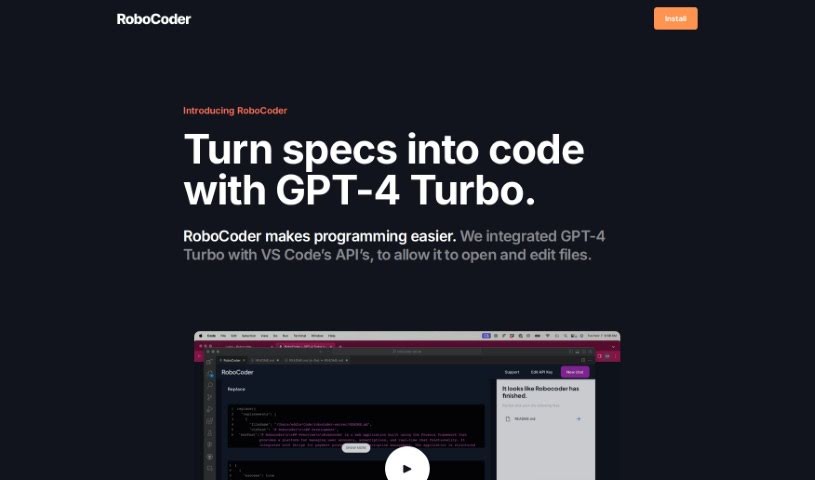
Screenshot of Robocoder

Robocoder

Freemium

RoboCoder is a handy programming tool that makes coding simpler. It does this by bringing together GPT-4 Turbo with VS Code's own APIs. This neat integration means you can easily open and edit files right inside VS Code. RoboCoder is your AI coding buddy, offering a VS Code extension to make your coding life much smoother. To use it, you'll need a $5 monthly subscription, your own API key, and you'll communicate directly with OpenAI. Ultimately, RoboCoder aims to boost your productivity and efficiency as a VS Code programmer by letting you handle files and collaborate with AI seamlessly.

Web Development View Tool →

Stay Updated with AI Tools

Get weekly updates on the latest AI tools, trends, and insights delivered to your inbox

Join 25,000+ AI enthusiasts. No spam, unsubscribe anytime.