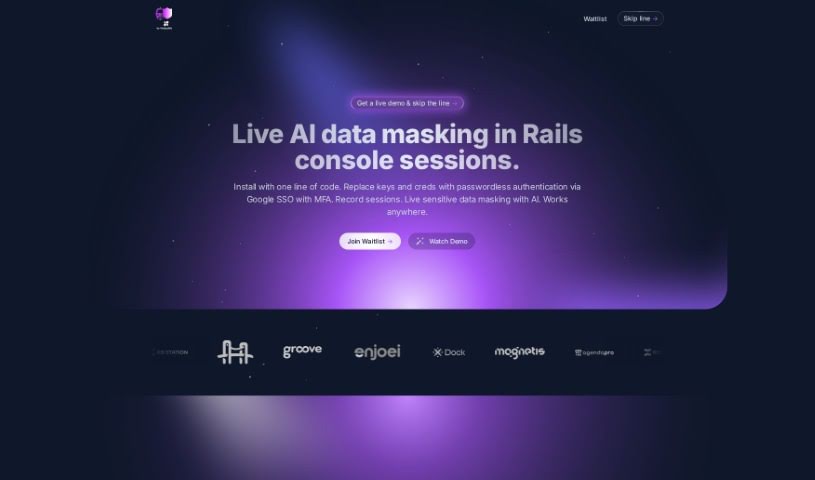
Screenshot of Rails Guard

Rails Guard

Discover what Rails Guard is and how to use it effectively in 2025. We'll explore its key features, compare it to other software development tools, and show you how to integrate it seamlessly.

Screenshot

What Exactly is Rails Guard?

Rails Guard is a smart AI tool built specifically for Rails console sessions. Its main job is to mask sensitive data in real-time as you work. It is a security layer that keeps your customer data safe without you having to do extra work. It comes packed with features like secure, passwordless login using Google SSO and Multi-Factor Authentication (MFA). Plus, it uses AI to mask sensitive data on the fly, keeps a detailed audit trail of everything that happens in the console, and protects customer data with AI masking. The best part? It integrates smoothly into your current setup without needing any changes to your clients or how you’ve already configured things. Rails Guard also helps with code reviews for your console tasks, automatically manages users and groups who access the Rails console, allows for just-in-time access grants, and records all interactions while masking sensitive information with AI in real-time. It’s designed to help you meet security controls and regulations like HIPAA, SOC 1/2, PCI, and GDPR. It even helps you rely less on the Rails console by spotting repetitive tasks that could be turned into simple, no-code user interfaces.

Who’s Behind Rails Guard?

Matheus Sandre created Rails Guard, launching it on September 12, 2023. It’s a tool developed by Hoop.dev. This platform offers several handy features, including live AI data masking directly within Rails console sessions, secure passwordless authentication through Google Single Sign-On (SSO) with MFA, and automated processes for bringing employees on board or off-boarding them. It also provides AI data masking specifically to protect your customer data.

What Can You Do With Rails Guard?

Here’s a rundown of what Rails Guard is used for:

  • Live AI Data Masking: Keep sensitive data hidden in real-time during Rails console sessions.
  • Passwordless Authentication: Log in securely using Google SSO with MFA, no passwords needed.
  • Automated Onboarding/Off-boarding: Streamline the process of adding or removing employees.
  • Auditable Actions: Track everything done in the console sessions for better accountability.
  • AI Data Masking for Customer Data: Protect customer information effectively.
  • Compliance Automation: Help meet requirements for HIPAA, SOC 1/2, PCI, and GDPR.
  • Reduce Console Reliance: Automate repetitive tasks, making them easier to manage outside the console.
  • Code Review: Facilitate code reviews specifically for Rails Console operations.
  • User & Group Management: Automate the management of users and groups for Rails Console access.
  • Real-time Masking: AI masks sensitive data instantly as it’s recorded.

Who Should Use Rails Guard?

Rails Guard is a valuable tool for:

  • Developers
  • Software engineers
  • Data Analysts
  • Security specialists
  • Compliance Officers

How Do I Use Rails Guard?

Getting started with Rails Guard is straightforward. Just follow these steps:

  1. Installation: You can add Rails Guard with a simple, single-line installation. This immediately enables live data masking for your Rails console sessions.
  2. Authentication: Forget about managing keys and credentials. Switch to secure, passwordless authentication using Google’s Single Sign-On (SSO), which also includes Multi-Factor Authentication (MFA) for added security.
  3. Recording: Rails Guard records your sessions and uses artificial intelligence to mask sensitive data in real-time. This happens seamlessly across various operations, and you won’t need to alter your existing workflows.
  4. Auditability: Keep a close eye on console operations. You can search for specific actions that were performed, ensuring you meet various security controls and regulations like HIPAA, SOC 1/2, PCI, and GDPR.
  5. AI Data Masking: Protect your customer data by filtering out personally identifiable information (PII). The best part is you don’t need any special setup or a data catalog to make this happen.
  6. Code Review & Automation: Automate the management of users and groups. You can also transform operations you do repeatedly into no-code user interfaces and make code reviews for console operations much easier.
  7. Efficiency & Security: Boost your security by relying less on the Rails console. You can identify operations you do often and automate access grants with just-in-time reviews.
  8. Minimal Setup: Integrating Rails Guard into your current workflows is easy, requiring just a one-line setup. This ensures minimal impact while providing maximum data protection during your Rails console sessions.

By following these steps, you’ll be able to use Rails Guard effectively, ensuring secure and efficient management of sensitive data within your Rails console sessions.

Related AI Tools

Discover more tools in similar categories that might interest you

Stay Updated with AI Tools

Get weekly updates on the latest AI tools, trends, and insights delivered to your inbox

Join 25,000+ AI enthusiasts. No spam, unsubscribe anytime.