AI Tools for Software Development

Discover the best Software Development AI tools to enhance your productivity and creativity.

Page 1 of 25 β€’ 294 total tools
Screenshot of Ag1 Labs

Ag1 Labs

Freemium

Ag1 Labs is a really handy tool that lets you train several different Large Language Models (LLMs). You can then take these trained models and turn them into APIs, Telegram bots, or even WhatsApp functionalities to automate tasks. What's great about Ag1 Labs is its infrastructure is connected to real-time web data. This means you can work with all sorts of information and contexts without worrying about hitting a limit on how much text the model can handle. It's built to be super user-friendly, working smoothly with no-code platforms, other automation tools, and LLMs.

Web Development View Tool β†’
Screenshot of AI Code Mentor

AI Code Mentor

Freemium

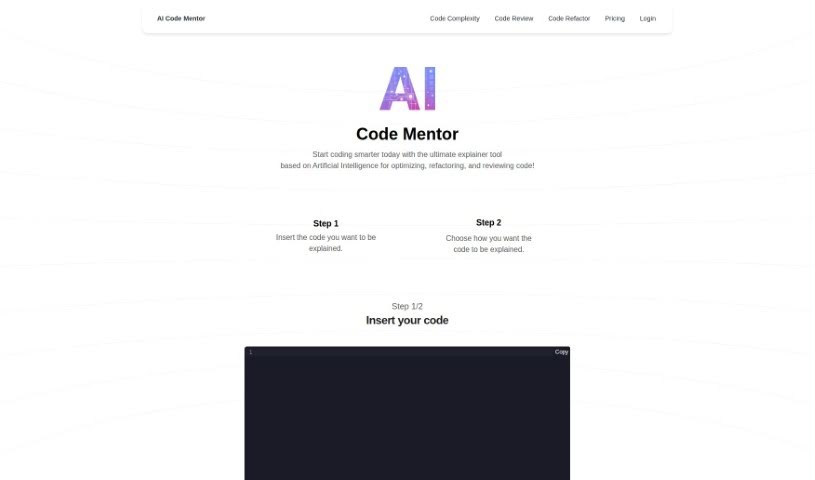
AI Code Mentor is your smart coding assistant. It uses artificial intelligence to help developers of all skill levels get a better handle on their code. What's really neat is that it can explain things in different ways, matching your current understanding. It's designed to make complex code easier to manage, boost performance, and generally make your code better, all without changing what it actually does. You can pick how you want it to explain things – like a straightforward 'Robot' explanation, a 'Beginner Programmer' style, or even insights from a 'seasoned professional.' This helps you optimize, clean up, and review your code much more efficiently.

Web Development View Tool β†’
Screenshot of Aicommit

Aicommit

Freemium

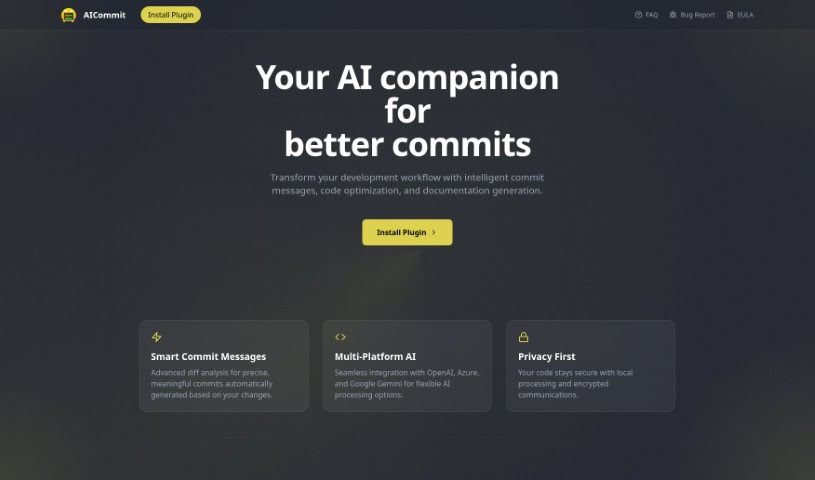
AICommit is a really neat programming assistant built to help developers be more productive right inside their JetBrains Integrated Development Environments (IDEs). It's powered by OpenAI's GPT technology, which means it brings some seriously smart coding features to the table. Think automated commit messages that actually make sense, suggestions for making your code run better, explanations for tricky code snippets, help with writing documentation, and even translating code between different languages. Basically, AICommit is designed to make your development process smoother by giving you tools for more efficient coding, making it easier to understand what's going on with your code, and helping you translate it when needed. You can find and interact with this plugin through the JetBrains Marketplace, and there's also a GitHub page if you're interested in joining the community or contributing.

Web Development View Tool β†’
Screenshot of Aider Chat

Aider Chat

Freemium

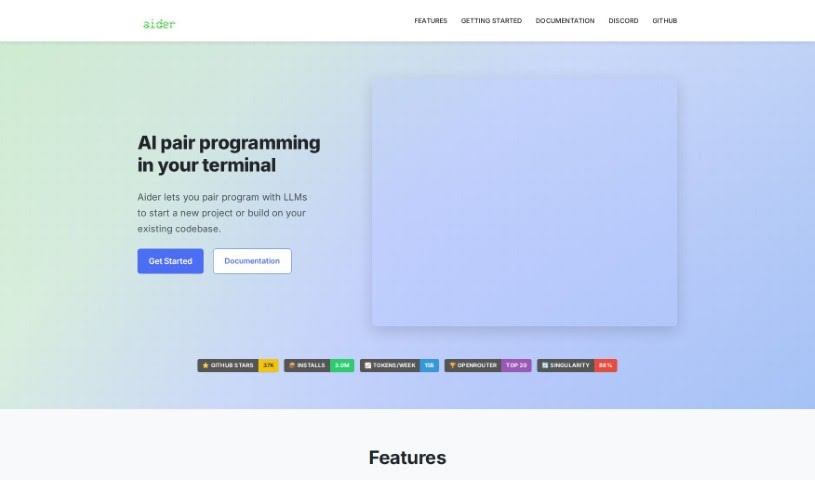
Aider Chat is a handy AI tool that acts like a pair programmer, specifically designed to help you edit code right within your local git repository. It is having an AI assistant, like Claude 3.5 Sonnet, DeepSeek V3, o1, or GPT-4o, working alongside you. Aider Chat can tackle all sorts of coding tasks – whether you need to add new features, write test cases, describe a tricky bug, refactor existing code, or update your documentation. It's pretty versatile, supporting many popular programming languages. What's really neat is that it can handle complex requests by editing multiple files at once, and it even automatically commits your changes to Git with smart, descriptive messages. Plus, you can chat with your AI assistant directly while you're editing files in your usual IDE or code editor, making sure everything stays in sync with the latest versions.

Web Development View Tool β†’
Screenshot of Airbevel

Airbevel

Freemium

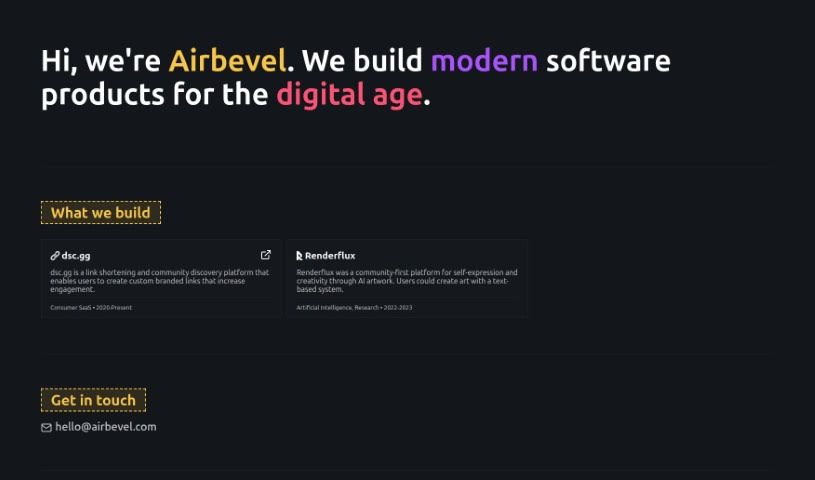
Airbevel is a software development company that really focuses on building modern software products designed specifically for our digital world. They're experts at creating clever solutions that keep up with what users actually need in today's fast-paced tech environment. One project they're known for is "dsc.gg." It's a platform that helps you shorten links and discover communities, making it easier to connect with people by using custom links that match your brand. By concentrating on this kind of advanced software development, Airbevel aims to offer solutions that truly fit what the modern digital space demands.

Web Development View Tool β†’
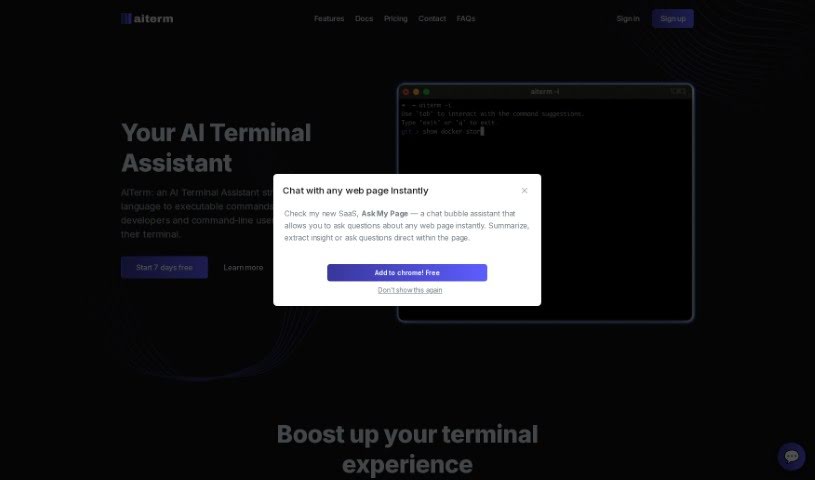
Screenshot of Aiterm (Beta)

Aiterm (Beta)

Freemium

Aiterm (Beta) is an AI assistant built right into your terminal. It is your personal helper for turning everyday language into the commands your computer understands. It's designed to make working in the terminal much smoother and more productive for developers and anyone who uses command-line tools. Aiterm offers a bunch of helpful features, like an AI assistant that can pull up documentation whenever you need it, autocompletion that works like in your favorite code editor, ways to keep your terminal workflow organized, and generally just boosts your overall productivity. Plus, your privacy is a big deal here; Aiterm doesn't store any of your terminal activity on outside servers. You can use it with popular terminals like iTerm, VS Code Terminal, cmd, PowerShell, and many others. When it comes to paying, Midtrans handles all transactions securely, accepting major credit and debit cards. There are no ongoing subscriptions or hidden costs – you simply pay once for the amount of time you need.

Web Development View Tool β†’
Screenshot of Anvil Works

Anvil Works

Freemium

StoryScroll is a web application built using the Anvil platform. Its main purpose is to help you quickly and reliably create full-stack web applications. Whether you're just starting out or you're already an experienced developer, StoryScroll's simple and intuitive interface makes it accessible to everyone. It's designed to be really responsive to what you do and can handle complicated, dynamic tasks smoothly. Because it's built on Anvil, making updates or changes to StoryScroll is fast and efficient. While the website doesn't go into specific details about its features, you can expect StoryScroll to offer the kind of modern, user-focused capabilities that Anvil-built applications are known for. There have been a few mentions of potential hiccups, like an error StoryScroll encountered, and some features that might need a bit more work. However, the platform itself offers some great advantages, such as making updates and revisions easy, and handling errors effectively – all hallmarks of Anvil applications.

Web Development View Tool β†’
Screenshot of Appsmith

Appsmith

Freemium

Appsmith is a low-code platform designed for building smart business applications, especially those that need AI features like chat or document analysis. It gives you real-time insights and lets you create custom interfaces that fit exactly what your business needs. The platform works with various large language models (LLMs), so you can easily add things like multi-turn conversations and semantic search to your apps. Plus, Appsmith takes care of security with user management and login features. You can also host it yourself and customize the open-source code.

Web Development View Tool β†’
Screenshot of Aptori

Aptori

Freemium

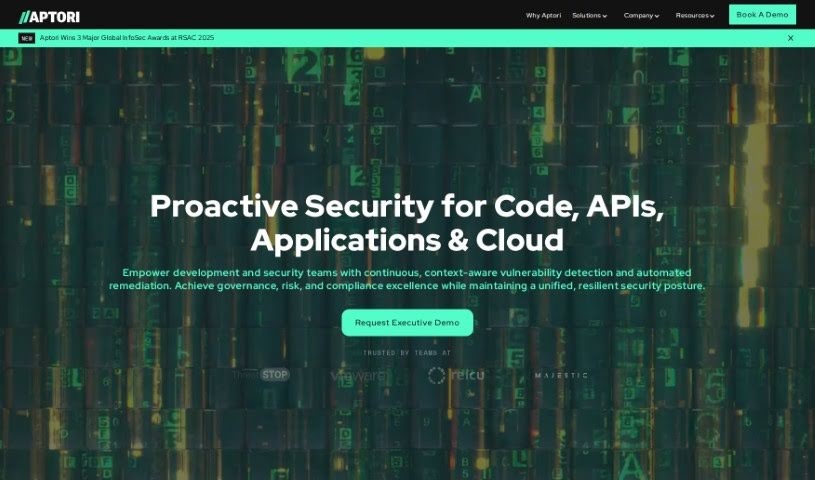
It seems the term "Aptori" isn't mentioned in the files you provided. No worries, though! I can give you a rundown based on what I know.

Web Development View Tool β†’
Screenshot of ApyHub

ApyHub

Freemium

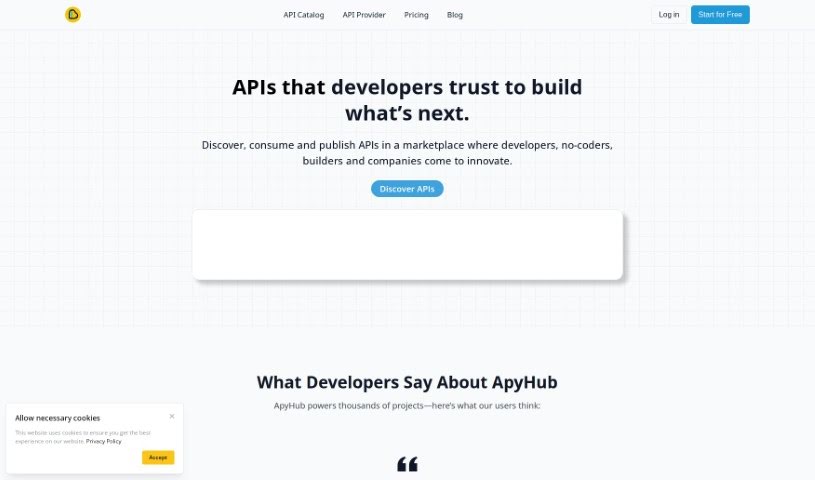
ApyHub is a really neat platform that offers a huge collection – over 100 – of APIs. They are ready-made tools for developers and teams looking to add special features to their apps. These aren't just basic tools; they range from simple, solid utilities to sophisticated solutions powered by AI. ApyHub makes it super easy to find and try out the APIs you need, and it also helps you manage them so you can smoothly put them into your projects and keep them running well. The goal here is to help developers and teams make their applications perform better and do more, acting as a partner dedicated to their success.

Web Development View Tool β†’
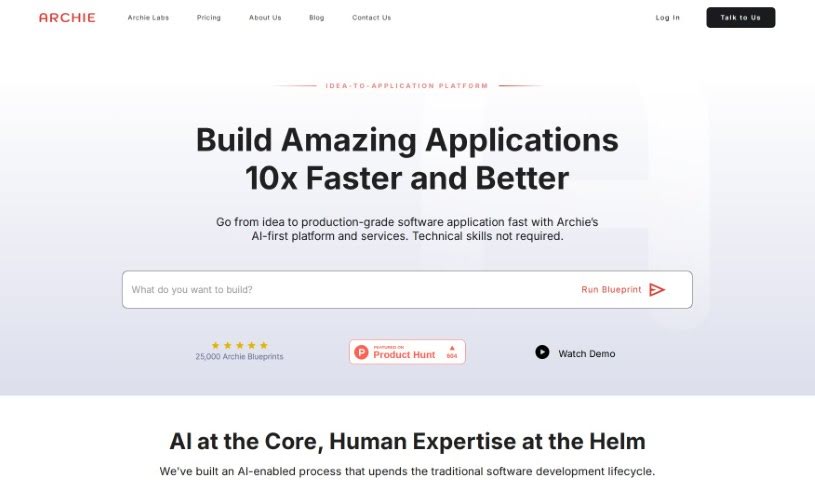
Screenshot of Archie AI

Archie AI

Freemium

Archie AI is an AI-powered solution architect designed to make turning your ideas into detailed software application designs, specifications, and architectural plans much simpler. It uses several large language models to quickly come up with and create feature-rich blueprints. This really helps boost your idea's value and soundness, making the jump from concept to design smoother. You can even work with product designers to check your ideas, plan your strategy, spot potential risks, and speed up your software projects.

Web Development View Tool β†’
Screenshot of Ask Command

Ask Command

Freemium

Ask Command is a really neat AI assistant built specifically for developers. It is your go-to helper for remembering those Unix commands you always seem to forget. It's a native app for macOS, and it uses OpenAI's GPT-3 to figure out the best Unix command for whatever you're trying to do. The whole idea is to save you time – no more digging through Google searches for that one command you used last week. The Beta version is out now, and you'll need macOS 10.15 or later to run it. It's designed to be safe, too; it's sandboxed, meaning it can't mess with your system or run commands for you. Just a heads-up, though: always double-check any command it suggests to make sure you understand it and it's safe before you hit enter. Ask Command offers handy features like AI-powered suggestions, it's a real time-saver, it operates securely, it's always getting better thanks to server-side feedback, and it's super easy to use.

Web Development View Tool β†’
Previous 1 of 25 Next

Stay Updated with AI Tools

Get weekly updates on the latest AI tools, trends, and insights delivered to your inbox

Join 25,000+ AI enthusiasts. No spam, unsubscribe anytime.