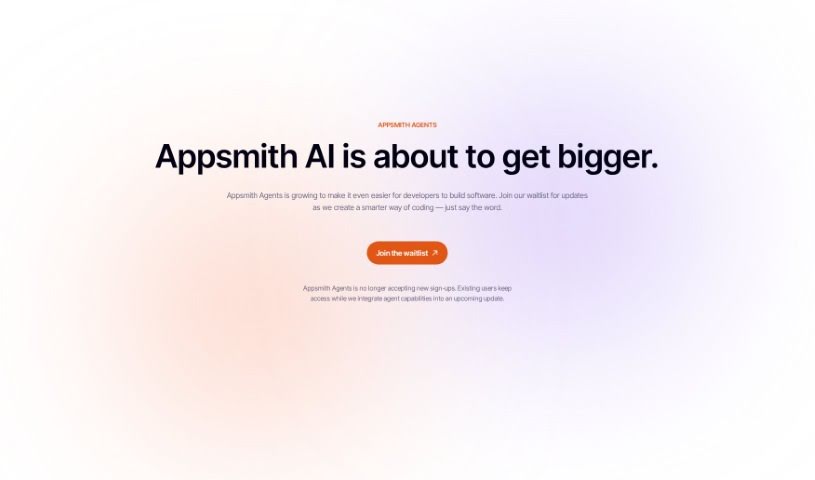
Screenshot of Appsmith

Appsmith

Discover what Appsmith is and how to use it effectively in 2025. We'll explore its features and see how it stacks up against other software development tools.

Screenshot

What is Appsmith?

Appsmith is a low-code platform designed for building smart business applications, especially those that need AI features like chat or document analysis. It gives you real-time insights and lets you create custom interfaces that fit exactly what your business needs. The platform works with various large language models (LLMs), so you can easily add things like multi-turn conversations and semantic search to your apps. Plus, Appsmith takes care of security with user management and login features. You can also host it yourself and customize the open-source code.

Who created Appsmith?

Appsmith was developed by the Appsmith organization and first launched on March 7, 2024. It’s a low-code platform that makes it simple for users to build intelligent business applications. These apps can include AI functionalities like chat, document analysis, and various data analysis tools. Appsmith offers real-time insights and interfaces you can customize. It also integrates with popular large language models such as Google AI and OpenAI. Being open-source, Appsmith provides a lot of flexibility for customization and adaptation to your specific needs.

What is Appsmith used for?

  • Getting real-time insights for your business.
  • Creating custom interfaces that fit your specific business needs.
  • Integrating with large language models.
  • Performing text analysis.
  • Classifying images.
  • Enabling semantic search.
  • Running multi-turn conversations.
  • Adding more data integrations for smarter prompts.
  • Setting up security and access controls.
  • Deploying the application on your own servers (self-hosted).

How to use Appsmith?

Here’s a step-by-step guide to building AI-powered apps with Appsmith:

  1. Build Custom Interfaces: You can create interfaces that are perfectly suited to your business needs. Then, connect them to large language models or other data sources.
  2. Use Image Classification: Appsmith has built-in image classification tools. You can use these to sort and identify images based on what your application requires.
  3. Try Semantic Search: Make your app smarter with context-aware searches. Appsmith offers a pre-built semantic search action that you can easily use.
  4. Enable Multi-Turn Conversations: Want your app to have back-and-forth chats? You can pair the large language model chat feature with custom JavaScript objects to create threaded, contextual conversations.
  5. Get Real-Time Insights: Appsmith includes data analysis tools that provide real-time insights. This helps you make better decisions and plan strategically, all within your app’s design.
  6. Connect to Databases and APIs: Link AI actions with your databases or APIs. This can improve features like semantic searches and recommendations, making them more relevant to your business data.
  7. Set Up User Logins and Security: Appsmith has features for managing users, handling logins, and controlling access. You can even integrate Single Sign-On (SSO) and Secure Customer Identity and Access Management (SCIM) solutions.
  8. Deploy Self-Hosted Instances: If you want more control over your data, you can choose to self-host Appsmith. This means you’ll host the application on your business’s own servers.
  9. Use Text Analysis: Integrate pre-built AI actions for text analysis. You can do things like translate languages, analyze sentiment, categorize text, or extract keywords, depending on what your application needs.
  10. Choose Appsmith for AI Development: Appsmith is a great choice for developing AI-powered apps. It’s a low-code platform that boosts productivity, offers real-time insights, and provides customizable interfaces designed for business needs.

Following these steps will give you a solid guide for using Appsmith to build AI applications that are tailored to your business requirements.

Related AI Tools

Discover more tools in similar categories that might interest you

Stay Updated with AI Tools

Get weekly updates on the latest AI tools, trends, and insights delivered to your inbox

Join 25,000+ AI enthusiasts. No spam, unsubscribe anytime.