10Web
Web Development Website Builders
Learn more
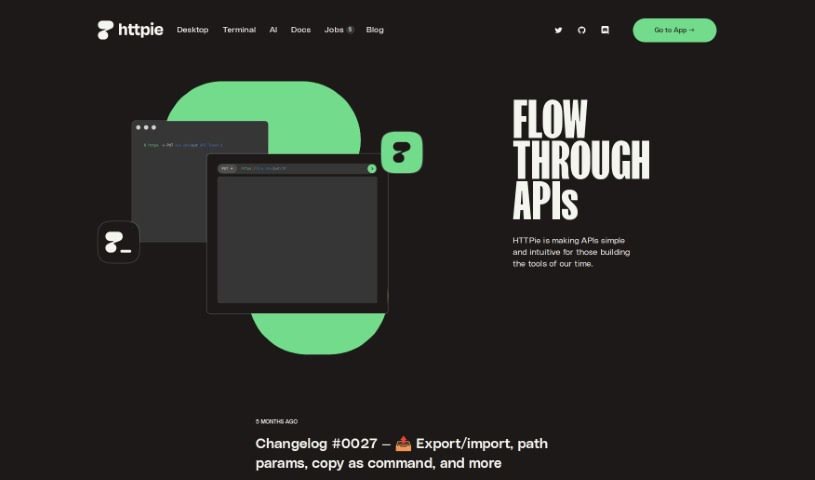
Discover what HTTPie is, a user-friendly tool for testing and interacting with APIs via terminal or graphical interface.
HTTPie is a tool designed to make working with APIs simpler for developers. It offers a user-friendly experience for interacting with APIs, available either through a graphical interface for web and desktop, or via the original terminal version. It was created because its developers wanted a more efficient way to test APIs than what was available, and it became one of the most popular projects on GitHub. The team is now building a platform focused on collaboration for API development, with plans to use artificial intelligence to make the tool more capable. HTTPie aims to make APIs more approachable and intuitive for everyone involved in creating modern tools and applications, supporting developers and their teams throughout the API lifecycle.
HTTPie was originally created by Jakub Roztocil. The company behind it, HTTPie, Inc., is based in San Francisco, CA. Its focus is on making APIs simple and intuitive for developers, with products designed to be powerful but human-centric, helping developers and teams wherever humans and APIs connect.
HTTPie lets you interact with HTTP servers, RESTful APIs, and web services from the command line.
http GET https://api.example.com.-h flag, e.g. http GET https://api.example.com User-Agent:Mozilla.-d flag using key-value pairs, e.g. http POST https://api.example.com name=John age=30.--auth=username:password for basic auth or --auth-type=digest for digest authentication.--json for JSON responses or --pretty for human-readable output.--session=name.http --form POST https://api.example.com/upload file@/path/to/file.Related
Discover more tools in similar categories
Weekly picks of the best AI tools we've researched and added — no spam, unsubscribe anytime.
Join 25,000+ AI enthusiasts. No spam, unsubscribe anytime.