AI Tools for Programming

Discover the best Programming AI tools to enhance your productivity and creativity.

Page 13 of 14 • 161 total tools

Coding has always been a bit of a challenge, but with the rise of AI programming tools, things are changing fast. These tools can help simplify coding tasks, find and fix bugs, and even generate code for you. They’re really changing how developers work. No matter if you’re a pro or just starting out, the right AI tools can seriously boost how much you get done.

But, as more developers start using these AI features, it’s clear that not all tools are created equal. The market is packed with options, from tools that help you complete code as you type to smart systems that generate documentation. Each one has its own pros and cons. Figuring out the best one for your own work can feel a bit overwhelming, especially since new tools and features are popping up so quickly.

To help you sort through everything, I’ve spent time testing and checking out the most promising AI programming tools out there. You’ll find a selection that not only makes your coding more efficient but also helps you take on challenges with more confidence. Whether you need a hand with debugging or want to automate tasks you do over and over, there’s an AI tool that’s perfect for you.

In today’s world, where every minute counts, using these tools can make a huge difference in hitting deadlines and moving projects forward. Come along as we look at the best AI programming tools designed to really ramp up your coding experience.

The best AI Programming Tools

  1. Code Sandbox: Great for a code compilation environment.
  2. Warp Terminal: Helps streamline devops automation.
  3. ZZZ Code AI: Offers tools for code conversion and evaluation.
  4. Sourcegraph Cody: Provides intelligent code completion right in your IDEs.
  5. Code Rabbit: Enhances code quality through automation.
  6. Aider Chat: Offers improved pair programming with AI.
  7. Code Convert AI: Quickly converts code between multiple languages.
  8. Promptmetheus: Streamlines code generation prompts.
  9. JetBrains: Streamlines coding with smart suggestions.
  10. Gpt4V Online: Explains code using image analysis.
  11. Inngest: Streamlines error handling in workflows.
  12. HTTPie: Makes cli http requests for API development easier.
  13. Snappify: Helps you easily visualize and compare code snippets.
  14. Build Ship: Streamlines API development for apps.
  15. Peak U: Offers quick bug fixes across many languages.

How do AI programming tools work?

AI programming tools use the same basic technology as AI writing software: large language models, or LLMs. These tools are built to help developers by suggesting code, assisting with debugging, and even writing entire functions based on what you tell them. Most of these tools connect to established LLM providers through APIs, which lets them offer their services fast without needing to build complicated models themselves.

When you use these tools, you usually describe the coding task or ask a specific question. The AI figures out what you need and then predicts the code or solution that best matches, drawing from a massive amount of programming knowledge. This includes sample code, libraries, and coding best practices learned from all the programming resources available online.

AI programming tools are showing up more and more in popular development environments, like Visual Studio Code and JetBrains IDEs. These platforms give you code suggestions as you type, offering developers insights while they’re writing. By teaming up with LLM creators, these applications provide extra features designed to improve the coding experience, cutting down on the need for extensive in-house research and development.

The training process LLMs go through is key to how effective these tools are. They study huge amounts of code, documentation, and programming texts to learn coding language patterns and conventions. This deep training helps them understand context and what you’re trying to do, making their suggestions more relevant to the task at hand.

So, to sum it up, AI programming tools use LLMs to make coding simpler. While they won’t replace human programmers, they’re great assistants that boost productivity and accuracy. As they keep getting better, these tools will continue to shape how we program, giving developers new ways to create and innovate.

Our best AI programming tools at a glance

RankNameBest forPlans and PricingRating
1CodeSandboxcode compilation environmentN/A4.45 (11 reviews)
2Warp Terminalstreamlining devops automationN/A4.79 (28 reviews)
3ZZZ Code AIcode conversion and evaluation toolsN/A4.17 (6 reviews)
4Sourcegraph Codyintelligent code completion in idesN/A4.70 (10 reviews)
5CodeRabbitenhancing code quality with automationN/A4.73 (37 reviews)
6Aider Chatenhanced pair programming with ai.N/A3.59 (22 reviews)
7CodeConvert AIquickly convert code in multiple languagesN/A3.60 (5 reviews)
8Promptmetheusstreamline code generation promptsN/A4.17 (6 reviews)
9JetBrainsstreamlining code with smart suggestionsPaid plans start at $8.33/month.3.63 (8 reviews)
10Gpt4V Onlinecode explanation through image analysisPaid plans start at $8/month.4.40 (10 reviews)
11Inngeststreamline error handling in workflows.N/A4.69 (13 reviews)
12HTTPiecli http requests for api developmentN/A4.73 (22 reviews)
13Snappifyvisualize and compare code snippets easily.Paid plans start at $5/month.4.18 (11 reviews)
14BuildShipstreamlined api development for appsN/A4.20 (5 reviews)
15PeakUquick bug fixes across multiple languages.N/A4.20 (5 reviews)
Screenshot of Tabby

Tabby

Freemium

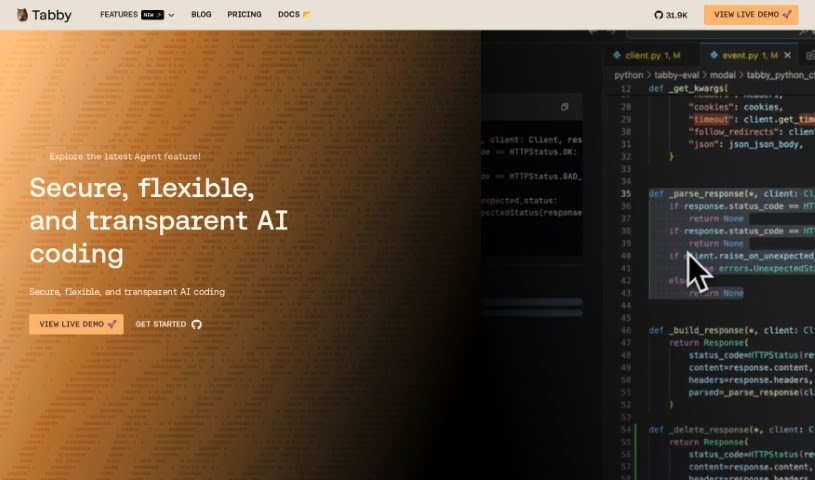
Tabby is an AI coding assistant that's open-source and you can host it yourself. Its main goal is to make coding faster, safer, and more customizable, really improving your overall experience. It's built with Rust, which is known for being super reliable and efficient. Setting up Tabby is a breeze; you just use a TOML config file to tailor the deployment exactly how you like it. Security and compliance are big priorities here. Since the codebase is open-source, you can check it out on GitHub anytime. Plus, you have the option to host your own version, giving you complete control over your coding setup. Tabby also offers plenty of helpful resources, like detailed documentation, tutorials, and a community you can connect with on Slack. You can also keep up with the latest news and updates by checking out the Tabby blog, status page, and media kit.

Web Development View Tool →
Screenshot of Taiga

Taiga

Freemium

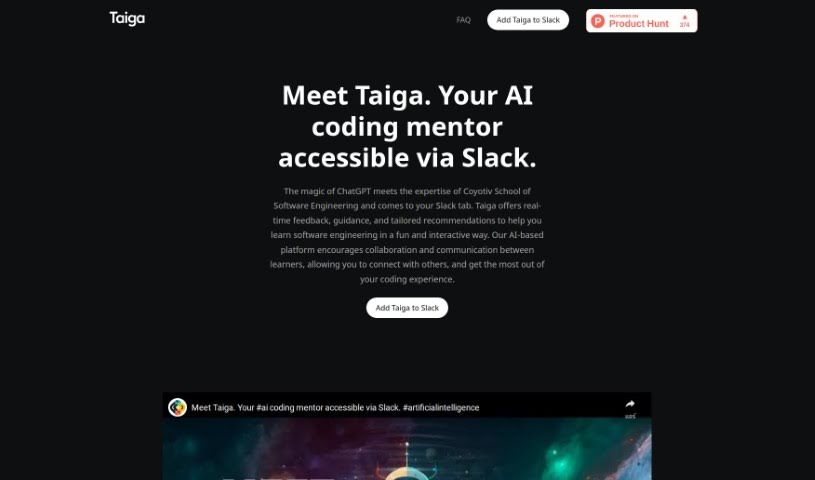
Taiga is your personal AI coding mentor. It brings together the power of ChatGPT with the practical expertise from Coyotiv School of Software Engineering. What does that mean for you? It means getting instant feedback, helpful guidance, and advice specifically tailored to software engineering, right inside your Slack conversations. Taiga is built to make learning programming topics easier, offering step-by-step help, real-time answers with practical examples, and personalized chats that feel like talking to a seasoned mentor. It fits right into Slack, works on pretty much any device you have, and really encourages everyone to learn together.

Web Development View Tool →
Screenshot of Timecomplexity.ai

Timecomplexity.ai

Freemium

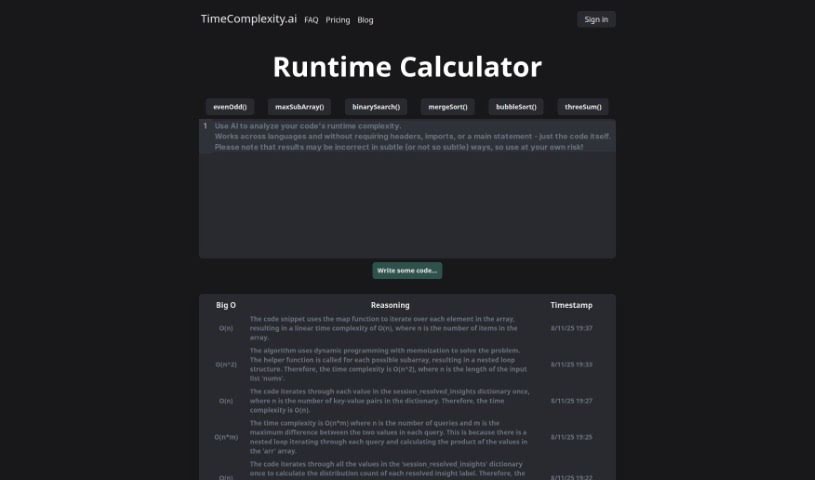
TimeComplexity.ai is a really neat AI-powered tool, brought to life by @jparismorgan and designed by @baileybrooks. Its main job is to figure out how long your code will take to run – essentially, its runtime complexity. It's pretty versatile, supporting a bunch of popular programming languages like Python, C++, C, Java, Javascript, and Go. This means you can easily check how efficient your algorithms are. What's cool is that it can even analyze pseudocode or code snippets that aren't quite finished yet, and it presents the results using the standard Big O notation, which makes it super easy to understand. Whether you're a student just starting out, a seasoned developer, or a researcher digging into algorithms, TimeComplexity.ai can really speed things up by giving you instant complexity assessments. Plus, they've got extra help available with a blog and an FAQ section. The interface is really easy to use, and the pricing is straightforward, making it a go-to choice for anyone wanting to get a handle on runtime complexity.

Web Development View Tool →
Screenshot of Tldrdev.ai

Tldrdev.ai

Freemium

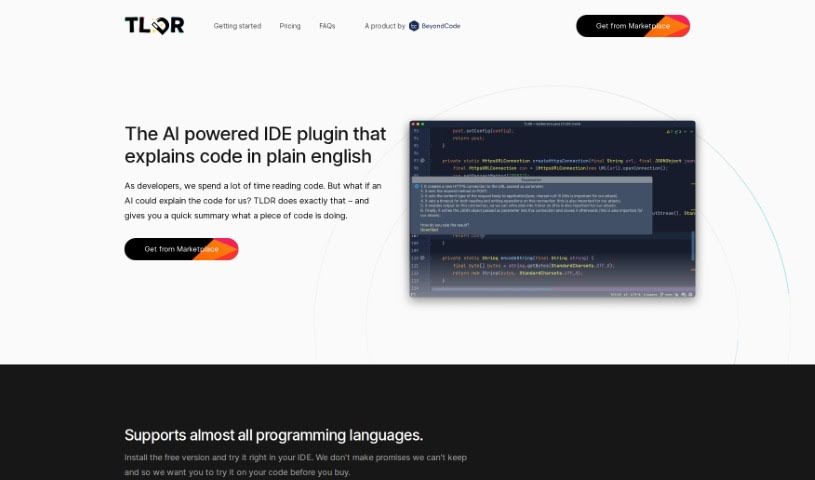
Tldrdev.ai is an IDE plugin built to help developers understand code more easily, thanks to AI. It is a translator for your code. It takes complicated code and turns it into simple English explanations. It works with lots of different programming languages and fits right into your JetBrains IDE. You can use it for free, or if you need more, there are paid plans that offer things like smoother rate limiting and priority support. The AI behind Tldrdev.ai is always getting smarter, so it'll only get more accurate and capable over time.

Web Development View Tool →
Screenshot of Unblocked

Unblocked

Freemium

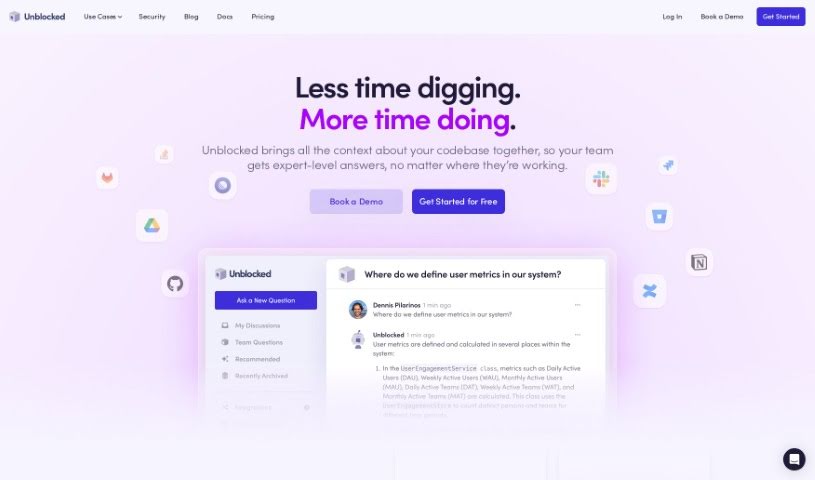
"Unblocked" is your go-to assistant for finding the answers you need to code more efficiently. It works by enriching your source code with knowledge pulled from places like GitHub, Slack, Confluence, and Jira. This means you get quick, accurate answers without having to sit through long meetings or constantly ping your teammates. Plus, for any file you're working on, Unblocked will show you related documents and past conversations, so you always have the right information right there. Security is a big deal too; they maintain top-notch standards and use encryption to keep your data safe across all network layers.

Web Development View Tool →
Screenshot of Unfold AI

Unfold AI

Freemium

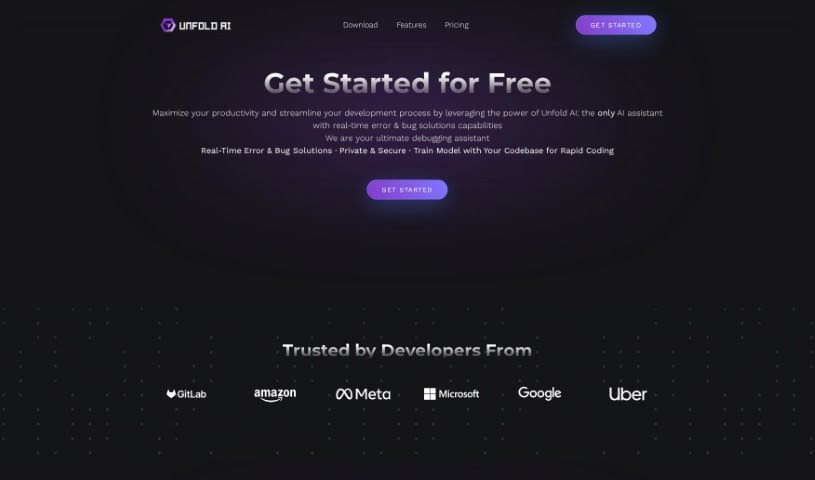
Unfold AI is a handy tool built to boost productivity and make the development process smoother for developers. It works right inside Visual Studio Code, giving you real-time solutions for bugs and errors as you code. It is having an intelligent assistant that spots problems and suggests fixes instantly. It can automatically find errors, help you solve them manually, let you ask the AI questions in your own words, show you combined solutions, and even let you attach code snippets.

Web Development View Tool →
Screenshot of UseScraper

UseScraper

Freemium

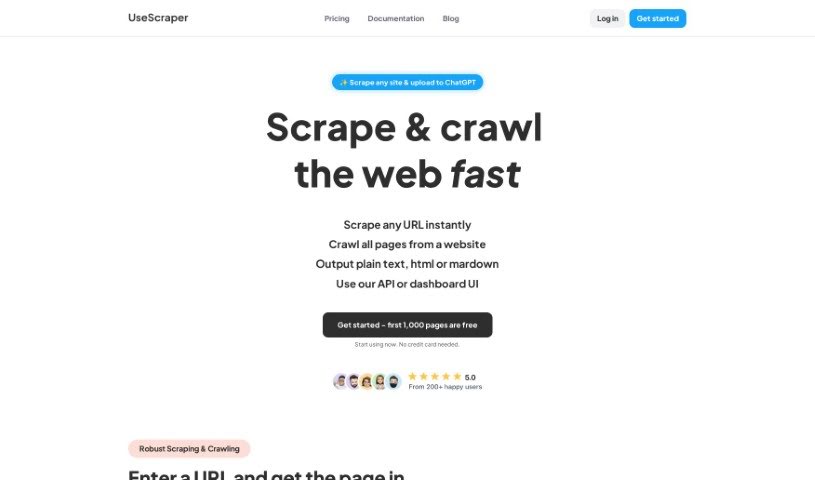
UseScraper is a really neat API built for efficient web crawling and scraping. It is a tool that can turn any website into plain text or markdown. This is super handy for things like training AI models or setting up RAG (Retrieval-Augmented Generation) systems. With UseScraper, you get features like full browser rendering, which means it can handle sites that use a lot of JavaScript. It also automatically rotates proxies to help you avoid getting blocked or rate-limited, and you can choose to extract content in markdown, plain text, or even HTML. The service is impressively fast, capable of processing thousands of pages every single minute. Plus, they offer flexible pricing plans and give you $25 in free credits to get started – no credit card needed!

Web Development View Tool →
Screenshot of Verifai

Verifai

Freemium

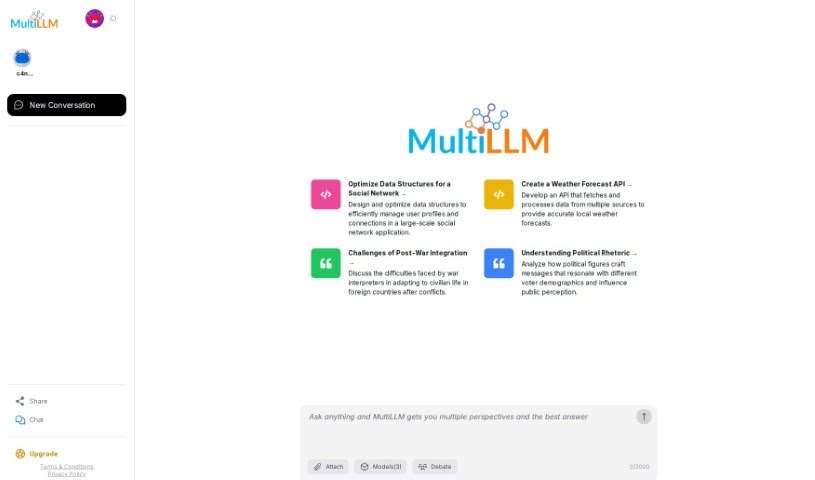
VerifAI's MultiLLM is a neat open-source Python framework that lets you use several Language Model Models (LLMs) all at once. How does it work? It runs multiple LLMs side-by-side, then compares what they produce to pinpoint the most accurate answers. While it's mainly built for comparing code from popular LLMs like GPT3, GPT5, and Google-Bard, you can easily add new LLMs or tweak how it ranks different outputs. Using VerifAI's MultiLLM gives you a lot of flexibility, helping you get reliable results for all sorts of tasks. By combining and comparing what different LLMs say, you can be much more confident in the accuracy, cutting down the chances of relying on wrong information from just one model.

Web Development View Tool →
Screenshot of Voqal

Voqal

Freemium

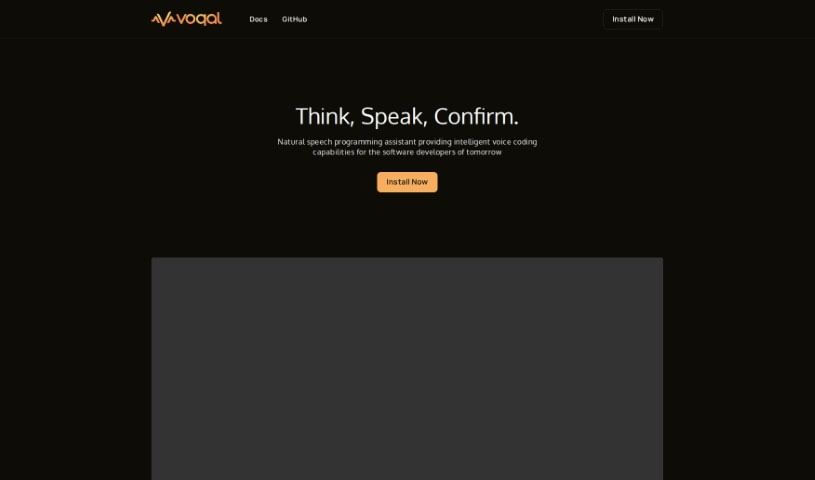
Voqal is a really neat open-source assistant that lets software developers program using natural speech. It is a smart coding buddy that understands what you say. You can customize your Voqal Assistant to perfectly fit how you work, giving you a lot of flexibility. It has different modes, like an 'Idle Mode' so you can control your IDE (that's your Integrated Development Environment) just by talking, and an 'Edit Mode' where you actually code by having a conversation. It's pretty smart too, understanding context and letting you debug with your voice. While Voqal is designed to make programming in IntelliJ IDEs much smoother and boost your productivity, it's good to know it relies on voice commands, so clear speaking is key for accuracy. Sometimes, it might even misunderstand what you're saying.

Web Development View Tool →
Screenshot of Warp Terminal

Warp Terminal

Freemium

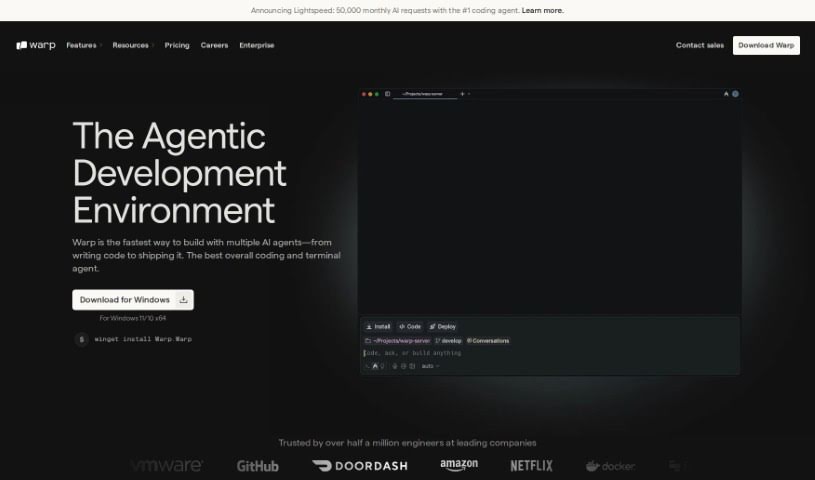
Warp Terminal is a modern application designed to make the command line more user-friendly, intuitive, and powerful for everyone. It offers developers faster, more efficient ways to manage cloud systems, work with local files and programs, create quick workflows, and much more. While it's incredibly powerful, it can be a bit tricky to learn at first, which might make it challenging for some developers to get the hang of it. But honestly, if you put in the time to really learn how to use Warp Terminal well, you'll see a big boost in your development and DevOps skills.

Web Development View Tool →
Screenshot of What The Diff

What The Diff

Freemium

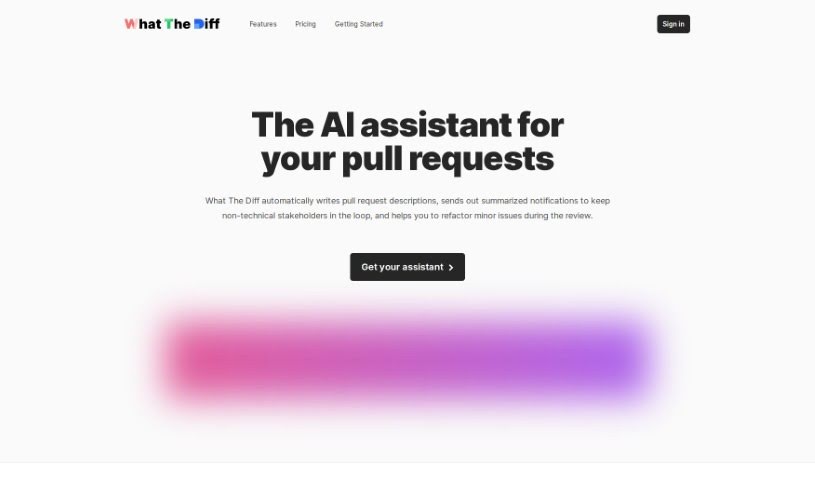
"What The Diff" is your smart AI assistant for code reviews, designed to make the whole pull request process much smoother. It's pretty neat because it can automatically whip up descriptions for your pull requests, send easy-to-understand summaries to people who aren't technical, and even help you refactor your code. Basically, this AI can write up what changed, keep everyone in the loop with simple summaries, share changelogs, give you progress updates, and help with code refactoring. Plus, you have fine-grained control over how it uses tokens.

Web Development View Tool →
Screenshot of Whispr AI

Whispr AI

Freemium

Whispr AI is a really neat tool designed to make the code review process much smoother for developers. It helps you spot errors, suggests ways to improve your code, and generally helps you optimize it. Getting started is super simple, just three quick steps: first, create a free account. Then, connect your GitHub account. Finally, just comment on your pull requests, and the AI Assistant will jump in with instant help. The whole idea is to speed up code reviews by giving you quick, descriptive summaries of code changes, plus those helpful error identification and optimization tips. And don't worry about privacy – Whispr AI is built with security in mind. It uses a secure GitHub API to connect and doesn't keep any of your data on its systems. You can even try it out with a free trial to see how it works before you decide to commit. This trial lets you set up one repository listener and gives you 30 free API credits to use when commenting on pull requests. All in all, Whispr AI is all about making coding more efficient and helping you write cleaner, error-free code.

Web Development View Tool →

Stay Updated with AI Tools

Get weekly updates on the latest AI tools, trends, and insights delivered to your inbox

Join 25,000+ AI enthusiasts. No spam, unsubscribe anytime.