Top AI Productivity Tools

AI Tools for Productivity

Discover the best Productivity AI tools to enhance your productivity and creativity.

Page 85 of 108 • 1290 total tools
Screenshot of Simplescraper ScrapetoAI

Simplescraper ScrapetoAI

Freemium

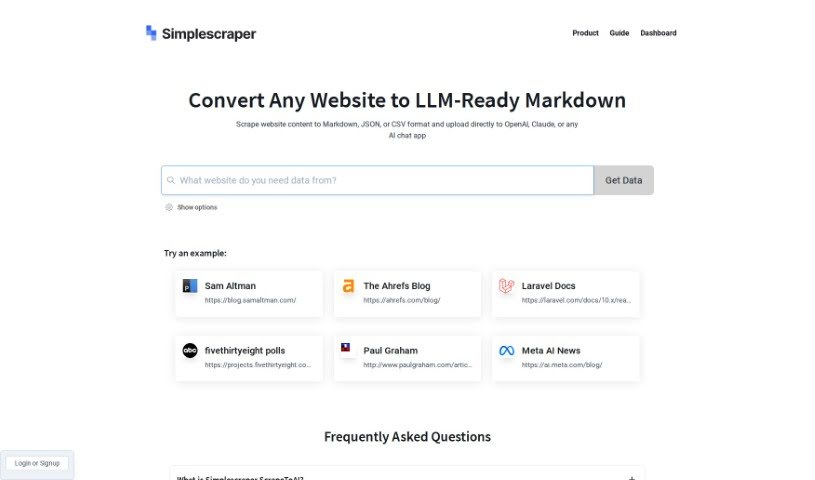
ScrapetoAI is a web scraping tool from Simplescraper designed to pull data from websites without writing code. You select the website elements you want, and the tool handles extraction. It supports automatic pagination handling, scheduled scraping tasks, and exports in formats like Markdown, JSON, and CSV — making it suitable for integration with platforms such as OpenAI and Claude.

Productivity View Tool →
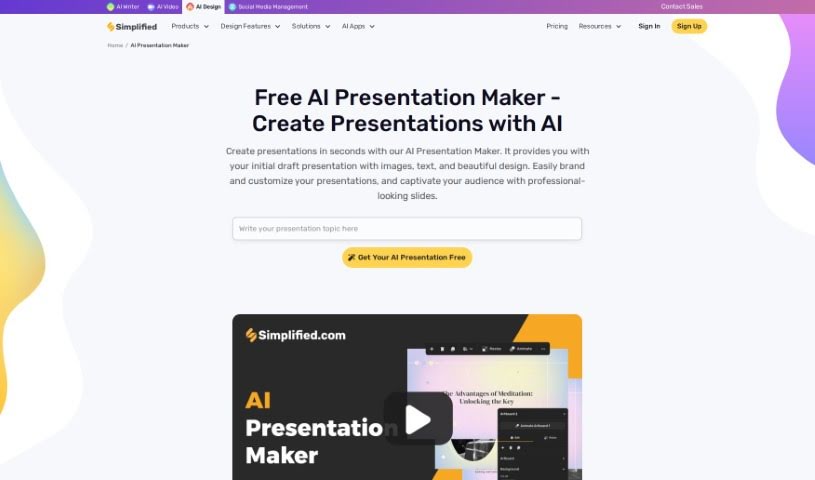
Screenshot of Simplified AI Presentation Maker

Simplified AI Presentation Maker

Freemium

Simplified's AI Presentation Maker uses artificial intelligence to build professional-looking presentations quickly. It generates initial drafts — complete with text, images, and designs — in seconds, then lets you tweak the results to match your brand's look and feel. By handling the design work, it saves time so you can focus on your content.

Productivity View Tool →
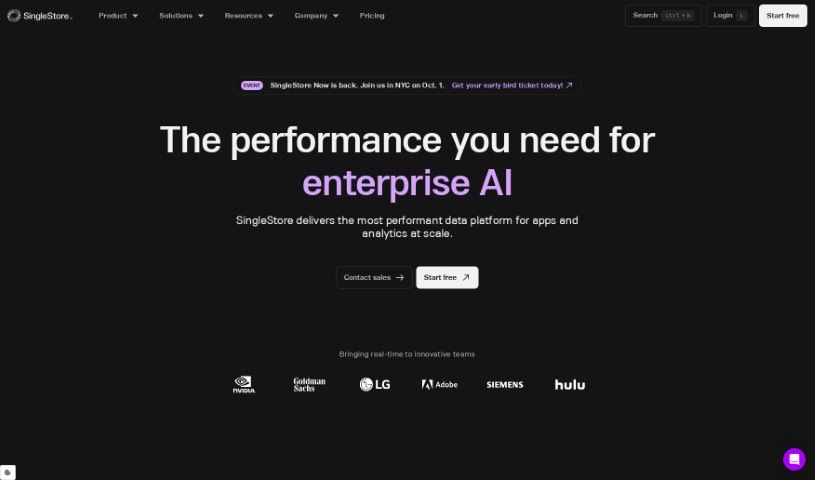
Screenshot of SingleStore

SingleStore

Freemium

SingleStore Kai™ is a technology designed to speed up analytics on JSON data within existing MongoDB applications — up to 100 times faster. It provides an easy-to-use API, so developers can use MongoDB commands they already know to get real-time analytics for their apps. The goal is split-second response times and elastic scalability, achieved by running the MongoDB API directly on SingleStore. It also supports creating embeddings and performing semantic searches on the SingleStore platform through MongoDB APIs.

Productivity View Tool →
Screenshot of Sintra

Sintra

Freemium

Sintra is a platform of AI-powered tools designed to help businesses run more efficiently. It can organize business trips, write emails and messages, set up meetings, manage projects, and handle repetitive tasks. Sintra offers a team of specialized AI helpers covering areas such as customer support, data analysis, business strategy, and email marketing.

Productivity View Tool →
Screenshot of Sisense

Sisense

Freemium

Sisense is a flexible analytics platform designed to serve both seasoned developers and users new to data. It offers pro-code, low-code, and no-code options, so you can build analytical experiences the way you want — including embedding them directly into your own products. You can pull data from different sources using its RESTful web API and standard SQL queries, making it easier to get a complete picture of your business.

Productivity View Tool →
Screenshot of Sitescripter AI

Sitescripter AI

Freemium

SiteScripter AI is an assistant built into the Chrome browser, designed to speed up everyday online tasks. It fills out forms, chats with the webpage you're viewing, and summarizes long pages. A `$sitescripter` command lets you feed it real-time data and interact directly with web elements.

Productivity View Tool →
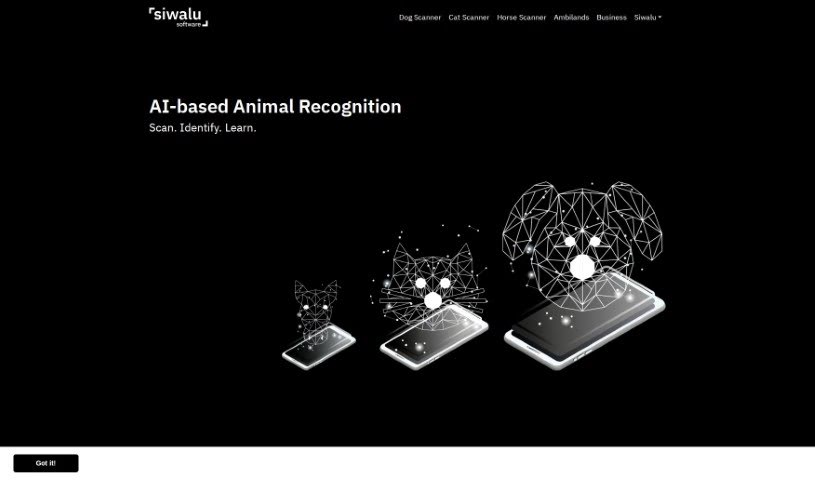
Screenshot of Siwalu Software

Siwalu Software

Freemium

Siwalu Software is an AI-powered tool that identifies animal species from photos. Its mobile apps — Dog Scanner, Cat Scanner, and Horse Scanner — recognize a pet's breed instantly and provide insights into its characteristics and background, without the need for costly DNA tests. With over 17 million downloads, Siwalu is a popular way for pet owners and nature lovers to identify animals and join a worldwide community focused on appreciating biodiversity.

Productivity View Tool →
Screenshot of Sixty AI

Sixty AI

Freemium

Sixty AI is a personal assistant that automates the tasks AI handles well: clearing your inbox, scheduling meetings, drafting agendas, and preparing briefings. It provides personalized snapshots of your day, week, or weekend schedule, email filtering that surfaces important messages, and instant alerts when your schedule changes at the last minute. It also tracks birthdays and other milestones for people in your network and helps you send a quick greeting or gift. The goal is to keep you connected while freeing you to focus on what matters.

Productivity View Tool →
Screenshot of SkedPal

SkedPal

Freemium

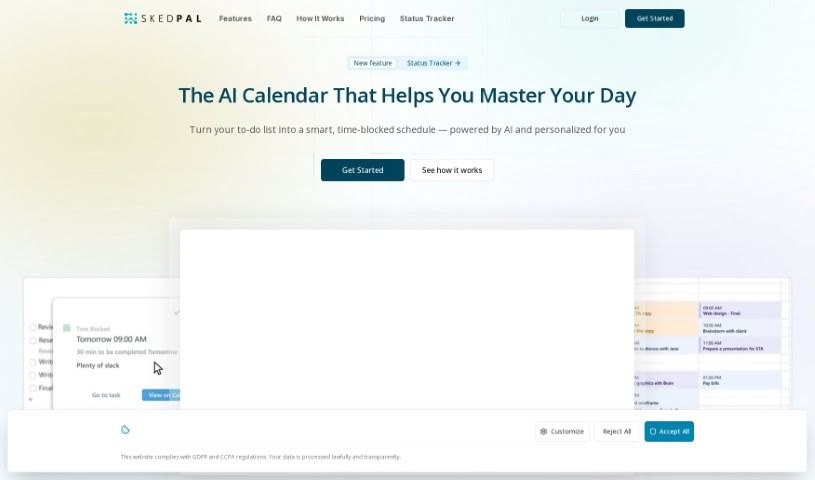
SkedPal is a smart calendar app that uses AI to automatically schedule your tasks based on importance, preferences, and deadlines. More than a standard calendar, it acts as an intelligent assistant that organizes your tasks and builds an optimal schedule, adapting when priorities change or you get interrupted. It's used by people from over 4,000 organizations and has scheduled more than 8 million tasks.

Productivity View Tool →
Screenshot of Skills.ai AI Copilot For Your Data Analytics

Skills.ai AI Copilot For Your Data Analytics

Freemium

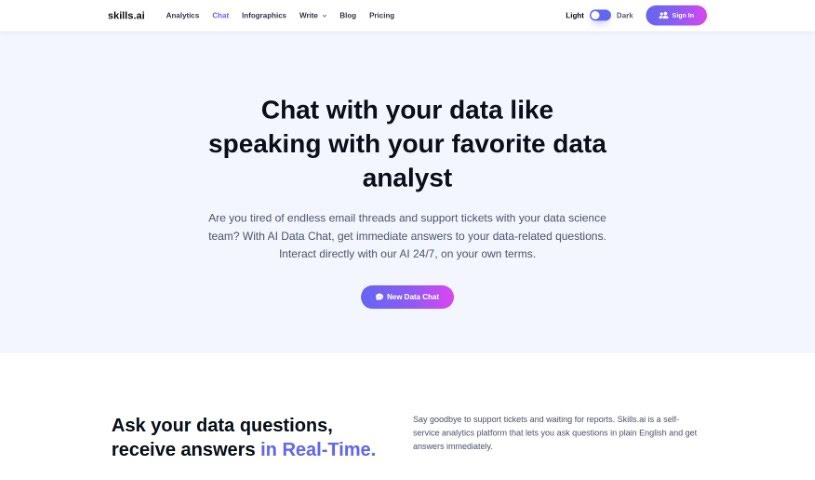
Skills.ai AI Copilot is an AI assistant for data analysis. Its AI Data Chat feature lets data scientists ask questions about their data and get answers immediately, similar to chatting with another analyst. You can connect data sources such as Google Analytics or upload your own .csv files. The tool translates plain-language questions into data insights instantly, automatically writes Python code, and generates detailed charts that you can customize.

Productivity View Tool →
Screenshot of Skm.ai

Skm.ai

Freemium

Skm.ai is an AI-powered search tool that delivers semantic understanding of text and visual content instead of relying on keyword matching alone. Its multilingual semantic search handles text data such as PDFs and video transcripts in any language. Semantic visual video search locates specific moments in videos, from team meetings to security footage. A surveillance feature supports security use cases with intelligent search options and instant event identification. Semantic image search is a planned future feature.

Productivity View Tool →
Screenshot of Slate

Slate

Freemium

Slate is an AI-powered mobile keyboard that rethinks how typing works on a phone. Instead of treating the keyboard as a fixed set of keys, Slate views your phone's screen as an intuitive 2D space, so you can type accurately even when your taps aren't perfectly placed.

Productivity View Tool →

About Productivity tools

Having a task list that seems to grow longer by the hour is a fast track to burnout. Between managing clogged email inboxes, jumping across context-heavy browser tabs, updating project boards, and tracking down files, everyday administrative work drains momentum. When managing your workflow takes more energy than doing your actual job, staying focused gets tough.

These workflow platforms act as high-speed productivity partners for task management, scheduling, and daily automation. They won’t replace your personal discipline or strategic priorities, but they handle routine administrative tasks so you can protect your focus time.

Organizing daily tasks and scheduling focus blocks takes far less manual effort. Manually moving deadlines around when a project slips or trying to carve out focus time between back-to-back meetings usually leaves you with a chaotic calendar. Smart scheduling assistants evaluate your working habits, auto-prioritize tasks, and block out dedicated focus time on your calendar before your day gets overrun.

Clearing out email backlogs and workspace communications becomes much faster, too. Sifting through dozens of unread messages just to pull out two urgent client requests wastes valuable time. Intelligent inbox tools summarize long email threads, draft contextual replies, and sort low-priority newsletters away from critical messages—helping you reach inbox zero without reading every word.

Synthesizing notes and cross-platform information creates a central memory hub. Losing track of an important project link or a quick thought saved in a random document stalls your momentum when you need it most. AI productivity assistants search across your workspace apps, notes, and bookmarked links, letting you ask plain-English questions to pull up specific files, meeting notes, or ideas in seconds.

Key Capabilities to Consider:

  • Smart calendar and time blocking: Systems that auto-schedule tasks into your calendar around existing meetings and focus preferences.
  • Contextual email and message drafting: Tools that scan long communication threads to generate concise replies and action items.
  • Universal workspace search: Software that connects with your documents, notes, and cloud storage to retrieve files through simple prompts.
  • Task prioritization algorithms: Applications that rank daily action items by urgency, deadlines, and project dependencies.
  • Workflow automation builders: Connectors that trigger actions across different apps without requiring manual data entry.

Daily productivity will always depend on clear personal priorities and healthy work habits. Software can organize a calendar, draft an email reply, and index your notes, but choosing what truly deserves your time requires human judgment.

Explore the productivity tools below to take control of your workday.

The Best AI Productivity Tools

  1. Perplexity: for automating tasks and helping with management.
  2. Small PDF.com: for smoother document management for teams.
  3. Gamma: for document creation tools that save time.
  4. Odoo: for a task management and collaboration app.
  5. Zoom: for analyzing and summarizing meeting content.
  6. N8N: for smoother team onboarding processes.
  7. Prezi: for engaging team collaboration sessions.
  8. Tableau: for creating reports and dashboards more easily.
  9. Data Camp: for efficient team collaboration workflows.
  10. Otter.ai: for getting action items from meetings without the fuss.
  11. Tenorshare: for easily summarizing long PDF documents.
  12. Slidesgo: for creating professional presentations efficiently.
  13. Facecheck Id: for streamlining identity verification tasks.
  14. HIX.AI: for boosting writing speed with smart tools.
  15. Tactiq: for automating meeting notes for teams.
New tools, in your inbox.

Weekly picks of the best AI tools we've researched and added — no spam, unsubscribe anytime.

Join 25,000+ AI enthusiasts. No spam, unsubscribe anytime.