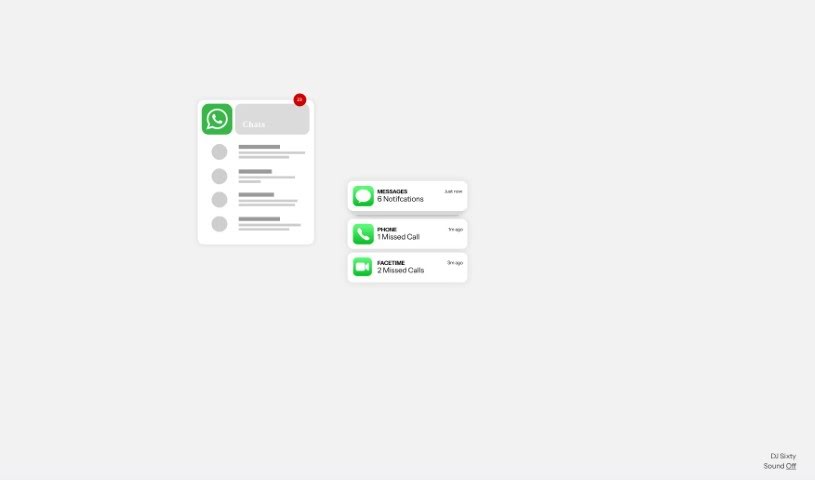
Screenshot of Sixty AI

Sixty AI

Discover what Sixty AI is and learn how to use it effectively in 2025. We'll explore its features and see how it stacks up against other meeting assistant tools.

Screenshot

What is Sixty AI?

Sixty AI is your personal assistant, designed to give you back your time. It’s an AI tool that handles those everyday tasks that really eat into your day, the ones that artificial intelligence can easily manage. We’re talking about things like clearing out your inbox, scheduling meetings, putting together agendas, and getting you prepped with briefings. Sixty AI also offers some neat features to keep you connected and on top of things without all the fuss. You can get personalized snapshots of your day, week, or weekend schedule, filter your emails so the important stuff stands out, and get instant alerts if your schedule changes last minute. Plus, it’ll remind you about birthdays or other important milestones for people in your network, even helping you send a quick greeting or gift. Essentially, it lets you stay engaged and connected, freeing you up to focus on what truly matters.

Who created Sixty AI?

Mat Ellis, the CEO of the company, is the mind behind Sixty AI. It officially launched on June 27, 2023. This AI tool is all about helping people get their time back by automating tasks like managing emails, scheduling, creating agendas, and preparing briefings. The company’s core idea is to put genuine human connection ahead of constant communication and the pressure to always be productive.

What is Sixty AI used for?

Sixty AI can help you with a variety of tasks:

  • Email Management: Keep your inbox organized and focused.
  • Scheduling: Effortlessly set up and manage your appointments.
  • Clearing Inboxes: Get through your emails faster.
  • Drafting Agendas: Quickly create clear agendas for your meetings.
  • Preparing Briefings: Arrive at meetings fully informed about past interactions.
  • Meeting Preparation: Make the most of your meeting time with summaries of previous discussions.
  • Customizable Schedule Snapshots: Get clear overviews of your daily, weekly, and weekend plans.
  • Prioritizing Communications: Easily identify and focus on your most important emails.
  • Last-Minute Schedule Alerts: Stay updated with real-time notifications about any changes.
  • Birthday and Milestone Notifications: Remember important dates for people in your network.
  • Sending Greetings or Gifts: Send thoughtful messages or presents with ease.

Who is Sixty AI for?

Sixty AI is particularly useful for professionals in roles that require significant organization and communication management, such as:

  • Finance Professionals
  • Chiefs of Staff
  • Technology Professionals
  • Design Professionals
  • Chief Technology Officers
  • Heads of Design
  • Chief Executive Officers

How to use Sixty AI?

Getting the most out of Sixty AI is straightforward. Just follow these simple steps:

  1. Sign Up: Start by registering on the Sixty platform using the provided link. It’s a quick process to get you started.
  2. Prepare for Meetings: Use the ‘Briefings’ feature before your meetings. It gives you a handy summary of past interactions, so you’ll always be well-prepared and know what’s been discussed.
  3. Organize Your Schedule: The ‘Agendas’ feature lets you create personalized snapshots of your daily, weekly, and even weekend schedules. This helps you stay organized and know what’s coming up.
  4. Manage Emails Efficiently: Sixty AI helps you cut through the clutter. It filters your emails, so you can concentrate on the messages that truly matter and ignore the rest.
  5. Stay Informed: Get real-time alerts for any last-minute changes to your schedule. You’ll also receive important notifications promptly.
  6. Never Miss a Milestone: The ‘Outreach’ feature is great for remembering birthdays or other significant milestones for people in your network. It even makes it easy to send thoughtful greetings or gifts.
  7. Embrace AI Automation: Let Sixty AI handle tasks like clearing your inbox, scheduling meetings, drafting agendas, and more. This frees you up to concentrate on your core work and build meaningful human connections.

By following these steps, you’ll be able to use Sixty’s AI-powered features to streamline your daily tasks and really focus on what’s most important in your professional and personal life.[“sixty.pdf”†source]

Related AI Tools

Discover more tools in similar categories that might interest you

Stay Updated with AI Tools

Get weekly updates on the latest AI tools, trends, and insights delivered to your inbox

Join 25,000+ AI enthusiasts. No spam, unsubscribe anytime.