Top AI Productivity Tools

AI Tools for Productivity

Discover the best Productivity AI tools to enhance your productivity and creativity.

Page 67 of 108 • 1290 total tools
Screenshot of Onehouse

Onehouse

Freemium

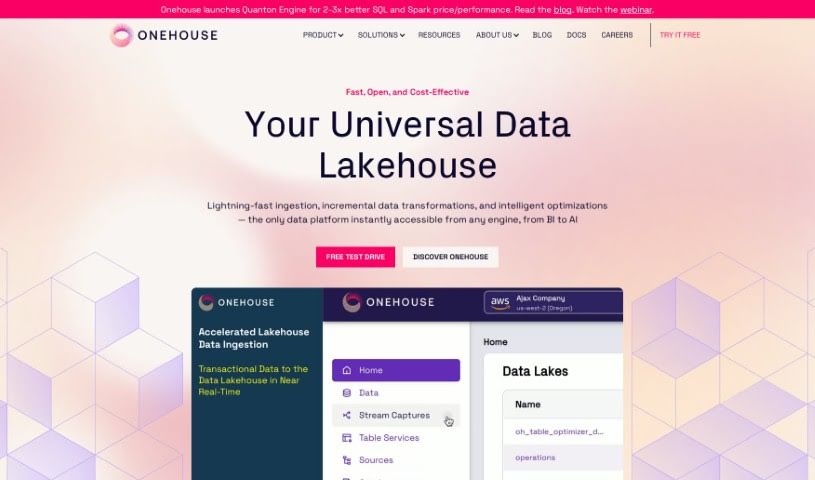
Onehouse offers a Universal Data Lakehouse: an integrated, scalable platform for managing data. It is built to make open storage easy, keep data pipelines running smoothly, and automatically handle optimizations regardless of table formats, engines, or cloud environments. It uses technologies like Apache Hudi, Delta Lake, and Apache Iceberg to ensure interoperability across your data setup.

Productivity View Tool →
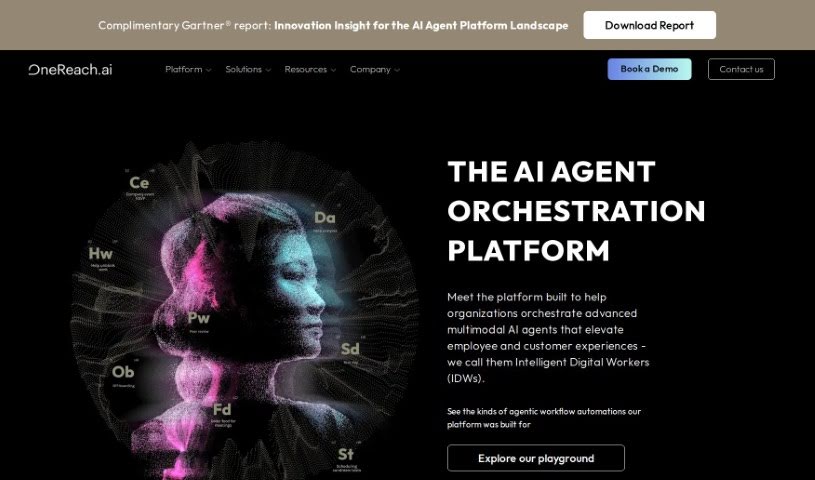
Screenshot of Onereach

Onereach

Freemium

Onereach is an AI platform built around Intelligent Digital Workers (IDWs) — pre-trained transformers that act as digital assistants and work alongside other technologies to complete a variety of jobs. IDWs are designed to share skills across teams and entire organizations, supporting hyperautomation efforts. They can converse in multiple languages and operate across various channels to carry out tasks.

Productivity View Tool →
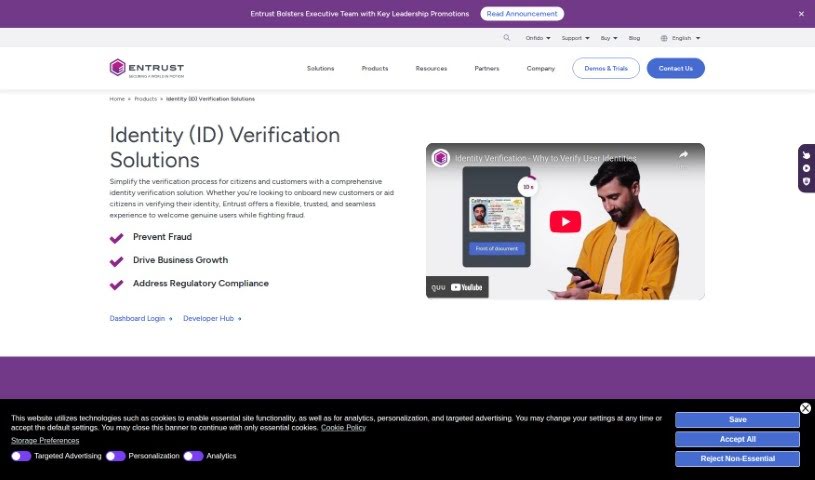
Screenshot of Onfido

Onfido

Freemium

Onfido is a digital identity verification solution that helps businesses confirm who their customers are when they sign up online. It combines three core components: document verification, biometric checks (such as matching a selfie to an ID photo), and data verification. It also includes fraud detection to protect both the business and its customers.

Productivity View Tool →
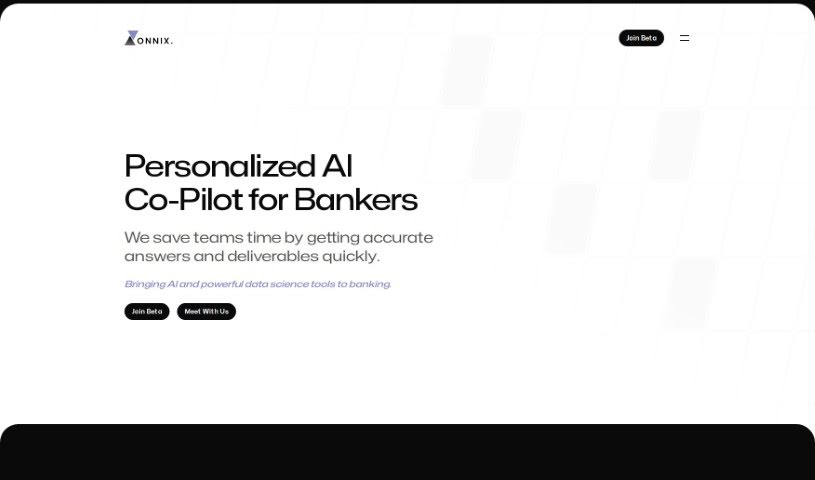
Screenshot of Onnix AI

Onnix AI

Freemium

Onnix AI is a platform built for banking professionals, acting as an AI co-pilot that delivers fast, accurate answers and speeds up deliverable creation. Users can build custom slide decks up to ten times faster than usual, and the platform connects with data sources like FactSet and CapIQ to simplify Excel analysis. You can ask questions about your data instantly and always see where the information came from.

Productivity View Tool →
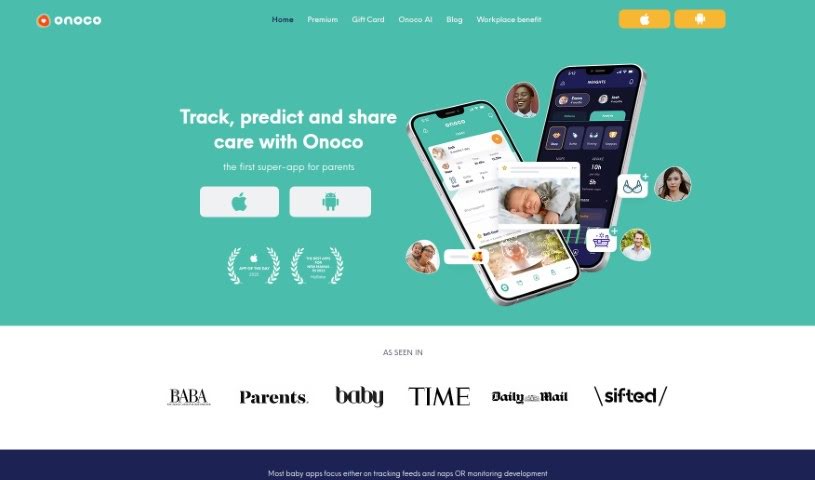
Screenshot of Onoco App

Onoco App

Freemium

Onoco App is a parenting tool that helps you predict your baby's sleep schedule, support their development, send shared notifications, and integrate with other tools. Its core goals are to give parents science-based education, let them build routines that fit their family, track milestones using the Early Years Foundation Stage (EYFS) framework, and share information easily with other caregivers — all while focusing on what makes each child unique.

Productivity View Tool →
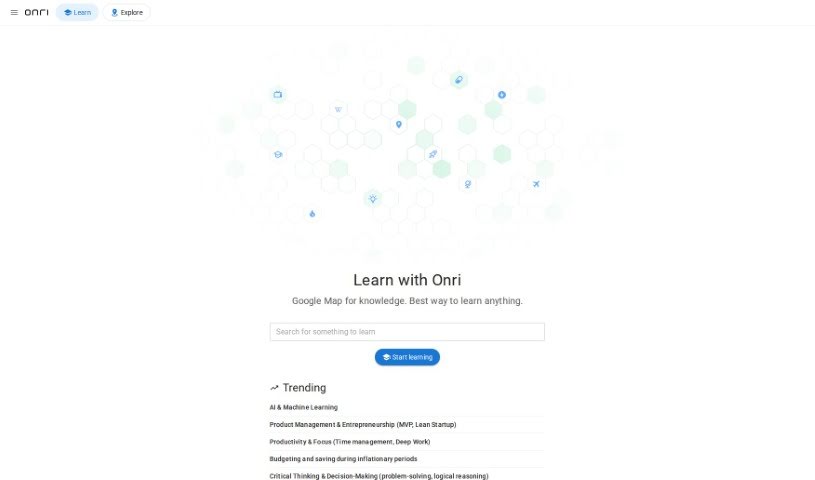
Screenshot of Onri AI

Onri AI

Freemium

Onri AI is a people search engine that uses artificial intelligence to connect you directly with experts across many fields. Instead of searching manually or waiting for referrals, it finds and suggests professionals who have the specific knowledge you need, all through a simple interface. Its goal is to make it easy to find industry specialists within a large network of experts.

Productivity View Tool →
Screenshot of Onu

Onu

Freemium

Onu is a platform for turning scripts into internal tools without any frontend coding. It converts scripts you already have into applications that are easy for people to use, cutting down on new coding and speeding up deployment.

Productivity View Tool →
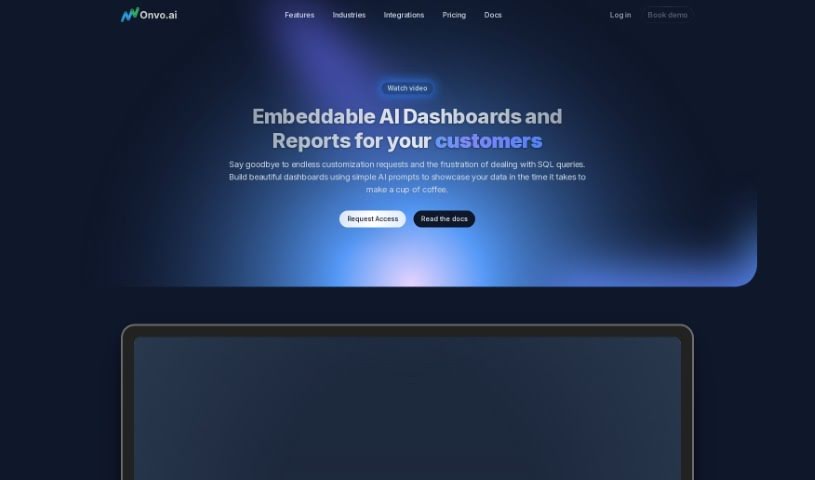
Screenshot of Onvo AI

Onvo AI

Freemium

Onvo AI is a platform for creating and customizing dashboards without coding or deep data expertise. Businesses can embed intelligent dashboards directly into their own products. Unlike traditional business intelligence tools, it uses natural language processing and AI-driven analytics to explore and visualize data.

Productivity View Tool →
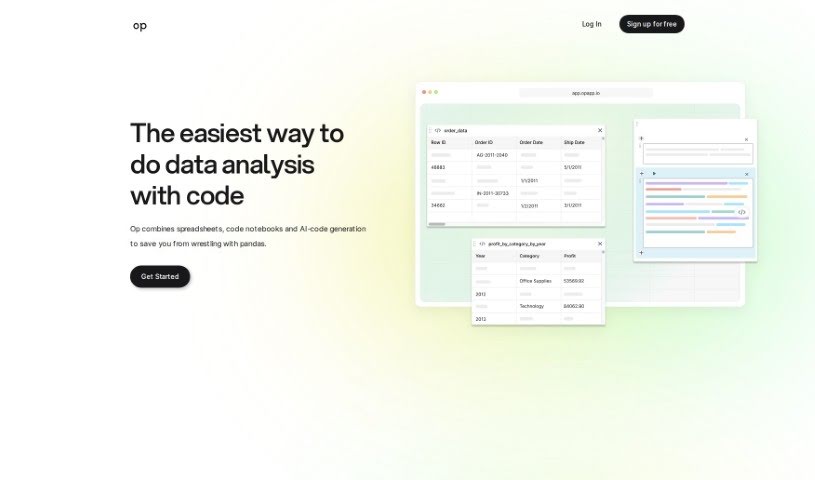
Screenshot of Op App

Op App

Freemium

Op App is a data analysis tool that lets you ask questions about your data and get relevant code in return. It combines the ease of spreadsheets with the power of Jupyter notebooks, plus an AI chat that writes code based on your questions — making analysis faster and more accessible.

Productivity View Tool →
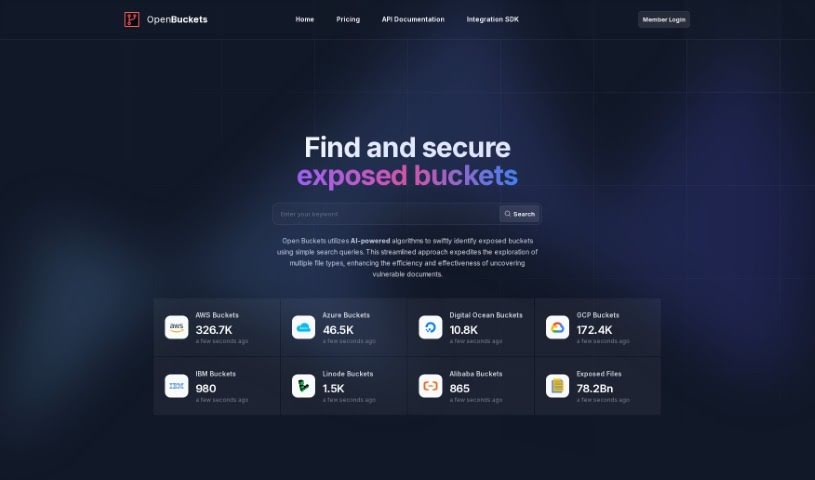
Screenshot of OpenBuckets

OpenBuckets

Freemium

OpenBuckets is an online platform for finding open buckets in cloud storage systems. It uses AI-powered algorithms to search for exposed resources, making it useful for security experts, researchers, and anyone investigating data that may be unintentionally exposed.

Productivity View Tool →
Screenshot of OpenDoc AI

OpenDoc AI

Freemium

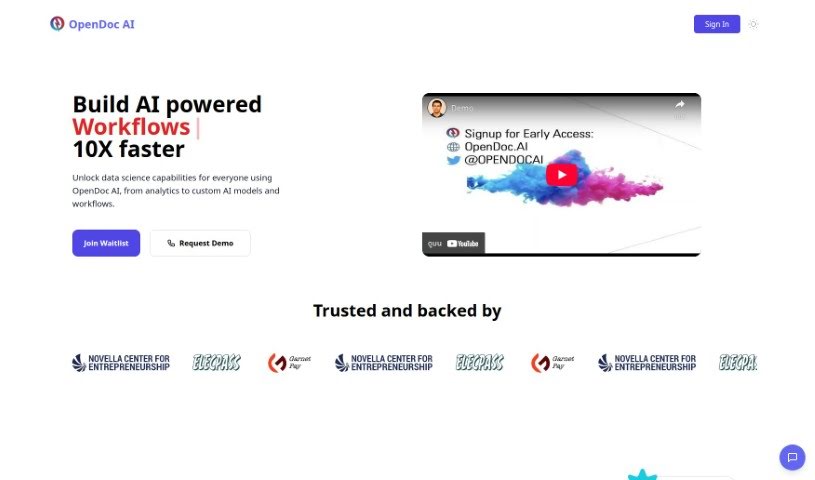
OpenDoc AI is a chat-based analytics platform that lets you query data in plain English, no technical background required. It combines data access, visualizations, AI-powered insights, and team collaboration in a single chat interface, with direct access to your raw data.

Productivity View Tool →
Screenshot of Operator App

Operator App

Freemium

Operator is a personal assistant for organizing your thoughts and to-dos. It captures fleeting ideas and turns them into manageable tasks, prioritizing what matters most by weighing each task's impact against the effort required. Tasks are sorted into separate lists so work and personal life stay distinct, and a quick-action button lets you jot down tasks by voice. The goal is to turn scattered thoughts into a clear, organized agenda so nothing important slips through.

Productivity View Tool →

About Productivity tools

Having a task list that seems to grow longer by the hour is a fast track to burnout. Between managing clogged email inboxes, jumping across context-heavy browser tabs, updating project boards, and tracking down files, everyday administrative work drains momentum. When managing your workflow takes more energy than doing your actual job, staying focused gets tough.

These workflow platforms act as high-speed productivity partners for task management, scheduling, and daily automation. They won’t replace your personal discipline or strategic priorities, but they handle routine administrative tasks so you can protect your focus time.

Organizing daily tasks and scheduling focus blocks takes far less manual effort. Manually moving deadlines around when a project slips or trying to carve out focus time between back-to-back meetings usually leaves you with a chaotic calendar. Smart scheduling assistants evaluate your working habits, auto-prioritize tasks, and block out dedicated focus time on your calendar before your day gets overrun.

Clearing out email backlogs and workspace communications becomes much faster, too. Sifting through dozens of unread messages just to pull out two urgent client requests wastes valuable time. Intelligent inbox tools summarize long email threads, draft contextual replies, and sort low-priority newsletters away from critical messages—helping you reach inbox zero without reading every word.

Synthesizing notes and cross-platform information creates a central memory hub. Losing track of an important project link or a quick thought saved in a random document stalls your momentum when you need it most. AI productivity assistants search across your workspace apps, notes, and bookmarked links, letting you ask plain-English questions to pull up specific files, meeting notes, or ideas in seconds.

Key Capabilities to Consider:

  • Smart calendar and time blocking: Systems that auto-schedule tasks into your calendar around existing meetings and focus preferences.
  • Contextual email and message drafting: Tools that scan long communication threads to generate concise replies and action items.
  • Universal workspace search: Software that connects with your documents, notes, and cloud storage to retrieve files through simple prompts.
  • Task prioritization algorithms: Applications that rank daily action items by urgency, deadlines, and project dependencies.
  • Workflow automation builders: Connectors that trigger actions across different apps without requiring manual data entry.

Daily productivity will always depend on clear personal priorities and healthy work habits. Software can organize a calendar, draft an email reply, and index your notes, but choosing what truly deserves your time requires human judgment.

Explore the productivity tools below to take control of your workday.

The Best AI Productivity Tools

  1. Perplexity: for automating tasks and helping with management.
  2. Small PDF.com: for smoother document management for teams.
  3. Gamma: for document creation tools that save time.
  4. Odoo: for a task management and collaboration app.
  5. Zoom: for analyzing and summarizing meeting content.
  6. N8N: for smoother team onboarding processes.
  7. Prezi: for engaging team collaboration sessions.
  8. Tableau: for creating reports and dashboards more easily.
  9. Data Camp: for efficient team collaboration workflows.
  10. Otter.ai: for getting action items from meetings without the fuss.
  11. Tenorshare: for easily summarizing long PDF documents.
  12. Slidesgo: for creating professional presentations efficiently.
  13. Facecheck Id: for streamlining identity verification tasks.
  14. HIX.AI: for boosting writing speed with smart tools.
  15. Tactiq: for automating meeting notes for teams.
New tools, in your inbox.

Weekly picks of the best AI tools we've researched and added — no spam, unsubscribe anytime.

Join 25,000+ AI enthusiasts. No spam, unsubscribe anytime.