Top AI Productivity Tools

AI Tools for Productivity

Discover the best Productivity AI tools to enhance your productivity and creativity.

Page 56 of 108 • 1290 total tools
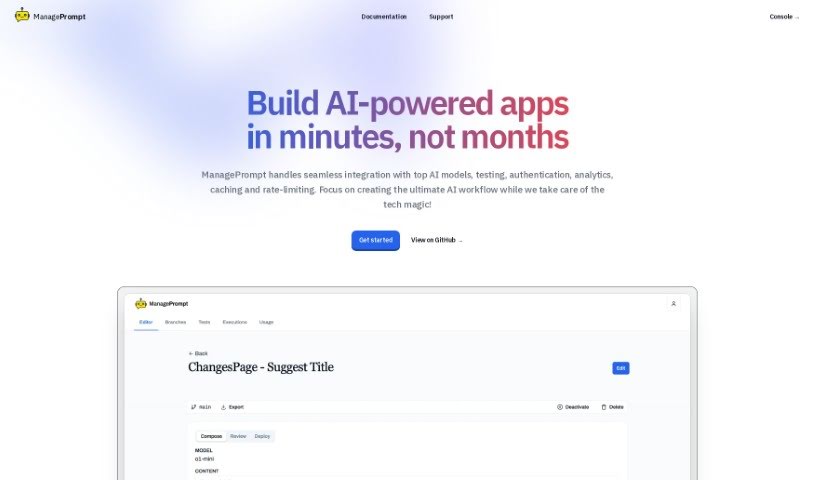
Screenshot of Manageprompt

Manageprompt

Freemium

ManagePrompt is a platform built to speed up and simplify AI projects. It provides the essential tools and handles the backend infrastructure, so you can focus on your ideas instead of setup. The platform gives you access to AI models from providers like OpenAI, Meta, Google, and Mixtral, along with built-in security, workflow features, and pay-as-you-go billing. It was developed by a team aiming to help users launch AI projects faster.

Productivity View Tool →
Screenshot of Map This

Map This

Freemium

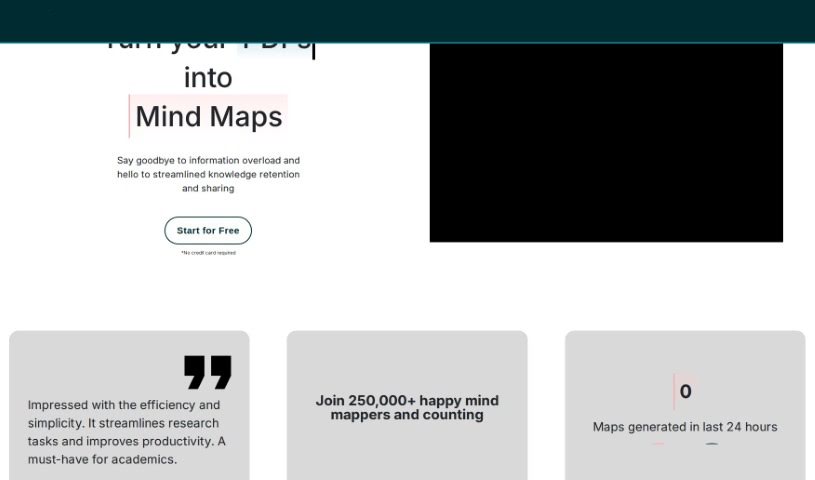
Map This is an AI tool that creates mind maps from your PDFs or notes. It is designed to help you manage information overload, making it easier to remember and share what you're learning. You can upload PDFs, paste in notes, or give the AI a prompt to build a mind map for you. Users report it is efficient and easy to use, particularly for academics looking to speed up research. More than 250,000 mind maps have been created with the tool. There is a free version with a limited number of monthly credits, and a pro version that adds more credits, PDF uploads, and priority support.

Productivity View Tool →
Screenshot of Mappedin

Mappedin

Freemium

Mappedin is an AI-powered tool for creating detailed, accurate indoor maps of schools, malls, offices, and other indoor spaces. Its AutoMap feature places objects automatically to reduce manual work, and users get an interactive 3D map viewer plus built-in editing tools.

Productivity View Tool →
Screenshot of Marauder

Marauder

Freemium

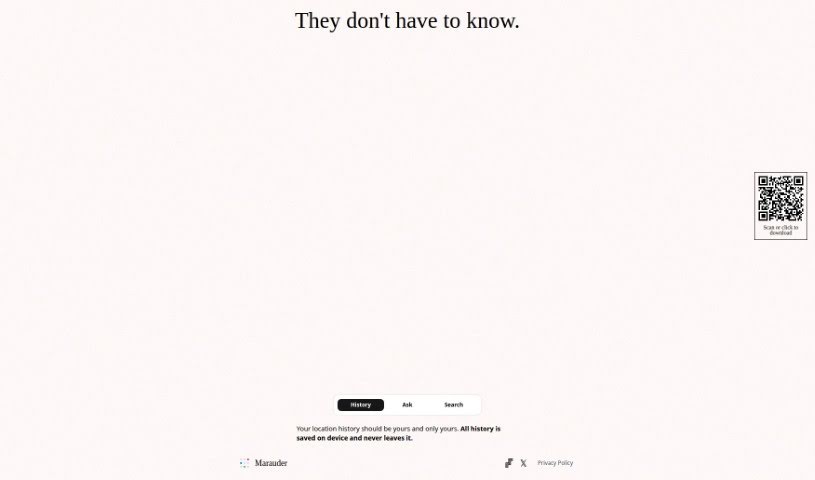
Marauder is an app designed with privacy in mind. It keeps your location history on your device — your data never leaves it. To learn more, visit the Studio Lanes website at studiolanes.com or follow them on Twitter at @studiolanes.

Productivity View Tool →
Screenshot of Maroofy

Maroofy

Freemium

Maroofy is a music discovery platform that helps you find new songs similar to what you already enjoy. Search for a track you love, and Maroofy suggests other songs with a similar feel.

Productivity View Tool →
Screenshot of Matilda Workspace

Matilda Workspace

Freemium

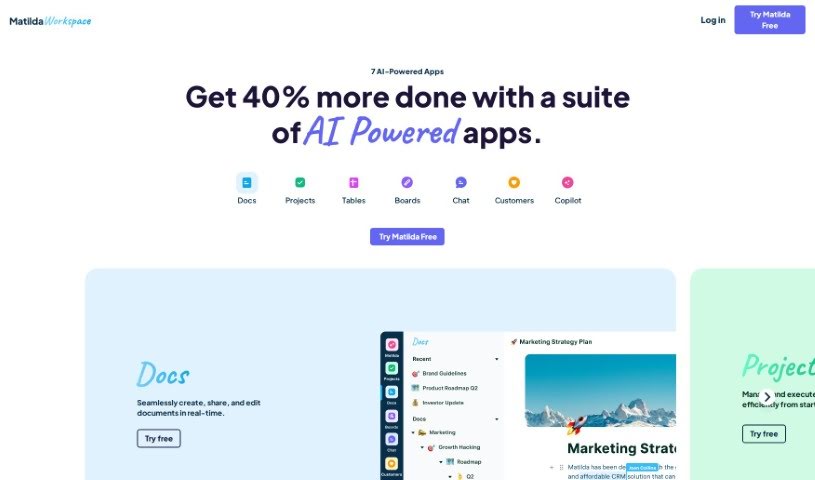
Matilda Workspace is an AI-powered all-in-one platform for project management and team collaboration. It brings documentation, task management, meetings, and customer interaction tracking into a single workspace.

Productivity View Tool →
Screenshot of Mavex

Mavex

Freemium

Mavex is an AI-powered tool built around Mavy, an AI executive assistant that manages day-to-day work. Mavy schedules meetings, drafts emails, keeps your calendar organized, and handles follow-ups. To schedule a meeting, CC Mavy on your email thread: it replies with available time slots, you confirm one, and Mavy books the meeting and sends invitations. If plans change, email Mavy on the same thread to reschedule. A free trial is available with no credit card required, and Mavy connects with your existing apps and tools.

Productivity View Tool →
Screenshot of Max

Max

Freemium

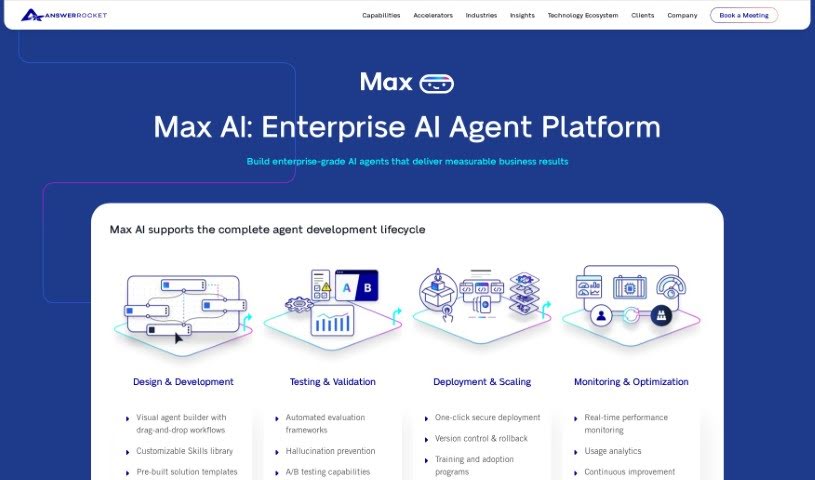
Max is an AI-powered data analysis assistant built to make working with data simpler and faster. It uses GPT-3.5 Turbo combined with AnswerRocket's analytics technology to sort through data quickly and offer useful analysis suggestions. Its interface is designed to be easy to use, turning complicated data into clear, understandable stories.

Productivity View Tool →
Screenshot of Mayday

Mayday

Freemium

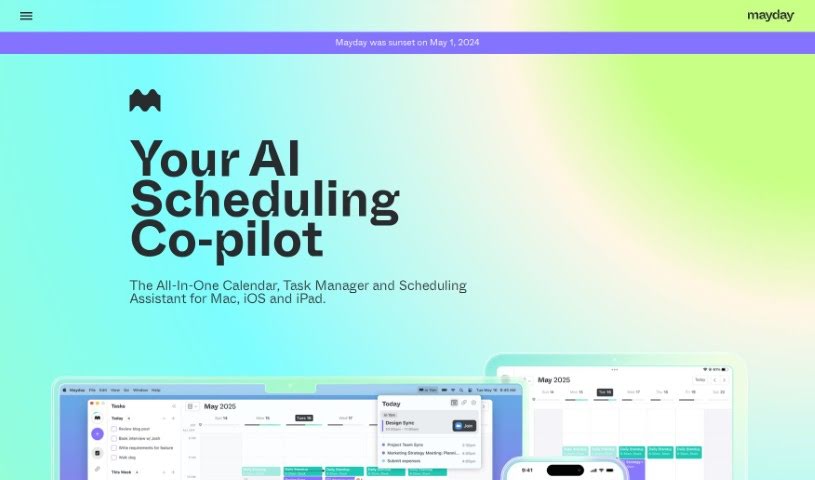
Mayday is an AI-powered calendar app built for people with packed schedules. It combines your calendar, to-do list, and scheduling assistant in one place, using artificial intelligence to keep your day organized, protect your focus time, and help you get things done.

Productivity View Tool →
Screenshot of Mealbymeal

Mealbymeal

Freemium

MealByMeal is a calorie and meal tracker that works entirely through text messages — no app required. You text what you ate along with your current weight, and AI converts your messages into food log entries with calorie and macronutrient estimates for a wide variety of foods. The more detail you provide, the better the estimates. Meals can also be logged by voice through Siri or Google Assistant, and the service offers premium nutrition tracking at affordable prices.

Productivity View Tool →
Screenshot of MealGenie

MealGenie

Freemium

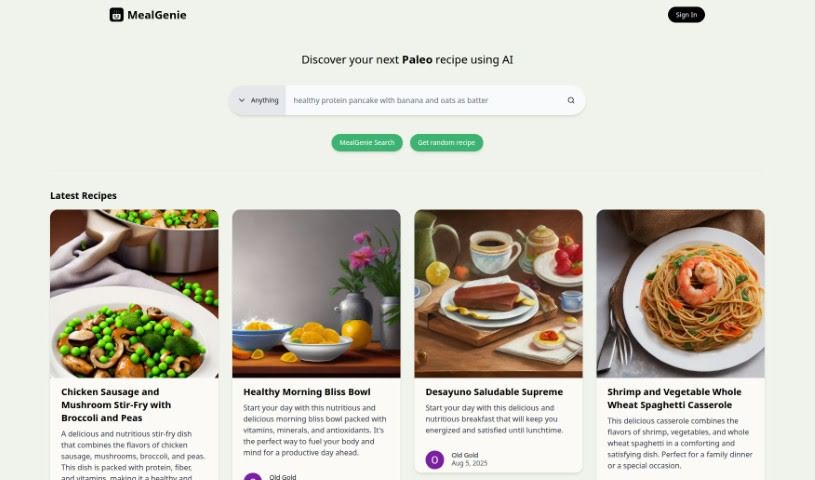
MealGenie is an AI-powered recipe assistant for finding and planning healthy meals. It offers recipe search, a random recipe generator, and full recipe pages with ingredient lists and step-by-step cooking instructions. Results can be filtered by dietary needs, and recipes are matched to your tastes, the ingredients you have on hand, and any dietary restrictions. You can build personalized meal plans and generate shopping lists from them.

Productivity View Tool →
Screenshot of Meditaia

Meditaia

Freemium

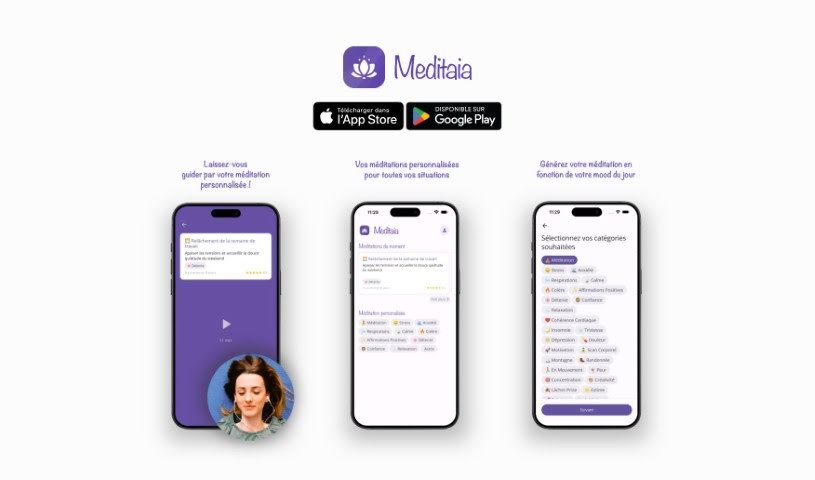
Meditaia offers personalized meditation sessions crafted to fit your needs and preferences. It uses technology to customize each meditation based on your goals, your current mood, and what's going on in your life. Whether you're a complete beginner or an experienced meditator, Meditaia aims to help you find a deeper sense of calm and improve your focus. The service adapts as your practice develops, so the sessions stay relevant as your needs change over time.

Productivity View Tool →

About Productivity tools

Having a task list that seems to grow longer by the hour is a fast track to burnout. Between managing clogged email inboxes, jumping across context-heavy browser tabs, updating project boards, and tracking down files, everyday administrative work drains momentum. When managing your workflow takes more energy than doing your actual job, staying focused gets tough.

These workflow platforms act as high-speed productivity partners for task management, scheduling, and daily automation. They won’t replace your personal discipline or strategic priorities, but they handle routine administrative tasks so you can protect your focus time.

Organizing daily tasks and scheduling focus blocks takes far less manual effort. Manually moving deadlines around when a project slips or trying to carve out focus time between back-to-back meetings usually leaves you with a chaotic calendar. Smart scheduling assistants evaluate your working habits, auto-prioritize tasks, and block out dedicated focus time on your calendar before your day gets overrun.

Clearing out email backlogs and workspace communications becomes much faster, too. Sifting through dozens of unread messages just to pull out two urgent client requests wastes valuable time. Intelligent inbox tools summarize long email threads, draft contextual replies, and sort low-priority newsletters away from critical messages—helping you reach inbox zero without reading every word.

Synthesizing notes and cross-platform information creates a central memory hub. Losing track of an important project link or a quick thought saved in a random document stalls your momentum when you need it most. AI productivity assistants search across your workspace apps, notes, and bookmarked links, letting you ask plain-English questions to pull up specific files, meeting notes, or ideas in seconds.

Key Capabilities to Consider:

  • Smart calendar and time blocking: Systems that auto-schedule tasks into your calendar around existing meetings and focus preferences.
  • Contextual email and message drafting: Tools that scan long communication threads to generate concise replies and action items.
  • Universal workspace search: Software that connects with your documents, notes, and cloud storage to retrieve files through simple prompts.
  • Task prioritization algorithms: Applications that rank daily action items by urgency, deadlines, and project dependencies.
  • Workflow automation builders: Connectors that trigger actions across different apps without requiring manual data entry.

Daily productivity will always depend on clear personal priorities and healthy work habits. Software can organize a calendar, draft an email reply, and index your notes, but choosing what truly deserves your time requires human judgment.

Explore the productivity tools below to take control of your workday.

The Best AI Productivity Tools

  1. Perplexity: for automating tasks and helping with management.
  2. Small PDF.com: for smoother document management for teams.
  3. Gamma: for document creation tools that save time.
  4. Odoo: for a task management and collaboration app.
  5. Zoom: for analyzing and summarizing meeting content.
  6. N8N: for smoother team onboarding processes.
  7. Prezi: for engaging team collaboration sessions.
  8. Tableau: for creating reports and dashboards more easily.
  9. Data Camp: for efficient team collaboration workflows.
  10. Otter.ai: for getting action items from meetings without the fuss.
  11. Tenorshare: for easily summarizing long PDF documents.
  12. Slidesgo: for creating professional presentations efficiently.
  13. Facecheck Id: for streamlining identity verification tasks.
  14. HIX.AI: for boosting writing speed with smart tools.
  15. Tactiq: for automating meeting notes for teams.
New tools, in your inbox.

Weekly picks of the best AI tools we've researched and added — no spam, unsubscribe anytime.

Join 25,000+ AI enthusiasts. No spam, unsubscribe anytime.