Top AI Productivity Tools

AI Tools for Productivity

Discover the best Productivity AI tools to enhance your productivity and creativity.

Page 45 of 108 • 1290 total tools
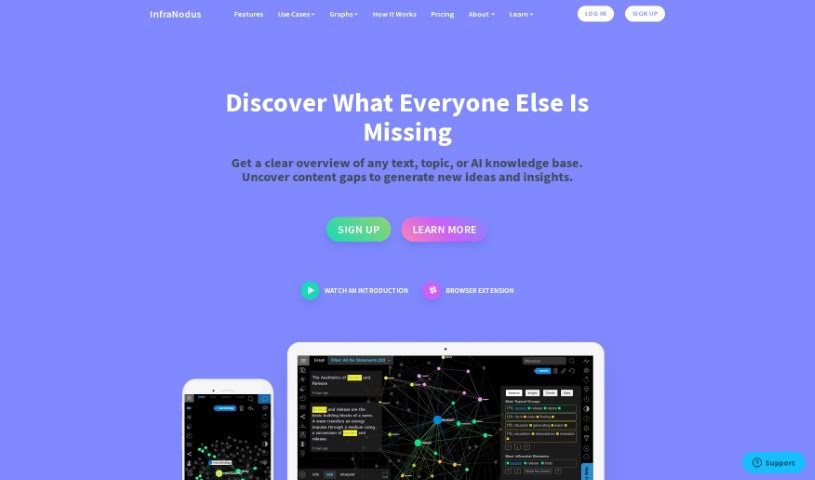
Screenshot of InfraNodus

InfraNodus

Freemium

InfraNodus is a tool that visualizes text as a network. Developed by Nodus Labs, it has existed in various forms since 2011, with the current version running since 2018. It is built on the NestJs Node.Js framework, Prisma, and PostgreSQL, and uses Sigma.Js for graph visualizations. For analysis, it draws on libraries and algorithms such as Textexture (for text network analysis), Cytoscape, and Graphology.

Productivity View Tool →
Screenshot of Inner Lighthouse

Inner Lighthouse

Freemium

Inner Lighthouse is a digital platform for self-improvement and personal growth, focused on building self-esteem. It offers daily 10-minute self-reflection sessions created by professional psychologists, designed to boost self-worth without overwhelming users. You choose from different "journeys" — such as overcoming anxiety, becoming more mindful, or learning to set personal boundaries — and the app tailors cognitive exercises to your needs. The platform emphasizes privacy and security, and its short sessions are designed to fit easily into a daily routine.

Productivity View Tool →
Screenshot of Innosearch AI

Innosearch AI

Freemium

Innosearch AI is an artificial intelligence system designed to improve how we search for information. It uses machine learning and natural language processing to understand queries — including complicated ones — and interpret what the user actually means. The result is search output that is accurate and relevant. The system continuously learns and adapts to new data trends and usage patterns, aiming to deliver a smooth, efficient search experience over time. It is positioned as a tool for finding information more effectively and making better decisions, whether in business or other organizations.

Productivity View Tool →
Screenshot of Inpost

Inpost

Freemium

Inpost.ai is a personal email assistant designed to make managing your inbox on your phone easier. It uses AI to create personalized systems for handling payments, events, promotions, and newsletters, with privacy and security as a priority. You can sort your inbox, track invoices and expenses, and follow newsletters and events. Inpost.ai does not expose sensitive user information when analyzing your emails; all data stays on your device. It works across different platforms, and there's a free version plus a premium subscription for advanced features.

Productivity View Tool →
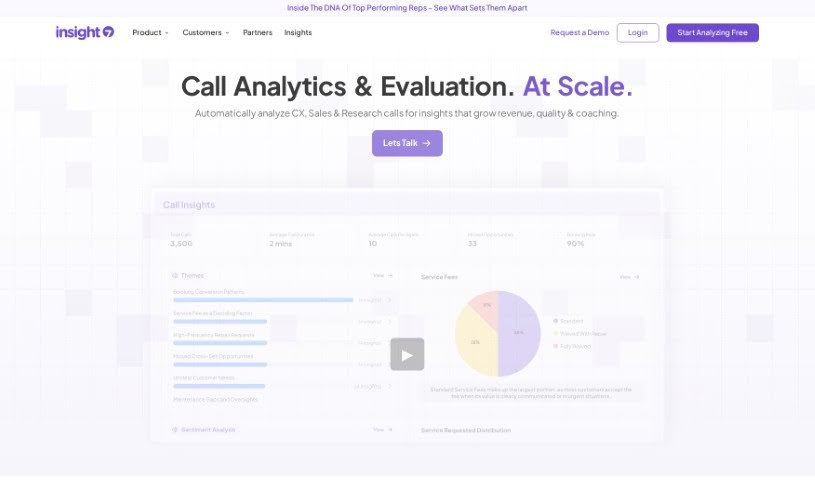
Screenshot of Insight7

Insight7

Freemium

Insight7 is an AI-powered tool built for B2B product teams. It collects and analyzes customer feedback in one place, turning interviews and other sources into clear, actionable insights that support product decisions, revenue growth, and customer retention.

Productivity View Tool →
Screenshot of Insight7

Insight7

Freemium

Insight7 is an AI-powered tool built for B2B product teams. It collects and analyzes customer feedback to help you understand your customers, speed up product development, and improve retention. Core capabilities include automatic analysis of customer interviews, aggregating insights from multiple channels, flexible customer segmentation, identifying the needs of specific accounts or groups, and turning feedback into growth opportunities. Pricing plans are available for individuals through large enterprises.

Productivity View Tool →
Screenshot of Insightio

Insightio

Freemium

Insightio is a tool that helps product professionals extract key insights from user calls. You drag and drop your audio or video files, and it transcribes and analyzes them, helping you spot patterns in your data.

Productivity View Tool →
Screenshot of Insightjini

Insightjini

Freemium

InsightJini is an analytics tool for exploring Excel and CSV data. It surfaces insights, identifies trends, and spots patterns in spreadsheets to speed up business analysis, with no coding required.

Productivity View Tool →
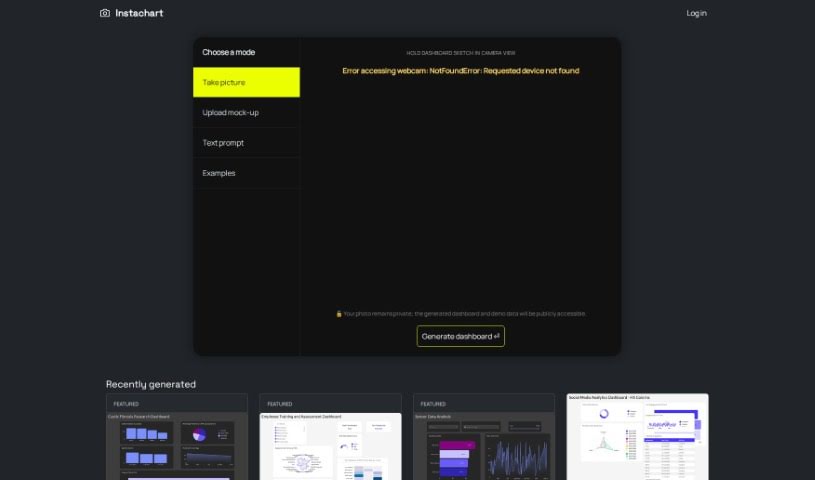
Screenshot of Instachart

Instachart

Freemium

Instachart turns sketches, mockups, and screenshots into interactive dashboards, specifically for Luzmo. You can upload visuals directly on the website or capture them with your device's camera. It is designed to be easy to use, with a straightforward sign-up process and feature-rich, interactive dashboards.

Productivity View Tool →
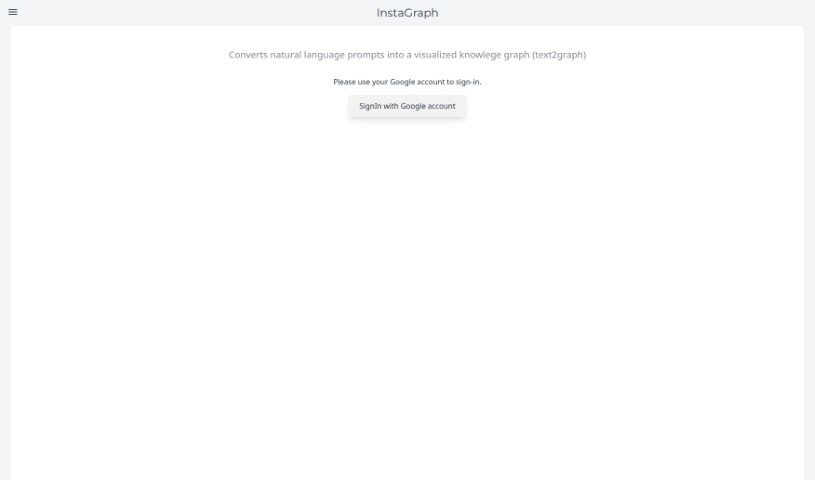
Screenshot of InstaGraph

InstaGraph

Freemium

InstaGraph is a web service that converts natural language prompts into visual knowledge graphs (text2graph). You enter a topic or question — such as "Solar System" or "Queen and its ten popular songs" — and GPT generates the corresponding graph, which you can then share with others. Access requires signing in with a Google account.

Productivity View Tool →
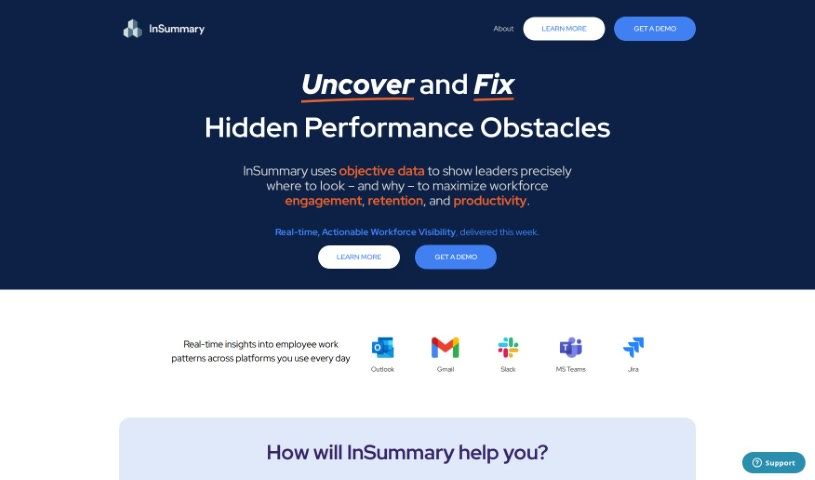
Screenshot of Insummary – Intelligent Status Reports

Insummary – Intelligent Status Reports

Freemium

InSummary is an AI assistant that automatically creates status reports from your calendar events. You control which information is included and how much detail each report contains. Beyond text, it uses visuals like charts and graphs to help you spot trends and make decisions. It also integrates with project management tools such as Trello, Asana, and Jira, so tasks and projects can sync with your reports. The tool is designed for professionals across many industries who want better visibility into tasks, clearer communication, and time savings.

Productivity View Tool →
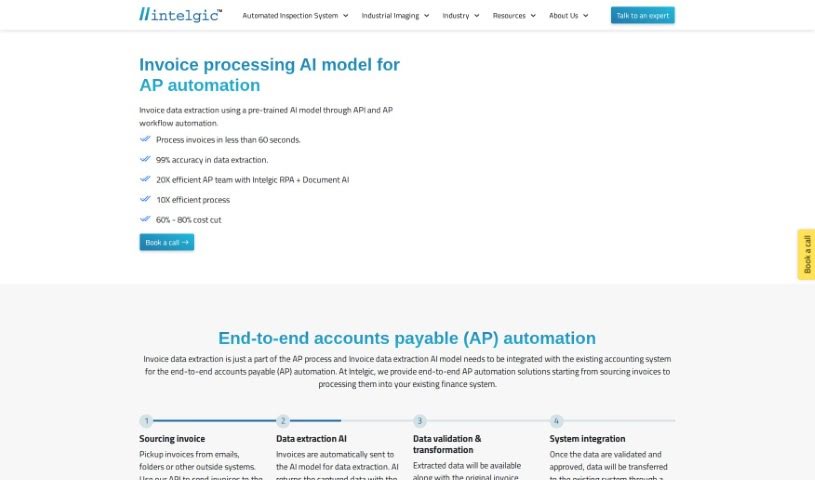
Screenshot of Intellectia.ai Invoice Processing Automation

Intellectia.ai Invoice Processing Automation

Freemium

Intellectia.ai Invoice Processing Automation is powered by Doc Dog, an Intelligent Document Processing platform that uses pre-trained AI models to understand invoices and receipts and extract key information. The workflow is simple: upload your documents, review and confirm the extracted data, then approve it so it is sent to your accounting software via webhook. An OCR feature reads each invoice to capture text and numbers, reducing manual entry.

Productivity View Tool →

About Productivity tools

Having a task list that seems to grow longer by the hour is a fast track to burnout. Between managing clogged email inboxes, jumping across context-heavy browser tabs, updating project boards, and tracking down files, everyday administrative work drains momentum. When managing your workflow takes more energy than doing your actual job, staying focused gets tough.

These workflow platforms act as high-speed productivity partners for task management, scheduling, and daily automation. They won’t replace your personal discipline or strategic priorities, but they handle routine administrative tasks so you can protect your focus time.

Organizing daily tasks and scheduling focus blocks takes far less manual effort. Manually moving deadlines around when a project slips or trying to carve out focus time between back-to-back meetings usually leaves you with a chaotic calendar. Smart scheduling assistants evaluate your working habits, auto-prioritize tasks, and block out dedicated focus time on your calendar before your day gets overrun.

Clearing out email backlogs and workspace communications becomes much faster, too. Sifting through dozens of unread messages just to pull out two urgent client requests wastes valuable time. Intelligent inbox tools summarize long email threads, draft contextual replies, and sort low-priority newsletters away from critical messages—helping you reach inbox zero without reading every word.

Synthesizing notes and cross-platform information creates a central memory hub. Losing track of an important project link or a quick thought saved in a random document stalls your momentum when you need it most. AI productivity assistants search across your workspace apps, notes, and bookmarked links, letting you ask plain-English questions to pull up specific files, meeting notes, or ideas in seconds.

Key Capabilities to Consider:

  • Smart calendar and time blocking: Systems that auto-schedule tasks into your calendar around existing meetings and focus preferences.
  • Contextual email and message drafting: Tools that scan long communication threads to generate concise replies and action items.
  • Universal workspace search: Software that connects with your documents, notes, and cloud storage to retrieve files through simple prompts.
  • Task prioritization algorithms: Applications that rank daily action items by urgency, deadlines, and project dependencies.
  • Workflow automation builders: Connectors that trigger actions across different apps without requiring manual data entry.

Daily productivity will always depend on clear personal priorities and healthy work habits. Software can organize a calendar, draft an email reply, and index your notes, but choosing what truly deserves your time requires human judgment.

Explore the productivity tools below to take control of your workday.

The Best AI Productivity Tools

  1. Perplexity: for automating tasks and helping with management.
  2. Small PDF.com: for smoother document management for teams.
  3. Gamma: for document creation tools that save time.
  4. Odoo: for a task management and collaboration app.
  5. Zoom: for analyzing and summarizing meeting content.
  6. N8N: for smoother team onboarding processes.
  7. Prezi: for engaging team collaboration sessions.
  8. Tableau: for creating reports and dashboards more easily.
  9. Data Camp: for efficient team collaboration workflows.
  10. Otter.ai: for getting action items from meetings without the fuss.
  11. Tenorshare: for easily summarizing long PDF documents.
  12. Slidesgo: for creating professional presentations efficiently.
  13. Facecheck Id: for streamlining identity verification tasks.
  14. HIX.AI: for boosting writing speed with smart tools.
  15. Tactiq: for automating meeting notes for teams.
New tools, in your inbox.

Weekly picks of the best AI tools we've researched and added — no spam, unsubscribe anytime.

Join 25,000+ AI enthusiasts. No spam, unsubscribe anytime.