GetOData
FreemiumGetOData is a Chrome extension that uses AI to extract data from websites. You select the data points you want to collect, navigate multi-page sites with pagination support, and export the results as CSV, Excel, or JSON files.
Discover the best Productivity AI tools to enhance your productivity and creativity.
GetOData is a Chrome extension that uses AI to extract data from websites. You select the data points you want to collect, navigate multi-page sites with pagination support, and export the results as CSV, Excel, or JSON files.
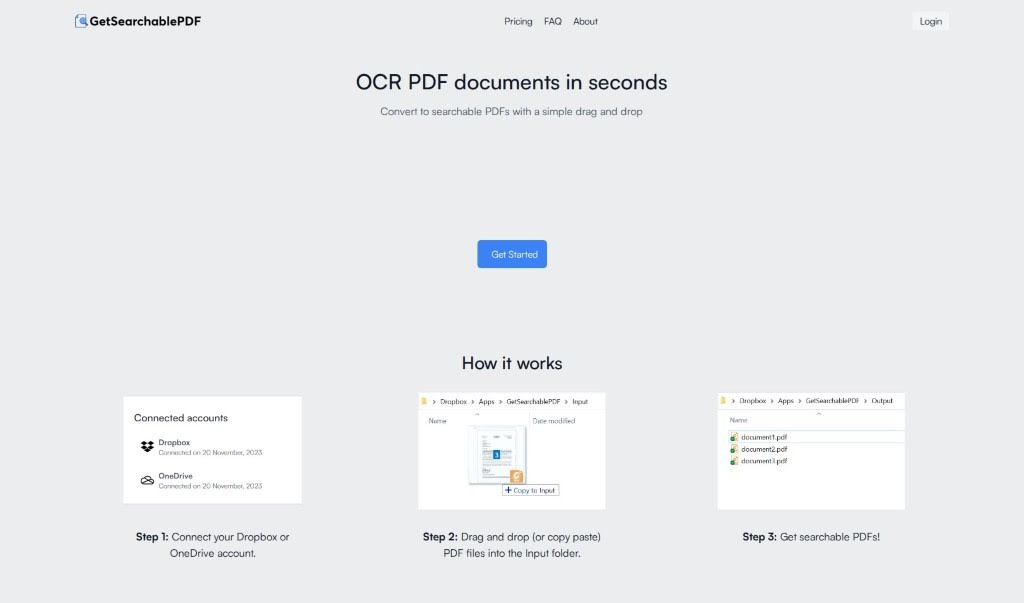
GetSearchablePDF is a tool that turns PDF documents into searchable files using OCR (Optical Character Recognition) technology. It can process scanned PDFs, screenshots, and even handwritten notes, converting them into PDFs you can search and edit.
GetSound.ai is a platform that uses artificial intelligence to create high-quality, personalized soundscapes designed to boost concentration and creativity while blocking out distractions. Beyond sound generation, it includes productivity tools such as task management, time tracking, project collaboration, and analytics that provide insights into your productivity habits, helping you make data-backed decisions.
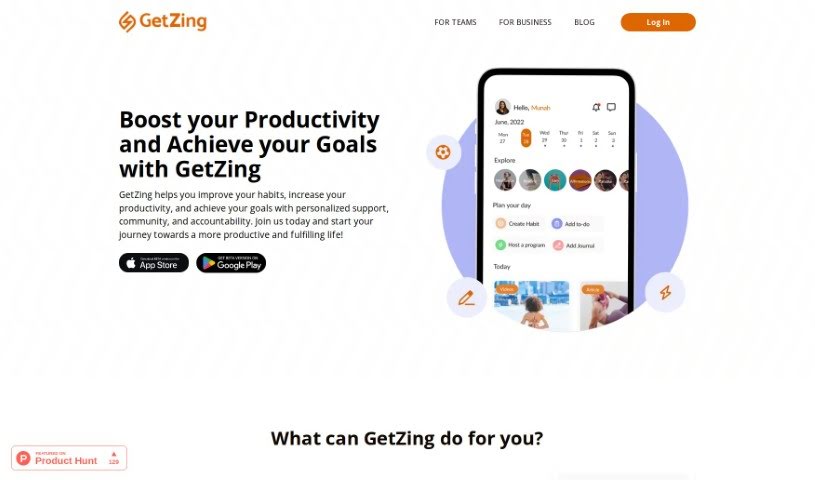
GetZing is a platform designed to help you build better habits, improve productivity, and reach your goals. It combines personalized support, a community, and built-in accountability. Core features include habit tracking, curated challenges and programs, reflection and insight tools, and AI-assisted time management. GetZing lets you set goals and habits, sends reminders, tracks your progress, and syncs with your calendar to help you manage your time. Data is stored securely with encryption.
Gift Genie AI is a free AI-powered gift assistant that simplifies finding personalized presents for occasions like Christmas or birthdays. You provide a short description of the person you're buying for, and the AI generates a custom list of gift ideas tailored to friends, family, or coworkers — in seconds.
GiftList Genie is an AI-powered gift assistant from GiftList. You can either type in what you're looking for or take a quick quiz, and the Genie will suggest gift ideas. It doesn't just give you ideas; it also shows top-rated products from thousands of stores, complete with ratings, current prices, and direct links to buy.
Giftpack AI is an AI platform built for corporate gifting. It analyzes recipients' online activity (their digital footprints) to suggest suitable gifts, then manages the entire gifting process through delivery — simplifying bulk gifting and saving time and resources.
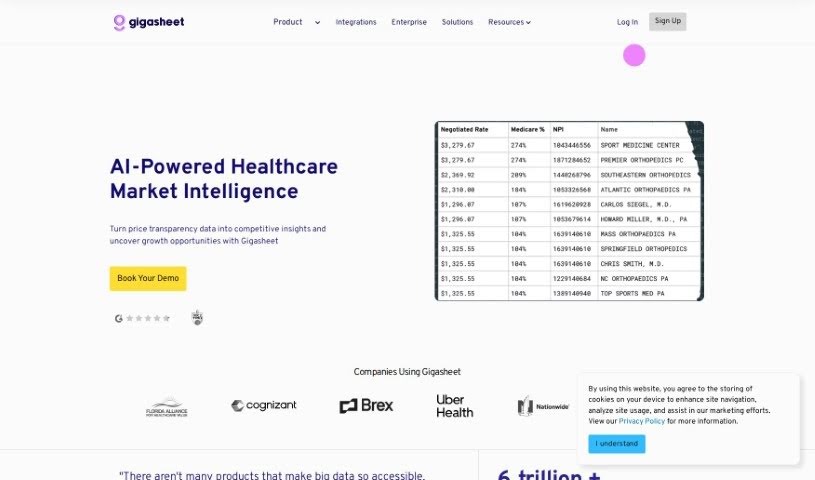
Gigasheet is a no-code data analytics platform for working with large datasets. You can analyze billions of data points from a spreadsheet-like interface, without writing code. Its engine lets you manipulate, group, query, and analyze structured data entirely online.
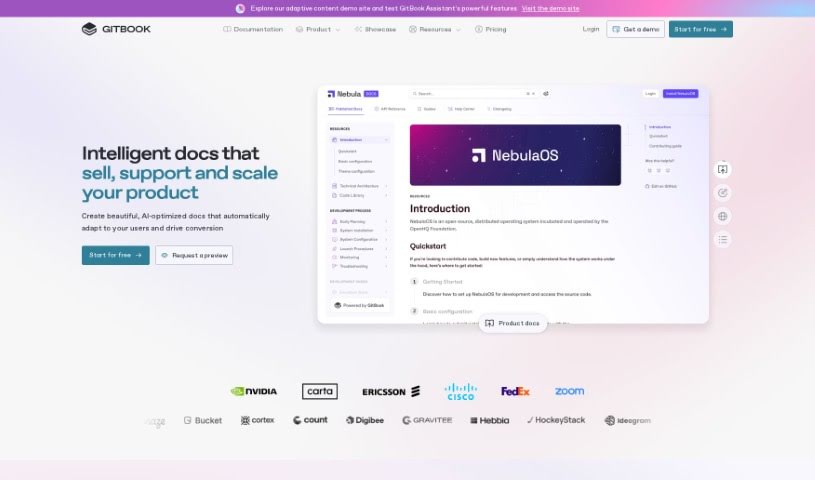
GitBook is a platform for creating and sharing documentation online. It simplifies writing and publishing, letting teams collaborate smoothly. Content is organized with features like version control and a markdown editor, and the interface lets writers focus on their content while GitBook handles the technical side. It also connects with tools like GitHub and Slack, helping keep published content current and easy to find.
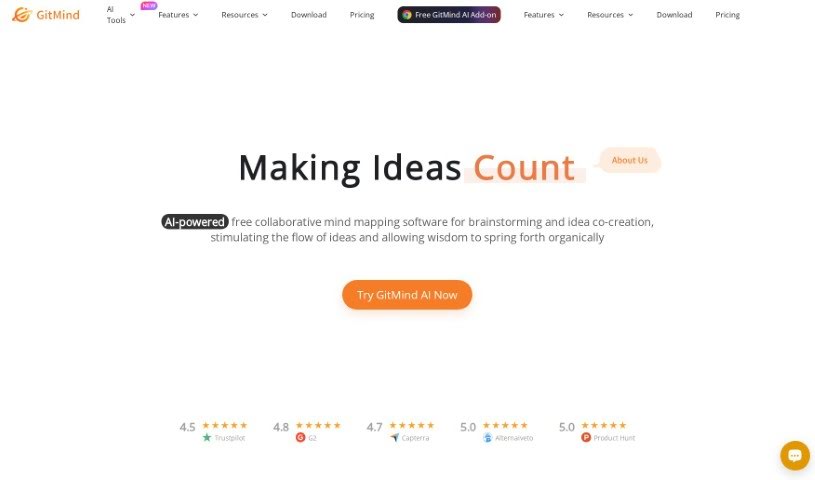
GitMind is an online tool for creating mind maps, flowcharts, and diagrams. It organizes thoughts, ideas, and projects visually through a clean, easy-to-use interface. Teams can collaborate in real-time, editing the same mind map together. You can customize maps with different colors, shapes, and icons, and it connects with popular cloud storage services so you can save and access your maps from anywhere.
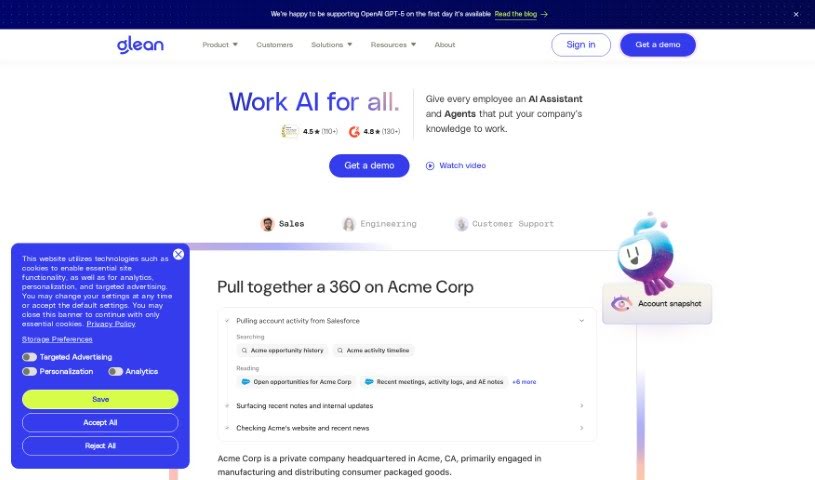
Glean is a tool for collecting, organizing, and finding information from a wide range of sources — websites, documents, and emails. You can save important details, sort them with tags and folders, and retrieve them easily through search. Features like highlighting, note-taking, and search make it useful for building organized collections of information, whether for personal research or for work.
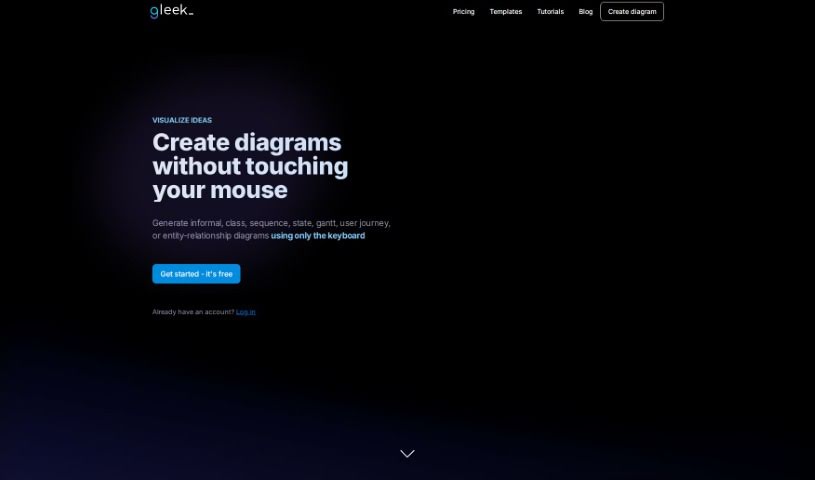
Gleek is a diagram-making tool designed for developers who prefer working with a keyboard instead of a mouse. It uses a simple text-based syntax to turn your descriptions into visuals, supporting a wide range of diagram types: informal diagrams, flowcharts, class diagrams, sequence diagrams, state diagrams, Gantt charts, user journey maps, entity-relationship diagrams, UML diagrams, and object diagrams.
Having a task list that seems to grow longer by the hour is a fast track to burnout. Between managing clogged email inboxes, jumping across context-heavy browser tabs, updating project boards, and tracking down files, everyday administrative work drains momentum. When managing your workflow takes more energy than doing your actual job, staying focused gets tough.
These workflow platforms act as high-speed productivity partners for task management, scheduling, and daily automation. They won’t replace your personal discipline or strategic priorities, but they handle routine administrative tasks so you can protect your focus time.
Organizing daily tasks and scheduling focus blocks takes far less manual effort. Manually moving deadlines around when a project slips or trying to carve out focus time between back-to-back meetings usually leaves you with a chaotic calendar. Smart scheduling assistants evaluate your working habits, auto-prioritize tasks, and block out dedicated focus time on your calendar before your day gets overrun.
Clearing out email backlogs and workspace communications becomes much faster, too. Sifting through dozens of unread messages just to pull out two urgent client requests wastes valuable time. Intelligent inbox tools summarize long email threads, draft contextual replies, and sort low-priority newsletters away from critical messages—helping you reach inbox zero without reading every word.
Synthesizing notes and cross-platform information creates a central memory hub. Losing track of an important project link or a quick thought saved in a random document stalls your momentum when you need it most. AI productivity assistants search across your workspace apps, notes, and bookmarked links, letting you ask plain-English questions to pull up specific files, meeting notes, or ideas in seconds.
Key Capabilities to Consider:
- Smart calendar and time blocking: Systems that auto-schedule tasks into your calendar around existing meetings and focus preferences.
- Contextual email and message drafting: Tools that scan long communication threads to generate concise replies and action items.
- Universal workspace search: Software that connects with your documents, notes, and cloud storage to retrieve files through simple prompts.
- Task prioritization algorithms: Applications that rank daily action items by urgency, deadlines, and project dependencies.
- Workflow automation builders: Connectors that trigger actions across different apps without requiring manual data entry.
Daily productivity will always depend on clear personal priorities and healthy work habits. Software can organize a calendar, draft an email reply, and index your notes, but choosing what truly deserves your time requires human judgment.
Explore the productivity tools below to take control of your workday.
Weekly picks of the best AI tools we've researched and added — no spam, unsubscribe anytime.
Join 25,000+ AI enthusiasts. No spam, unsubscribe anytime.