Top AI Productivity Tools

AI Tools for Productivity

Discover the best Productivity AI tools to enhance your productivity and creativity.

Page 33 of 108 • 1290 total tools
Screenshot of Flexberry AI Assistant

Flexberry AI Assistant

Freemium

Flexberry AI Assistant is a software tool that helps business analysts and UI/UX designers work more efficiently. It uses artificial intelligence to handle routine tasks such as text analysis and the creation of mockup forms, SQL scripts, and UML diagrams. Its features can be customized to fit a company's needs, whether for analysis, design planning, or preparing project documentation. Professionals can use it to quickly build prototypes and minimum viable products (MVPs) that follow industry standards, improving productivity and streamlining the solution development process.

Productivity View Tool →
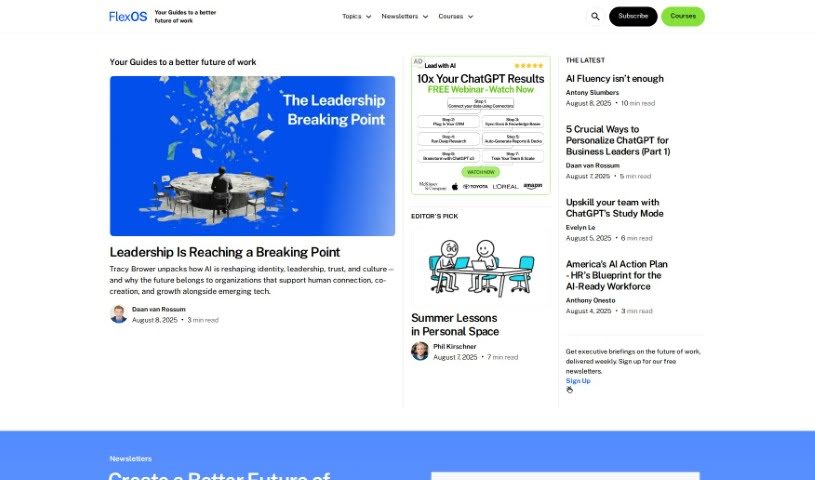
Screenshot of FlexOS

FlexOS

Freemium

FlexOS is an AI-powered project management tool that breaks large projects into smaller, manageable tasks. You can download to-do lists, set timelines, and assign work to team members. Tasks are structured to meet SMART criteria — Specific, Measurable, Achievable, Relevant, and Time-bound — and the tool offers productivity tips such as the Two-Minute Technique. No sign-up or registration is required: visit the FlexOS website and start planning. FlexOS supports team collaboration by letting you monitor progress and adjust tasks, and it works alongside other task trackers and project planning tools.

Productivity View Tool →
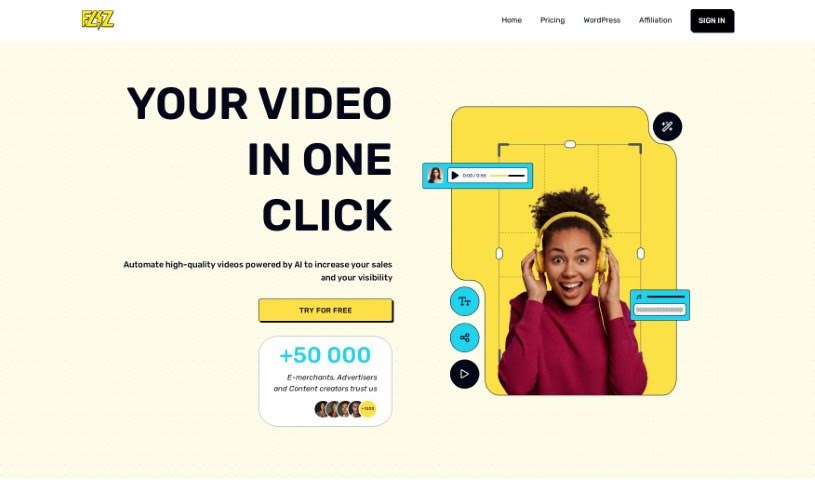
Screenshot of Fliz

Fliz

Freemium

Fliz is an AI video creation tool that turns a web link into a video. Paste the URL of an article, product page, or ad, and the tool extracts the key content and arranges it into a video using images, text, and animations. The workflow is deliberately simple: enter a URL and get a video, with no advanced technical skills or editing software required.

Productivity View Tool →
Screenshot of Floode

Floode

Freemium

Floode is a personal AI executive assistant that takes over time-consuming communication tasks. It brings conversations from your messaging apps and email together in one place, sorting, labeling, and summarizing messages so your inbox is easier to manage. It drafts replies with prompts and suggestions, handles scheduling tasks and events, and offers customizable folders for organizing conversations your way. Floode learns your writing style and tone, understands commands in multiple languages, and does not sell your data.

Productivity View Tool →
Screenshot of Flora Incognita

Flora Incognita

Freemium

Flora Incognita is a free mobile app that uses AI to identify plants from photos. It recognizes more than 16,000 plant species and provides fact sheets covering each plant's characteristics, protection status, and typical distribution. The app is designed for anyone interested in science, education, or nature conservation.

Productivity View Tool →
Screenshot of Flourish

Flourish

Freemium

Flourish is an AI companion designed to support mental wellness and productivity. At its core is Fleur, an AI therapy companion that uses psychological principles to hold supportive conversations. The platform also includes mental health assessments, stress relief and productivity tools backed by scientific research, and a community for mental health support.

Productivity View Tool →
Screenshot of Floutwork

Floutwork

Freemium

Floutwork is an all-in-one desktop productivity app for macOS and Windows, designed with freelancers in mind. It combines tasks, calendar, email, goals, notes, and time tracking in a single interface. Web apps can also be opened directly inside Floutwork, keeping your entire workflow in one place.

Productivity View Tool →
Screenshot of Flowcharts.ai

Flowcharts.ai

Freemium

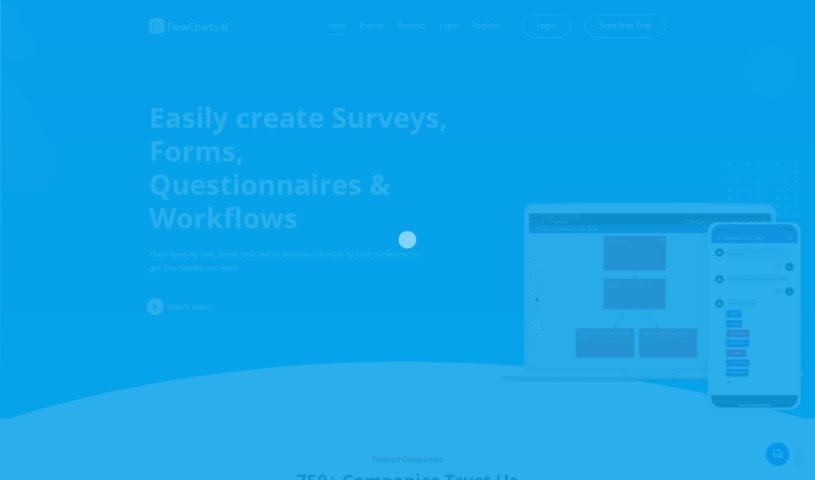
Flowcharts.ai is an AI-powered platform for creating and distributing surveys, forms, questionnaires, and workflows. You can share your creations through SMS, email, a website link, or an AI chatbot widget. Smart surveys adapt as people respond, and the platform supports interactive elements, personalized decision trees, and flexible workflows. You can gather data, analyze it in real time, and adjust surveys based on responses. Response formats include yes/no, free text, single choice, and multiple choice. Mobile apps for iPhone, iPad, and Android let you manage surveys and forms on the go.

Productivity View Tool →
Screenshot of Flowcraft

Flowcraft

Freemium

FlowCraft is an AI-powered tool for creating diagrams, charts, and whiteboards. You choose the type of diagram you need — Flow Diagram, Chart, or Whiteboard — then provide a title and a short description of what it should show. FlowCraft generates the diagram automatically, and you can edit it afterward. Text can also be converted directly into a diagram. The tool balances automation with customization: diagrams are produced quickly but remain fully editable.

Productivity View Tool →
Screenshot of Flowsage

Flowsage

Freemium

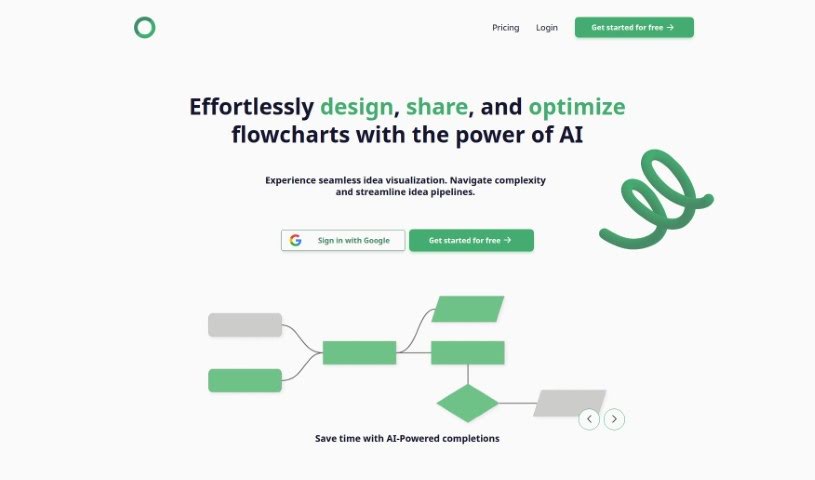
Flowsage is a platform for designing, sharing, and optimizing flowcharts. It combines AI-powered smart completions, real-time collaboration, flowchart refinement tools, and built-in project management in a single workspace.

Productivity View Tool →
Screenshot of Fluenthq

Fluenthq

Freemium

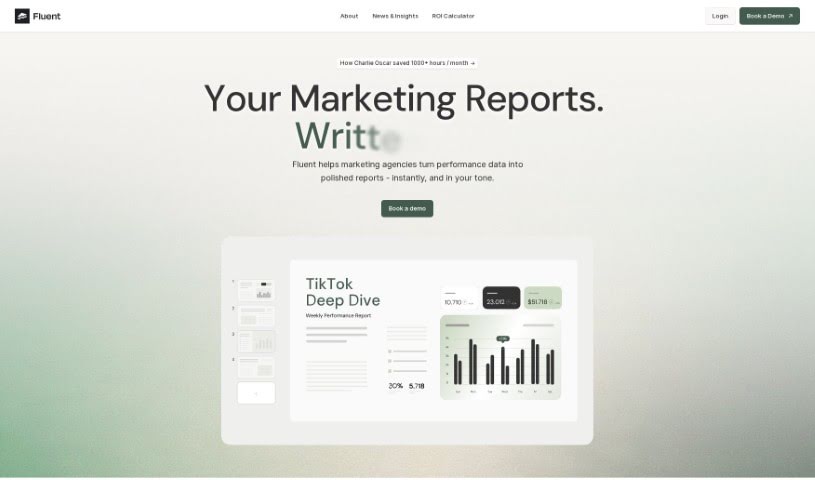
FluentHQ is an AI data analyst built for decision-makers who need insights without being data experts. Ask questions about your data in everyday language and FluentHQ returns immediate answers. The goal is to let users get data insights independently, improve data understanding across teams, and keep data accurate and consistent for everyone, which makes it useful for remote and distributed teams.

Productivity View Tool →
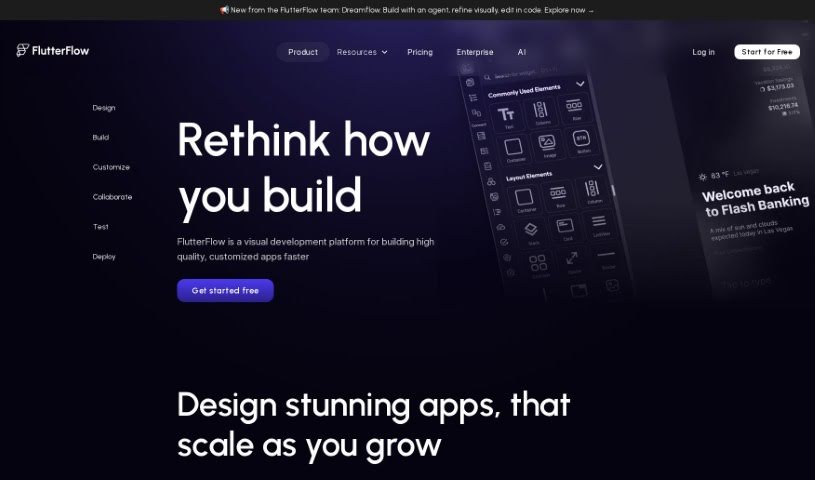
Screenshot of FlutterFlow AI Gen

FlutterFlow AI Gen

Freemium

FlutterFlow AI Gen is a platform that integrates AI into your workflow, making it easier to add features like payment processing. It is designed to help product teams collaborate: you can view, edit, and test apps without installing anything extra, connect to live data to gather feedback, and use advanced branching features for collaborative development. You can also share UI components across projects to avoid rebuilding the same elements. Overall, AI Gen aims to give developers more flexibility and control when deploying apps across multiple platforms.

Productivity View Tool →

About Productivity tools

Having a task list that seems to grow longer by the hour is a fast track to burnout. Between managing clogged email inboxes, jumping across context-heavy browser tabs, updating project boards, and tracking down files, everyday administrative work drains momentum. When managing your workflow takes more energy than doing your actual job, staying focused gets tough.

These workflow platforms act as high-speed productivity partners for task management, scheduling, and daily automation. They won’t replace your personal discipline or strategic priorities, but they handle routine administrative tasks so you can protect your focus time.

Organizing daily tasks and scheduling focus blocks takes far less manual effort. Manually moving deadlines around when a project slips or trying to carve out focus time between back-to-back meetings usually leaves you with a chaotic calendar. Smart scheduling assistants evaluate your working habits, auto-prioritize tasks, and block out dedicated focus time on your calendar before your day gets overrun.

Clearing out email backlogs and workspace communications becomes much faster, too. Sifting through dozens of unread messages just to pull out two urgent client requests wastes valuable time. Intelligent inbox tools summarize long email threads, draft contextual replies, and sort low-priority newsletters away from critical messages—helping you reach inbox zero without reading every word.

Synthesizing notes and cross-platform information creates a central memory hub. Losing track of an important project link or a quick thought saved in a random document stalls your momentum when you need it most. AI productivity assistants search across your workspace apps, notes, and bookmarked links, letting you ask plain-English questions to pull up specific files, meeting notes, or ideas in seconds.

Key Capabilities to Consider:

  • Smart calendar and time blocking: Systems that auto-schedule tasks into your calendar around existing meetings and focus preferences.
  • Contextual email and message drafting: Tools that scan long communication threads to generate concise replies and action items.
  • Universal workspace search: Software that connects with your documents, notes, and cloud storage to retrieve files through simple prompts.
  • Task prioritization algorithms: Applications that rank daily action items by urgency, deadlines, and project dependencies.
  • Workflow automation builders: Connectors that trigger actions across different apps without requiring manual data entry.

Daily productivity will always depend on clear personal priorities and healthy work habits. Software can organize a calendar, draft an email reply, and index your notes, but choosing what truly deserves your time requires human judgment.

Explore the productivity tools below to take control of your workday.

The Best AI Productivity Tools

  1. Perplexity: for automating tasks and helping with management.
  2. Small PDF.com: for smoother document management for teams.
  3. Gamma: for document creation tools that save time.
  4. Odoo: for a task management and collaboration app.
  5. Zoom: for analyzing and summarizing meeting content.
  6. N8N: for smoother team onboarding processes.
  7. Prezi: for engaging team collaboration sessions.
  8. Tableau: for creating reports and dashboards more easily.
  9. Data Camp: for efficient team collaboration workflows.
  10. Otter.ai: for getting action items from meetings without the fuss.
  11. Tenorshare: for easily summarizing long PDF documents.
  12. Slidesgo: for creating professional presentations efficiently.
  13. Facecheck Id: for streamlining identity verification tasks.
  14. HIX.AI: for boosting writing speed with smart tools.
  15. Tactiq: for automating meeting notes for teams.

New tools, in your inbox.

Weekly picks of the best AI tools we've researched and added — no spam, unsubscribe anytime.

Join 25,000+ AI enthusiasts. No spam, unsubscribe anytime.