Top AI Productivity Tools

AI Tools for Productivity

Discover the best Productivity AI tools to enhance your productivity and creativity.

Page 29 of 108 • 1290 total tools
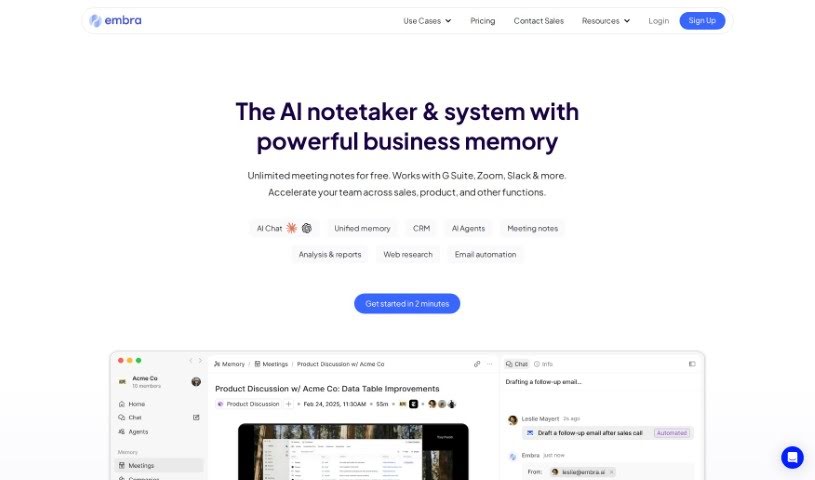
Screenshot of Embra

Embra

Freemium

Embra is an AI assistant built for professionals. It automates emails, generates meeting summaries, searches internal documents, creates content, and handles research and article summarization. Its distinguishing features include quick commands, personalized automation, collaboration tools, and integrations with commonly used apps. Users including Andre Pennecooke, VP of Design at Dave, and Brian Cometa, Owner at $300 Data Recovery, have praised its efficiency and ease of use.

Productivity View Tool →
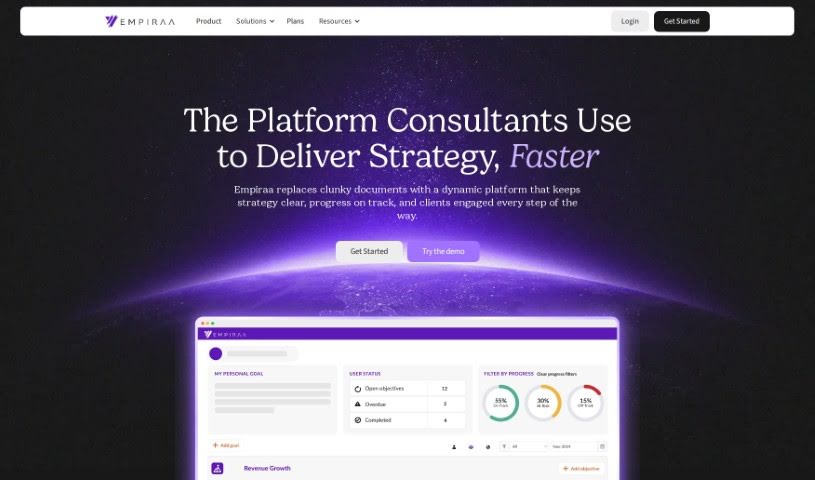
Screenshot of Empiraa

Empiraa

Freemium

Empiraa is a cloud-based strategic planning platform that serves as a central hub for tracking objectives, monitoring performance in real time, and keeping operations aligned. Live progress updates simplify decision-making, and integrations with thousands of other platforms automatically pull in data for better insights. A built-in chat feature supports collaboration, and the platform acts as a single source of truth, consolidating data to keep everything consistent and avoid discrepancies. It suits companies of various sizes, not just small and medium businesses.

Productivity View Tool →
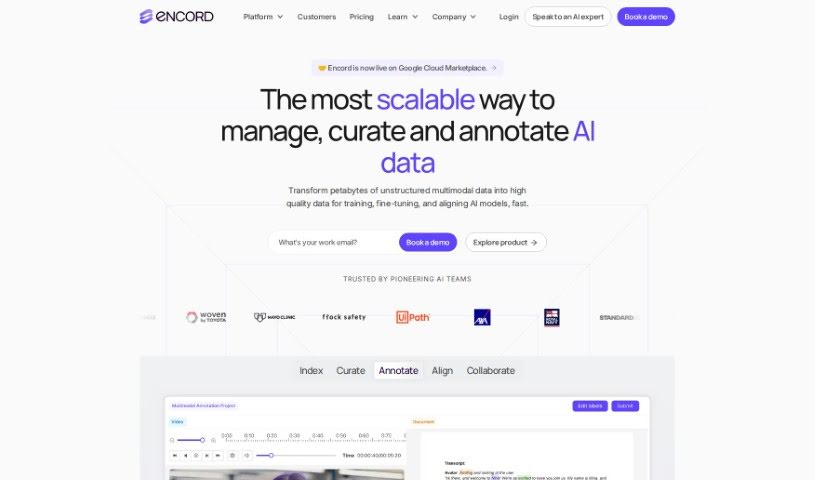
Screenshot of Encord

Encord

Freemium

Encord is a data-focused platform for AI development that covers data curation, labeling, and model evaluation. It supports annotation for images, videos, medical scans, geospatial data, and audio, with customizable workflows and integrations with cloud storage and other MLOps tools.

Productivity View Tool →
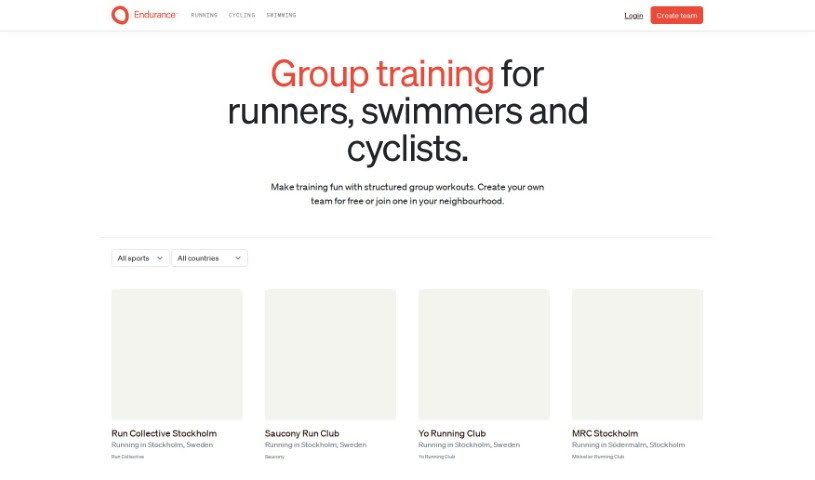
Screenshot of Endurance

Endurance

Freemium

Endurance is a training platform for endurance athletes — runners, swimmers, and cyclists. It works as a marketplace for group training sessions: you can create a team, invite friends, or open it to people in your local community. Workouts are structured and shared through scheduling tools that adapt to each member based on their heart rate and pace zones. The goal is to build motivation, accountability, and enjoyment of health and wellness goals through training together.

Productivity View Tool →
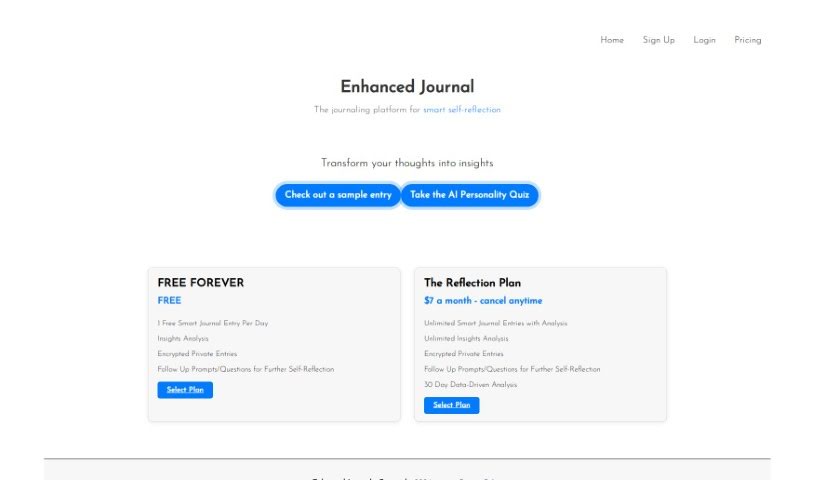
Screenshot of Enhanced Journal

Enhanced Journal

Freemium

Enhanced Journal is a journaling platform that uses smart tools to help you reflect on your thoughts and improve productivity, turning everyday writing into useful insights.

Productivity View Tool →
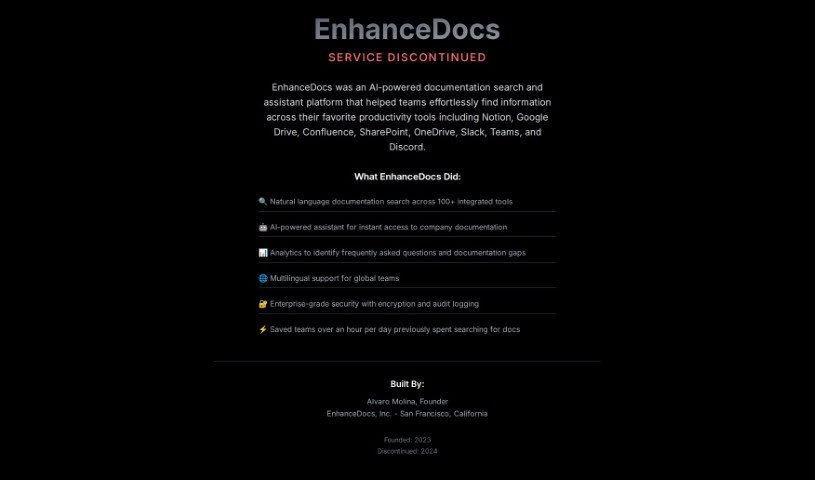
Screenshot of EnhanceDocs

EnhanceDocs

Freemium

EnhanceDocs is an AI-powered search tool that helps you find information across all your platforms, including Notion, Google Drive, Confluence, SharePoint, and OneDrive. It uses natural language understanding so you can ask questions conversationally instead of digging through folders. Key capabilities include:

Productivity View Tool →
Screenshot of Enterprise DNA

Enterprise DNA

Freemium

Enterprise DNA is a learning platform focused on advanced analytics, particularly Microsoft's Power BI. It offers comprehensive courses, tutorials, and a supportive online community designed to help both individuals and businesses get the most out of Power BI. The platform emphasizes practical, real-world applications, so learners can immediately apply what they learn to improve their work. Its goal is to help professionals use data effectively for better decisions and business growth.

Productivity View Tool →
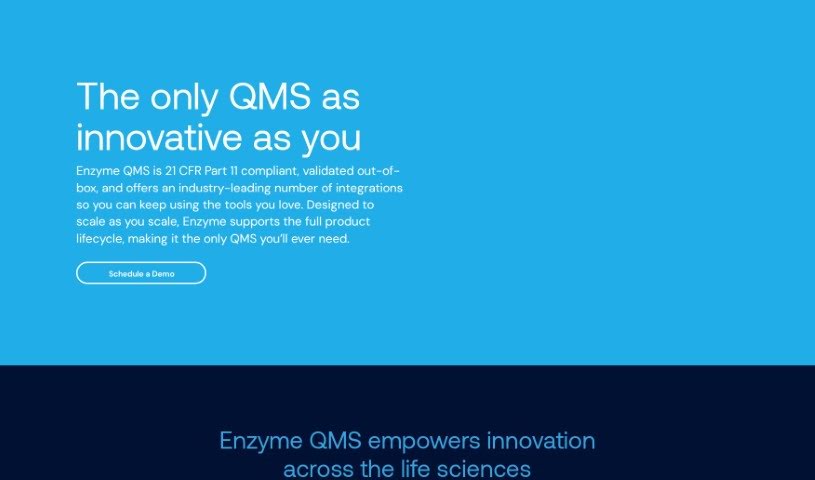
Screenshot of Enzyme

Enzyme

Freemium

Enzyme is a Quality Management System (QMS) tool created to address the challenges of the biotech and medical device sectors. Its eQMS is designed to simplify workflows, speed up tasks, and make generating FDA-ready documentation easier, helping companies strengthen their quality culture through modern software and expert guidance.

Productivity View Tool →
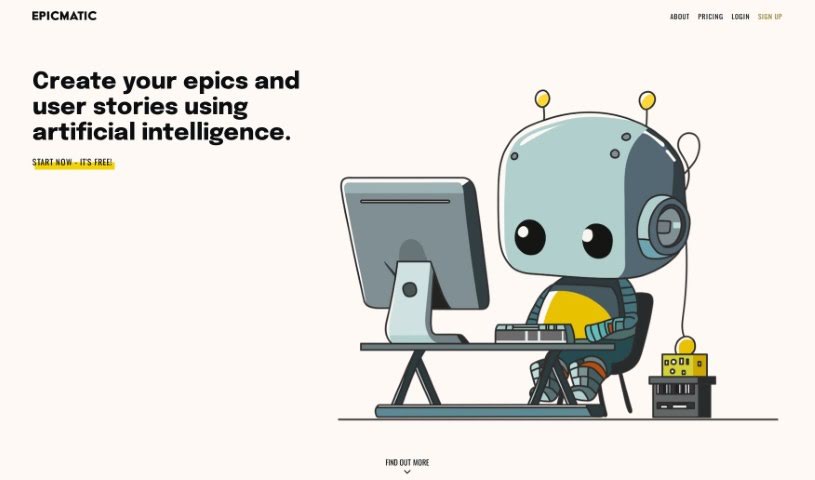
Screenshot of Epicmatic

Epicmatic

Freemium

Epicmatic is an AI-powered tool for creating agile epics and user stories. It helps teams organize and prioritize work, and adjust as project requirements change. The interface is clean and minimalist, with an AI assistant that supports task creation alongside several navigation options.

Productivity View Tool →
Screenshot of EpicTopia AI

EpicTopia AI

Freemium

EpicTopia AI blends artificial intelligence with personal development. The app helps you track different life paths you're on, offering AI-powered action plans, visual progress tracking, and prompts for self-reflection. Its goal is to support personal growth through a thoughtful, strategic approach to reaching your goals. For partnership or investment inquiries, contact [[email protected]](/cdn-cgi/l/email-protection#79111c151516391c09101a0d16091018571a1614).

Productivity View Tool →
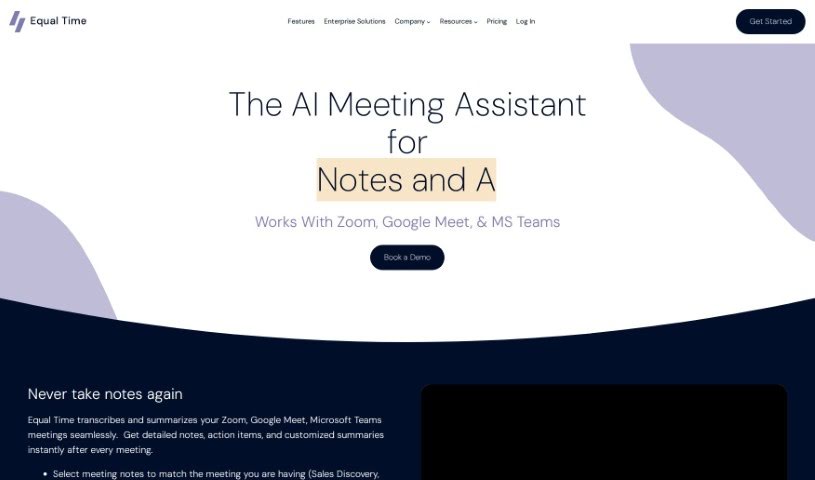
Screenshot of Equal Time

Equal Time

Freemium

Equal Time is a virtual meeting assistant that makes meetings on Zoom, Google Meet, and Microsoft Teams more inclusive and productive. It tracks speaking time, offers real-time feedback on participation, and generates AI-powered meeting notes with transcripts and action items. It's a good fit for DEI leaders, managers, teachers, coaches, HR professionals, and engineering teams focused on diversity, inclusion, and equity.

Productivity View Tool →
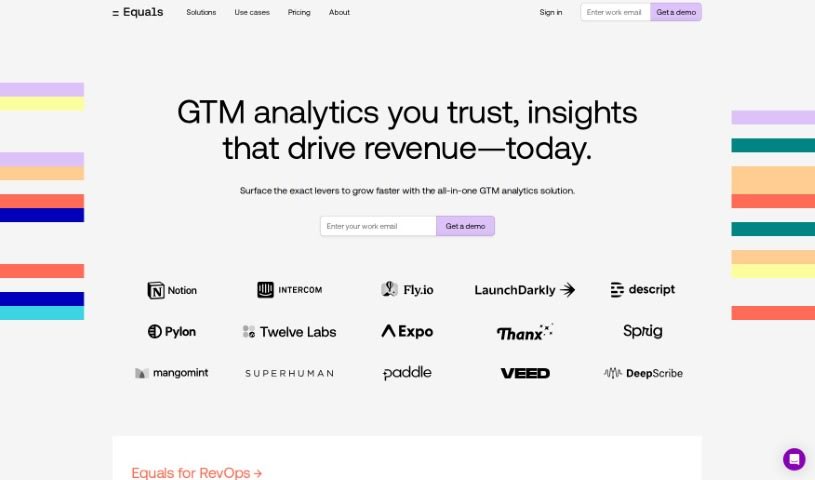
Screenshot of Equals

Equals

Freemium

Equals is a spreadsheet with a built-in AI assistant designed to speed up common spreadsheet work. It combines formula creation, SQL queries, data summarization, and real-time collaboration in one tool. Core features include:

Productivity View Tool →

About Productivity tools

Having a task list that seems to grow longer by the hour is a fast track to burnout. Between managing clogged email inboxes, jumping across context-heavy browser tabs, updating project boards, and tracking down files, everyday administrative work drains momentum. When managing your workflow takes more energy than doing your actual job, staying focused gets tough.

These workflow platforms act as high-speed productivity partners for task management, scheduling, and daily automation. They won’t replace your personal discipline or strategic priorities, but they handle routine administrative tasks so you can protect your focus time.

Organizing daily tasks and scheduling focus blocks takes far less manual effort. Manually moving deadlines around when a project slips or trying to carve out focus time between back-to-back meetings usually leaves you with a chaotic calendar. Smart scheduling assistants evaluate your working habits, auto-prioritize tasks, and block out dedicated focus time on your calendar before your day gets overrun.

Clearing out email backlogs and workspace communications becomes much faster, too. Sifting through dozens of unread messages just to pull out two urgent client requests wastes valuable time. Intelligent inbox tools summarize long email threads, draft contextual replies, and sort low-priority newsletters away from critical messages—helping you reach inbox zero without reading every word.

Synthesizing notes and cross-platform information creates a central memory hub. Losing track of an important project link or a quick thought saved in a random document stalls your momentum when you need it most. AI productivity assistants search across your workspace apps, notes, and bookmarked links, letting you ask plain-English questions to pull up specific files, meeting notes, or ideas in seconds.

Key Capabilities to Consider:

  • Smart calendar and time blocking: Systems that auto-schedule tasks into your calendar around existing meetings and focus preferences.
  • Contextual email and message drafting: Tools that scan long communication threads to generate concise replies and action items.
  • Universal workspace search: Software that connects with your documents, notes, and cloud storage to retrieve files through simple prompts.
  • Task prioritization algorithms: Applications that rank daily action items by urgency, deadlines, and project dependencies.
  • Workflow automation builders: Connectors that trigger actions across different apps without requiring manual data entry.

Daily productivity will always depend on clear personal priorities and healthy work habits. Software can organize a calendar, draft an email reply, and index your notes, but choosing what truly deserves your time requires human judgment.

Explore the productivity tools below to take control of your workday.

The Best AI Productivity Tools

  1. Perplexity: for automating tasks and helping with management.
  2. Small PDF.com: for smoother document management for teams.
  3. Gamma: for document creation tools that save time.
  4. Odoo: for a task management and collaboration app.
  5. Zoom: for analyzing and summarizing meeting content.
  6. N8N: for smoother team onboarding processes.
  7. Prezi: for engaging team collaboration sessions.
  8. Tableau: for creating reports and dashboards more easily.
  9. Data Camp: for efficient team collaboration workflows.
  10. Otter.ai: for getting action items from meetings without the fuss.
  11. Tenorshare: for easily summarizing long PDF documents.
  12. Slidesgo: for creating professional presentations efficiently.
  13. Facecheck Id: for streamlining identity verification tasks.
  14. HIX.AI: for boosting writing speed with smart tools.
  15. Tactiq: for automating meeting notes for teams.
New tools, in your inbox.

Weekly picks of the best AI tools we've researched and added — no spam, unsubscribe anytime.

Join 25,000+ AI enthusiasts. No spam, unsubscribe anytime.