Top AI Productivity Tools

AI Tools for Productivity

Discover the best Productivity AI tools to enhance your productivity and creativity.

Page 25 of 108 • 1290 total tools
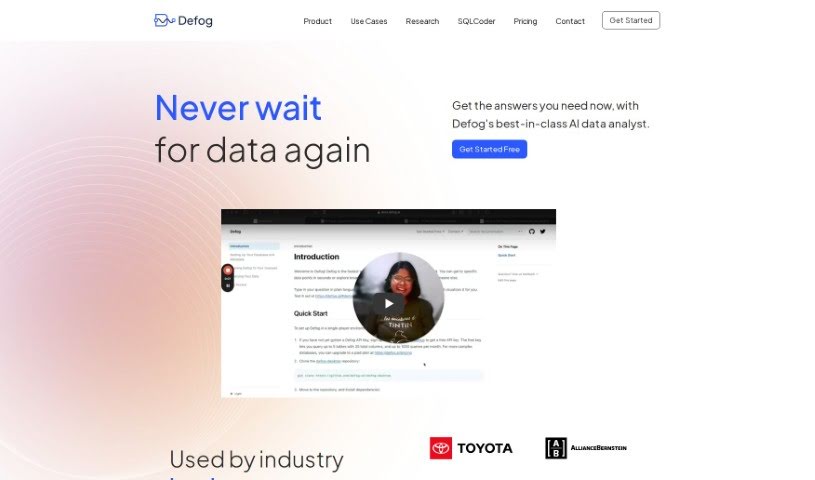
Screenshot of Defog.ai

Defog.ai

Freemium

Defog.ai is a platform built for enterprise SQL environments. Its fine-tuned AI models let business teams ask questions about their data in everyday language and generate SQL queries automatically, simplifying data analysis in SQL, Python, and R.

Productivity View Tool →
Screenshot of Dewey

Dewey

Freemium

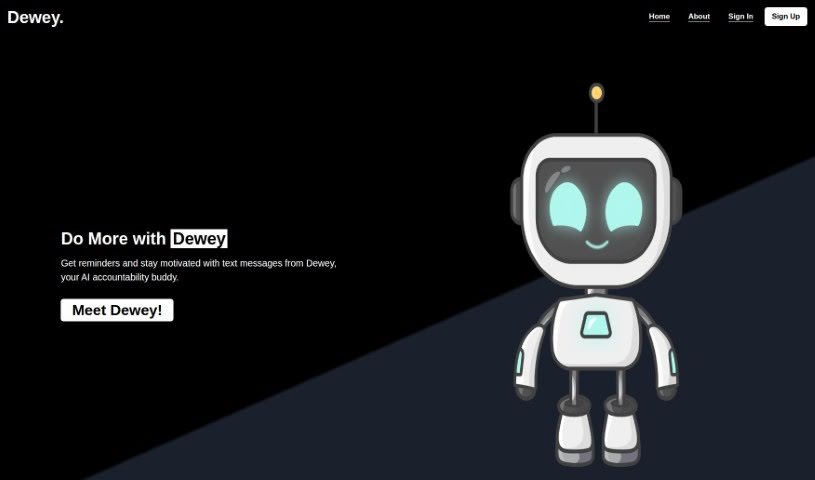
Dewey is a personal AI accountability buddy that works through simple SMS text messages. It helps you stay organized and focused on your goals by sending reminders, tracking your progress, adjusting to your schedule, and providing motivational nudges when you need them.

Productivity View Tool →
Screenshot of Dewstack

Dewstack

Freemium

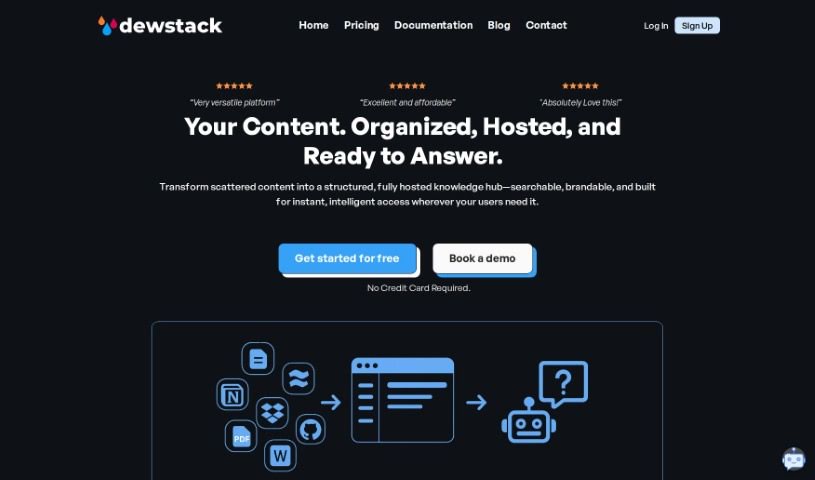
Dewstack is an AI-powered documentation platform for creating and managing content. Its "Page Assist" feature helps improve your writing by clarifying text, adjusting tone, translating into different languages, and optimizing for SEO. Dewstack also provides instant answers to user questions through its "Ask a Question" feature, lets you add chatbots for support, automatically generates documentation from PDF and DOCX files, and supports custom templates. Various pricing plans are available for different needs and team sizes.

Productivity View Tool →
Screenshot of Dezbor

Dezbor

Freemium

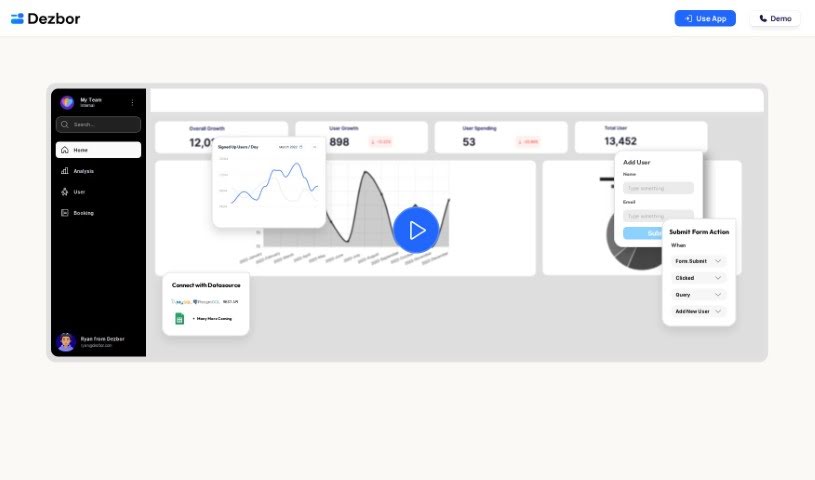
Dezbor is a no-code tool for building custom dashboards and admin panels without writing code. It uses a drag-and-drop interface and connects to popular data sources including MySQL, PostgreSQL, Google Sheets, and Airtable. You can customize the logic and actions within your dashboards, collaborate with teammates, and use an AI assistant that suggests and optimizes queries in real time and helps spot issues. Dashboards can be built for internal use or for customers, and a FAQ section covers common questions and getting started.

Productivity View Tool →
Screenshot of Dgm

Dgm

Freemium

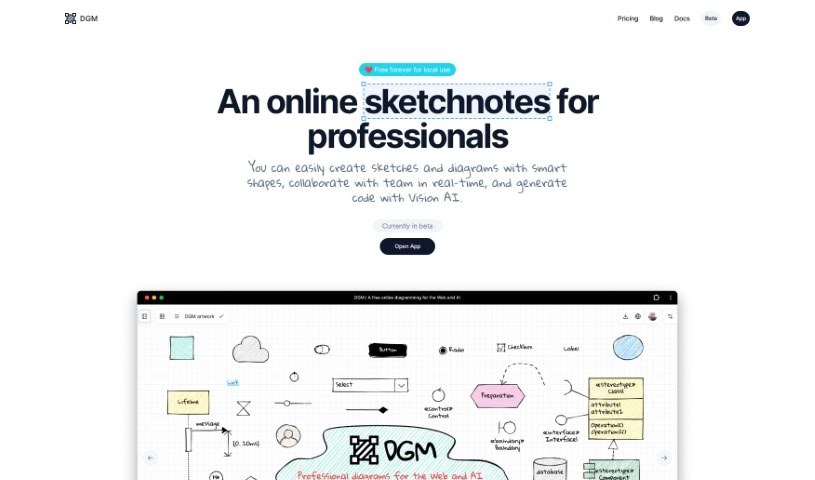
Dgm (short for Diagram) is a diagramming tool for creating flowcharts, UML diagrams, ER diagrams, and UI wireframes.

Productivity View Tool →
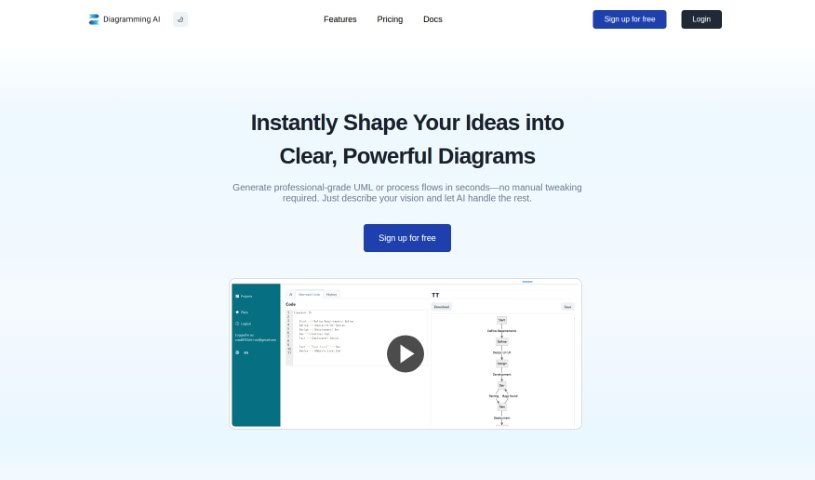
Screenshot of Diagramming AI

Diagramming AI

Freemium

Diagramming AI generates visual diagrams from text input, including flowcharts, sequence diagrams, UML structures, and Gantt charts. Diagrams are organized by project, so you can save and manage multiple diagrams in one place. You can switch color themes, export as SVG or PNG, and use AI Chat to discuss and refine your diagrams.

Productivity View Tool →
Screenshot of Diatech AI

Diatech AI

Freemium

Diatech AI is a technology company serving the diamond industry. It builds AI-powered tools for businesses dealing in natural and lab-grown polished diamonds, covering supply and demand analytics, pricing trends, customer behavior analysis, market trend prediction, and a services marketplace. Businesses can also list their diamonds on multiple platforms, launch a branded online store, or run a full marketplace.

Productivity View Tool →
Screenshot of Dimensions AI

Dimensions AI

Freemium

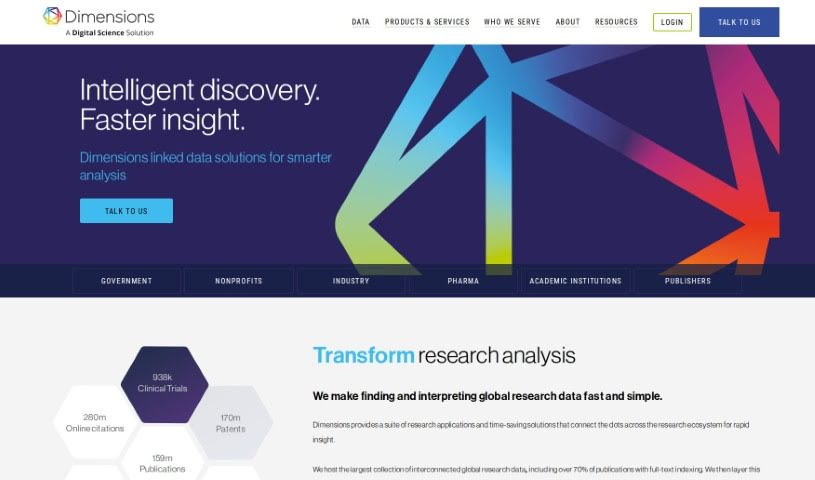
Dimensions AI is a platform designed to speed up research discovery. It connects research products and solutions to make finding and understanding global research data quick and simple. Dimensions holds the largest collection of interconnected global research data, with over 70% of publications featuring full-text indexing. Visual applications help you explore the data, make better decisions, and move information discovery forward while saving time.

Productivity View Tool →
Screenshot of Dinnerfy

Dinnerfy

Freemium

Dinnerfy is a Progressive Web App (PWA) that runs in your web browser — no download from Apple's or Google's app stores required. You can add it to your device's home screen like a regular app. The app is designed to help families spend more quality time together: its technology learns what your family likes and helps you reach your goals, and you can customize your menus. Dinnerfy is free to use, with voluntary donations accepted to keep it running.

Productivity View Tool →
Screenshot of Discute

Discute

Freemium

Discute is an AI tool that lets you hold conversations with your own knowledge base. It works as a virtual assistant for finding information and solving problems. You can chat with PDF, DOCX, and TXT files to locate what you need, and support for databases and websites is planned.

Productivity View Tool →
Screenshot of Dishgen

Dishgen

Freemium

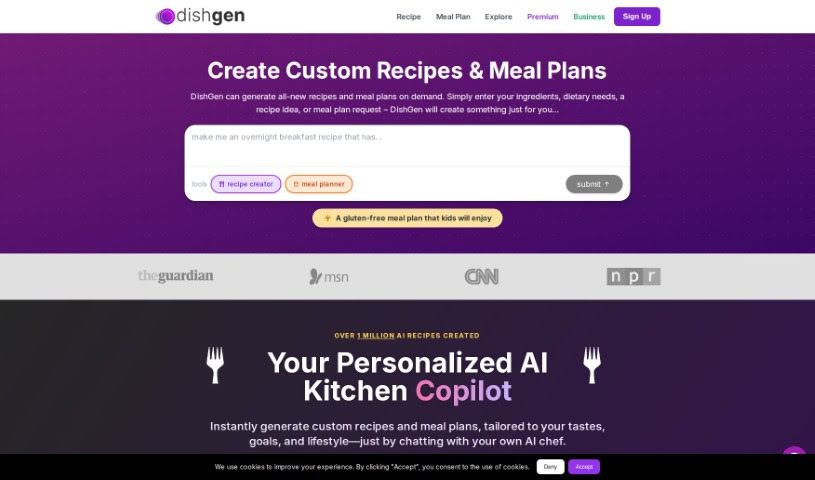
Dishgen is an AI tool that creates unique recipes instantly. You tell it what ingredients you have, what kind of recipe you're thinking of, or any dietary needs, and it generates a new recipe. It's aimed at anyone who wants to try something new at home or cut down on food waste and save money. Features include an "Idea Generator" and the ability to tweak recipes as you go. You can sign up for a free account to start generating recipes, or choose a premium option for an ad-free experience with more customization.

Productivity View Tool →
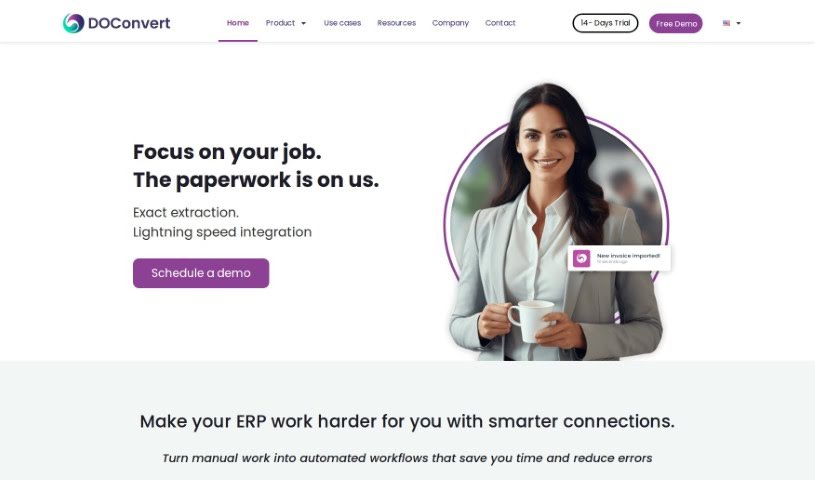
Screenshot of DOConvert

DOConvert

Freemium

DOConvert is a system designed to help businesses manage and process documents. It is quick to set up, works with a variety of ERP platforms, and can be installed either on your own servers or in the cloud. It handles document management and offers solutions for dealing with large volumes of documents.

Productivity View Tool →

About Productivity tools

Having a task list that seems to grow longer by the hour is a fast track to burnout. Between managing clogged email inboxes, jumping across context-heavy browser tabs, updating project boards, and tracking down files, everyday administrative work drains momentum. When managing your workflow takes more energy than doing your actual job, staying focused gets tough.

These workflow platforms act as high-speed productivity partners for task management, scheduling, and daily automation. They won’t replace your personal discipline or strategic priorities, but they handle routine administrative tasks so you can protect your focus time.

Organizing daily tasks and scheduling focus blocks takes far less manual effort. Manually moving deadlines around when a project slips or trying to carve out focus time between back-to-back meetings usually leaves you with a chaotic calendar. Smart scheduling assistants evaluate your working habits, auto-prioritize tasks, and block out dedicated focus time on your calendar before your day gets overrun.

Clearing out email backlogs and workspace communications becomes much faster, too. Sifting through dozens of unread messages just to pull out two urgent client requests wastes valuable time. Intelligent inbox tools summarize long email threads, draft contextual replies, and sort low-priority newsletters away from critical messages—helping you reach inbox zero without reading every word.

Synthesizing notes and cross-platform information creates a central memory hub. Losing track of an important project link or a quick thought saved in a random document stalls your momentum when you need it most. AI productivity assistants search across your workspace apps, notes, and bookmarked links, letting you ask plain-English questions to pull up specific files, meeting notes, or ideas in seconds.

Key Capabilities to Consider:

  • Smart calendar and time blocking: Systems that auto-schedule tasks into your calendar around existing meetings and focus preferences.
  • Contextual email and message drafting: Tools that scan long communication threads to generate concise replies and action items.
  • Universal workspace search: Software that connects with your documents, notes, and cloud storage to retrieve files through simple prompts.
  • Task prioritization algorithms: Applications that rank daily action items by urgency, deadlines, and project dependencies.
  • Workflow automation builders: Connectors that trigger actions across different apps without requiring manual data entry.

Daily productivity will always depend on clear personal priorities and healthy work habits. Software can organize a calendar, draft an email reply, and index your notes, but choosing what truly deserves your time requires human judgment.

Explore the productivity tools below to take control of your workday.

The Best AI Productivity Tools

  1. Perplexity: for automating tasks and helping with management.
  2. Small PDF.com: for smoother document management for teams.
  3. Gamma: for document creation tools that save time.
  4. Odoo: for a task management and collaboration app.
  5. Zoom: for analyzing and summarizing meeting content.
  6. N8N: for smoother team onboarding processes.
  7. Prezi: for engaging team collaboration sessions.
  8. Tableau: for creating reports and dashboards more easily.
  9. Data Camp: for efficient team collaboration workflows.
  10. Otter.ai: for getting action items from meetings without the fuss.
  11. Tenorshare: for easily summarizing long PDF documents.
  12. Slidesgo: for creating professional presentations efficiently.
  13. Facecheck Id: for streamlining identity verification tasks.
  14. HIX.AI: for boosting writing speed with smart tools.
  15. Tactiq: for automating meeting notes for teams.
New tools, in your inbox.

Weekly picks of the best AI tools we've researched and added — no spam, unsubscribe anytime.

Join 25,000+ AI enthusiasts. No spam, unsubscribe anytime.