Top AI Productivity Tools

AI Tools for Productivity

Discover the best Productivity AI tools to enhance your productivity and creativity.

Page 18 of 108 • 1290 total tools
Screenshot of Clarify AI

Clarify AI

Freemium

Clarify AI turns vague ideas into clear, structured insights. You start with an ambiguous idea, and the tool refines and articulates it so everyone involved is aligned on the problem. It then automatically builds an organized issue tree, freeing you to focus on solving the problem itself.

Productivity View Tool →
Screenshot of Clearword

Clearword

Freemium

Clearword is a real-time AI meeting assistant that joins calls on Zoom, Google Meet, and Microsoft Teams. It takes notes during meetings, produces summaries, exports action items, and builds a searchable library of meeting information.

Productivity View Tool →
Screenshot of Cleora.ai

Cleora.ai

Freemium

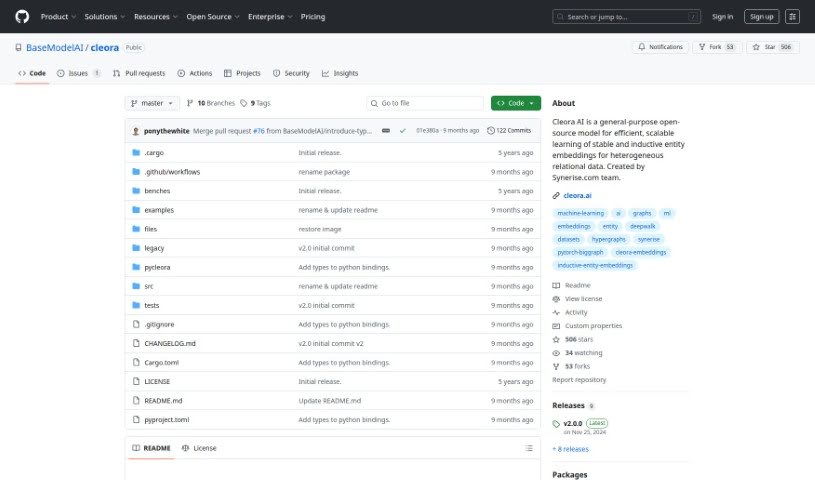
Cleora.ai is a machine learning tool that helps Data Science and Analytics teams create high-quality enterprise embeddings without expensive hardware. It embeds entities such as customers, products, and other business data into n-dimensional spaces using a stable, iterative projection method. The resulting embeddings capture an entity's behavioral history as large-scale graphs, enabling advanced models for recommender systems, customer segmentation, behavior prediction, and customer lifetime value modeling. To get started, you only need three columns from your databases.

Productivity View Tool →
Screenshot of Clockk

Clockk

Freemium

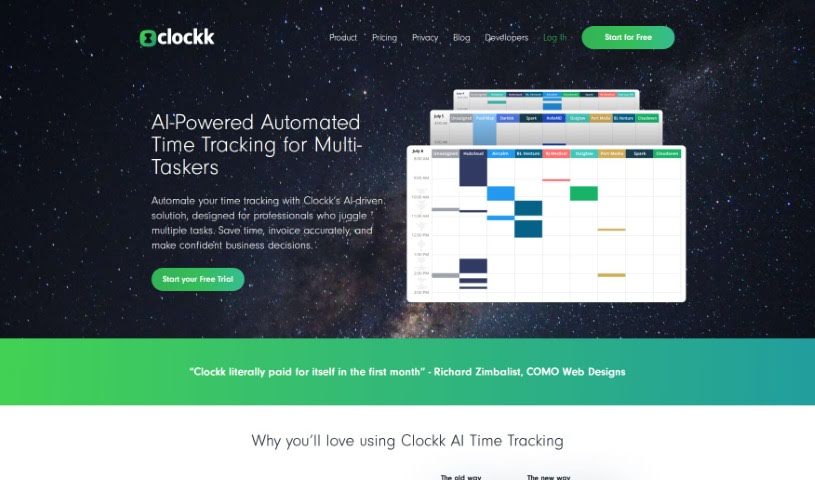
Clockk is an AI-powered time tracking tool that automatically logs the time professionals spend on client projects. Instead of manual start/stop timers or timesheets, it runs quietly in the background, capturing your tasks as you work. This lets you bill clients precisely, avoid guesswork, and recover billable time you might otherwise overlook. Clockk is built to follow the natural flow of your workday — you can switch between tasks and projects freely while your time records stay accurate.

Productivity View Tool →
Screenshot of Clockwise

Clockwise

Freemium

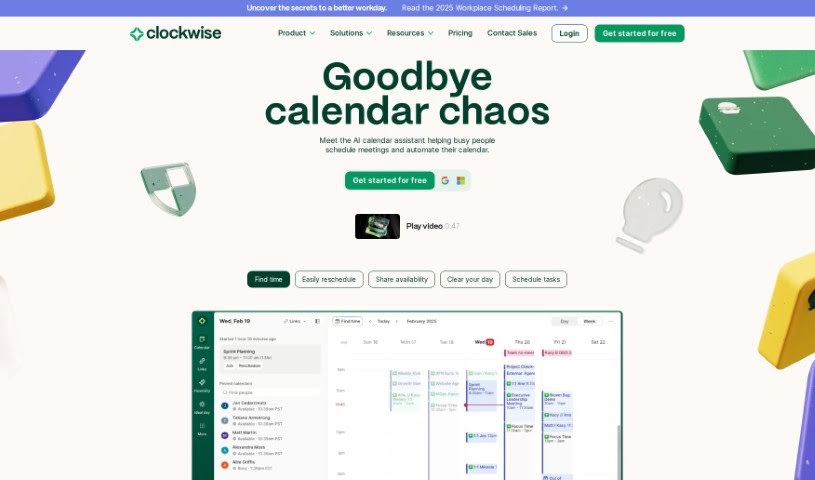
Clockwise is a smart calendar tool that uses AI to manage your team's schedule. It acts like a personal assistant for your calendar, powered by AI including the Generative Pre-trained Transformer (GPT) model. It learns how you and your team like to work and identifies your most productive times. The goal is to help you get more done by scheduling meetings efficiently, resolving conflicts, and carving out dedicated blocks of uninterrupted Focus Time. Companies like Amplitude, Asana, Etsy, Twitter, and Uber use Clockwise to manage their time and maintain a healthier work-life balance.

Productivity View Tool →
Screenshot of Cloudverse.ai

Cloudverse.ai

Freemium

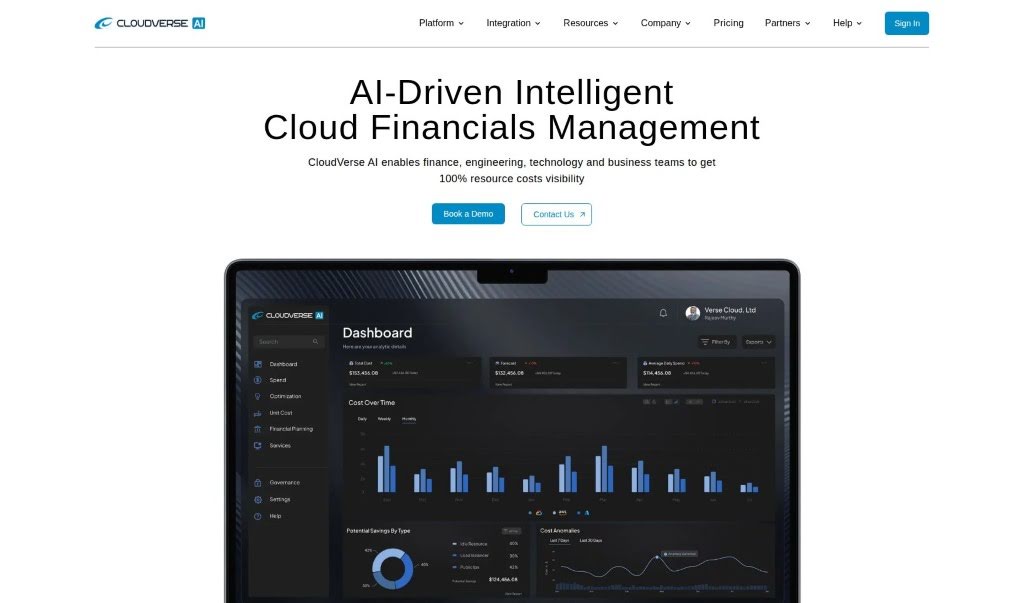
CloudVerse.AI is an AI-powered cloud management platform designed to make cloud management simpler and more affordable, particularly for larger businesses. It helps organizations oversee, manage, and fine-tune spending across multiple cloud providers and services, offering AI-driven insights, cloud security management, and continuous monitoring. The goal is to help companies cut costs, improve cloud governance, and strengthen security.

Productivity View Tool →
Screenshot of Cmd J

Cmd J

Freemium

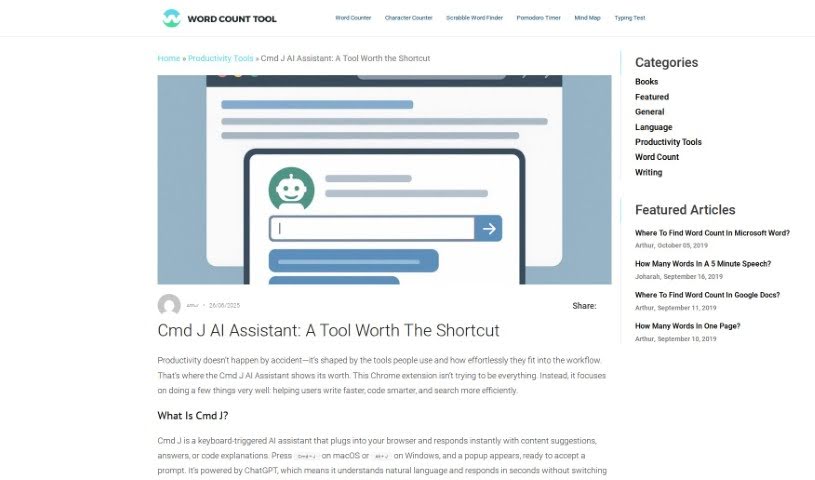
Cmd J is a Chrome extension that uses AI to assist with writing, coding, and content creation. Press Cmd/Alt + J to get instant help with grammar and spelling checks, code explanations, drafting blog posts, or getting quick answers from Google search results without digging through pages.

Productivity View Tool →
Screenshot of Coach Marlee

Coach Marlee

Freemium

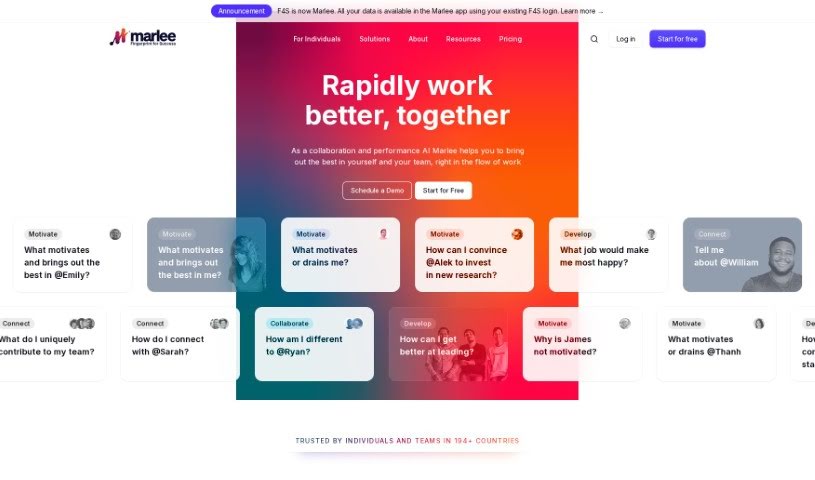
Coach Marlee is a coaching platform focused on personal and professional development. It offers support, guidance, and motivation to help users reach their targets, work through roadblocks, and make better use of their abilities. Coaching is delivered through one-on-one sessions, group sessions, online training, and resources tailored to individual needs, using established coaching methods such as active listening, insightful questioning, and clear goal setting.

Productivity View Tool →
Screenshot of Coactive AI

Coactive AI

Freemium

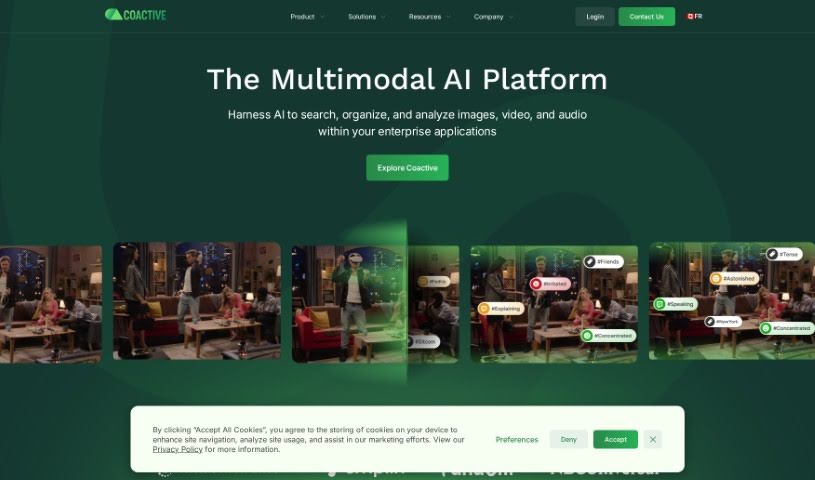
Coactive AI is a platform for extracting insights from unstructured image and video data. It organizes large collections of visual content so it becomes searchable and useful for machine learning and general data analysis. Businesses handling high volumes of images and videos can use it to make that data actionable.

Productivity View Tool →
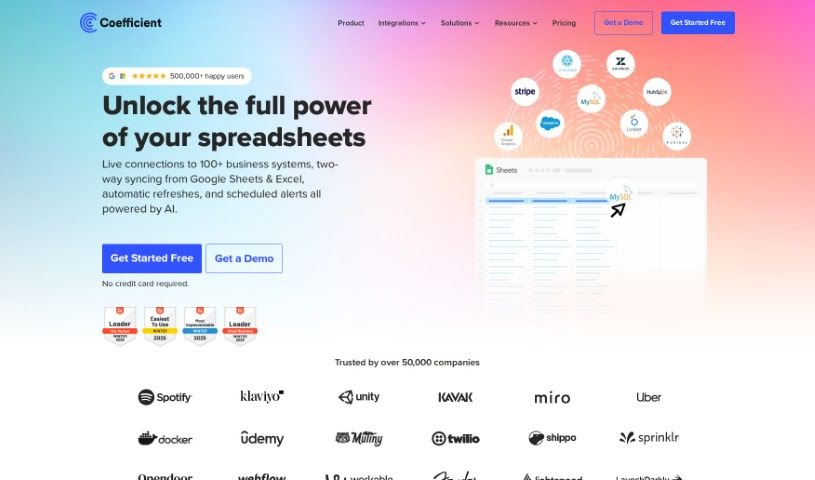
Screenshot of Coefficient

Coefficient

Freemium

Coefficient connects spreadsheets directly to live business data, making data analysis easier for people who don't code. It automatically links Google Sheets to live data from business systems and includes GPTX() spreadsheet functions that can clean, format, query, and analyze your data. You can also create charts, pivot tables, reports, and dashboards by describing what you want in plain English, making it accessible for any business.

Productivity View Tool →
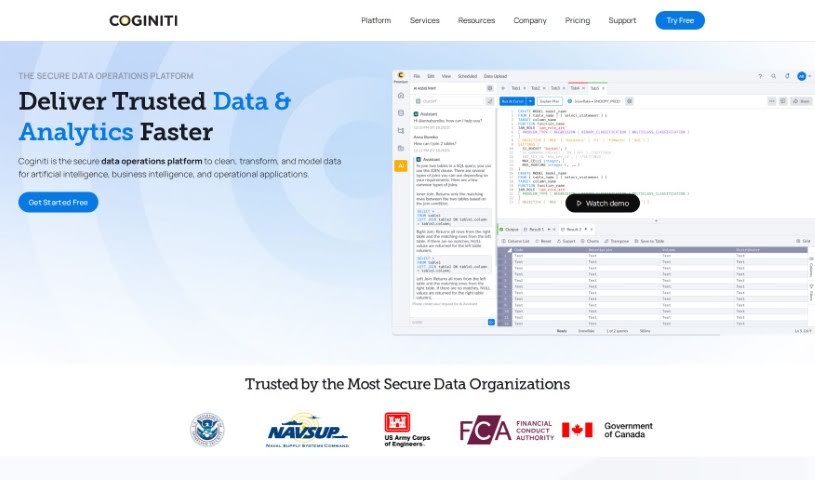
Screenshot of Coginiti Ai

Coginiti Ai

Freemium

Coginiti AI is a platform offering AI-driven data and analytics advisory services. It uses generative artificial intelligence to help individuals and businesses learn, write, understand, and optimize SQL, acting as a personal SQL coach with tailored guidance and practical examples for every skill level. Machine learning keeps the information relevant and up to date, and the platform extends beyond SQL with resources on data modeling, visualization, and other core data science topics.

Productivity View Tool →
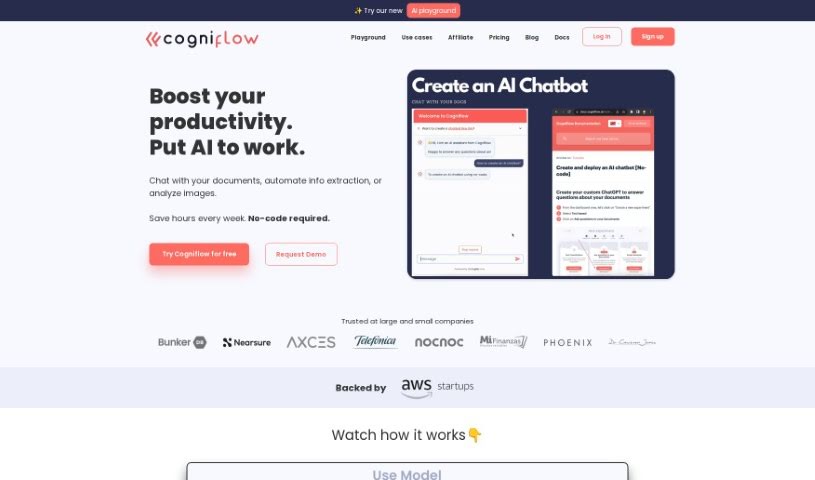
Screenshot of Cogniflow AI

Cogniflow AI

Freemium

Cogniflow AI is a platform for adding AI to your daily work without writing code. Its capabilities include:

Productivity View Tool →

About Productivity tools

Having a task list that seems to grow longer by the hour is a fast track to burnout. Between managing clogged email inboxes, jumping across context-heavy browser tabs, updating project boards, and tracking down files, everyday administrative work drains momentum. When managing your workflow takes more energy than doing your actual job, staying focused gets tough.

These workflow platforms act as high-speed productivity partners for task management, scheduling, and daily automation. They won’t replace your personal discipline or strategic priorities, but they handle routine administrative tasks so you can protect your focus time.

Organizing daily tasks and scheduling focus blocks takes far less manual effort. Manually moving deadlines around when a project slips or trying to carve out focus time between back-to-back meetings usually leaves you with a chaotic calendar. Smart scheduling assistants evaluate your working habits, auto-prioritize tasks, and block out dedicated focus time on your calendar before your day gets overrun.

Clearing out email backlogs and workspace communications becomes much faster, too. Sifting through dozens of unread messages just to pull out two urgent client requests wastes valuable time. Intelligent inbox tools summarize long email threads, draft contextual replies, and sort low-priority newsletters away from critical messages—helping you reach inbox zero without reading every word.

Synthesizing notes and cross-platform information creates a central memory hub. Losing track of an important project link or a quick thought saved in a random document stalls your momentum when you need it most. AI productivity assistants search across your workspace apps, notes, and bookmarked links, letting you ask plain-English questions to pull up specific files, meeting notes, or ideas in seconds.

Key Capabilities to Consider:

  • Smart calendar and time blocking: Systems that auto-schedule tasks into your calendar around existing meetings and focus preferences.
  • Contextual email and message drafting: Tools that scan long communication threads to generate concise replies and action items.
  • Universal workspace search: Software that connects with your documents, notes, and cloud storage to retrieve files through simple prompts.
  • Task prioritization algorithms: Applications that rank daily action items by urgency, deadlines, and project dependencies.
  • Workflow automation builders: Connectors that trigger actions across different apps without requiring manual data entry.

Daily productivity will always depend on clear personal priorities and healthy work habits. Software can organize a calendar, draft an email reply, and index your notes, but choosing what truly deserves your time requires human judgment.

Explore the productivity tools below to take control of your workday.

The Best AI Productivity Tools

  1. Perplexity: for automating tasks and helping with management.
  2. Small PDF.com: for smoother document management for teams.
  3. Gamma: for document creation tools that save time.
  4. Odoo: for a task management and collaboration app.
  5. Zoom: for analyzing and summarizing meeting content.
  6. N8N: for smoother team onboarding processes.
  7. Prezi: for engaging team collaboration sessions.
  8. Tableau: for creating reports and dashboards more easily.
  9. Data Camp: for efficient team collaboration workflows.
  10. Otter.ai: for getting action items from meetings without the fuss.
  11. Tenorshare: for easily summarizing long PDF documents.
  12. Slidesgo: for creating professional presentations efficiently.
  13. Facecheck Id: for streamlining identity verification tasks.
  14. HIX.AI: for boosting writing speed with smart tools.
  15. Tactiq: for automating meeting notes for teams.

New tools, in your inbox.

Weekly picks of the best AI tools we've researched and added — no spam, unsubscribe anytime.

Join 25,000+ AI enthusiasts. No spam, unsubscribe anytime.