AI Tools for Productivity

Discover the best Productivity AI tools to enhance your productivity and creativity.

Page 17 of 114 • 1361 total tools

In today’s busy world, staying productive can feel like a real challenge. With so much to do, constant notifications, and distractions everywhere, having the right tools to manage your time well is more important than ever. That’s where AI productivity tools come in—they’re designed to make your work smoother, handle repetitive tasks for you, and keep you organized.

These smart solutions have come a long way recently. They’ve gone from simple task managers to complete systems that can adapt to what you need. Whether you’re trying to organize your day better, improve how your team works together, or finally tackle that huge inbox, the right AI tools can make a big difference.

As I looked into the best AI productivity tools out there, I tried out several apps that promise to make you more efficient and focused. From smart schedulers to new project management systems, there are tons of options to help you get your time back.

So, if you’re ready to boost your productivity and make the most of your workday, you’re in the right place. Here’s a list of great AI productivity tools that are definitely worth checking out. Let’s explore how to work smarter together!

The best AI Productivity Tools

  1. Perplexity for automating tasks and helping with management.
  2. Small PDF.com for smoother document management for teams.
  3. Gamma for document creation tools that save time.
  4. Odoo for a task management and collaboration app.
  5. Zoom for analyzing and summarizing meeting content.
  6. N8N for smoother team onboarding processes.
  7. Prezi for engaging team collaboration sessions.
  8. Tableau for creating reports and dashboards more easily.
  9. Data Camp for efficient team collaboration workflows.
  10. Otter.ai for getting action items from meetings without the fuss.
  11. Tenorshare for easily summarizing long PDF documents.
  12. Slidesgo for creating professional presentations efficiently.
  13. Facecheck Id for streamlining identity verification tasks.
  14. HIX.AI for boosting writing speed with smart tools.
  15. Tactiq for automating meeting notes for teams.

How do AI productivity tools work?

AI productivity tools use machine learning to look at how you work and make your tasks more efficient. These tools are built to handle lots of information, spotting patterns and your preferences to help smooth out your workflows. By understanding how you use different apps, AI can suggest personal improvements to boost your productivity.

Basically, these tools use natural language processing (NLP) to understand and respond to what you ask. For example, they can schedule meetings, set reminders, or create reports just by understanding simple requests. This saves you time and cuts down on manual work.

Many AI productivity apps connect with popular tools like calendars, email, and project management software. This connection lets them gather information and automate tasks across different places. As a result, you get a smooth, connected experience that improves how you work day-to-day.

AI productivity tools also learn from how you use them to get better over time. The more you use a tool, the better it gets at guessing what you need and offering helpful suggestions. This ability to adapt is what makes AI tools increasingly valuable for improving productivity for both individuals and teams.

Plus, these tools can look at data about how you complete tasks and suggest ways to improve. For instance, if you often miss deadlines, the AI might suggest better ways to manage your time. By giving you useful insights, AI productivity tools help you work smarter, not just harder.

In the end, AI productivity tools show how technology can change everyday tasks into more efficient processes. By automating routine jobs and offering personal insights, they help you focus on what’s most important—hitting your goals and being more effective overall.

Our best AI productivity tools at a glance

RankNameBest forPlans and PricingRating
1PerplexityAutomating tasks and helping with management.N/A4.70 (10 reviews)
2SmallPDF.comSmoother document management for teams.Paid plans start at $9/month.4.73 (11 reviews)
3GammaDocument creation tools that save time.N/A4.79 (19 reviews)
4OdooA task management and collaboration app.N/A4.67 (6 reviews)
5ZoomAnalyzing and summarizing meeting content.Paid plans start at $15.99/month.4.73 (11 reviews)
6N8NSmoother team onboarding processes.Paid plans start at $50/month.4.58 (12 reviews)
7PreziEngaging team collaboration sessions.Paid plans start at $19/month.4.18 (11 reviews)
8TableauCreating reports and dashboards more easily.N/A4.70 (43 reviews)
9DataCampEfficient team collaboration workflows.Paid plans start at $25/month.4.71 (24 reviews)
10Otter.aiGetting action items from meetings without the fuss.Paid plans start at $13.59/month.4.73 (11 reviews)
11TenorshareEasily summarizing long PDF documents.N/A4.64 (11 reviews)
12SlidesgoCreating professional presentations efficiently.N/A4.68 (22 reviews)
13Facecheck IdStreamlining identity verification tasks.N/A4.42 (19 reviews)
14HIX.AIBoosting writing speed with smart tools.N/A4.36 (11 reviews)
15TactiqAutomating meeting notes for teams.N/A4.64 (11 reviews)
Screenshot of Chadview

Chadview

Freemium

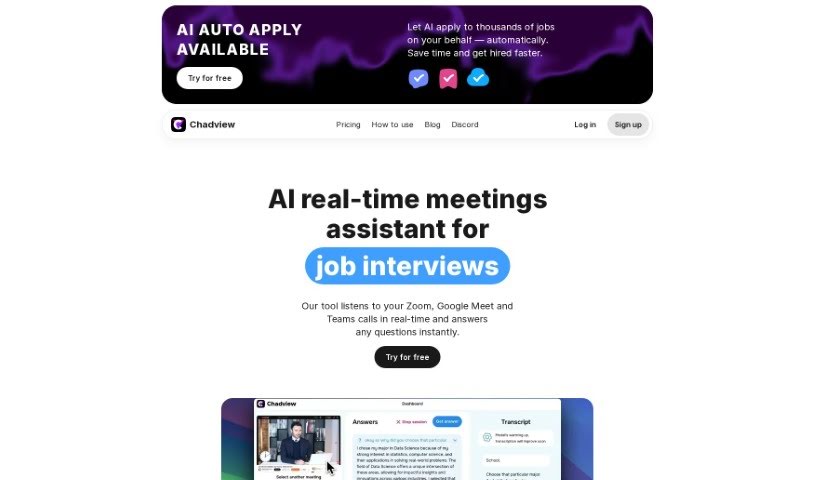
ChadView is a handy real-time assistant designed specifically for job interviews. It is your personal helper during calls on Zoom, Google Meet, or Teams. It actively listens to the conversation and can give you instant answers to questions asked during the interview. One of its coolest features is the "Ask" button – you just press it during the call, and ChadView provides an answer right away. It uses the power of the ChatGPT API, so you can expect accurate responses, especially for programming, analytics, and math questions. You can easily get it as a Chrome extension that works with Zoom, Microsoft Teams, or Google Meet. For unlimited monthly access, it costs $39.

Screenshot of ChainFuse

ChainFuse

Freemium

ChainFuse is a smart AI tool built for community and product managers. Its main job is to help organize user feedback, making feature requests stronger and leading to better products. By using artificial intelligence, ChainFuse can sort through and categorize huge amounts of unstructured user data that comes in from all sorts of places. This tool automatically sorts feedback, creates AI-powered reports, collects data as it happens, and even includes Clair AI for talking through your data. Because it connects smoothly with different tech systems, teams can easily get valuable insights. They can figure out what users are feeling, what their pain points are, and what features they really want. This really helps to organize feedback more smoothly and makes it easier to come up with and find new features.

Screenshot of Changeez

Changeez

Freemium

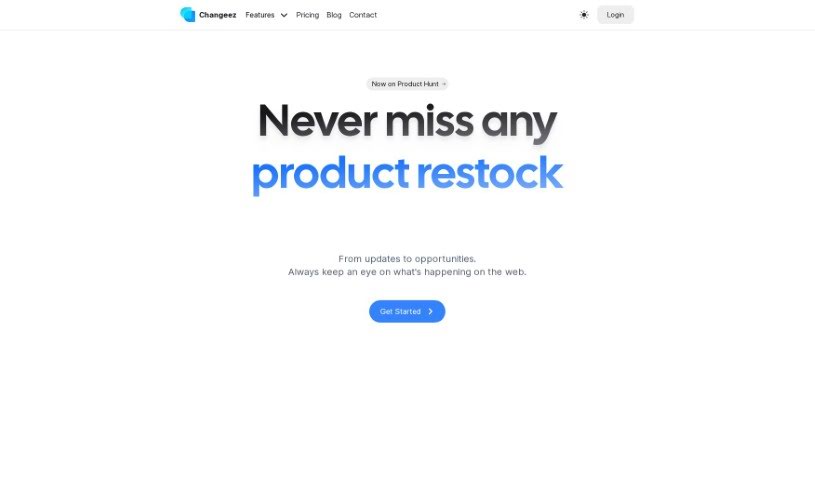
Changeez is a handy notification service built to keep you in the loop about changes on your favorite websites. It is your personal alert system for things like when a product is back in stock, when prices drop, or any other important updates. You can customize exactly what you want to be notified about – setting specific triggers, how often you want updates, and even focusing on particular sections or elements on a webpage. What's really neat is that Changeez uses AI to help you figure out the best way to set up your monitoring preferences. Plus, you can get these alerts delivered through various channels, including email, SMS, Slack, Discord, and Webhooks, making it super convenient.

Screenshot of Charm

Charm

Freemium

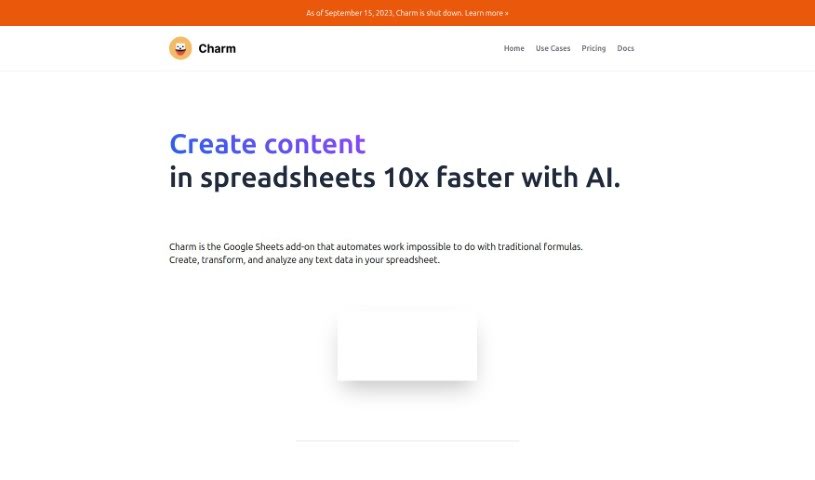
Charm is your smart assistant for Google Sheets. It's an add-on designed to take on those repetitive, time-consuming spreadsheet tasks, thanks to AI like GPT-3. What can it do? Well, it's great at tidying up messy data, whipping up content for blogs or marketing, and sorting through feedback to make your work life smoother. Plus, it's super easy to use, no matter your tech skill level.

Screenshot of ChartAI

ChartAI

Freemium

ChartAI is a really neat AI tool built specifically for making charts and diagrams. Thanks to its smart technology and easy-to-use design, ChartAI lets you create eye-catching, informative visuals in just minutes. It's perfect for anyone – whether you're in business, crunching numbers as a data analyst, or teaching. ChartAI helps you explain complicated stuff clearly. Just pop in your data, pick a chart style you like, and let ChartAI handle the rest. It'll look at your data and whip up beautiful, accurate charts that you can tweak to perfectly show what you mean.

Screenshot of Chartpixel

Chartpixel

Freemium

ChartPixel is a really straightforward tool that helps you get a handle on your data and visualize it clearly. It is your go-to for making sense of numbers. It's packed with features like cleaning up messy data, making your charts look just right, spotting trends, and even giving you insights backed by solid statistics. You can take raw data, spreadsheets, or even tables from websites and turn them into interactive charts and helpful insights. It really simplifies things by automatically picking the best chart types, writing out what the data means, and even offering forecasts. It’s designed to be super easy to use, with a guided way to explore your data and the ability to easily export your charts and insights straight into PowerPoint for your presentations.

Screenshot of CHAT WITH DATA

CHAT WITH DATA

Freemium

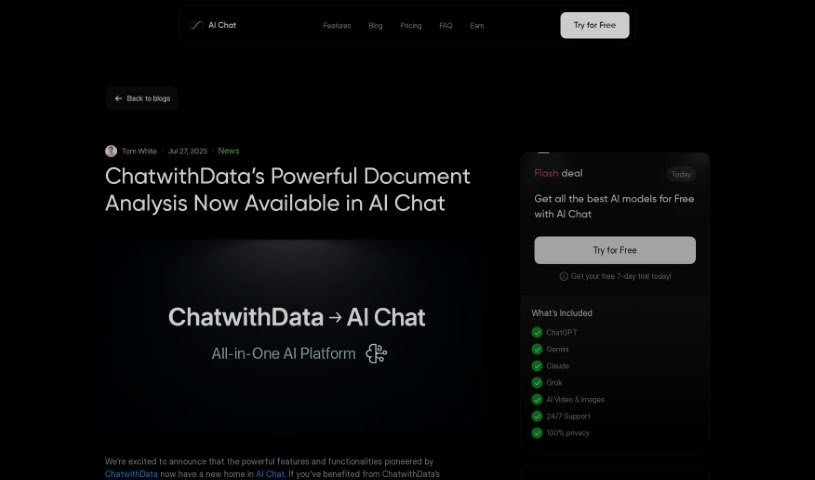
ChatwithData.ai is a really handy tool that works with all sorts of data files. Think PDFs, spreadsheets (XLSX), Word documents (DOCX), CSV files, and even SQL databases. It’s designed to help you pull out useful information from these different formats. Whether you're looking at financial statements, company procedures, mailing lists, or databases for managing inventory, this tool can help you make sense of it all. For example, you can use it to figure out where your company is spending too much money, identify different groups of customers, understand what's going on with your inventory, or analyze purchase orders. Plus, it’s great for getting quick answers from your data, letting you ask specific questions, cutting down on boring data tasks, and generally improving how your business performs financially. Just type your questions directly into the software, and it’ll dig into your data sets to find the answers you need.

Screenshot of Chat2CSV

Chat2CSV

Freemium

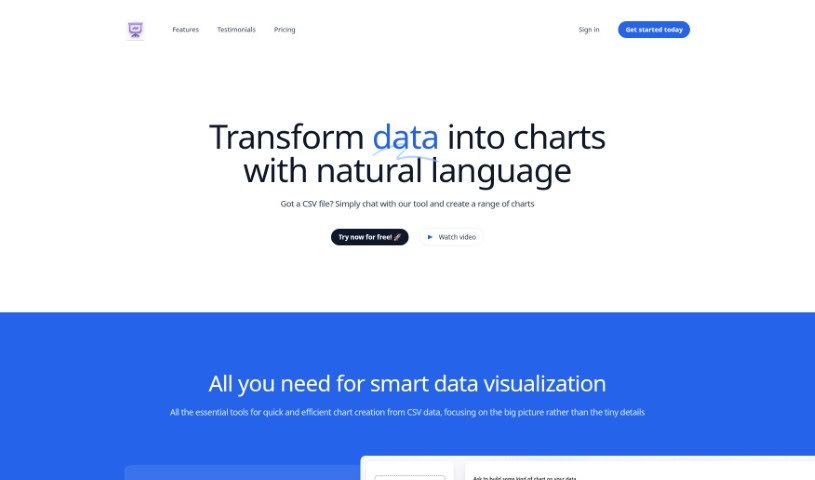
Chat2CSV is a really neat platform that makes turning your CSV data into all sorts of charts super easy. You just use plain English commands, and it does the work for you. Want a pie chart, a scatter plot, a line graph, or a bar chart? No problem! You don't need to know any coding or scripting at all. Plus, the AI built into the platform is pretty smart; it can even suggest the best types of charts for your specific data, which really helps you get better insights. And don't worry about your data's safety – that's a huge priority. The server only handles the metadata, meaning your actual data stays right where it belongs: with you. This keeps everything private and secure. Ultimately, Chat2CSV is all about making data visualization simple and accessible for everyone, whether you're an individual or a business, anywhere in the world.

Screenshot of Chat2Db

Chat2Db

Freemium

Chat2DB is a pretty advanced system for managing databases, and it's got Artificial Intelligence built right in. It is a super-helpful all-in-one tool for handling your data, whether you're developing, analyzing, or just need to work with different kinds of data storage. What's really neat is that it lets you talk to your data using everyday language. Plus, it can help you write SQL code with AI, give you smart reports for making decisions faster, and it works with a whole bunch of different databases, so you can manage them all from one place.

Screenshot of Chatbox

Chatbox

Freemium

Chatbox is a really user-friendly AI solution designed to help you be more productive, whether you're working or studying. It is an AI client application and a smart assistant that works with a bunch of the latest AI models and APIs. What makes Chatbox stand out are its powerful prompt abilities, support for multiple AI models, flexible formatting options, and the fact that it stores your data securely, right on your own device. You can start using it for free, and there are also subscription plans available if you need more advanced AI services.

Screenshot of ChatCSV

ChatCSV

Freemium

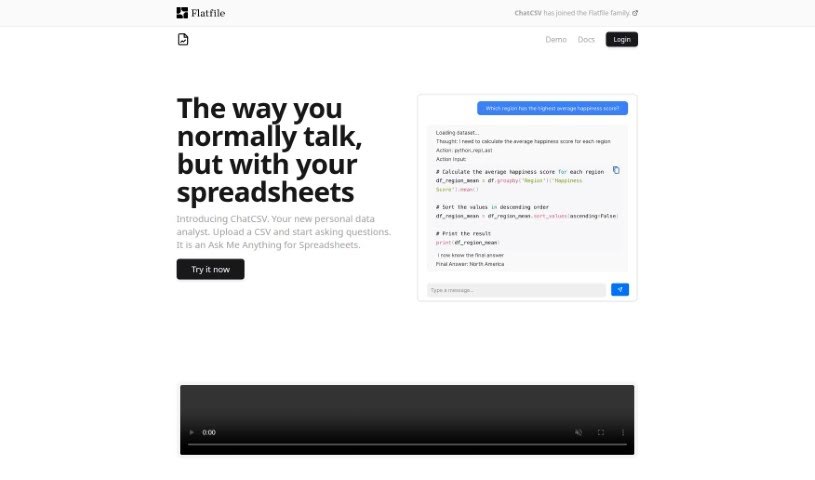
ChatCSV is a personal data analysis tool designed to make working with CSV files much simpler. It is a way to chat with your spreadsheets! It lets you ask questions directly about your CSV data, analyze it, and get insights without needing to be a data expert. You can upload files from your computer, paste data right from your clipboard, or even use a URL. ChatCSV can even suggest common questions to ask about your data and show you the answers with charts. Plus, it keeps a history of your conversations, making it easy to revisit your analysis later.

Screenshot of ChatDB

ChatDB

Freemium

ChatDB is a smart, AI-powered tool that really helps you out when you're working with databases. It is your personal assistant for generating SQL queries, building data dashboards, and understanding what your database is telling you, all in plain English. It makes interacting with databases much simpler by turning your everyday questions into SQL code. This is a huge help for visualizing complex data relationships and makes it way easier for people who don't have deep SQL knowledge to get involved. ChatDB offers cool features like visual layouts, instant chart building, the ability to work with multiple tables at once, and a data view that feels a lot like a spreadsheet. Plus, it even helps you debug your queries and offers technical support, making your data more accessible through its easy-to-use chat interface.

Stay Updated with AI Tools

Get weekly updates on the latest AI tools, trends, and insights delivered to your inbox

Join 25,000+ AI enthusiasts. No spam, unsubscribe anytime.