AI Tools for Productivity

Discover the best Productivity AI tools to enhance your productivity and creativity.

Page 18 of 114 • 1361 total tools

In today’s busy world, staying productive can feel like a real challenge. With so much to do, constant notifications, and distractions everywhere, having the right tools to manage your time well is more important than ever. That’s where AI productivity tools come in—they’re designed to make your work smoother, handle repetitive tasks for you, and keep you organized.

These smart solutions have come a long way recently. They’ve gone from simple task managers to complete systems that can adapt to what you need. Whether you’re trying to organize your day better, improve how your team works together, or finally tackle that huge inbox, the right AI tools can make a big difference.

As I looked into the best AI productivity tools out there, I tried out several apps that promise to make you more efficient and focused. From smart schedulers to new project management systems, there are tons of options to help you get your time back.

So, if you’re ready to boost your productivity and make the most of your workday, you’re in the right place. Here’s a list of great AI productivity tools that are definitely worth checking out. Let’s explore how to work smarter together!

The best AI Productivity Tools

  1. Perplexity for automating tasks and helping with management.
  2. Small PDF.com for smoother document management for teams.
  3. Gamma for document creation tools that save time.
  4. Odoo for a task management and collaboration app.
  5. Zoom for analyzing and summarizing meeting content.
  6. N8N for smoother team onboarding processes.
  7. Prezi for engaging team collaboration sessions.
  8. Tableau for creating reports and dashboards more easily.
  9. Data Camp for efficient team collaboration workflows.
  10. Otter.ai for getting action items from meetings without the fuss.
  11. Tenorshare for easily summarizing long PDF documents.
  12. Slidesgo for creating professional presentations efficiently.
  13. Facecheck Id for streamlining identity verification tasks.
  14. HIX.AI for boosting writing speed with smart tools.
  15. Tactiq for automating meeting notes for teams.

How do AI productivity tools work?

AI productivity tools use machine learning to look at how you work and make your tasks more efficient. These tools are built to handle lots of information, spotting patterns and your preferences to help smooth out your workflows. By understanding how you use different apps, AI can suggest personal improvements to boost your productivity.

Basically, these tools use natural language processing (NLP) to understand and respond to what you ask. For example, they can schedule meetings, set reminders, or create reports just by understanding simple requests. This saves you time and cuts down on manual work.

Many AI productivity apps connect with popular tools like calendars, email, and project management software. This connection lets them gather information and automate tasks across different places. As a result, you get a smooth, connected experience that improves how you work day-to-day.

AI productivity tools also learn from how you use them to get better over time. The more you use a tool, the better it gets at guessing what you need and offering helpful suggestions. This ability to adapt is what makes AI tools increasingly valuable for improving productivity for both individuals and teams.

Plus, these tools can look at data about how you complete tasks and suggest ways to improve. For instance, if you often miss deadlines, the AI might suggest better ways to manage your time. By giving you useful insights, AI productivity tools help you work smarter, not just harder.

In the end, AI productivity tools show how technology can change everyday tasks into more efficient processes. By automating routine jobs and offering personal insights, they help you focus on what’s most important—hitting your goals and being more effective overall.

Our best AI productivity tools at a glance

RankNameBest forPlans and PricingRating
1PerplexityAutomating tasks and helping with management.N/A4.70 (10 reviews)
2SmallPDF.comSmoother document management for teams.Paid plans start at $9/month.4.73 (11 reviews)
3GammaDocument creation tools that save time.N/A4.79 (19 reviews)
4OdooA task management and collaboration app.N/A4.67 (6 reviews)
5ZoomAnalyzing and summarizing meeting content.Paid plans start at $15.99/month.4.73 (11 reviews)
6N8NSmoother team onboarding processes.Paid plans start at $50/month.4.58 (12 reviews)
7PreziEngaging team collaboration sessions.Paid plans start at $19/month.4.18 (11 reviews)
8TableauCreating reports and dashboards more easily.N/A4.70 (43 reviews)
9DataCampEfficient team collaboration workflows.Paid plans start at $25/month.4.71 (24 reviews)
10Otter.aiGetting action items from meetings without the fuss.Paid plans start at $13.59/month.4.73 (11 reviews)
11TenorshareEasily summarizing long PDF documents.N/A4.64 (11 reviews)
12SlidesgoCreating professional presentations efficiently.N/A4.68 (22 reviews)
13Facecheck IdStreamlining identity verification tasks.N/A4.42 (19 reviews)
14HIX.AIBoosting writing speed with smart tools.N/A4.36 (11 reviews)
15TactiqAutomating meeting notes for teams.N/A4.64 (11 reviews)
Screenshot of Chatdox

Chatdox

Freemium

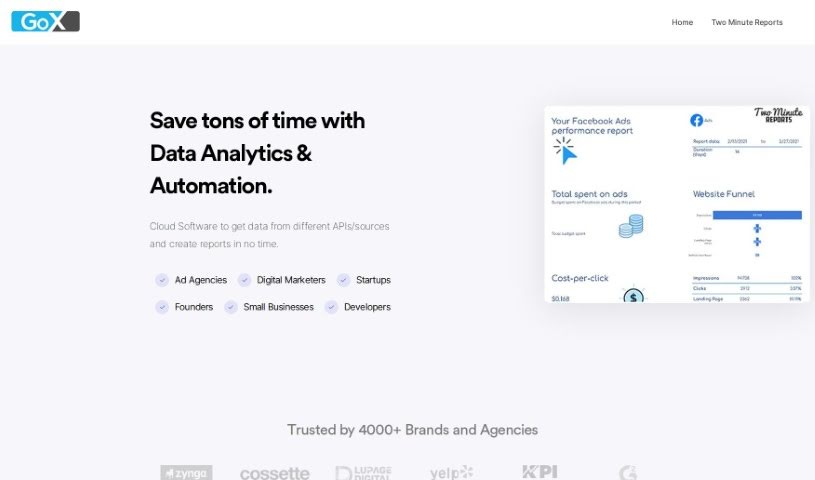
ChatDox is an AI-powered tool that helps you manage your documents and get answers from them quickly. You can upload files in common formats like PDF, DOCX, TXT, and CSV, and then just ask away! It's designed to give you instant, accurate responses. ChatDox supports advanced language processing with GPT 3.5 & 4, has a handy Digital Library for keeping your documents organized, works with multiple languages, and even lets you ask questions across several documents at once. It's built for everyone – individuals, students, businesses, and scholars – offering an easy-to-use interface, live support, secure storage, and custom API options. You can try it out with different pricing plans, including a free trial.

Screenshot of ChatPC

ChatPC

Freemium

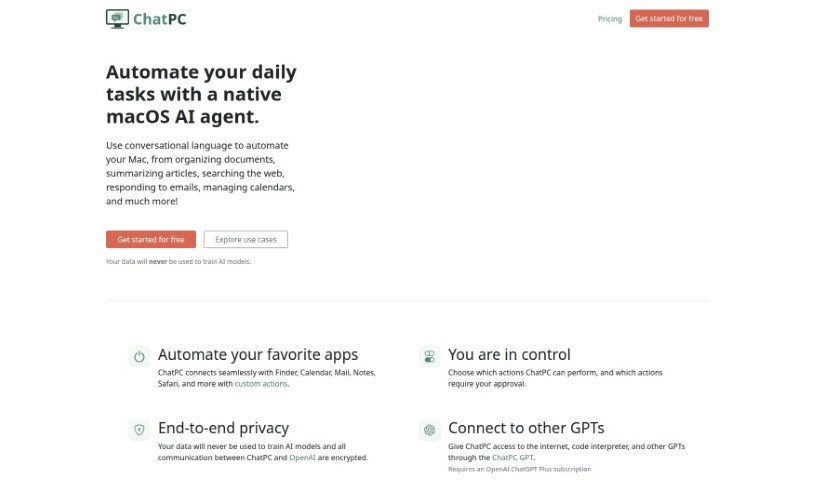
ChatPC is a really handy tool designed to boost your productivity and make tasks much more efficient. It is your personal assistant for learning and writing. It helps you learn faster by assisting with reading, taking notes, understanding complex topics, and even testing your knowledge. Plus, it makes writing feel more confident by helping you compose messages, craft replies, polish your writing, adjust your tone, and fix grammar. What's more, ChatPC can turn your own documents into a personal knowledge base, so you can get instant answers just by asking. It even helps organize your files by renaming and arranging them based on what's inside, making file management a breeze.

Screenshot of ChatScope AI

ChatScope AI

Freemium

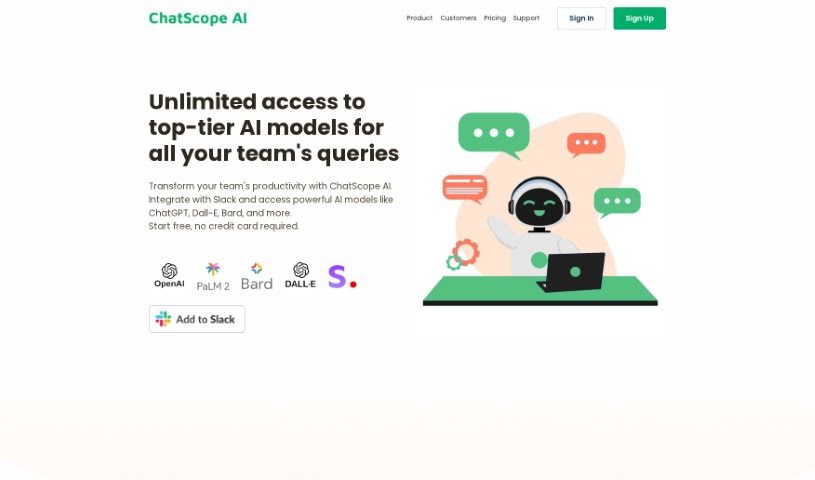
ChatScope AI is a smart tool built to make teams work better together. It fits right into Slack, giving you access to powerful AI like ChatGPT, Dall-E, and Bard. This means you can speed up your work and come up with new ideas much faster. One really handy feature is its thread summarizer, which gives you a clear rundown of long conversations. This helps everyone stay on track and boosts productivity.

Screenshot of Chattermill

Chattermill

Freemium

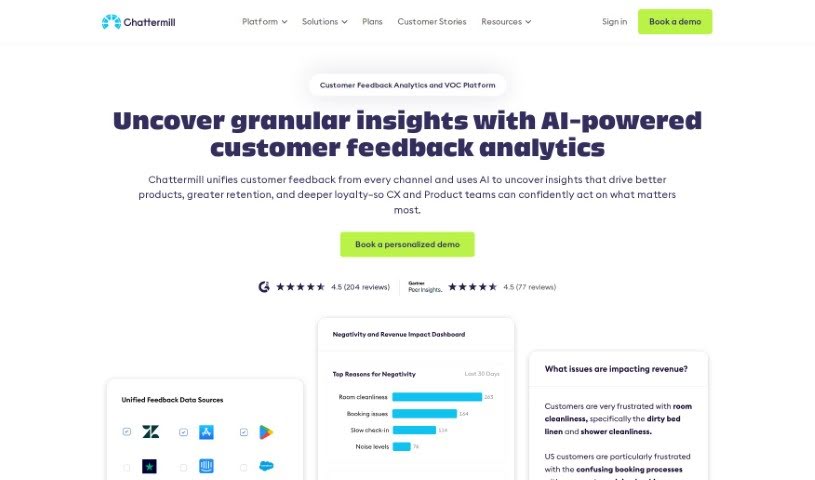
Chattermill is a platform designed to help businesses really improve how they connect with their customers. It does this by bringing together and analyzing all your customer feedback from different places. This way, you can easily figure out what your customers actually care about and focus your efforts there. Mikhail Dubov and Dmitry Isupov founded it back in 2015, and it uses deep learning technology to quickly pull out useful insights from your data. Big names like Uber, HelloFresh, and Wise trust Chattermill to help them understand and act on what their customers are experiencing. The platform offers a range of analytics tools, including ways to analyze customer feedback, support data, product feedback, and even social media comments. Plus, Chattermill takes data security and privacy seriously, offering SOC2 Type II certification, GDPR and CCPA compliance, data hosting in the EU & US, and robust admin controls.

Screenshot of Chaturji

Chaturji

Freemium

Chaturji is your team's AI assistant, designed to make collaboration and sharing much simpler. It gives you access to some of the best AI systems out there, like Claude 3 (Opus, Haiku, Sonnet), GPT4, and Gemini Pro, all in one place. You can use it to write, save, and organize your prompts, and it even offers analytics to help your team get the most out of AI. Plus, it really focuses on keeping your data private and secure, creating a safe space for sharing knowledge.

Screenshot of ChatWithDocs

ChatWithDocs

Freemium

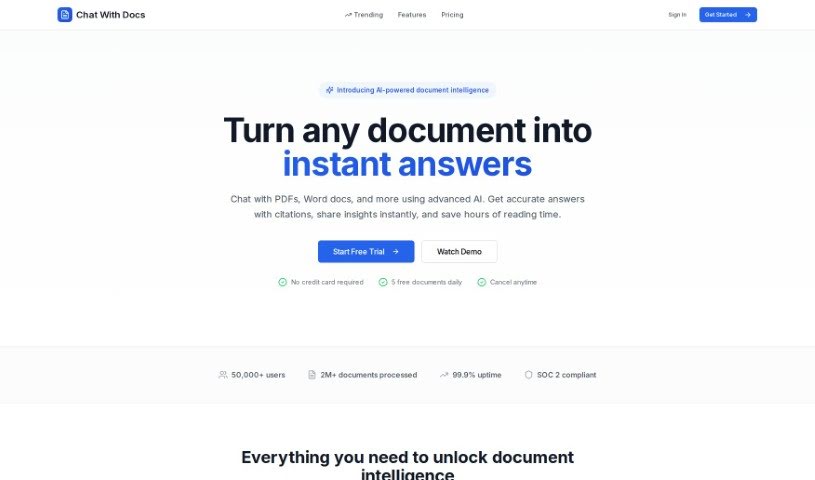
ChatWithDocs is a platform that lets you talk to your documents using just two lines of code through its API. It's pretty versatile, handling lots of file types like PDFs, DOCX, DOC, PPTX, TXT, and more. You get instant answers back from the API, it works with many programming languages, and the pricing is easy on the wallet. What's great about it is that your documents stay secure, document analysis becomes much simpler, and you save a ton of time and resources. Plus, you can actually chat with your documents, and its flexible credit system means it can grow with your needs. It's built for automation, handles tricky document questions really well, and is super efficient at pulling out content and data.

Screenshot of Cheat Layer

Cheat Layer

Freemium

Cheat Layer actually got its start during the pandemic. The founders wanted to help people who had lost their jobs or seen their businesses suffer. They began by offering pro bono assistance, and later incorporated GPT-3 into their efforts. It's pretty remarkable that Cheat Layer was the very first startup authorized by OpenAI to sell GPT-3 for automation, which happened back in August 2021. Just a year later, in July 2022, they released Project Atlas, their framework for AI agents.

Screenshot of Checklist.gg

Checklist.gg

Freemium

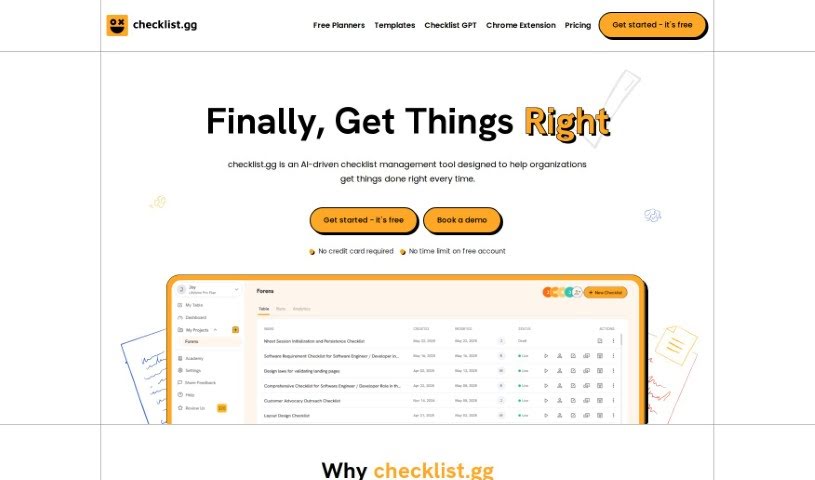
Checklist.gg is your smart assistant for making sure things get done right. It's an AI-powered tool designed to help businesses and teams run smoother by improving their processes and cutting down on mistakes. You can easily create, tweak, and share all sorts of checklists, step-by-step processes, and standard operating procedures (SOPs). It's packed with handy features like task management, workflow management, and real-time collaboration, so everyone stays on the same page. Plus, it plays nicely with other tools you might already be using and offers a huge library of over 1,000 templates to get you started quickly. You can tailor everything to your specific needs, and the best part? You can start for free, with paid plans kicking off at a very reasonable $8 per month per person. This platform comes to us from Team BlockSurvey and is built using modern tech like React, Angular, Next.js, Vercel, and TypeScript.

Screenshot of Chooch

Chooch

Freemium

Chooch is really leading the way in the AI industry. They offer advanced Generative AI and Computer Vision solutions that are changing businesses across all sorts of sectors – think Geospatial, Healthcare, Manufacturing, Retail, and even Smart Cities. By bringing AI Vision technology into the mix, Chooch helps organizations automate those time-consuming manual video and image analysis tasks. This means you get insights much faster and save valuable resources. Their platform is great at giving you real-time, actionable insights because it can instantly detect and interpret visual elements. This really helps with making smarter decisions and improving how things run day-to-day. Plus, with its sophisticated AI algorithms, Chooch boosts how efficient your operations are and gives you a real competitive advantage. Features like their ReadyNow™ AI Vision models and the flexibility to deploy them on any device, including edge computing, make it super versatile.

Screenshot of Chord.ooo

Chord.ooo

Freemium

Chord.ooo is a really interesting AI tool that gives you honest, organic recommendations on all sorts of things. It is a search engine with a twist – it's designed to be super intuitive. What makes it special is how it pulls together real discussions from the web, summarizing them into articles that feel like in-depth analyses. It sources information directly from these organic conversations related to what you're looking for, giving you detailed insights. You can even post your own questions on Chord, and other community members can jump in with answers, creating a great collaborative space for sharing knowledge. Plus, Chord keeps its results accurate and current by letting users contribute updates, making sure everything stays reliable.

Screenshot of Circleback

Circleback

Freemium

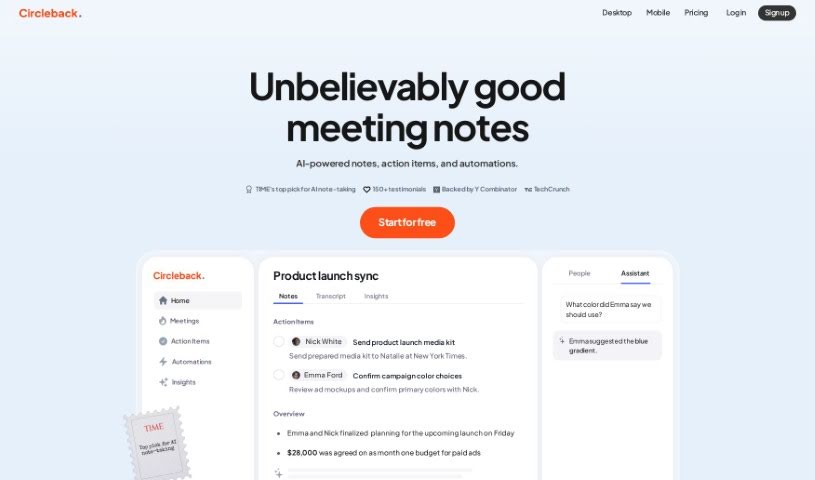
Circleback is a smart platform that records and transcribes your meetings, whether they're online or in person. After the meeting wraps up, it automatically gives you detailed summaries, lists out action items, and provides comprehensive notes. It's designed to work smoothly with your calendar apps and popular meeting tools like Zoom, Google Meet, Microsoft Teams, and WebEx, transcribing conversations in over 100 languages. You'll find features like automated note-taking, AI-powered search to find exactly what you need, and powerful automations that can connect with tools you already use, such as Slack, Notion, HubSpot, and Salesforce. Circleback also takes data security seriously, encrypting your information both while it's being sent and when it's stored. Plus, you're in control of who can access and share your meeting data. You can easily share notes with your team, create links for others to view, or send meeting summaries directly to attendees via email.

Stay Updated with AI Tools

Get weekly updates on the latest AI tools, trends, and insights delivered to your inbox

Join 25,000+ AI enthusiasts. No spam, unsubscribe anytime.