Discover what ChatGPT in Google Sheets is and learn how to use it effectively in 2025. We'll explore its features and see how it stacks up against other data analytics tools.

ChatGPT in Google Sheets
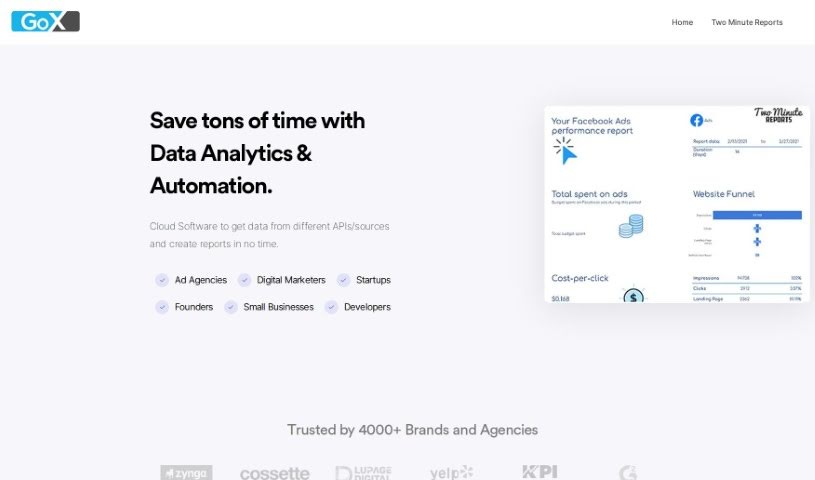
Two Minute Reports brings ChatGPT’s powerful AI right into Google Sheets, making your data analysis and reporting much faster and more effective. By using ChatGPT versions 3 and 4 directly within Google Sheets, you can easily find important insights and speed up how you make decisions based on data. With integrations for things like Facebook Ads, Google Analytics 4, and Google Ads, building custom dashboards and getting clear, actionable performance insights is incredibly smooth. Two Minute Reports actually offers over 75 different integrations that cover SEO, PPC, and Social Media, so it’s a great fit for all sorts of marketing and analytics tasks. The platform is designed to give you automated insights, make reporting for different platforms a breeze, connect with tons of other tools, provide easy-to-use templates, and offer helpful educational resources to really get the most out of your reporting.
ChatGPT in Google Sheets was actually developed by the team behind Two Minute Reports. This platform does a fantastic job of blending the advanced AI capabilities of ChatGPT versions 3 and 4 with Google Sheets, which really helps improve how you analyze data and create reports. Two Minute Reports boasts over 75 integrations, including popular ones like Facebook Ads, Google Analytics 4, and Google Ads, all designed to make creating custom dashboards and getting actionable insights much simpler. The company is focused on meeting a wide range of marketing and analytics needs, offering features like automated insights, reporting that’s easy to manage for various platforms, a huge number of integrations, templates that are straightforward to use, and educational materials to help users get the best results.
To really make the most of ChatGPT in Google Sheets, here’s a simple breakdown of how to get started:
Setting Up the Integration:
Getting Automated Insights:
Creating Reports Quickly:
Leveraging Lots of Integrations:
Using the Template Library:
Exploring Educational Resources:
By following these steps, you can really harness ChatGPT’s intelligence inside Google Sheets. It’s a great way to streamline how you analyze data, manage your reporting, and make decisions more efficiently.
Discover more tools in similar categories that might interest you
Get weekly updates on the latest AI tools, trends, and insights delivered to your inbox
Join 25,000+ AI enthusiasts. No spam, unsubscribe anytime.