AI Tools for Productivity

Discover the best Productivity AI tools to enhance your productivity and creativity.

Page 19 of 114 • 1361 total tools

In today’s busy world, staying productive can feel like a real challenge. With so much to do, constant notifications, and distractions everywhere, having the right tools to manage your time well is more important than ever. That’s where AI productivity tools come in—they’re designed to make your work smoother, handle repetitive tasks for you, and keep you organized.

These smart solutions have come a long way recently. They’ve gone from simple task managers to complete systems that can adapt to what you need. Whether you’re trying to organize your day better, improve how your team works together, or finally tackle that huge inbox, the right AI tools can make a big difference.

As I looked into the best AI productivity tools out there, I tried out several apps that promise to make you more efficient and focused. From smart schedulers to new project management systems, there are tons of options to help you get your time back.

So, if you’re ready to boost your productivity and make the most of your workday, you’re in the right place. Here’s a list of great AI productivity tools that are definitely worth checking out. Let’s explore how to work smarter together!

The best AI Productivity Tools

  1. Perplexity for automating tasks and helping with management.
  2. Small PDF.com for smoother document management for teams.
  3. Gamma for document creation tools that save time.
  4. Odoo for a task management and collaboration app.
  5. Zoom for analyzing and summarizing meeting content.
  6. N8N for smoother team onboarding processes.
  7. Prezi for engaging team collaboration sessions.
  8. Tableau for creating reports and dashboards more easily.
  9. Data Camp for efficient team collaboration workflows.
  10. Otter.ai for getting action items from meetings without the fuss.
  11. Tenorshare for easily summarizing long PDF documents.
  12. Slidesgo for creating professional presentations efficiently.
  13. Facecheck Id for streamlining identity verification tasks.
  14. HIX.AI for boosting writing speed with smart tools.
  15. Tactiq for automating meeting notes for teams.

How do AI productivity tools work?

AI productivity tools use machine learning to look at how you work and make your tasks more efficient. These tools are built to handle lots of information, spotting patterns and your preferences to help smooth out your workflows. By understanding how you use different apps, AI can suggest personal improvements to boost your productivity.

Basically, these tools use natural language processing (NLP) to understand and respond to what you ask. For example, they can schedule meetings, set reminders, or create reports just by understanding simple requests. This saves you time and cuts down on manual work.

Many AI productivity apps connect with popular tools like calendars, email, and project management software. This connection lets them gather information and automate tasks across different places. As a result, you get a smooth, connected experience that improves how you work day-to-day.

AI productivity tools also learn from how you use them to get better over time. The more you use a tool, the better it gets at guessing what you need and offering helpful suggestions. This ability to adapt is what makes AI tools increasingly valuable for improving productivity for both individuals and teams.

Plus, these tools can look at data about how you complete tasks and suggest ways to improve. For instance, if you often miss deadlines, the AI might suggest better ways to manage your time. By giving you useful insights, AI productivity tools help you work smarter, not just harder.

In the end, AI productivity tools show how technology can change everyday tasks into more efficient processes. By automating routine jobs and offering personal insights, they help you focus on what’s most important—hitting your goals and being more effective overall.

Our best AI productivity tools at a glance

RankNameBest forPlans and PricingRating
1PerplexityAutomating tasks and helping with management.N/A4.70 (10 reviews)
2SmallPDF.comSmoother document management for teams.Paid plans start at $9/month.4.73 (11 reviews)
3GammaDocument creation tools that save time.N/A4.79 (19 reviews)
4OdooA task management and collaboration app.N/A4.67 (6 reviews)
5ZoomAnalyzing and summarizing meeting content.Paid plans start at $15.99/month.4.73 (11 reviews)
6N8NSmoother team onboarding processes.Paid plans start at $50/month.4.58 (12 reviews)
7PreziEngaging team collaboration sessions.Paid plans start at $19/month.4.18 (11 reviews)
8TableauCreating reports and dashboards more easily.N/A4.70 (43 reviews)
9DataCampEfficient team collaboration workflows.Paid plans start at $25/month.4.71 (24 reviews)
10Otter.aiGetting action items from meetings without the fuss.Paid plans start at $13.59/month.4.73 (11 reviews)
11TenorshareEasily summarizing long PDF documents.N/A4.64 (11 reviews)
12SlidesgoCreating professional presentations efficiently.N/A4.68 (22 reviews)
13Facecheck IdStreamlining identity verification tasks.N/A4.42 (19 reviews)
14HIX.AIBoosting writing speed with smart tools.N/A4.36 (11 reviews)
15TactiqAutomating meeting notes for teams.N/A4.64 (11 reviews)
Screenshot of Citizen Portal AI

Citizen Portal AI

Freemium

Citizen Portal AI is a platform designed to really boost democracy. It gives citizens access to well-researched information, powered by advanced AI and deep search capabilities. The goal? To support a government that looks beyond political parties and encourages everyone to get involved in building a more transparent political landscape. By using AI, Citizen Portal AI makes it easier to find important government information, helping you make smarter decisions and contribute to our shared future. It also aims to rebuild trust in government and get more people involved in a democracy that's open and accountable. With a leadership team that has 30 years of experience under their belts, Citizen Portal AI is attracting new users every day who are excited to help shape democracy's future.

Screenshot of Clari Note Taking

Clari Note Taking

Freemium

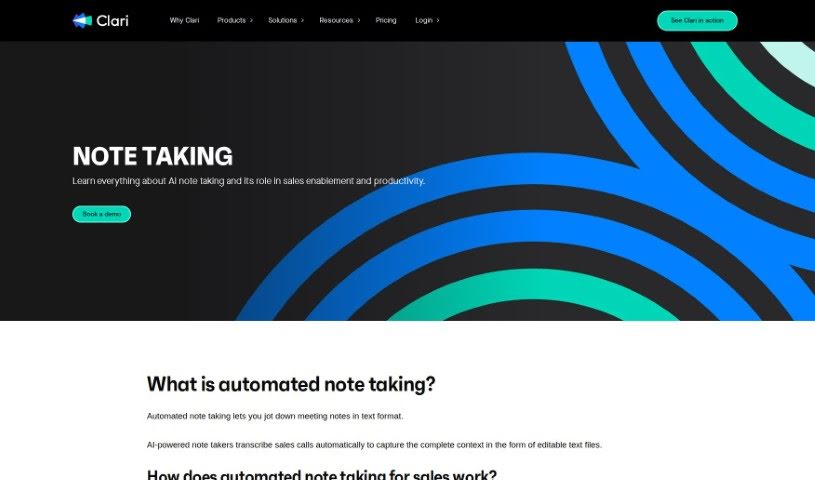
At its heart, note-taking is a fundamental practice. It's all about capturing important information as you go through meetings, lectures, or research. Now, imagine doing that automatically with AI. That's where automated note-taking comes in. It makes it super easy to turn spoken words into text. These AI tools can even transcribe sales calls automatically, giving you a complete, editable text record of the entire conversation. They work by analyzing speech using Automatic Speech Recognition (ASR) systems, which then convert it into text for your call transcripts. While these automatic notes aren't always perfect – think accents or background noise – they really do boost your productivity. They let sales reps concentrate on the actual conversation instead of fumbling with a notepad.

Screenshot of Clarify AI

Clarify AI

Freemium

Clarify AI is a really neat tool designed to help you turn those fuzzy, vague ideas into clear, structured insights, and it does this in just minutes. If you ever struggle to put your thoughts into words, or if your job involves dealing with a lot of uncertainty every day, this tool is made for you. It starts by taking your ambiguous idea, then it works on refining and articulating it so everyone's on the same page about the problem. What's cool is that it automatically builds an organized issue tree for you. This lets you really focus on nailing down the problem itself. As you provide your own thoughts and insights, Clarify AI uses them to generate specific, relevant context for whatever you're working on. You can add your own ideas, and together with Clarify AI, you'll create outputs that are much more than just generic text – they'll have both structure and real relevance. The big wins here are getting crystal clear on your ideas in minutes, easily organizing your thoughts, and building a strong base for any further research or for feeding into other AI tools. It tackles that common problem of trying to get good results without enough context by working with you to build that context, helping you refine your ideas and generate actionable insights efficiently.

Screenshot of Claros

Claros

Freemium

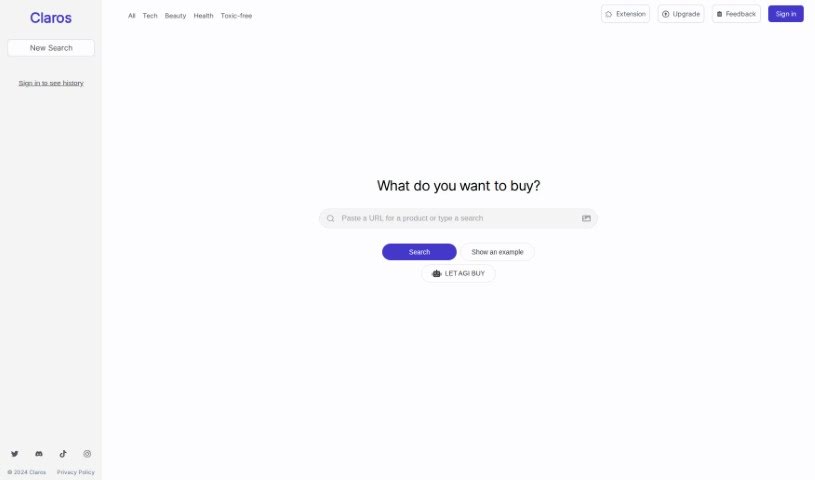
Claros is your personal AI shopping assistant. It's designed to make shopping feel truly personal by searching the entire internet for products that perfectly match what you like. Unlike huge online stores like Amazon or Temu, Claros really digs deep. It cuts through all the noise, filters out anything that isn't quite right, and presents you with recommendations that genuinely align with your tastes. People who've used it often mention how efficient it is, how easy it is to get started, and how much time it saves them by quickly finding exactly what they need.

Screenshot of Clearword

Clearword

Freemium

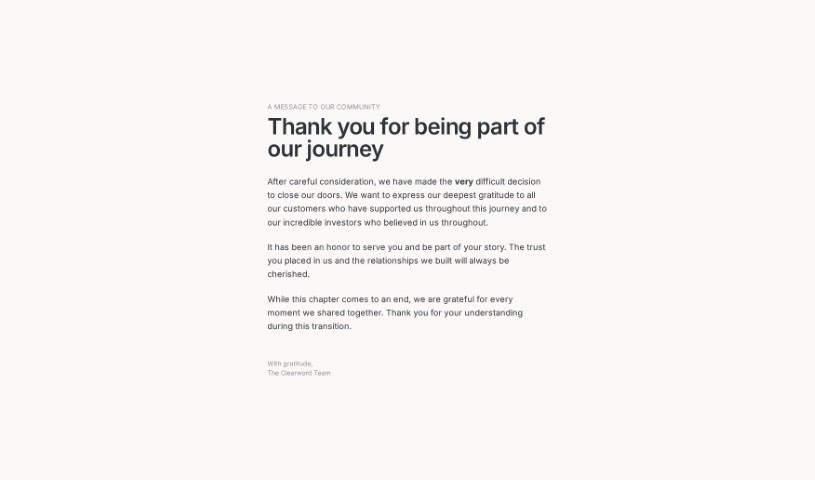
Clearword is your real-time AI meeting sidekick. It's built to make your meetings much better by automatically summarizing them, letting you easily export action items, and creating a searchable library of all your meeting info. It plays nicely with Zoom, Google Meet, and Microsoft Teams, all with the goal of making your meetings smoother and helping you get more done. People who use it often say it's a game-changer for improving meetings and making them feel more effective and productive.

Screenshot of Cleora.ai

Cleora.ai

Freemium

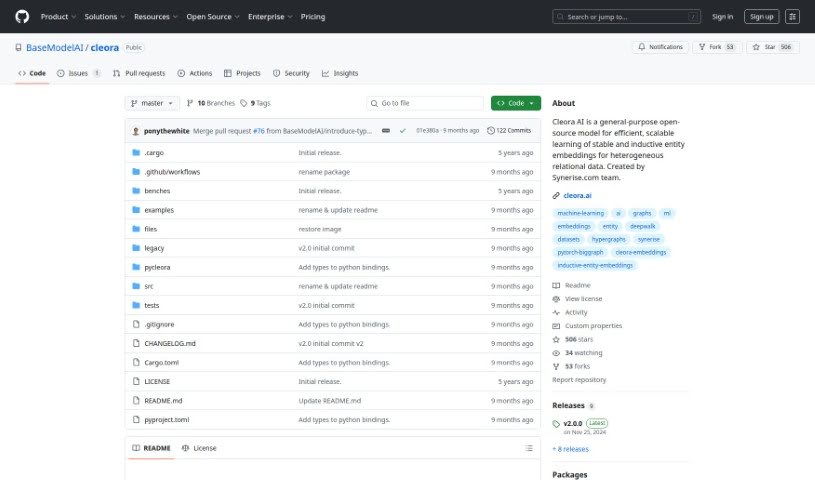
Cleora.AI is a really useful machine learning tool that helps Data Science and Analytics teams create high-quality enterprise embeddings without any fuss. It is a way to make complex data more manageable and insightful. It gets rid of the need for expensive hardware, making this powerful process accessible and scalable for everyone.

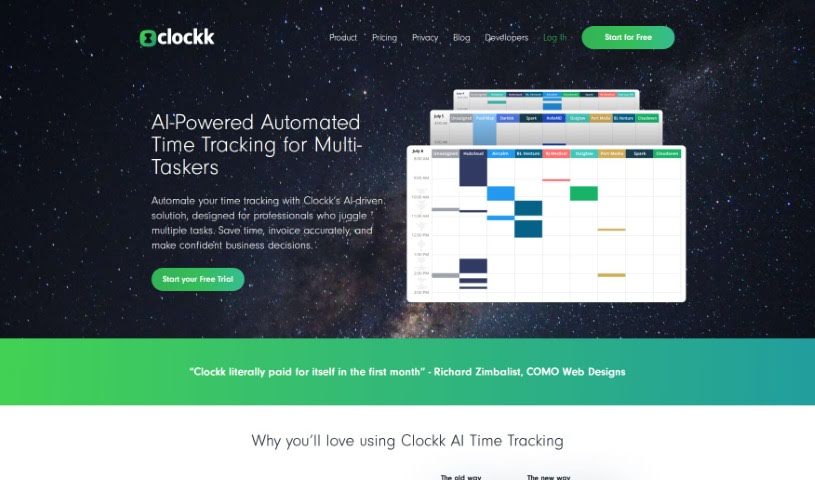
Screenshot of Clockk

Clockk

Freemium

Clockk is a smart time tracking tool that uses AI to help professionals accurately keep tabs on the time they spend on client projects. Forget about those old-school manual timers you have to start and stop. Clockk works quietly in the background, automatically logging your tasks without you needing to fill out timesheets. This means you can bill clients precisely, avoid guesswork, and boost your profits. You can easily check your tasks and send them off, making your time tracking much more efficient and accurate. Plus, Clockk is great at capturing the natural flow of your workday. You can switch between different tasks or projects without missing a beat, all while keeping your time records spot-on. Basically, Clockk makes time tracking simple, ensures you bill correctly, and lets you concentrate on doing your best work.

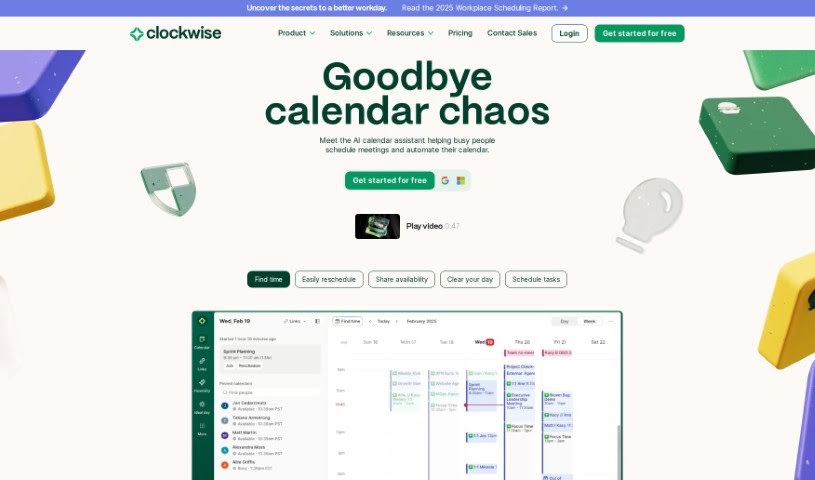
Screenshot of Clockwise

Clockwise

Freemium

Clockwise is a smart calendar tool that uses AI to help manage your team's schedule. It is a personal assistant for your calendar, powered by advanced AI like the Generative Pre-trained Transformer (GPT) model. It learns how you and your team like to work, figuring out your best productivity times. The goal is simple: make sure you get more done by scheduling meetings efficiently, sorting out any conflicts, and carving out dedicated blocks of uninterrupted Focus Time. This really helps boost productivity. Companies like Amplitude, Asana, Etsy, Twitter, and Uber rely on Clockwise to get a better handle on their time and achieve a healthier work-life balance.

Screenshot of Cloudverse.ai

Cloudverse.ai

Freemium

CloudVerse.AI is your go-to partner for managing cloud services. Their main goal? To make cloud management simpler and more affordable for businesses, especially larger ones. They've developed a smart platform, powered by AI, that helps you oversee, manage, and fine-tune how much you spend across all your different cloud providers and services. This platform gives you insights driven by AI, helps you manage cloud security, and keeps a constant eye on things. All of this is designed to help companies cut costs, improve how they govern their cloud usage, and generally make their security stronger.

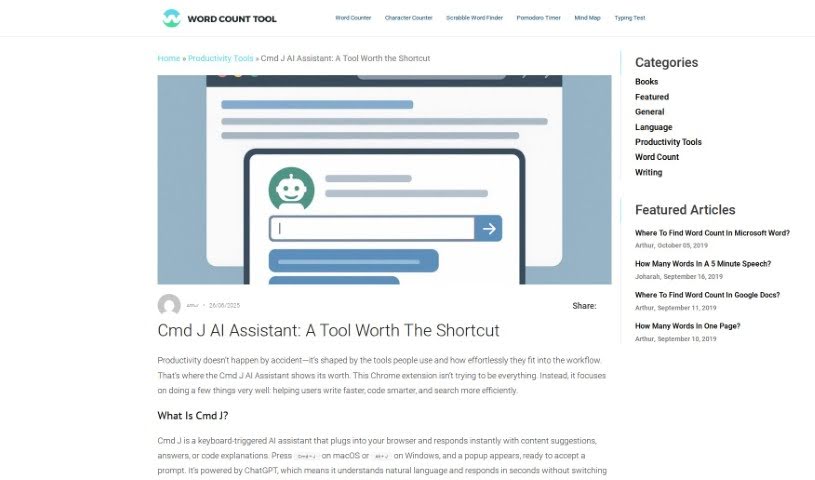
Screenshot of Cmd J

Cmd J

Freemium

Cmd J is a really neat Chrome extension that uses AI to help you be more productive. It is your personal assistant for writing, coding, and creating content. Just hit Cmd/Alt + J, and you can get instant help with things like checking your grammar and spelling, understanding code, drafting blog posts, or even getting quick answers from Google without digging through pages of results. It's especially handy if you want to polish your writing, quickly fix code bugs, or generate content for pretty much anything.

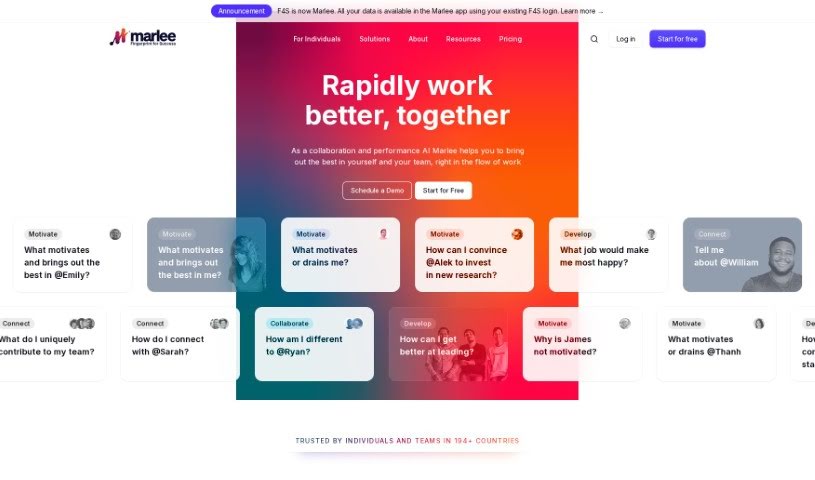
Screenshot of Coach Marlee

Coach Marlee

Freemium

Since the provided files don't directly detail Coach Marlee, I'll give you a general idea based on what these services typically offer.

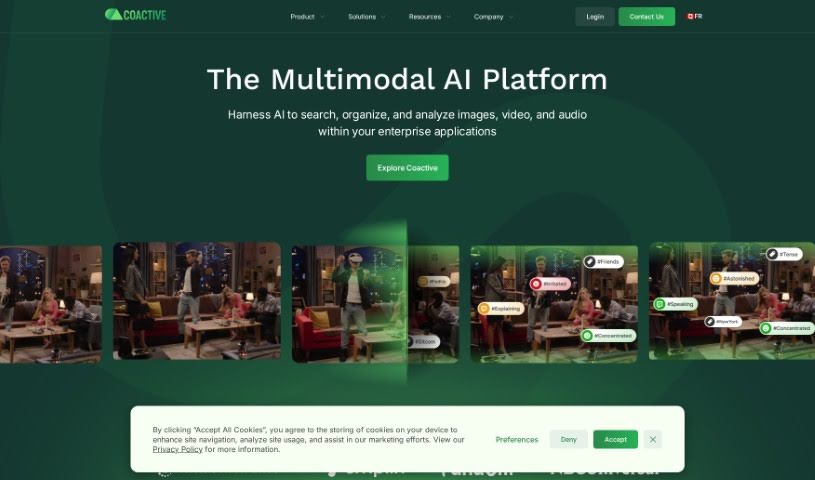
Screenshot of Coactive AI

Coactive AI

Freemium

Coactive AI is a really neat tool designed to pull out valuable insights from all sorts of unstructured image and video data. It is a way to make sense of huge collections of visuals. It's built for ease of use and speed, essentially bringing order to image and video data so it's actually useful for things like machine learning and general data analysis. If your business relies on data and you're dealing with tons of pictures and videos, Coactive AI could be a game-changer.

Stay Updated with AI Tools

Get weekly updates on the latest AI tools, trends, and insights delivered to your inbox

Join 25,000+ AI enthusiasts. No spam, unsubscribe anytime.