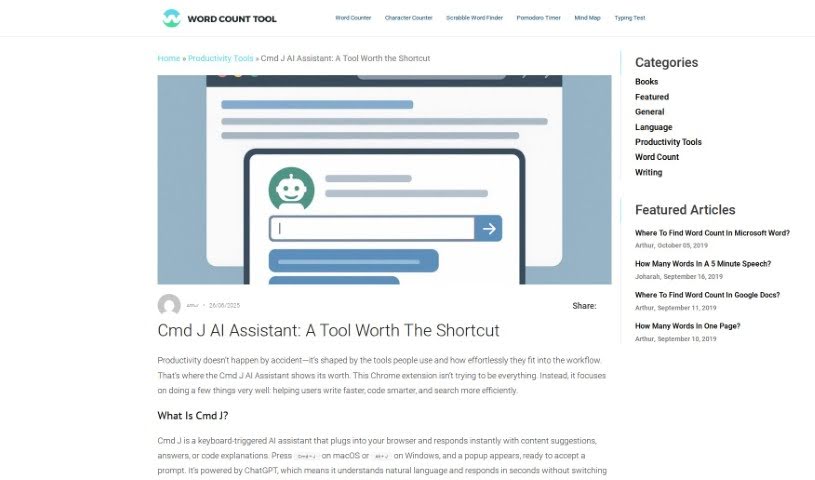
Screenshot of Cmd J

Cmd J

Discover what Cmd J is and how to use it effectively in 2025. We'll explore its features and see how it stacks up against other documentation tools.

Screenshot

What is Cmd J?

Cmd J is a really neat Chrome extension that uses AI to help you be more productive. It is your personal assistant for writing, coding, and creating content. Just hit Cmd/Alt + J, and you can get instant help with things like checking your grammar and spelling, understanding code, drafting blog posts, or even getting quick answers from Google without digging through pages of results. It’s especially handy if you want to polish your writing, quickly fix code bugs, or generate content for pretty much anything.

Who created Cmd J?

Cmd J was actually started by two founders: Jacob McDaniel and Madhav Bhat. Jacob is a serial entrepreneur who’s really into how technology and media come together. Madhav, on the other hand, is a seasoned product leader with a solid background in software development and AI. Together, they founded the company behind Cmd J, which is all about making a Chrome extension that uses AI to boost your productivity when you’re writing, coding, or creating content.

What is Cmd J used for?

Cmd J can help you with a bunch of things:

  • Writing: It’ll help you improve your writing by checking grammar and spelling.
  • Coding: Got a coding question? It can offer human-like solutions and explanations.
  • Content Creation: Need a draft for a blog or social media post? Cmd J can help you get started.
  • Quick Answers: Get direct answers from Google search results without having to sift through multiple pages.
  • Email Refinement: Polish up your email drafts to make sure they’re clear and effective.
  • Bug Fixing: It can help fix code bugs by giving you quick explanations and solutions.
  • Content Support: It’s great for generating content for blogs or articles.
  • Saving Time: It eliminates the need to search through multiple Google pages for information.
  • Daily Tasks: It helps with everyday tasks to boost your overall productivity.
  • Problem-Solving: It can even assist you with problem-solving tasks.

Who is Cmd J for?

Cmd J is a great tool for:

  • Writers
  • Content creators
  • Coders
  • Bloggers
  • Social media managers
  • Developers
  • Anyone who drafts emails

How to use Cmd J?

Using Cmd J, your AI-powered Chrome extension, is pretty straightforward. Here’s how:

  1. Activate It: Simply press the keyboard shortcut Cmd/Alt + J to bring up Cmd J.
  2. Get Coding Help: If you’re stuck on a coding problem, press Cmd + J. You’ll get human-like solutions and explanations to help you out.
  3. Generate Content: Need a hand drafting social media posts or blog articles? Use Cmd J when you’re feeling stuck and need a spark of inspiration.
  4. Search Smarter: Get instant answers with Cmd J. No more wading through pages of search results – it brings the answers right to you.
  5. Write Better: Feel more confident about your writing! Cmd J helps with grammar, spelling, and style. You can even rewrite text by hitting that keyboard shortcut.
  6. Check Out the Pricing: There are four plans available: Personal (which is free but has some limits), Basic, Premium, and Ultimate. Each offers different levels of OpenAI requests, response times, and support.
  7. Customer Support: Depending on your plan, you’ll get customer support. The Basic plan includes chat support, while the Premium and Ultimate plans offer priority chat support.

Just a heads-up, the free version of Cmd J might have some limitations. You might experience slower response times, country restrictions, or occasional login interruptions. These aren’t issues you’ll run into with the paid plans. Ultimately, the tool is designed to boost your productivity, sharpen your writing skills, and make coding assistance feel effortless.

Related AI Tools

Discover more tools in similar categories that might interest you

Stay Updated with AI Tools

Get weekly updates on the latest AI tools, trends, and insights delivered to your inbox

Join 25,000+ AI enthusiasts. No spam, unsubscribe anytime.