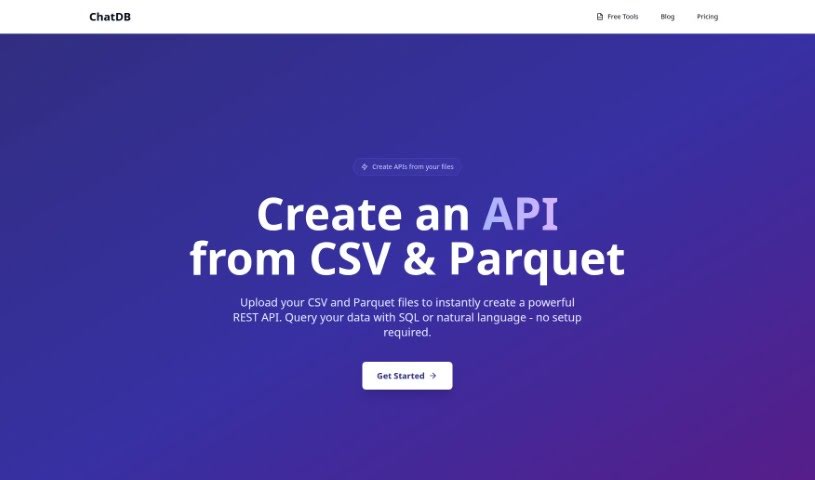
Screenshot of ChatDB

ChatDB

Discover what ChatDB is and how to use it effectively in 2025. We'll cover its features, compare it to other data analytics tools, and show you how to get started.

Screenshot

What is ChatDB?

ChatDB is a smart, AI-powered tool that really helps you out when you’re working with databases. It is your personal assistant for generating SQL queries, building data dashboards, and understanding what your database is telling you, all in plain English. It makes interacting with databases much simpler by turning your everyday questions into SQL code. This is a huge help for visualizing complex data relationships and makes it way easier for people who don’t have deep SQL knowledge to get involved. ChatDB offers cool features like visual layouts, instant chart building, the ability to work with multiple tables at once, and a data view that feels a lot like a spreadsheet. Plus, it even helps you debug your queries and offers technical support, making your data more accessible through its easy-to-use chat interface.

Who created ChatDB?

ChatDB was developed by an AI tool itself, designed to help with SQL queries, creating data dashboards, and understanding database questions asked in natural language. While the specific individuals behind its founding aren’t disclosed, it first launched on June 20, 2024. The company details for ChatDB aren’t readily available in the information provided.

Who is ChatDB for?

  • Data Analysts
  • Business analysts
  • Database administrators
  • Data scientists

How to use ChatDB?

Here’s how you can get the most out of ChatDB:

  1. Asking for Queries: ChatDB makes writing SQL queries a breeze. Just ask your questions using your normal business language, and ChatDB will translate them into the necessary SQL code for you.
  2. Working with Databases: You don’t need to be a SQL expert to use ChatDB. It really smooths out the process of interacting with your database. Simply ask what you need to know in plain language, and the tool takes care of the rest.
  3. Seeing Your Data Visually: ChatDB provides visual maps of your database structures, which can be quite complex. You can also create charts on the fly to see insights that matter for your business.
  4. Getting Started Faster: ChatDB helps speed up the onboarding process. It gives you tools that cut down the time it takes for new team members to get comfortable with it. Because it understands natural language, it’s much easier for people without SQL skills to pick up.
  5. Fixing Errors: Debugging becomes much simpler with ChatDB. Its smart query assistant can automatically spot and fix errors in your SQL queries.
  6. Building Dashboards: To create dashboards, you just chat with the interface. Ask your questions in business terms, and ChatDB will write the SQL to get the data, letting you build dashboards quickly without needing SQL expertise.
  7. Getting Help: ChatDB offers technical support, so you’ll have assistance whenever you need it.
  8. Keeping Data Safe: You can trust ChatDB to keep your data secure. While the specifics aren’t detailed, the tool is designed with data security in mind.
  9. Converting Data: ChatDB can also help with data conversion, making your data more accessible thanks to its extra conversion tools.

By following these steps, you can really make the most of ChatDB for all your database queries, dashboard needs, and data analysis tasks.

Related AI Tools

Discover more tools in similar categories that might interest you

Stay Updated with AI Tools

Get weekly updates on the latest AI tools, trends, and insights delivered to your inbox

Join 25,000+ AI enthusiasts. No spam, unsubscribe anytime.