Top AI Productivity Tools

AI Tools for Productivity

Discover the best Productivity AI tools to enhance your productivity and creativity.

Page 17 of 108 • 1290 total tools
Screenshot of Chatdox

Chatdox

Freemium

Chatdox is an AI document assistant for getting answers from your files. Upload documents in common formats such as PDF, DOCX, TXT, and CSV, then ask questions and receive responses drawn from them. It uses GPT-3.5 and GPT-4 for language processing, supports multiple languages, and can query several documents at once. Files are organized in a Digital Library and stored with secure, encrypted cloud storage on Amazon Web Services S3. Custom API integration is available for connecting Chatdox to other workflows, the interface is easy to use, and real-time live support is included.

Productivity View Tool →
Screenshot of Chatgpt In Google Sheets

Chatgpt In Google Sheets

Freemium

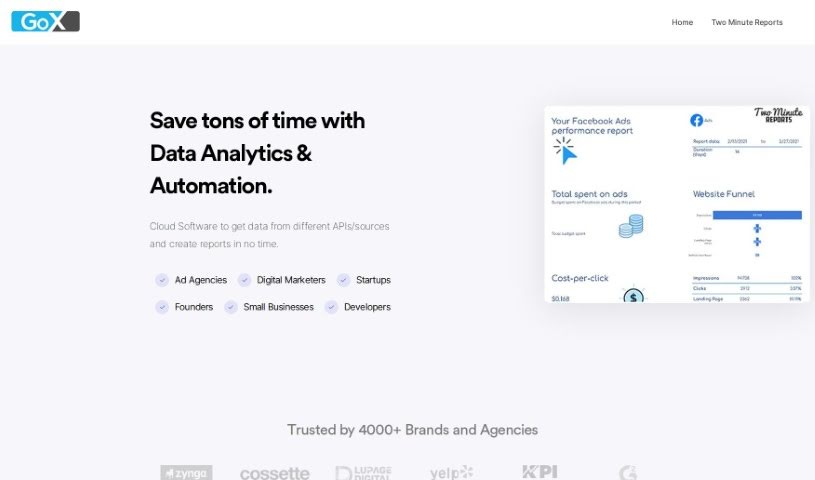
ChatGPT in Google Sheets is a feature of Two Minute Reports that brings ChatGPT (versions 3 and 4) directly into Google Sheets. It speeds up data analysis and reporting by generating insights inside your spreadsheets. The platform also integrates with sources like Facebook Ads, Google Analytics 4, and Google Ads, making it easier to build custom dashboards and pull actionable performance insights.

Productivity View Tool →
Screenshot of ChatPC

ChatPC

Freemium

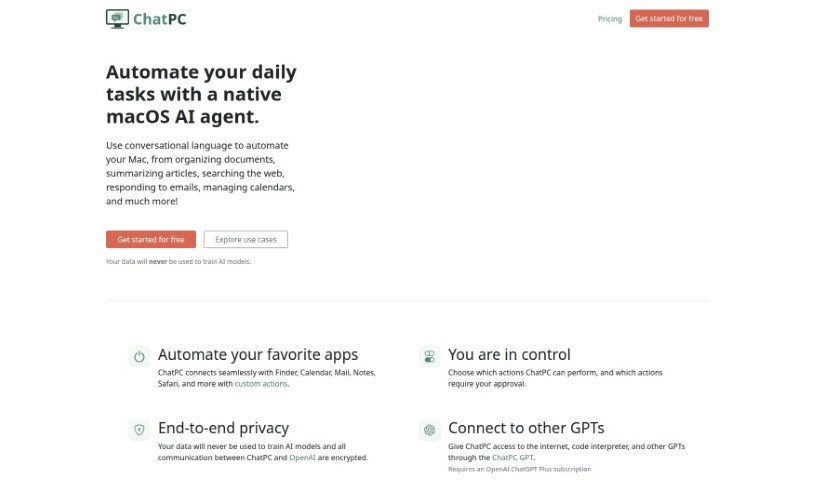
ChatPC is a personal AI assistant for learning and writing, built as an AI agent for macOS. It helps you learn faster by assisting with reading, note-taking, understanding complex topics, and testing your knowledge. It also supports writing by helping you compose messages, craft replies, polish text, adjust tone, and fix grammar. ChatPC can turn your own documents into a personal knowledge base for instant answers, and it can organize files by renaming and arranging them based on their contents.

Productivity View Tool →
Screenshot of ChatScope AI

ChatScope AI

Freemium

ChatScope AI integrates into Slack and gives teams access to AI models like ChatGPT, Dall-E, and Bard directly within their workspace. It works as a virtual assistant in your channels: ask questions, run brainstorming sessions, or get help drafting messages.

Productivity View Tool →
Screenshot of Chattermill

Chattermill

Freemium

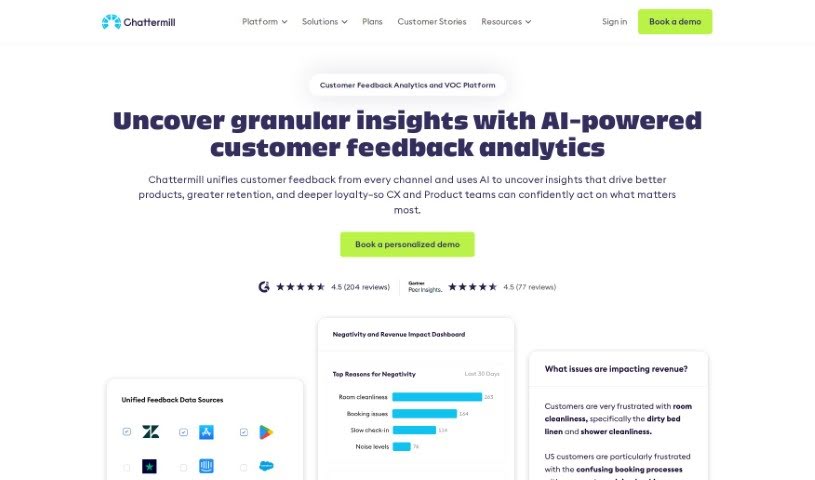
Chattermill is a platform that helps businesses understand their customers by consolidating and analyzing customer feedback from multiple sources. It uses deep learning to quickly extract useful insights from feedback data, showing companies what customers care about so they can focus their efforts there.

Productivity View Tool →
Screenshot of Chaturji

Chaturji

Freemium

Chaturji is an AI assistant for teams, built to simplify collaboration and knowledge sharing. It brings several leading AI systems together in one place — Claude 3 (Opus, Haiku, Sonnet), GPT4, and Gemini Pro — and adds a shared layer for writing, saving, organizing, and distributing prompts. The platform emphasizes data privacy and security, offering private AI workspaces where teams can work together without exposing sensitive information.

Productivity View Tool →
Screenshot of ChatWithDocs

ChatWithDocs

Freemium

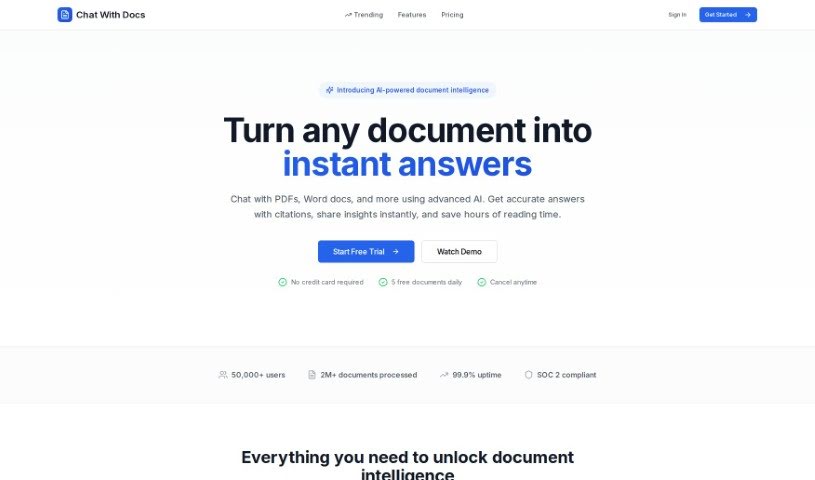
ChatWithDocs is a platform for interacting with your documents conversationally. Integration is minimal: the API requires about two lines of code, works with many programming languages, and returns immediate answers. It supports a wide range of file types, including PDF, DOCX, DOC, PPTX, and TXT, among others.

Productivity View Tool →
Screenshot of Cheat Layer

Cheat Layer

Freemium

Cheat Layer is an automation platform that uses AI agents to build custom software. It started during the pandemic, when its founder began offering pro bono help to people who had lost jobs or seen their businesses suffer, later incorporating GPT-3 into that work. Cheat Layer became the first startup authorized by OpenAI to sell GPT-3 for automation, and a year later it released Project Atlas, its framework for AI agents.

Productivity View Tool →
Screenshot of Checklist.gg

Checklist.gg

Freemium

Checklist.gg is an AI-powered tool that helps businesses and teams improve their processes and reduce mistakes. You can create, edit, and share checklists, step-by-step processes, and standard operating procedures (SOPs). Core features include task management, workflow management, and real-time collaboration, and the tool integrates with other software you may already use. A library of over 1,000 templates helps you get started quickly, and everything can be customized to your specific needs.

Productivity View Tool →
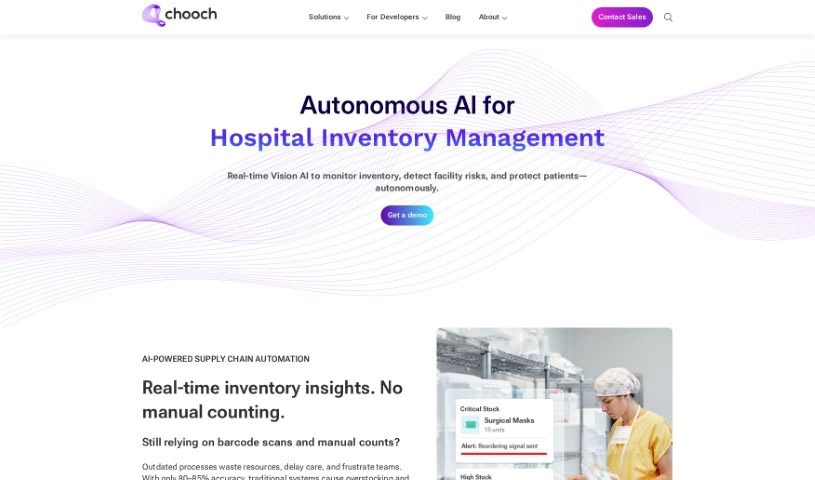
Screenshot of Chooch

Chooch

Freemium

Chooch provides Generative AI and Computer Vision solutions that automate manual video and image analysis. Its platform serves organizations across Geospatial, Healthcare, Manufacturing, Retail, and Smart Cities sectors, detecting and interpreting visual elements in real time to deliver actionable insights that support better decisions and more efficient operations.

Productivity View Tool →
Screenshot of Citizen Portal AI

Citizen Portal AI

Freemium

Citizen Portal AI is a platform that gives citizens access to well-researched government information, powered by AI and deep search capabilities. Its goal is to support a government that works beyond political parties, encourage broad civic participation, and build a more transparent political landscape. By making government information easier to find, the platform aims to rebuild trust in government and help citizens make informed decisions. It attracts new users every day who want to help shape democracy's future.

Productivity View Tool →
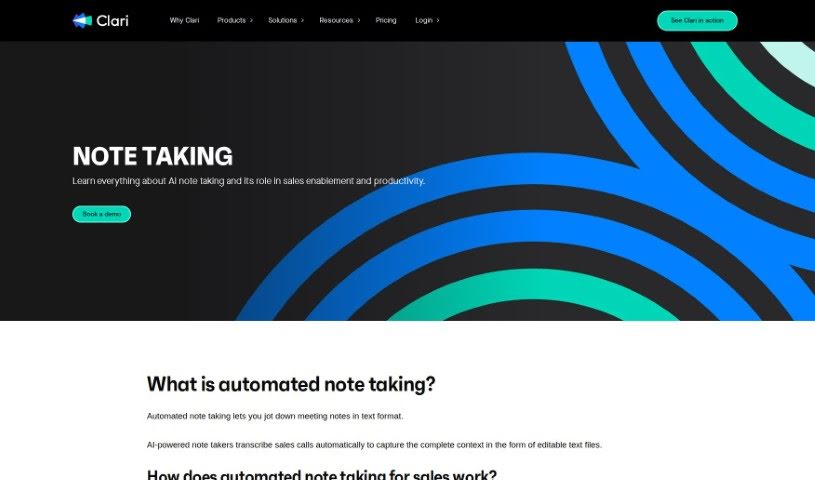
Screenshot of Clari Note Taking

Clari Note Taking

Freemium

Clari Note Taking is an AI-powered note-taking solution that automatically transcribes sales calls into complete, editable text records. It uses Automatic Speech Recognition (ASR) systems to analyze speech and convert it into text for call transcripts.

Productivity View Tool →

About Productivity tools

Having a task list that seems to grow longer by the hour is a fast track to burnout. Between managing clogged email inboxes, jumping across context-heavy browser tabs, updating project boards, and tracking down files, everyday administrative work drains momentum. When managing your workflow takes more energy than doing your actual job, staying focused gets tough.

These workflow platforms act as high-speed productivity partners for task management, scheduling, and daily automation. They won’t replace your personal discipline or strategic priorities, but they handle routine administrative tasks so you can protect your focus time.

Organizing daily tasks and scheduling focus blocks takes far less manual effort. Manually moving deadlines around when a project slips or trying to carve out focus time between back-to-back meetings usually leaves you with a chaotic calendar. Smart scheduling assistants evaluate your working habits, auto-prioritize tasks, and block out dedicated focus time on your calendar before your day gets overrun.

Clearing out email backlogs and workspace communications becomes much faster, too. Sifting through dozens of unread messages just to pull out two urgent client requests wastes valuable time. Intelligent inbox tools summarize long email threads, draft contextual replies, and sort low-priority newsletters away from critical messages—helping you reach inbox zero without reading every word.

Synthesizing notes and cross-platform information creates a central memory hub. Losing track of an important project link or a quick thought saved in a random document stalls your momentum when you need it most. AI productivity assistants search across your workspace apps, notes, and bookmarked links, letting you ask plain-English questions to pull up specific files, meeting notes, or ideas in seconds.

Key Capabilities to Consider:

  • Smart calendar and time blocking: Systems that auto-schedule tasks into your calendar around existing meetings and focus preferences.
  • Contextual email and message drafting: Tools that scan long communication threads to generate concise replies and action items.
  • Universal workspace search: Software that connects with your documents, notes, and cloud storage to retrieve files through simple prompts.
  • Task prioritization algorithms: Applications that rank daily action items by urgency, deadlines, and project dependencies.
  • Workflow automation builders: Connectors that trigger actions across different apps without requiring manual data entry.

Daily productivity will always depend on clear personal priorities and healthy work habits. Software can organize a calendar, draft an email reply, and index your notes, but choosing what truly deserves your time requires human judgment.

Explore the productivity tools below to take control of your workday.

The Best AI Productivity Tools

  1. Perplexity: for automating tasks and helping with management.
  2. Small PDF.com: for smoother document management for teams.
  3. Gamma: for document creation tools that save time.
  4. Odoo: for a task management and collaboration app.
  5. Zoom: for analyzing and summarizing meeting content.
  6. N8N: for smoother team onboarding processes.
  7. Prezi: for engaging team collaboration sessions.
  8. Tableau: for creating reports and dashboards more easily.
  9. Data Camp: for efficient team collaboration workflows.
  10. Otter.ai: for getting action items from meetings without the fuss.
  11. Tenorshare: for easily summarizing long PDF documents.
  12. Slidesgo: for creating professional presentations efficiently.
  13. Facecheck Id: for streamlining identity verification tasks.
  14. HIX.AI: for boosting writing speed with smart tools.
  15. Tactiq: for automating meeting notes for teams.

New tools, in your inbox.

Weekly picks of the best AI tools we've researched and added — no spam, unsubscribe anytime.

Join 25,000+ AI enthusiasts. No spam, unsubscribe anytime.