
B
Beam Eye Tracker
FreemiumBeam Eye Tracker uses a webcam or a smartphone camera to track eye and head movements, enabling hands-free control and more engaging interactions on screen.
Productivity
View Tool →
Discover the best Productivity AI tools to enhance your productivity and creativity.
Beam Eye Tracker uses a webcam or a smartphone camera to track eye and head movements, enabling hands-free control and more engaging interactions on screen.
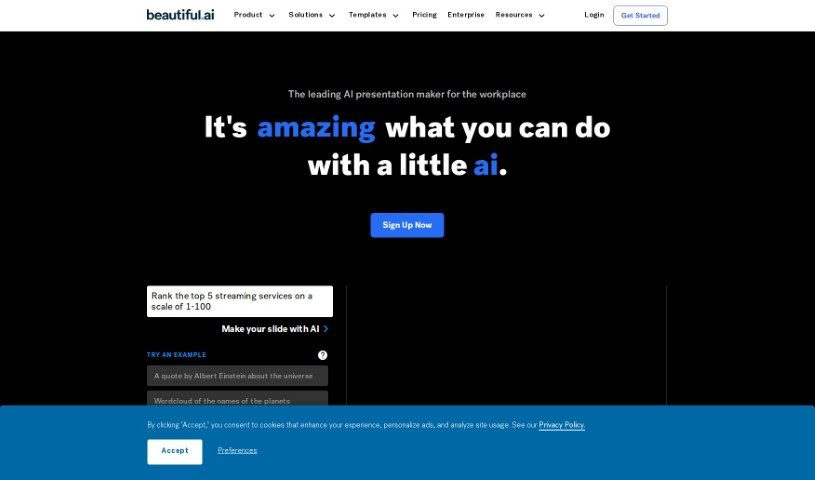
Beautiful.AI Designerbot is an online presentation tool that uses AI to simplify slide creation. Its DesignerBot feature generates presentation drafts from a short brief or a description of the presentation you need, then automatically adjusts slide layouts and designs as you add content. It can also turn written descriptions into unique images.
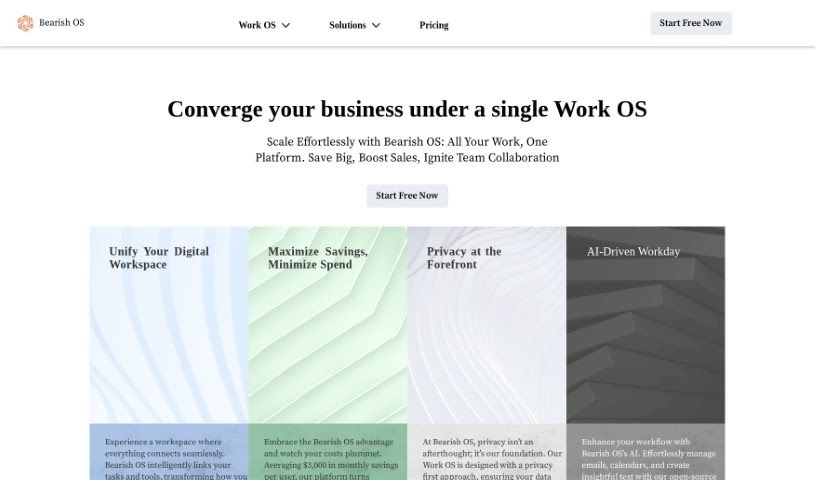
Beba AI is a productivity assistant that supports how businesses handle writing, creating, selling, and delivering tasks. It runs in the background and fits into existing routines rather than disrupting them. Its core capabilities are generating written content, transcribing audio and video files, and sorting data to keep information organized. Security measures are built in throughout the tool to protect privacy and data.
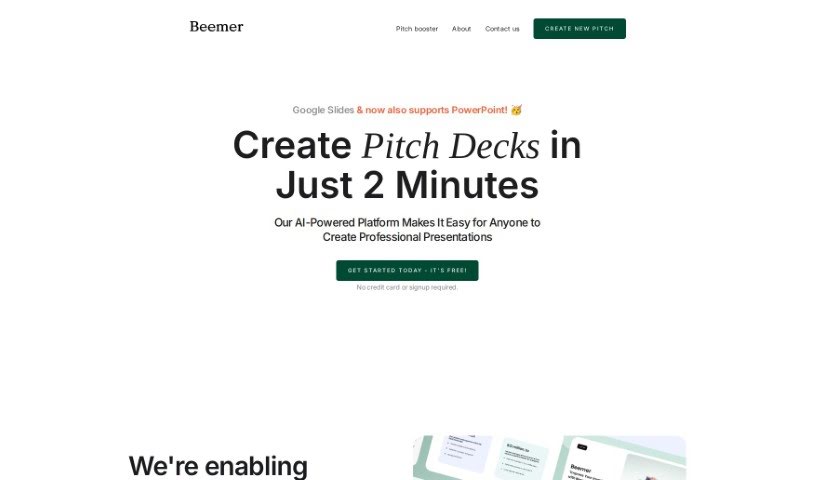
Beemer is an AI-powered platform for creating professional Google Slides and PowerPoint pitch decks. It offers design-focused templates, a Pitch Booster feature with extra resources such as executive summaries, email drafts, and additional slide layouts, and team collaboration. Beemer is free to start, with no credit card required. Its minimalistic templates follow current design trends and are aimed at helping startups produce polished presentations.
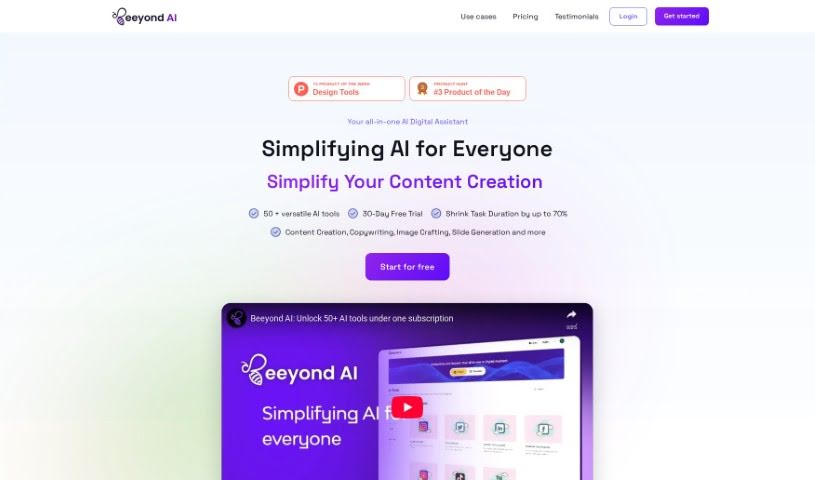
Beeyond AI is an all-in-one AI digital assistant web app built for personal and professional productivity. It includes an AI Art Studio & Editor, writing assistance, PDF chat, social media content creation, and audio-to-text transcription. It also helps with trip planning, food and nutrition, and understanding legal documents. The platform supports multiple languages and receives regular feature updates.
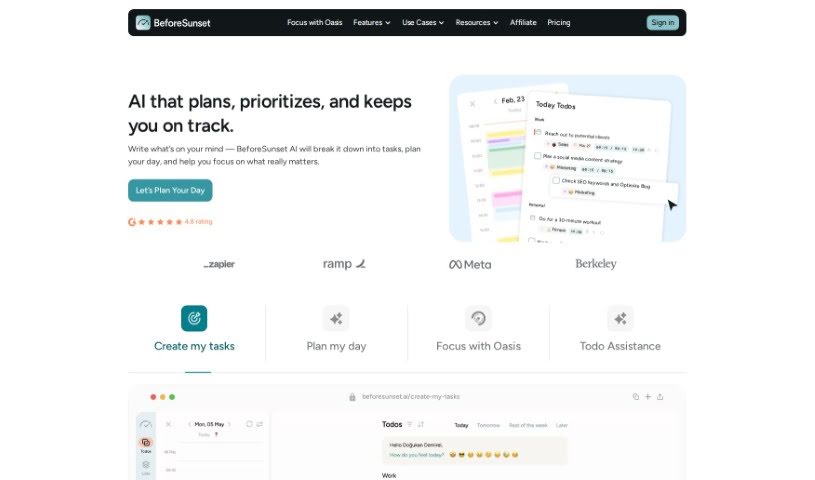
BeforeSunset AI is an AI-powered daily planner built around personalized interactions and smart automation. It uses machine learning to pick up on your preferences and habits, so its recommendations and planning suggestions adapt to how you work. It also applies natural language processing and predictive analytics to simplify planning and keep your day organized.
BGBye is a browser-based tool that removes backgrounds from images. Upload a clear image, adjust the settings, and run the removal process to get a clean result ready for download.
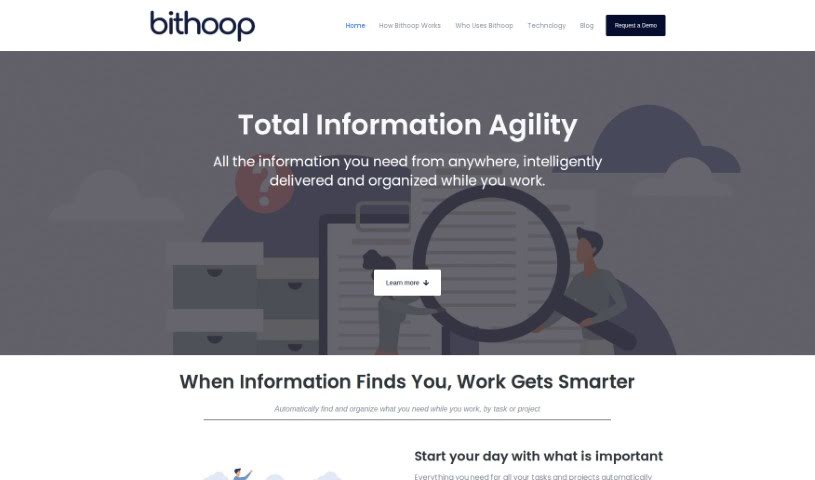
Bithoop is an intelligent knowledge assistant for gathering and managing information. It proactively finds and delivers the data you need, reducing manual searching.
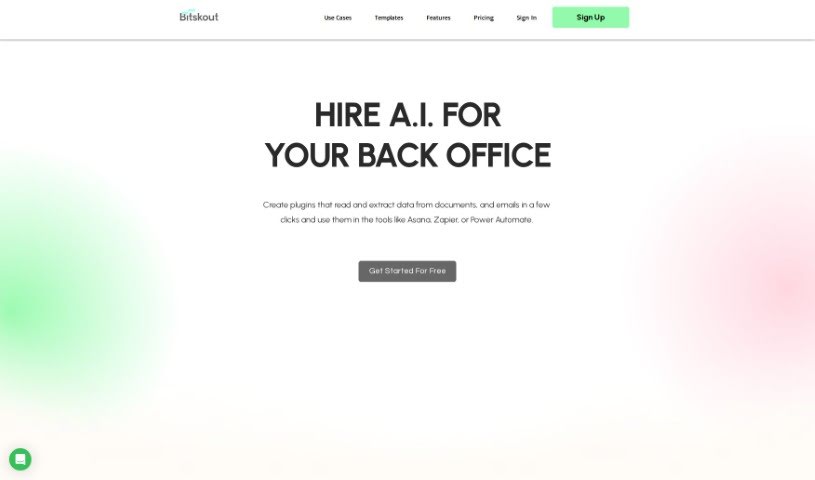
Bitskout is a no-code platform that automates back-office tasks with AI. Teams build custom plugins that extract information from documents, emails, and images, then connect them to tools they already use, including Asana, Zapier, monday.com, and Power Automate. The platform ships with more than 40 ready-to-use plugin templates, and creating a custom plugin only requires a few examples of the desired output.
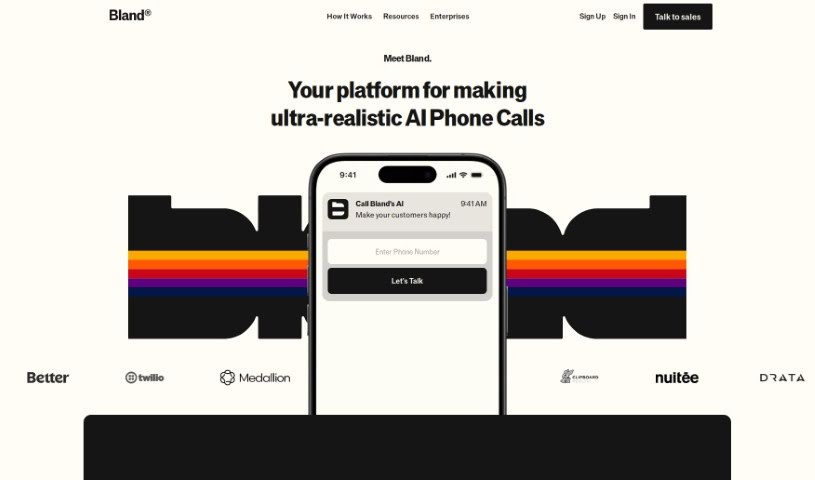
Bland AI is a platform for creating AI-powered phone agents. It automates phone tasks at scale, with a user-friendly design for easy integration and operation. It supports live call transfers to human agents, dynamic data injection into calls, and a range of natural-sounding voices. It's used in healthcare, real estate, and logistics to improve customer engagement and operations. New users can start for free and handle calls without writing complex code.
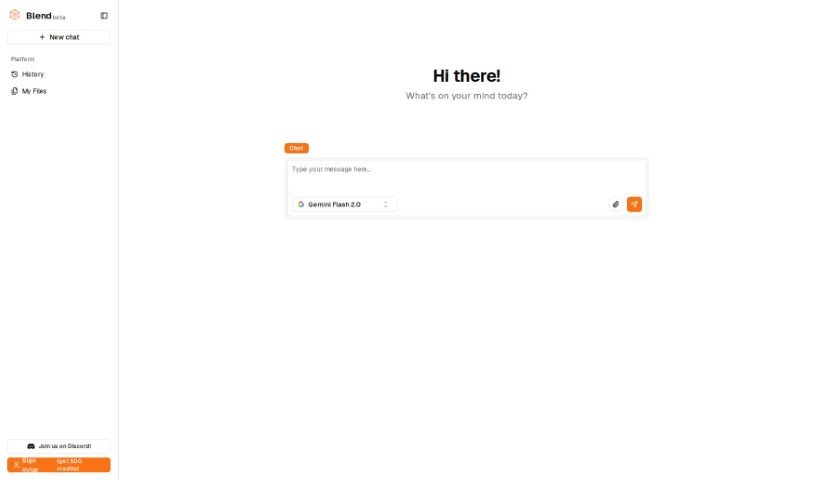
Blend AI is a platform that brings together various AI models in one place. It features a multi-modal graph interface that lets you connect different AI tools, and it supports text, images, videos, and audio. The platform uses a pay-as-you-go payment system, so you can use multiple AI models without switching between different websites or services.
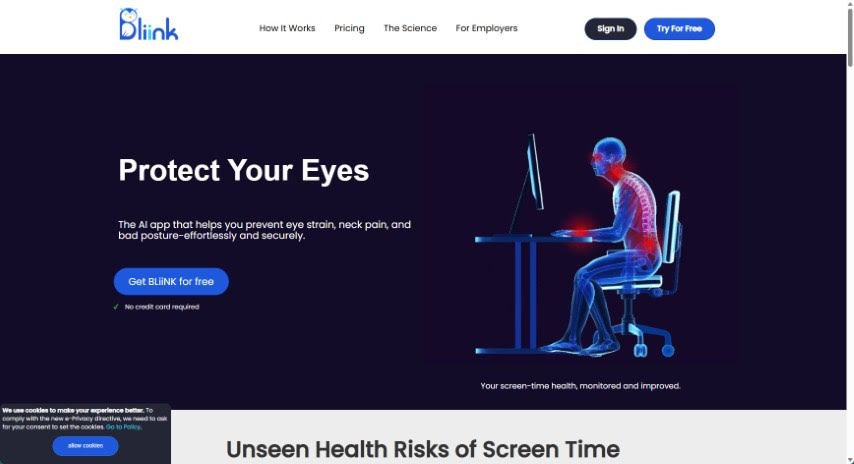
BLiiNK AI is a desktop application that uses your webcam to track posture, blink rate, and screen distance. It provides real-time feedback and gentle reminders to help you maintain healthy habits during long computer sessions.
Having a task list that seems to grow longer by the hour is a fast track to burnout. Between managing clogged email inboxes, jumping across context-heavy browser tabs, updating project boards, and tracking down files, everyday administrative work drains momentum. When managing your workflow takes more energy than doing your actual job, staying focused gets tough.
These workflow platforms act as high-speed productivity partners for task management, scheduling, and daily automation. They won’t replace your personal discipline or strategic priorities, but they handle routine administrative tasks so you can protect your focus time.
Organizing daily tasks and scheduling focus blocks takes far less manual effort. Manually moving deadlines around when a project slips or trying to carve out focus time between back-to-back meetings usually leaves you with a chaotic calendar. Smart scheduling assistants evaluate your working habits, auto-prioritize tasks, and block out dedicated focus time on your calendar before your day gets overrun.
Clearing out email backlogs and workspace communications becomes much faster, too. Sifting through dozens of unread messages just to pull out two urgent client requests wastes valuable time. Intelligent inbox tools summarize long email threads, draft contextual replies, and sort low-priority newsletters away from critical messages—helping you reach inbox zero without reading every word.
Synthesizing notes and cross-platform information creates a central memory hub. Losing track of an important project link or a quick thought saved in a random document stalls your momentum when you need it most. AI productivity assistants search across your workspace apps, notes, and bookmarked links, letting you ask plain-English questions to pull up specific files, meeting notes, or ideas in seconds.
Key Capabilities to Consider:
- Smart calendar and time blocking: Systems that auto-schedule tasks into your calendar around existing meetings and focus preferences.
- Contextual email and message drafting: Tools that scan long communication threads to generate concise replies and action items.
- Universal workspace search: Software that connects with your documents, notes, and cloud storage to retrieve files through simple prompts.
- Task prioritization algorithms: Applications that rank daily action items by urgency, deadlines, and project dependencies.
- Workflow automation builders: Connectors that trigger actions across different apps without requiring manual data entry.
Daily productivity will always depend on clear personal priorities and healthy work habits. Software can organize a calendar, draft an email reply, and index your notes, but choosing what truly deserves your time requires human judgment.
Explore the productivity tools below to take control of your workday.
Weekly picks of the best AI tools we've researched and added — no spam, unsubscribe anytime.
Join 25,000+ AI enthusiasts. No spam, unsubscribe anytime.