AI Note Takers Explained: Top Tools & How They Work

AI Tools for Note Taking

Discover the best Note Taking AI tools to enhance your productivity and creativity.

Page 9 of 12 • 138 total tools
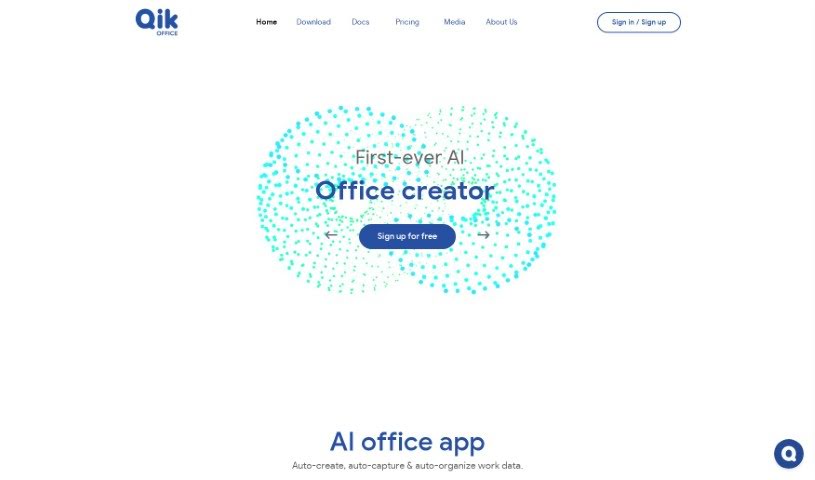
Screenshot of Qik Meeting

Qik Meeting

Freemium

Qik Meeting is an AI-powered tool for business communication and collaboration. Its core feature is automatic meeting minutes generation, so important details are captured without manual note-taking. The platform keeps all work data in one place and offers different types of meeting rooms for online and in-person meetings, along with video conferencing, scheduling tools, document sharing, task assignment, and private one-on-one rooms. Its AI features handle scheduling, action item assignment, and agenda creation.

Note Taking View Tool →
Screenshot of Quivr

Quivr

Freemium

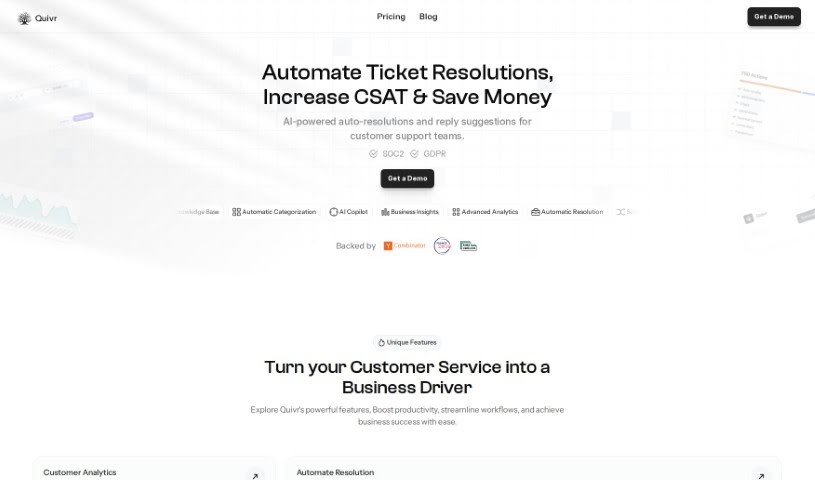
Quivr is a personal AI-powered second brain that lives in the cloud. New users get 100 message credits and 3 "brains" — separate storage spaces, each with 50MB capacity — making it easy to test the platform. A free plan is also available. For those who prioritize privacy, Quivr can be run locally on your own system. Data stored on Quivr's servers is kept confidential, encrypted, and accessible only by you. Credits are refreshed at the start of each month after you activate your subscription.

Note Taking View Tool →
Screenshot of R2 Copilot

R2 Copilot

Freemium

R2 Copilot is an AI assistant designed for business communications, with a strong focus on privacy. It is powered by GPT technology and works as an add-in for Microsoft Office 365 products, a Telegram Bot, and an extension for various online services and applications. Its main goal is to boost productivity while keeping AI interactions private and secure.

Note Taking View Tool →
Screenshot of Raycast AI

Raycast AI

Freemium

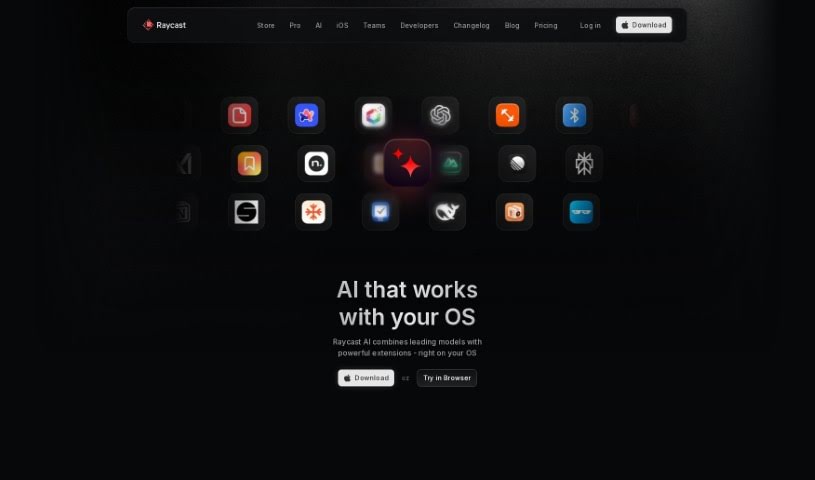
Raycast AI is a productivity tool built for Mac users. It automates daily tasks and adds a layer of AI context to help you work faster. Core features include AI conversations with ChatGPT, AI commands that speed up common tasks, and API integrations for building custom extensions.

Note Taking View Tool →
Screenshot of Readpal

Readpal

Freemium

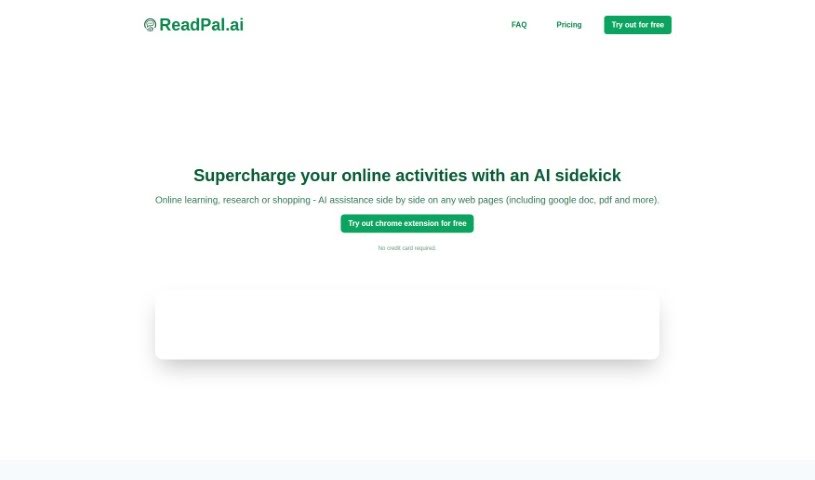
ReadPal is an AI assistant for reading, researching, and shopping online, available as a Chrome extension. It provides instant explanations, quick summaries, recommendations, and deeper insights into whatever you're viewing. You can trigger it with keyboard shortcuts, right-click context menus, or one-click prompts, and it works with Google Docs, PDFs, and web pages (YouTube support is planned).

Note Taking View Tool →
Screenshot of Recap

Recap

Freemium

Recap is a task management tool designed to help you reclaim your time. It automatically identifies action items, sends Slack digests, and provides summaries on demand. You can add your own tasks by speaking naturally, delegate tasks to others, and keep everything organized in one place — including notes and reminders.

Note Taking View Tool →
Screenshot of Reflect Notes

Reflect Notes

Freemium

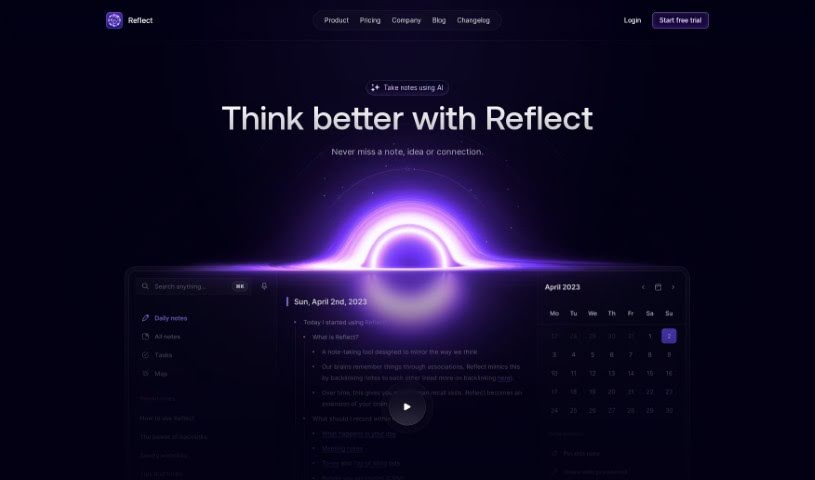
Reflect Notes is a note-taking app with built-in AI. It handles several core tasks: jotting down notes and to-dos, outlining article ideas, transcribing voice notes with near-human accuracy, extracting key points from meeting notes, and correcting grammar and spelling in your writing.

Note Taking View Tool →
Screenshot of Reflectr AI

Reflectr AI

Freemium

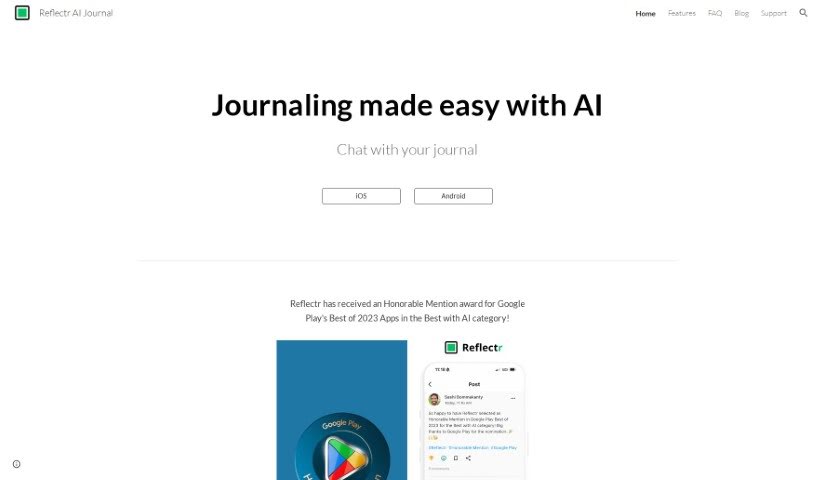
Reflectr AI is a private, AI-powered notebook built for journaling and reflection. You write down thoughts, ideas, observations, and notes, and the AI responds with instant feedback: relevant tags, comments, mood indicators, and emojis. Each day you get a recap of your entries, writing tips based on what you've posted, and auto-generated recent topics that make past content easy to find and review.

Note Taking View Tool →
Screenshot of Releasesnotes

Releasesnotes

Freemium

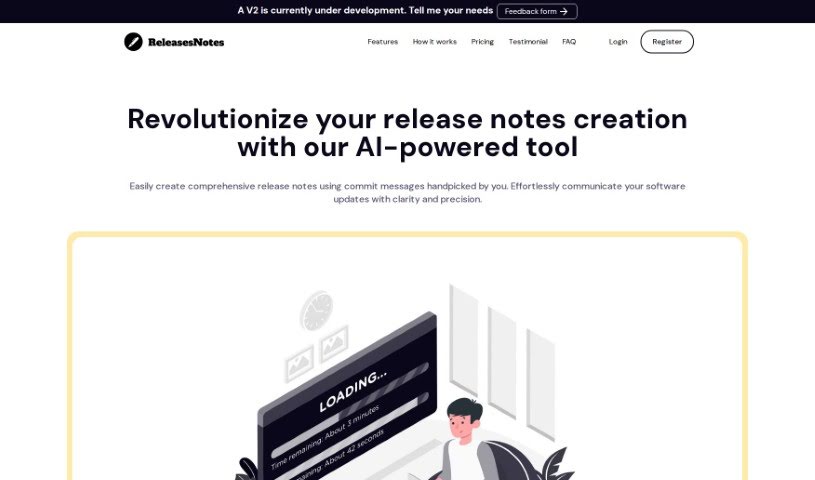
ReleasesNotes is an AI-powered release notes generator for developers and their teams. It connects to version control systems like GitHub and turns commit messages into clear, concise release notes, reducing the time and effort of manual compilation.

Note Taking View Tool →
Screenshot of Rosebud Journal

Rosebud Journal

Freemium

Rosebud Journal is an AI-powered journaling platform that combines daily journaling, habit-building, and emotional support. It generates personalized prompts based on what you write, suggests achievable goals, and builds automatic vision boards. The AI analyzes your entries to identify patterns in your thoughts, feelings, and actions, then delivers weekly summaries with insights into your progress and self-awareness.

Note Taking View Tool →
Screenshot of Saner.ai

Saner.ai

Freemium

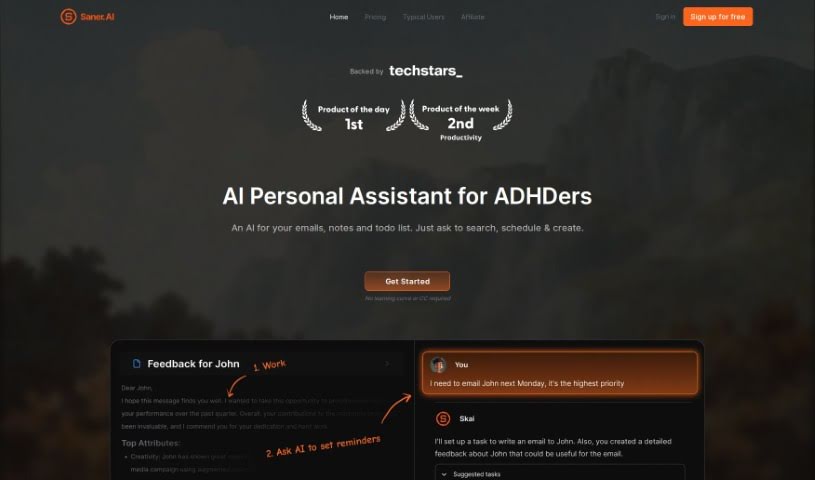
Saner.ai is an AI note-taking app built for people with ADHD. Its core goal is to reduce app and window switching so you can stay focused and productive. The app combines note-taking, search, and to-dos in one place, using a mix of AI and advanced systems to deliver quick, intelligent answers — a more complete setup than basic chatbots.

Note Taking View Tool →
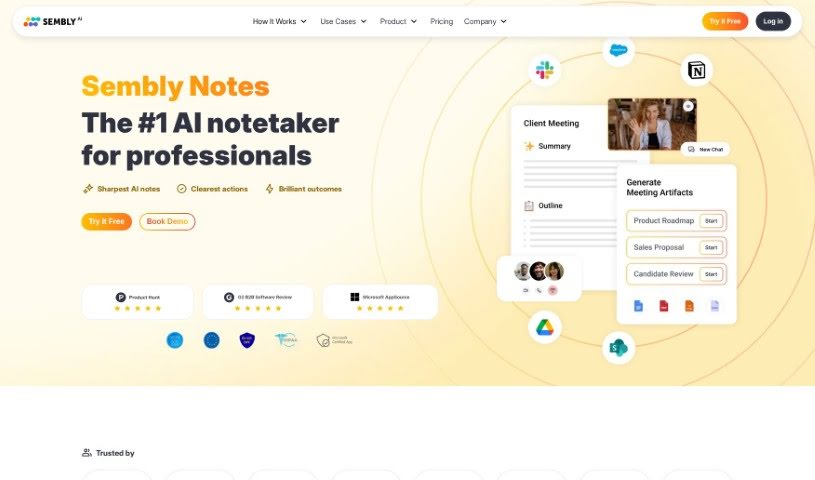
Screenshot of Sembly AI

Sembly AI

Freemium

Sembly AI is an AI meeting assistant that handles note-taking for you. It automatically identifies the important parts of your meetings — decisions made, requirements agreed upon, key events, risk items, notable facts, and important financial figures — so nothing crucial gets missed.

Note Taking View Tool →

About Note Taking tools

Sitting down after a long meeting or class to make sense of messy, typed notes is a common headache. Between scribbling down points while someone speaks, capturing action items, and organizing outlines later, taking notes by hand drains your focus. When you spend all your energy writing down words instead of listening, keeping track of big ideas gets tough.

Think of these tools as organized personal assistants for students, professionals, researchers, and project leads. They transcribe live audio, summarize key points, and structure scattered thoughts so you can find information quickly.

Real-Time Transcripts, Summaries, and Knowledge Graphs

Turning live audio and recorded conversations into searchable text takes seconds instead of hours. Trying to write down every word during a lecture or client call means missing out on real engagement. Modern speech-to-text assistants listen in the background, transcribe spoken dialogue in real time, and tag different speakers so you get a clean transcript without missing a detail.

Synthesizing long meetings and study sessions into clear summaries saves massive amounts of time. Reviewing five pages of raw text to find one key decision is tedious. Intelligent note-taking software scans your transcripts, pulls out main themes, and generates bulleted summaries with assigned action items. You get a quick overview to review in two minutes before moving on to your next task.

Building a searchable knowledge hub across large projects becomes far easier, too. Storing notes in separate files often means losing track of important facts over time. Smart note applications automatically link related topics across your digital notebook, suggest tags, and let you ask questions in plain English to pull up specific quotes or facts instantly.

Useful Features for Organization:

  • Real-time audio transcription: Systems that record spoken audio and convert it into accurate, timestamped text while distinguishing between speakers.
  • Automated summary creation: Features that condense long transcripts and meeting notes into clear bullet points, action items, and key takeaways.
  • Cross-note semantic search: Tools that let you search your entire note library using natural language questions rather than exact keyword matches.
  • Knowledge graph linking: Software that automatically connects related notes, ideas, and project references into an organized web of information.
  • Multi-platform synchronization: Applications that sync smoothly across desktop computers, web browsers, and mobile devices for quick access anywhere.

Great note taking will always depend on your curiosity, understanding, and personal organization style. Software can transcribe audio, generate a summary, and link related documents, but choosing what matters most requires your human judgment.

Browse the note-taking tools below to organize your workspace.

The Best AI Note Takers

  1. Otter.ai: for making team meetings smoother with AI notes.
  2. AI Diary: Journaling with mood tracking, writing analysis and voice entries.
  3. Fireflies AI: for easy automation of meeting recaps.
  4. Fathom AI: for simple meeting summaries and action items.
  5. PLAUD: for help transcribing lectures efficiently.
  6. AIConsole: Open-source desktop AI editor that automates tasks and drafts content.
  7. Notta: for making meeting summaries simple.
  8. Klangio: for turning lectures into music notes.
  9. Supernormal: for making meeting summaries easier.
  10. Jamie AI: for generating meeting summaries with ease.
  11. AiGenda: Transcribes meetings and highlights key agreements across call platforms.
  12. Voicenotes: for summarizing lectures into clear action items.
  13. Bubbles Notetaker: for smoother meeting notes and action items.
  14. Mentalyc: for automatically summarizing therapy sessions.
  15. Amanu: Team chat assistant that learns from your messages and meetings.
New tools, in your inbox.

Weekly picks of the best AI tools we've researched and added — no spam, unsubscribe anytime.

Join 25,000+ AI enthusiasts. No spam, unsubscribe anytime.